

Introducing Grammarly-AI Writing Assistant: Your Ultimate Writing Companion
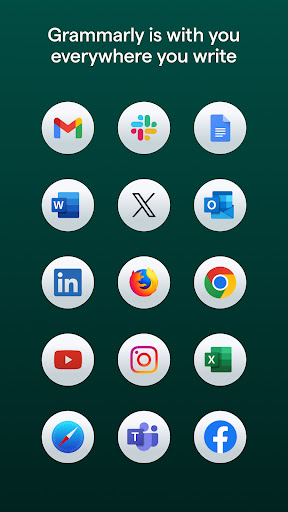
Are you tired of grammatical errors, spelling mistakes, or awkward punctuation ruining your professional and personal communications? Look no further than Grammarly-AI Writing Assistant — the all-in-one personal writing coach, grammar checker, and editor. Designed to help users craft clear, confident, and mistake-free content across all platforms, this innovative app seamlessly integrates with your writing environment to elevate your communication skills.
How Does Grammarly-AI Writing Assistant Work?
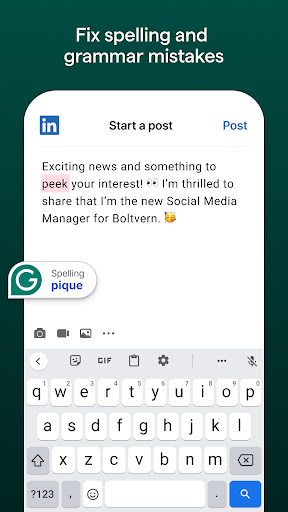
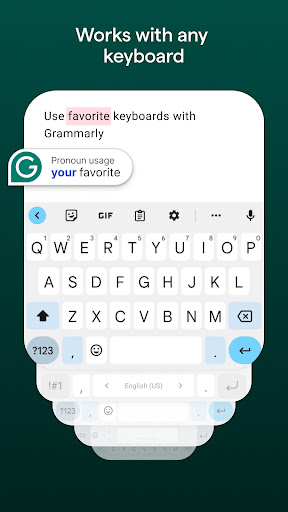
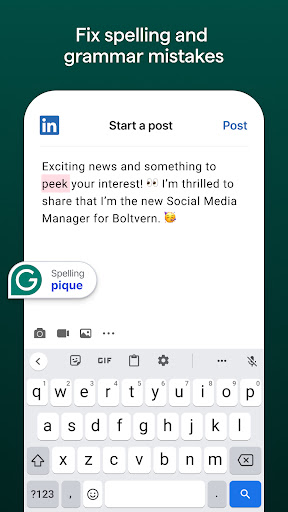
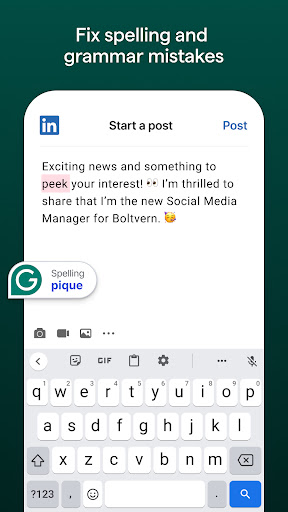
Getting started with Grammarly is straightforward. Simply download and install the app on your device—whether on desktop or mobile—and begin typing within any app or platform. Grammarly's AI-powered engine works behind the scenes to analyze every word you type, immediately providing suggestions to correct grammar, spelling, punctuation, and tone. This continuous real-time feedback ensures your writing remains mistake-free and confident.
Personalized Assistance for All Your Writing Needs
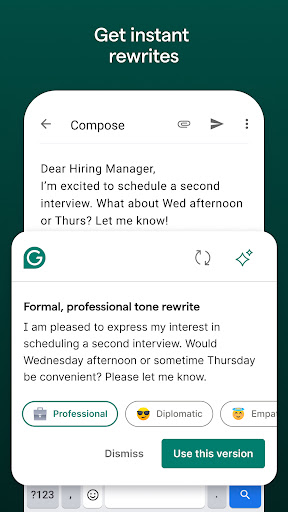
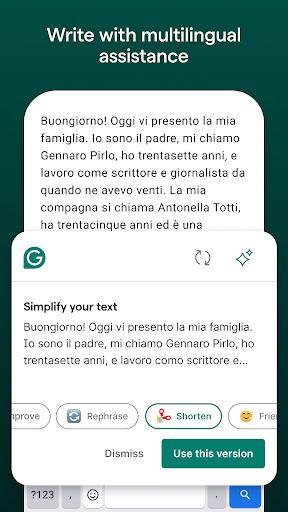
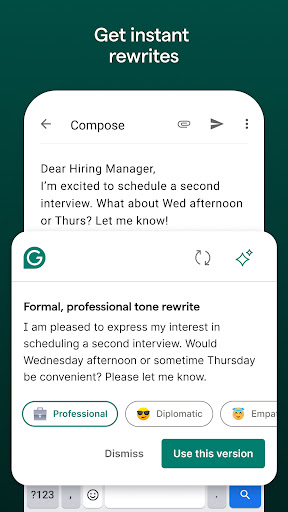
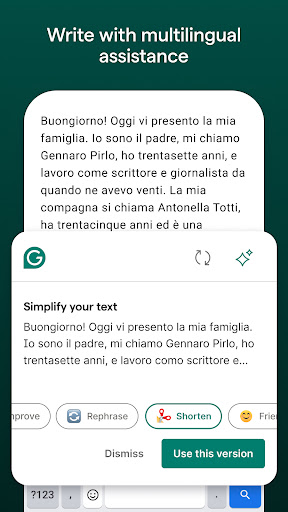
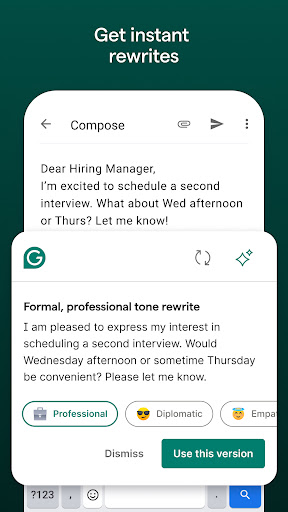
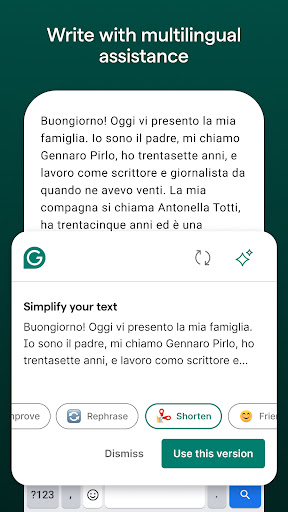
No matter what you're working on—be it email correspondence, social media posts, business reports, or academic essays—Grammarly adapts to your context. For quick edits or detailed revisions, users can leverage its powerful features like the AI-generated rewrite tool. This feature allows you to select a passage of text and instantly see multiple rephrased versions, tailored to sound more descriptive, formal, or confident. Whether you're drafting a professional email or a casual message, Grammarly ensures your message hits the right tone.
Key Features of Grammarly-AI Writing Assistant
One of the standout features is the tone detector. It analyzes your text to ensure your message’s tone aligns with your intent—helpful if you're concerned about sounding too aggressive or too informal. Additionally, the plagiarism checker scans your work against billions of online pages, guaranteeing originality and authentic content—crucial for students, writers, and professionals alike.
The personal dictionary feature enables users to add favorite words, slang, or jargon, reducing unnecessary suggestions and enhancing personalization. This customization keeps the editing process smooth and aligned with your unique vocabulary.
Enhanced Writing Skills and Style Adaptation
Grammarly doesn't just correct errors—it aids in improving your writing over time. By offering clear explanations for each correction, it helps you understand your mistakes and avoid repeating them. With the premium upgrade, you gain access to more advanced tools such as vocabulary enhancement, clarity improvements, tone adjustments, and suggestions to match the formality level. These features are perfect for elevating your professional documents, social media content, or personal writings.
Why Choose Grammarly-AI Writing Assistant?
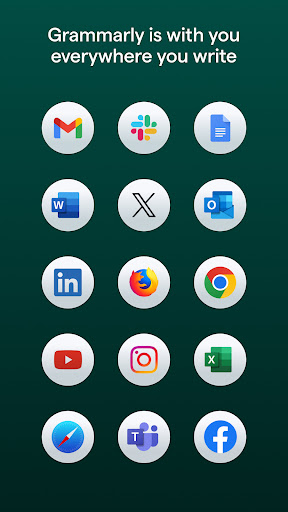
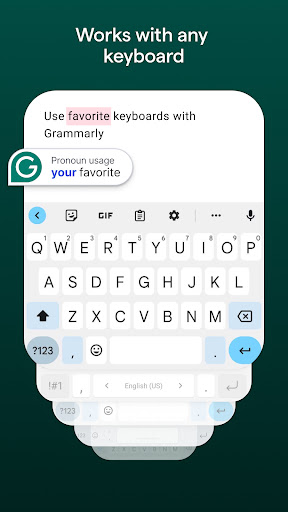
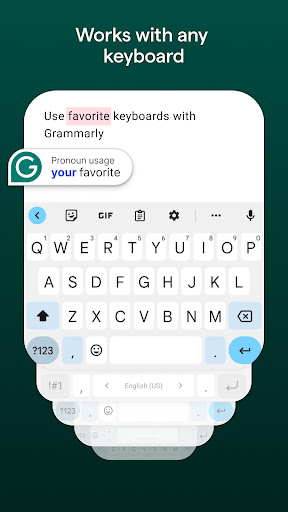
In today’s fast-paced digital world, effective communication is vital. Grammarly functions as a reliable writing partner that adapts to your style, whether you’re drafting a formal report or a casual blog post. Its intelligent algorithms work across platforms—such as Android keyboards including Gboard or SwiftKey—making it easier than ever to write confidently on the go without switching apps or tools.
Worried about privacy? Grammarly prioritizes your security with strict User Trust Guidelines. By installing and using the app, you agree to their Terms and Conditions and Privacy Policy. Your data remains protected as Grammarly only collects necessary usage information to improve your experience.
Final Thoughts
If enhancing your writing skills and communicating with effect is your goal, Grammarly-AI Writing Assistant is an indispensable tool. It combines advanced AI technology with user-friendly features to eliminate errors, improve clarity, and refine your style effortlessly. Whether you're a student, professional, or casual user, Grammarly adapts to your needs, making your writing more impactful and polished. Try it today and experience how it transforms your writing journey into a confident, mistake-free experience.
Pros
- Improves clarity and style of writing.
- Provides real-time grammar and spelling corrections.
- Offers comprehensive writing suggestions.
- Compatible with multiple platforms.
- Designed with an intuitive and user-friendly interface.
Cons
- Necessitates internet connection to access all features.
- Premium subscription can be expensive.
- Limited offline functionalities.
- Occasionally provides incorrect suggestions.
- May cause some slowdown during text input.











