
Introduction to Google Tasks
In today's fast-paced world, staying organized and productive can be challenging. Google Tasks offers a simple yet powerful solution to manage your to-do list effortlessly. Whether you need to capture quick notes, create detailed task lists, or stay on top of deadlines, Google Tasks has got you covered. As part of the Google ecosystem, it seamlessly integrates with services like Gmail and Google Calendar, making task management more streamlined and efficient.
Key Features of Google Tasks
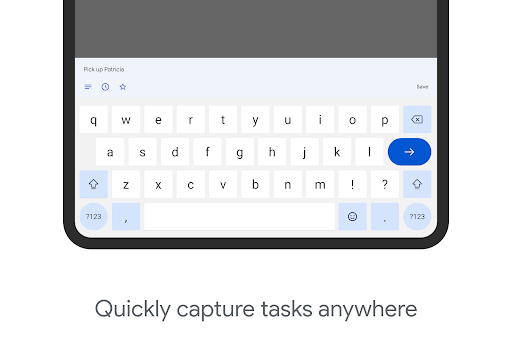
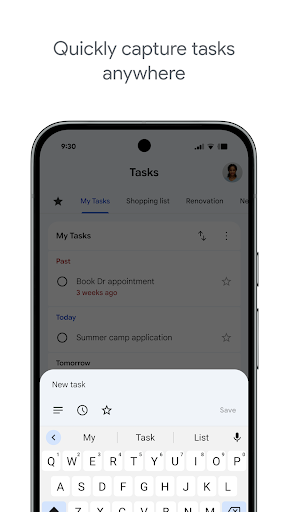
Quick and Easy Task Capture
With Google Tasks, you can create task lists to organize your most important to-dos. The app allows you to view, edit, and manage tasks from anywhere, whether on your phone or computer. Its availability on both Android and iOS ensures you can always stay connected to your tasks, anytime and anywhere.
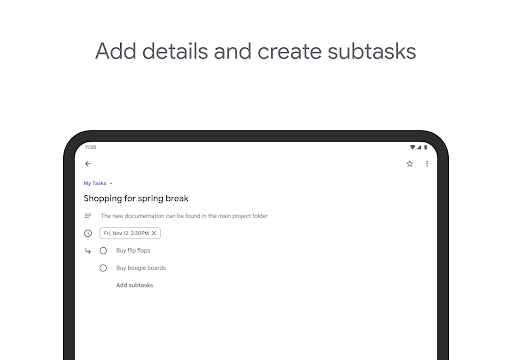
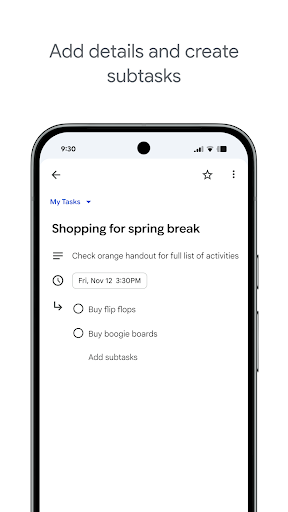
Add Details and Subtasks
Need to break down a large project? Google Tasks enables you to add details and create subtasks to streamline complex tasks. This feature helps you focus on specific components of your work, making sure nothing gets overlooked. You can also edit task details as work progresses, keeping your to-do list up-to-date.
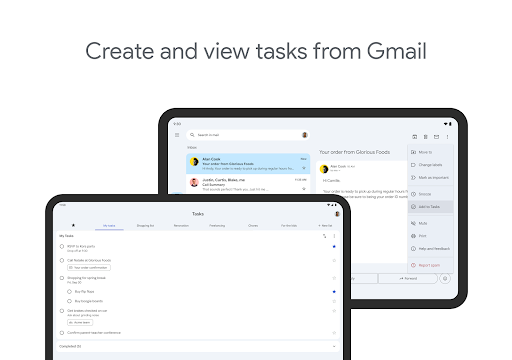
View Tasks from Emails
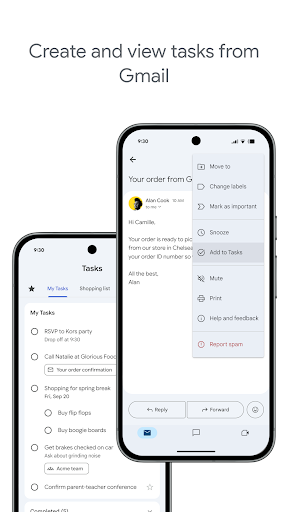
One of the standout functionalities is the ability to create tasks directly from Gmail emails. With the side panel, you can easily view your tasks and even trace a task back to its source email. This tight integration simplifies converting your emails into actionable items, saving time and improving productivity.
Stay on Track with Due Dates and Notifications
Google Tasks allows you to set due dates for every task, ensuring you stay on schedule and meet deadlines. The app also supports organizing tasks by date or priority using a intuitive drag-and-drop feature. Plus, notifications remind you of upcoming due dates, keeping your workflow smooth and timely.
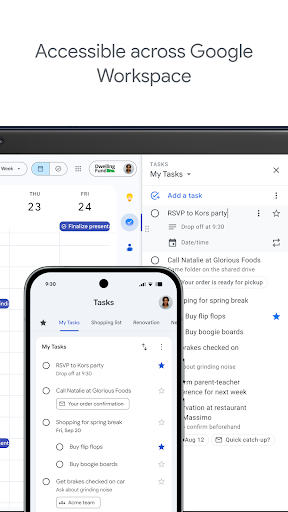
Part of G Suite
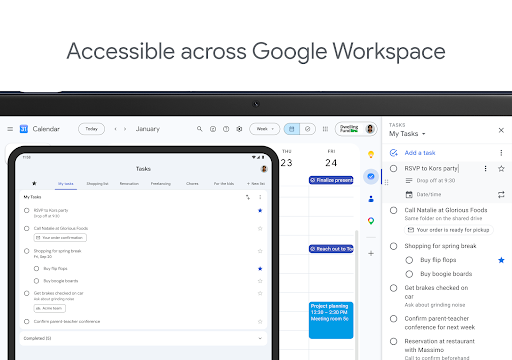
As a component of G Suite, Google Tasks integrates effortlessly with other Google apps like Gmail, Calendar, and Drive. It leverages Google’s AI to offer data insights and analysis, enhancing team collaboration and productivity in a corporate setting. Connecting with your team is seamless through this integrated suite, making task management cohesive for both individual and group projects.
User Experience and Personal Insights
Many users find Google Tasks to be an indispensable tool for organizing their day-to-day activities. Its clean, intuitive interface ensures that even beginners can start managing tasks with ease. Creating a task is quick, and the ability to add subtasks helps in breaking down complex projects into manageable steps.
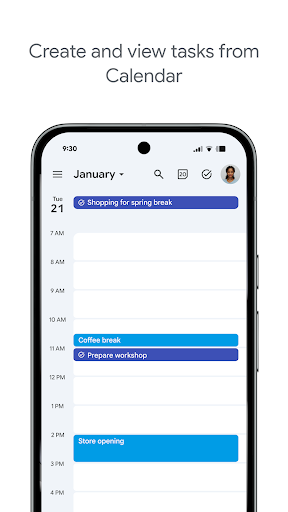
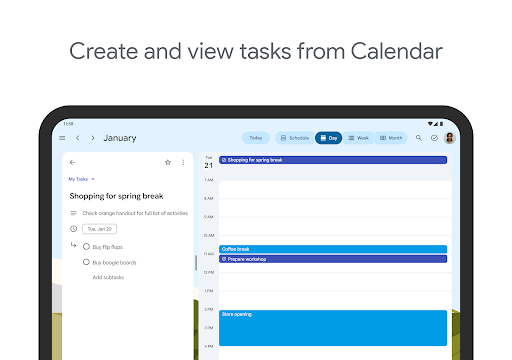
The seamless integration with Gmail and Google Calendar means you can convert emails into tasks instantly and view your schedule alongside your to-do list. This holistic approach allows you to prioritize effectively and never miss important deadlines. Features like recurring tasks and reminders make it even more convenient to stay organized, especially for repetitive chores or long-term projects.
Overall, Google Tasks is a reliable companion for anyone looking to boost their productivity. Its simplicity, combined with its powerful integration capabilities, makes it a top choice for personal and professional task management. Whether you’re managing a busy workday or personal errands, this app helps you stay focused and get more done—on the go.
Pros
- Seamless integration with Google Calendar
- User-friendly and intuitive interface
- Available synchronization across multiple platforms
- Supports repeating tasks and reminders
- Free to use with a Google account
Cons
- Fewer features compared to other task management tools
- No offline access mode
- Lacks project management capabilities
- Does not offer advanced task prioritization
- Limited customization options











