

Google Slides: The Ultimate Presentation Tool for Collaboration and Creativity
Google Slides is a powerful, user-friendly presentation application that allows users to create, edit, and collaborate on presentations seamlessly across devices. Whether you're using an Android phone, tablet, or a desktop computer, Google Slides offers an intuitive platform to craft engaging and professional slideshows. This cloud-based app is part of Google Workspace, making it a popular choice for teams of any size to work together in real-time, share ideas, and produce captivating presentations without the hassle of traditional software limitations.
Key Features of Google Slides
Google Slides stands out owing to its comprehensive set of features designed to cater to both casual users and professionals. Here’s a breakdown of what makes it an exceptional presentation tool:
- Create, edit, and collaborate on presentations directly from your Android device or computer.
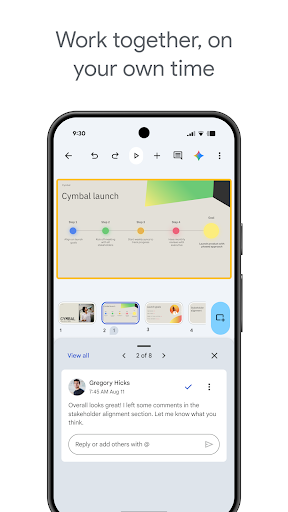
- Share your presentations with team members or external collaborators, allowing multiple users to work on the same files simultaneously.
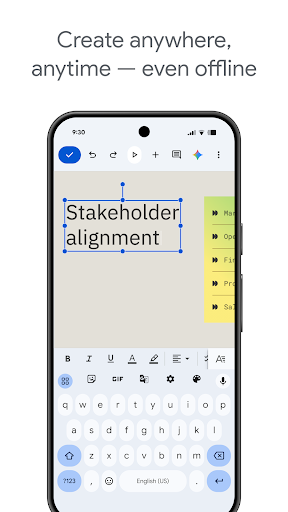
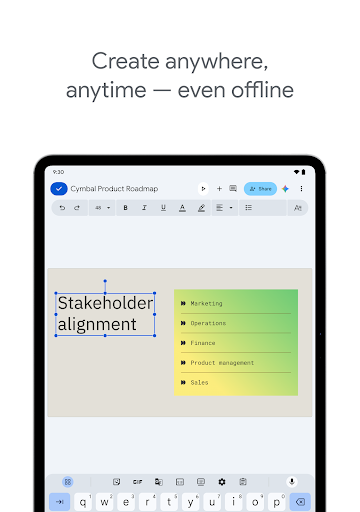
- Work anywhere, anytime, even offline—your changes are saved automatically as you type, eliminating worries about data loss.
- Add and respond to comments to facilitate clear communication and feedback within your team.
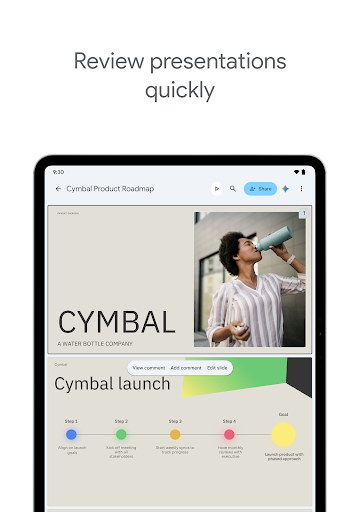
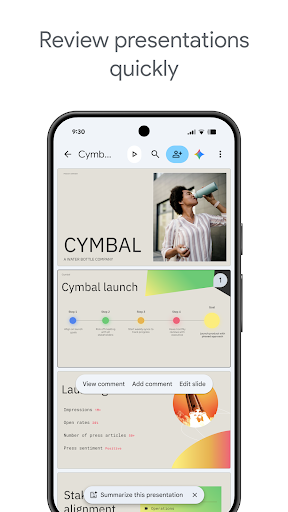
- Easily add, rearrange slides, format text and shapes, and incorporate multimedia elements to enhance your slides.
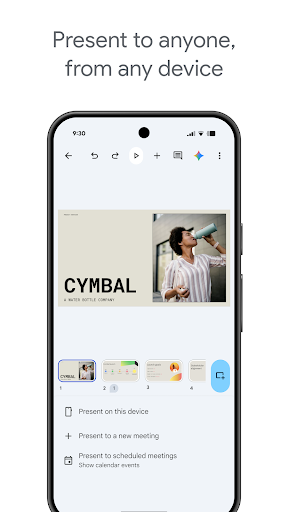
- Present your slides straight from your mobile device, making impromptu presentations easy and hassle-free.
- Open, edit, and save PowerPoint files, ensuring compatibility with various file formats.
Designed for efficiency and flexibility, Google Slides helps you make beautiful slides quickly with built-in smart suggestions, and you can even present your slides during video calls and scheduled meetings, which automatically sync to your calendar updates.
Enhanced Collaboration with Google Workspace
Being a part of Google Workspace, Google Slides offers advanced collaboration features tailored for teams and organizations. Users can:
- Collaborate on a presentation online with business partners, teams, or external contacts.
- Control permissions for editing, viewing, or commenting, ensuring your content remains secure and accessible to designated people.
- Begin projects from scratch or quickly start with a pre-designed template to expedite the creation process.
- Enhance presentations with videos, images, drawings, and smooth transitions.
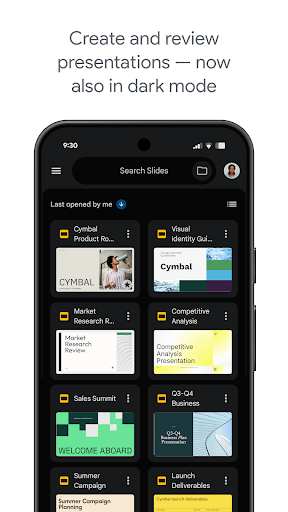
- Seamlessly work across PCs, Macs, and mobile devices, always having your slides ready for review or presentation.
Google Slides' integration with Google Workspace ensures your team can stay connected, collaborate efficiently, and produce professional-quality presentations from anywhere in the world.
Learn more about Google Slides and Google Workspace.
Permissions and Integrations
Google Slides requires various permissions to function smoothly, especially during collaborative sessions and multimedia integration:
- Calendar : Used to join video calls from calendar invites.
- Camera : For camera mode in video calls and inserting images taken with the camera.
- Contacts : Suggests people to add to files and share with.
- Microphone : Transmits audio during video calls.
- Storage : For inserting images and opening files from USB or SD storage devices.
Why Google Slides Is a Great Choice for Presenters
If you’re tired of complicated presentation tools, Google Slides offers a straightforward and accessible solution. Its clean, intuitive interface means you don’t need to be tech-savvy to start creating impressive slides quickly. Plus, its collaboration capabilities eliminate the frustration of late-night group projects by enabling real-time editing and feedback. The abundance of templates helps you find the perfect design to match your style or presentation theme, saving valuable time and effort.
One standout advantage is the offline mode, which lets you work on your slides even without an internet connection. As soon as you're back online, everything syncs seamlessly, ensuring your work stays current. Whether you need to prepare for a business meeting, school presentation, or personal project, Google Slides combines convenience, flexibility, and creativity in one powerful package.
Overall, Google Slides is an essential tool in today's world of remote work and digital collaboration, making it easier than ever to craft, edit, and deliver compelling presentations.
Give it a try and experience the difference!
Pros
- User-friendly interface for easy navigation.
- Seamless integration with Google Drive.
- Real-time collaborative editing.
- Wide selection of templates.
- Accessible from any device.
Cons
- Limited offline capabilities.
- Requires a Google account to use.
- Occasional synchronization problems.
- Limited access to advanced features.
- Missing some sophisticated editing tools.











