

Overview of Google Sheets
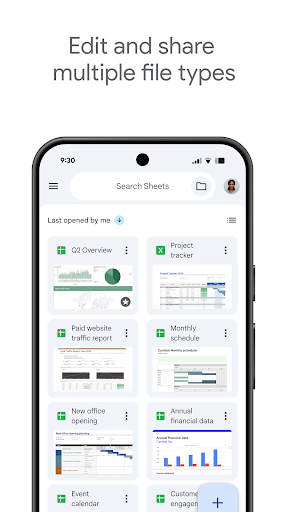
Google Sheets is a versatile spreadsheet application that allows users to create, edit, and collaborate on spreadsheets directly from their Android phones, tablets, or any web-connected device. As part of the Google Workspace suite, Google Sheets provides a powerful platform for managing data, analyzing information, and working collaboratively in real time.
This cloud-based tool makes it easy to handle your data organization needs without the worry of losing progress, thanks to automatic save capabilities. Whether you're working solo or with a team, Google Sheets offers an intuitive interface packed with features such as cell formatting, data sorting, chart creation, formula use, and more. Its seamless integration with other Google apps like Google Drive, Google Forms, and Google Slides enhances productivity and streamlines workflows.
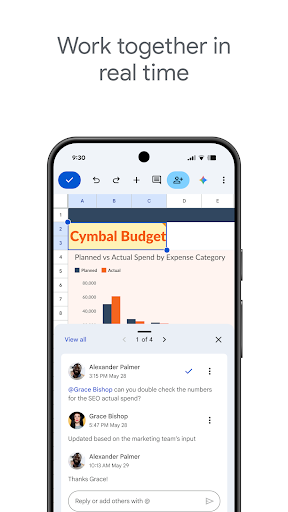
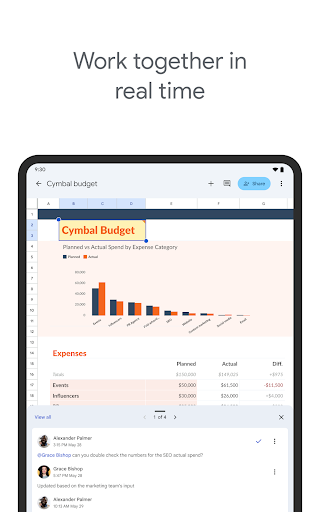
For teams of any size, Google Sheets supports collaboration through shared access and real-time editing. You can add comments, respond instantly, and see updates as they happen—making it ideal for project planning, budget management, or data analysis. Additionally, users with a Google Workspace subscription benefit from advanced features including notifications for changes, activity tracking, AI-powered insights, and the ability to build custom solutions.
Features and Benefits of Google Sheets
Create and Edit Spreadsheets Effortlessly
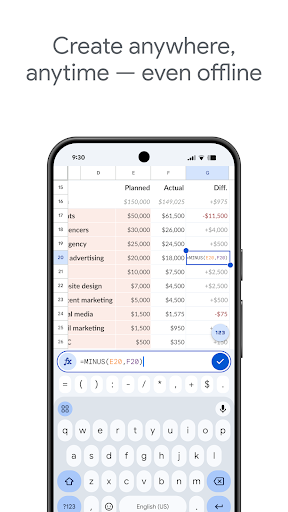
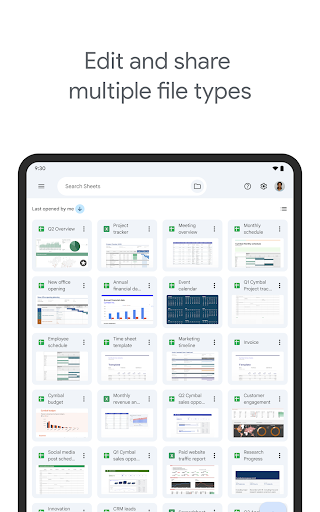
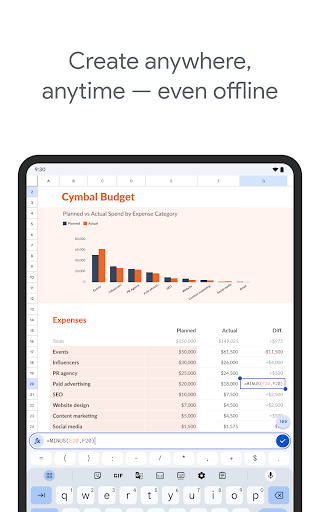
With Google Sheets, starting a new spreadsheet or editing an existing file is straightforward. The app supports opening and saving Excel files, ensuring compatibility across platforms. You can enjoy editing on your Android device, anywhere and anytime—even when offline—since all your work is automatically saved, preventing data loss.
Real-Time Collaboration
The standout feature of Google Sheets is its real-time collaborative functionality. Share your spreadsheet with colleagues, clients, or friends, and they can edit or leave comments simultaneously. This eliminates the hassle of multiple versions and enhances team productivity. All changes are instantly visible, and activity history allows you to revert to previous versions if needed.
Smart Data Analysis and Visualization
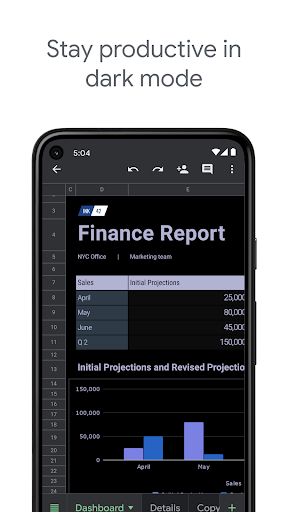
Google Sheets offers smart suggestions for getting insights, such as creating charts or applying formatting easily. You can insert formulas, perform data sorting or filtering, and visualize your information with just a few clicks. The built-in tools help you interpret data swiftly, making it a perfect solution for analyzing complex datasets or presenting information clearly.
Seamless Integration and Automation
Being part of the Google Workspace ecosystem, Google Sheets integrates smoothly with other apps like Google Forms, Google Slides, and Google Drive. This connected environment enables effortless data import/export, embedding charts, and sharing workflows. For automation enthusiasts, the app supports add-ons and scripts to customize and automate repetitive tasks, saving time and reducing errors.
Mobile-Friendly and User-Friendly Interface
The mobile version of Google Sheets is optimized for touch navigation, allowing quick edits, viewing, and data entry on the go. Its intuitive design ensures that even beginners can navigate and utilize essential functions without hassle. The app's regularly updated features make managing your data more efficient and enjoyable across various devices.
Enterprise-Grade Security and Control
For organizations, Google Workspace enhances data privacy and security with advanced control measures. You can manage permissions, monitor activity, and ensure that sensitive data remains protected—all while collaborating seamlessly across teams. This enterprise-grade security makes Google Sheets suitable for professional environments handling critical information.
Conclusion
Whether you're a student organizing your schedule, a startup managing finances, or a large enterprise analyzing vast data sets, Google Sheets provides a comprehensive solution for data management. Its combination of ease of use, powerful features, and real-time collaboration tools makes it an indispensable part of your digital toolkit. Plus, with the flexibility to work from anywhere—connected or offline—it empowers users to stay productive on the move.
Embrace the future of cloud-based spreadsheets with Google Sheets and experience how effortless and collaborative data handling can be. To learn more or get started, visit the official Google Workspace page for Google Sheets.
Pros
- Enables real-time collaboration, improving productivity.
- Offers a wide range of formula options for calculations.
- Accessible from any internet-connected device.
- Integrates seamlessly with other Google services.
- Automatically saves progress to prevent data loss.
Cons
- Limited functionality when offline.
- Less feature-rich compared to desktop spreadsheet applications.
- Raises privacy concerns due to cloud storage.
- Complex features may be overwhelming for new users.
- Reliant on stable internet connection.











