


Google Keep - Notes and Lists: Your Ultimate Digital Organizer
In today’s fast-paced world, staying organized and capturing fleeting thoughts can be a challenge. Google Keep - Notes and Lists emerges as a powerful yet simple solution to streamline your note-taking, reminders, and collaborative projects. Whether you're on the go or at your desk, this versatile app helps you quickly jot down ideas, set reminders, and share them effortlessly across all your devices.
Efficient Note Capture at Your Fingertips
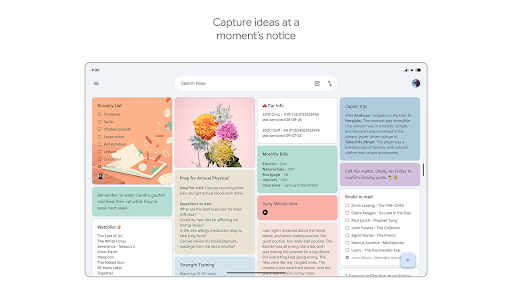
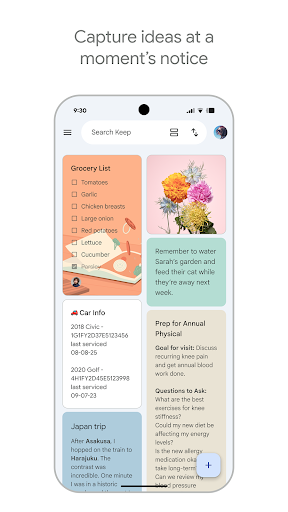
Google Keep makes it incredibly easy to capture what's on your mind. With just a few taps, you can add notes, lists, and photos to your digital notebook. Need to remember something immediately? Simply record a voice memo, and Keep will automatically transcribe it for easy retrieval later. This feature is especially handy when you're on the move, allowing you to quickly dictate ideas or reminders without interrupting your workflow.
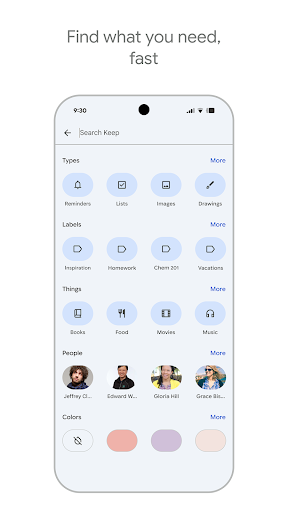
Another noteworthy feature is the ability to grab images—be it a poster, receipt, or document—and keep them organized for quick searching later. The app's smart search capabilities let you find these items in seconds, saving you time and frustration.
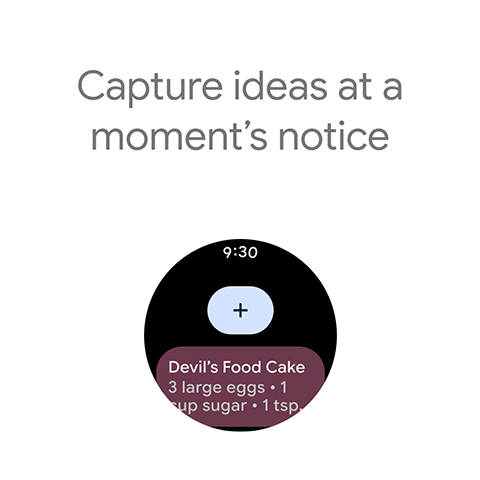
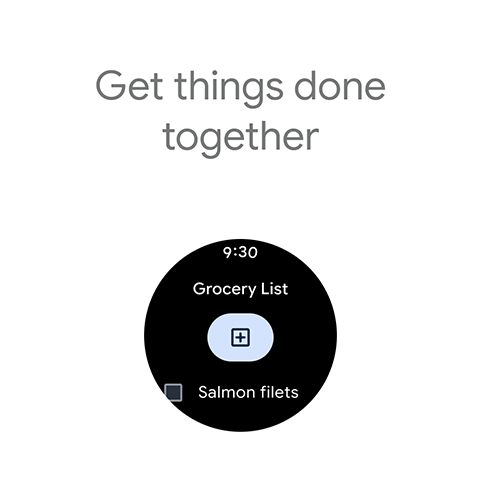
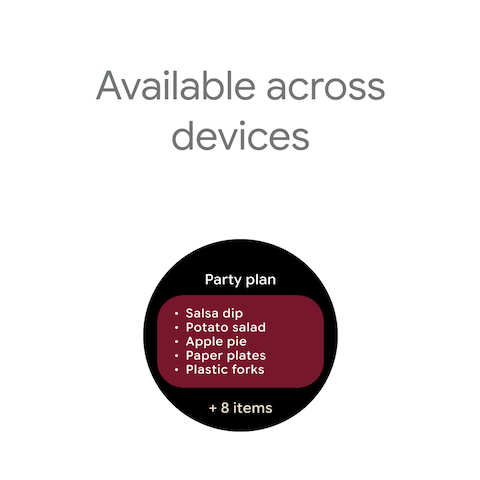
For added convenience, Google Keep supports widgets on your phone and tablet. You can place a note-taking tile on your home screen or add complications to your Wear OS device, enabling instant access to your thoughts without opening the app.
Seamless Collaboration and Sharing
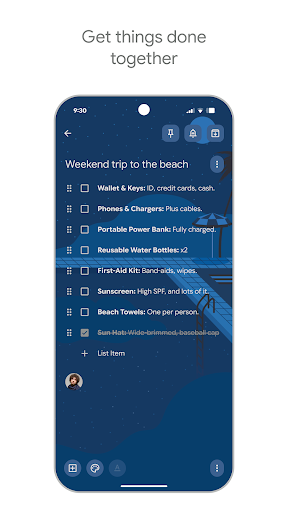
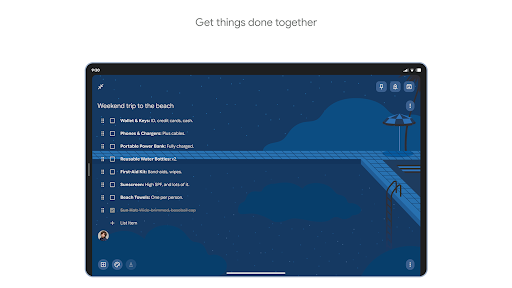
One of Google Keep’s standout features is its ability to facilitate sharing and real-time collaboration. Planning a surprise party, coordinating a group trip, or managing a shared project becomes effortless when multiple users can access and edit notes simultaneously. Just share your note with friends or family, and everyone stays on the same page.
This collaborative capacity makes Google Keep a perfect tool for families, teams, or friends who need to brainstorm or keep track of collective ideas in real-time.
Organize and Find Notes with Ease
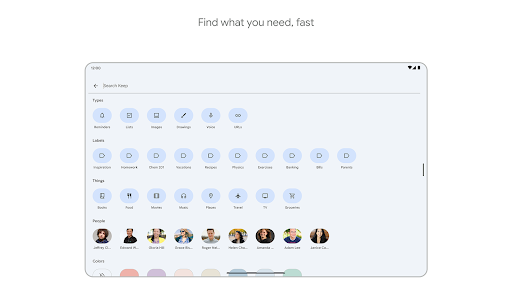
Staying organized is simple with the app’s visual tools. You can color-code your notes and add labels for quick categorization, making it easier to locate specific information when needed. Need to retrieve a saved note quickly? Just use the search function—it's designed to find your content fast.
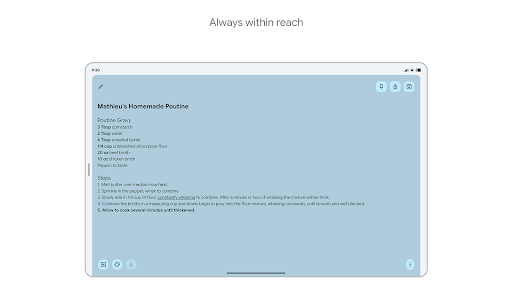
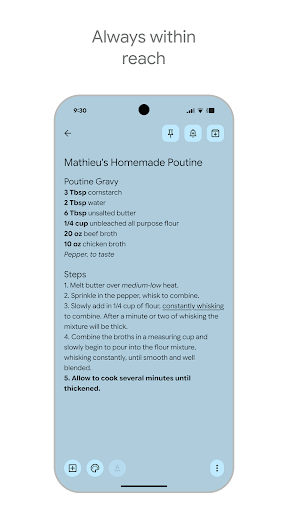
If you prefer, you can pin important notes to your device’s home screen using widgets or create shortcuts to specific notes, ensuring that vital information is always within reach.
Platform Compatibility and Syncing
Google Keep offers seamless cross-device synchronization, ensuring your notes are instantly available whether you're using a smartphone, tablet, computer, or Wear OS device. This interconnectedness ensures you're never without your vital reminders or ideas, no matter where you are.
Additionally, you can access your notes via the web at keep.google.com or find it in the Chrome Web Store. The consistent sync and easy accessibility make Google Keep an indispensable part of your digital toolkit.
Why Choose Google Keep?
What sets Google Keep apart is its simplicity and integration within the Google ecosystem. If you're already using Gmail, Google Calendar, or other Google services, Keep integrates smoothly, allowing you to streamline your workflow effortlessly. Its intuitive, clean interface ensures anyone can start using it without a steep learning curve. Plus, it’s completely free—offering powerful note-taking features without a price tag.
Opportunities for Enhancement
While Google Keep is highly effective for quick notes and reminders, some users might desire more advanced text formatting options, such as bold, italics, or bullet points within notes. Additionally, for comprehensive task management, features like subtasks or project tracking might be lacking. Nonetheless, for most users seeking an efficient and easy-to-use note app, Google Keep hits the mark perfectly.
Final Thoughts
If you’re looking for a smart, accessible, and collaborative way to organize your thoughts, ideas, and reminders, Google Keep - Notes and Lists is an excellent choice. Its effortless note capture, seamless syncing, and sharing capabilities make it a must-have tool for students, professionals, and everyday users alike. Give it a try and see how it transforms your approach to staying organized and productive—because it’s the digital note-taking companion you never knew you needed.
Pros
- Easy cross-device synchronization
- User-friendly interface
- Support for voice memos and transcription
- Ability to take handwritten notes
- Facilitates collaboration with others
Cons
- Limited formatting capabilities
- Absence of a dedicated desktop application
- Basic organizational features
- No offline access
- Restricted export options











