
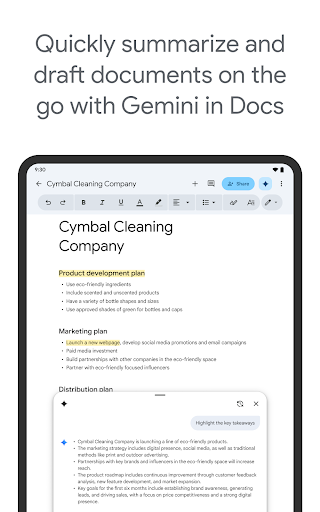
Google Docs Overview
Google Docs is a versatile and user-friendly cloud-based word processing application that allows you to create, edit, and collaborate on documents seamlessly from your Android phone, tablet, or any device with an internet connection. Whether you're working solo or with a team, Google Docs offers a comprehensive suite of features designed to enhance productivity, facilitate real-time collaboration, and enable access from anywhere—offline or online.
Key Features of Google Docs
Real-Time Collaboration
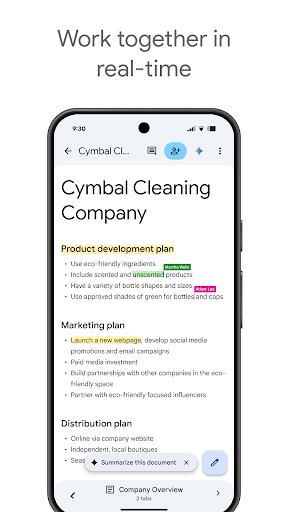
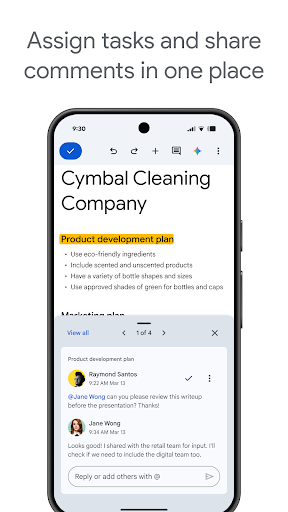
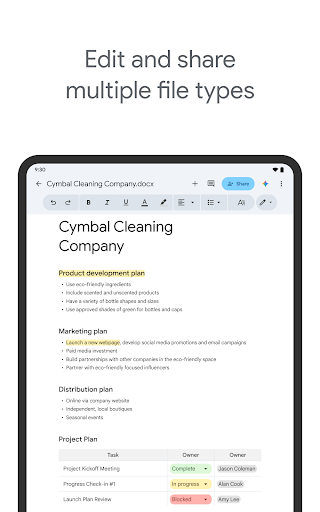
The standout feature of Google Docs is its ability to enable seamless collaboration. You can share documents with colleagues, friends, or family members with just a few clicks. Multiple users can edit, comment, and suggest changes simultaneously, making it feel like everyone is working together in a virtual meeting room. This dynamic collaboration eliminates the need for multiple versions of a document and ensures everyone stays on the same page. Additionally, all edits are automatically saved, so no adjustments are ever lost.
Access Anytime, Anywhere
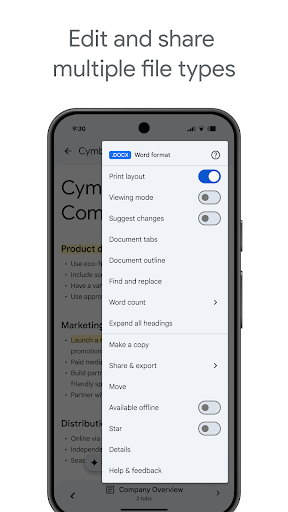
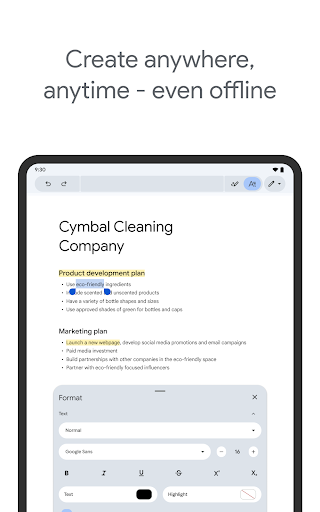
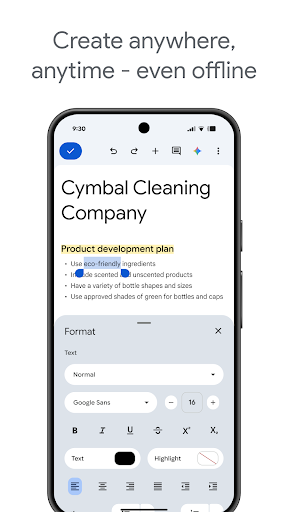
Google Docs is designed for ultimate convenience. You can access your documents from any device—be it a smartphone, tablet, or computer—without the hassle of emailing files back and forth. Plus, the app supports offline mode, enabling you to view and edit your work even without an internet connection. This flexibility is perfect for spontaneous ideas and on-the-go productivity.
User-Friendly Interface
The interface of Google Docs is clean, intuitive, and easy to navigate, even for those new to word processing tools. Features like inserting tables, charts, or images are readily accessible and straightforward to use. This simplicity empowers users of all skill levels to create professional-looking documents quickly and efficiently.
Rich Features and Tools
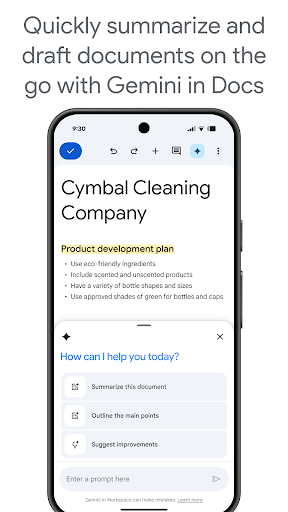
Despite its simplicity, Google Docs offers a wealth of features that enhance your writing experience. Voice typing allows hands-free input, while a vast library of add-ons extends the app's capabilities. The platform also provides numerous formatting options, fonts, styles, and templates to help you craft polished documents effortlessly. Whether drafting a quick note or preparing a detailed report, Google Docs equips you with everything you need.
Integration with Google Workspace
If you're part of the Google Workspace ecosystem, Google Docs integrates smoothly with other services like Google Drive, Sheets, and Slides. This seamless integration allows you to import data, create presentations, and collaborate across platforms without disruptions. Paid subscribers gain access to advanced AI-powered features such as Gemini for quick content drafting, AI-driven writing suggestions, and tools to generate custom images, all designed to boost creativity and productivity.
Why Choose Google Docs?
Google Docs revolutionizes the way individuals and teams manage documents. Its cloud-based architecture ensures your work is always accessible and safely stored, while real-time collaboration encourages teamwork and enhances productivity. The app’s ease of use, combined with powerful features, makes it an ideal choice for students, professionals, and casual users alike. Whether you're drafting a project, editing a report, or brainstorming ideas, Google Docs provides a reliable, feature-rich platform that adapts to your workflow.
Learn More and Stay Connected
To explore the full capabilities of Google Docs and stay updated with the latest features, visit the official page: Google Workspace Docs. Follow Google Workspace on social media for insights and updates:
Pros
- Real-time collaboration with others
- Auto-save feature prevents data loss
- Accessible from any device
- Supports multiple file formats
- Integration with other Google services
Cons
- Limited offline functionality
- Requires a Google account
- Formatting can be inconsistent
- Less powerful than desktop applications
- Privacy concerns with data storage











