

Introduction to the GitHub App
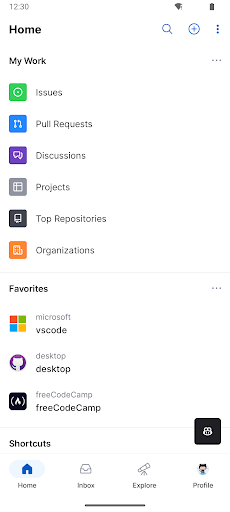
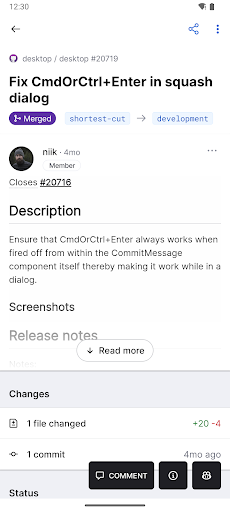
There’s a lot you can do on GitHub that doesn’t require a complex development environment — such as sharing feedback on design discussions or reviewing a few lines of code. GitHub for Android enables you to seamlessly move work forward wherever you are, whether you’re commuting, at a café, or working remotely. With this mobile app, staying connected with your team, triaging issues, and even merging pull requests is straightforward and efficient. The experience is designed to be highly native, providing a beautiful, user-friendly interface that makes managing your work on the go a pleasure.
Using GitHub for Android, you can:
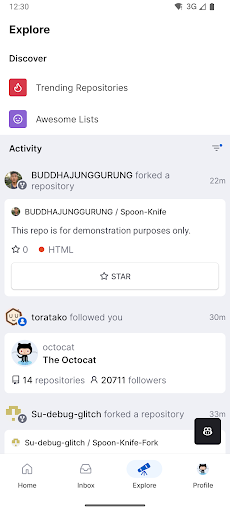
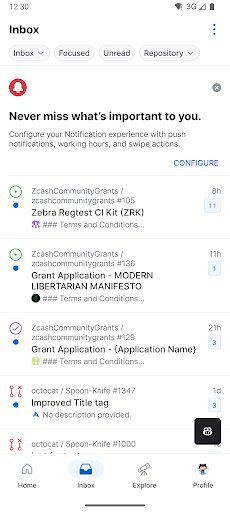
- Browse your latest notifications
- Read, react, and reply to Issues and Pull Requests
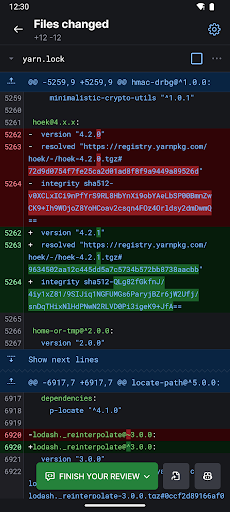
- Review and merge Pull Requests
- Organize Issues with labels, assignees, projects, and more
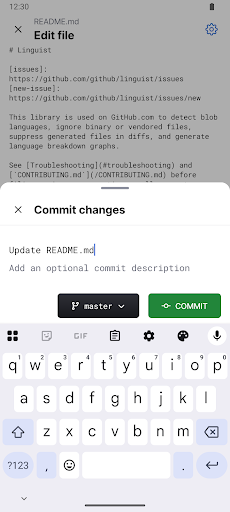
- Browse your files and code content
Explore the Power of GitHub: A Developer's Essential
Let’s dive into the world of GitHub, a platform that has become a must-have for developers worldwide. Whether you’re a novice just starting your coding journey or an experienced developer with many projects under your belt, GitHub offers a collaborative environment where magic happens. It’s more than just a version control system — it’s a thriving community that fosters innovation, learning, and growth.
Getting Started with GitHub
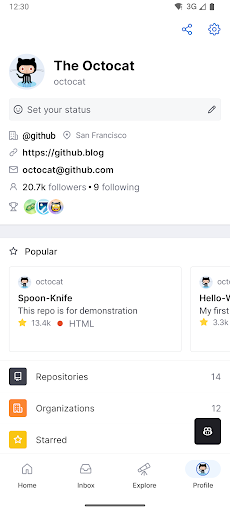
Getting started is simple. Download the app, create your account, and you’re ready to explore. The interface is sleek and intuitive, making navigation effortless even if you’re new to tech. Once you start delving into your projects, you’ll quickly realize how this platform simplifies complex workflows and accelerates your development process.
Standout Features of GitHub
One of the most compelling aspects of GitHub is its collaborative environment. It allows developers from around the globe to work together on open-source projects, share ideas, and contribute to each other’s work. Think of it as social media but for programming — you can see what others are working on, contribute code, and learn from the best in tech.
Another key feature is the version control system. Never worry about losing your code or being unable to revert changes. Every modification is tracked, and you can roll back to previous versions effortlessly. This feature acts like a time machine for your codebase, giving you confidence and flexibility during development.
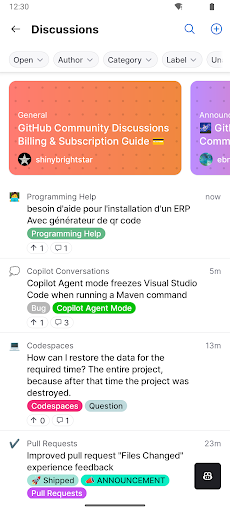
Plus, the vibrant community forums and discussions are invaluable resources. When you encounter an obstacle, you can post questions and get insights from experienced developers worldwide. This supportive ecosystem encourages continuous learning and collaboration.
Why Developers Love GitHub
Developers appreciate GitHub for its seamless integration with other tools and platforms, such as Slack, Trello, and various CI/CD pipelines. This connectivity streamlines workflows, making project management and deployment more efficient. Additionally, GitHub constantly evolves, with regular updates and new features that keep it at the forefront of developer tools.
This continuous innovation ensures that whether you’re managing personal projects or enterprise-level applications, GitHub adapts to your needs and helps you stay productive.
Final Thoughts
In summary, GitHub is more than an app — it’s a gateway to a global community of developers and a powerhouse for collaboration, version control, and code sharing. Whether you’re looking to sharpen your skills, contribute to open-source projects, or keep track of your coding adventures, GitHub offers everything you need. If you haven’t explored it yet, now is the perfect time to dive in — you might wonder how you ever managed without it.
Pros
- Excellent collaboration features
- Robust version control system
- Wide range of integrations
- Large open-source community
- Intuitive user interface
Cons
- Steep learning curve for beginners
- Limited mobile app features
- Dependence on internet connection
- Complexity for small projects
- Potential privacy concerns











