


Gamu: Emulator Console Game
If you're a fan of classic video games and want to relive your childhood memories, Gamu is the perfect solution for enjoying those timeless titles on your computer or mobile device. This innovative emulator app unifies a wide range of retro game formats into one seamless platform, making it easy for gamers of all levels to access their favorite titles. Compatible with various systems including PC, Mac, Linux, as well as Android and iOS devices, Gamu offers versatility for every gaming setup.
Designed with user convenience in mind, Gamu supports external game controllers, features a built-in game library organization, and constantly receives updates aimed at enhancing performance and adding new features. Built on the robust Libretro framework—an open-source cross-platform engine—Gamu leverages advanced multimedia technology such as OpenGL rendering and camera integration to ensure smooth gaming across a variety of devices, from smartphones to smart TVs. Best of all, Gamu is completely free, ad-free, and functions as an all-in-one entertainment hub with built-in modules for enhanced gameplay.
Key Features of Gamu: Emulator Console Game
- Auto-save and resume game progress
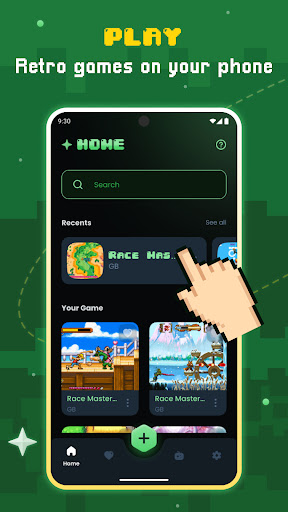
- Game file scanning and cataloging
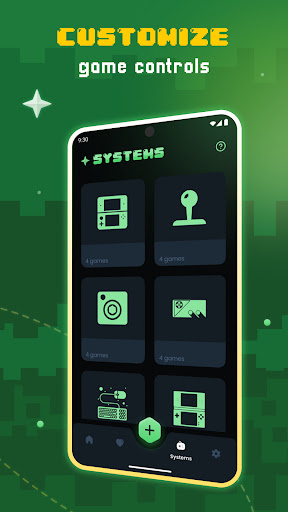
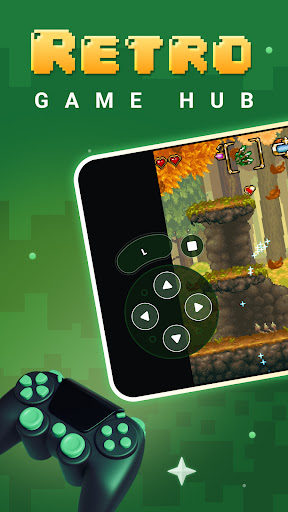
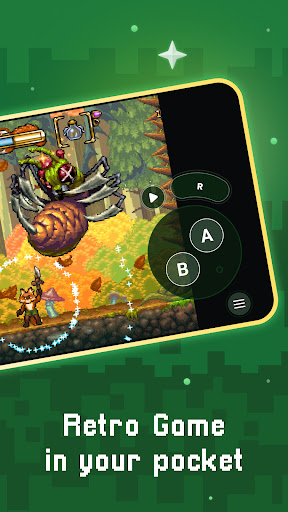
- Optimized virtual controls
- Quick save/load slots
- Support for compressed game files (.zip)
- Visual filters and display simulation (LCD/CRT styles)
- Fast-forward mode
- Controller and gamepad compatibility
- Motion control (tilt-to-stick)
- Customizable on-screen buttons
- Cloud sync for save data
- Local multiplayer support with multiple controllers
Getting Started with Gamu
Whether you're a seasoned gamer or new to emulators, Gamu offers a user-friendly experience. Even if you're not highly technical, you'll find it easy to navigate. Simply download the app, and you'll be ready to explore a vast library of classic console games. The app supports a broad spectrum of game formats, from old-school NES and SNES titles to PlayStation classics, simplifying the process of loading up your favorite vintage games.
Features that Stand Out
One of the most impressive aspects of Gamu is its compatibility. Whether you love 8-bit pixel art or more advanced graphics, Gamu adjusts to your preferences with customizable display settings. It also offers options to keep the authentic retro look or enhance visuals for a clearer experience. The app's performance is remarkable, running games smoothly with minimal lag or glitches—making gameplay enjoyment seamless. The support for external controllers further enriches the experience, providing that authentic console feel. The save state feature is another highlight, allowing players to save their game at any moment and return later without losing progress.
Why You Should Try Gamu
If you have a passion for classic gaming, then Gamu: Emulator Console Game is a must-try. It combines the nostalgic charm of retro games with the convenience of modern technology, making it incredibly easy to relive the glory days of gaming. Additionally, Gamu serves as an excellent educational tool for younger generations unfamiliar with early gaming history. With its straightforward interface, high performance, and broad game support, Gamu appeals to both long-time enthusiasts and newcomers alike.
In conclusion, Gamu provides a fantastic platform for anyone interested in experiencing retro gaming. Its ease of use, reliable performance, and support for countless classic titles make it an outstanding choice for entertainment, nostalgia, and gaming exploration. So why not give Gamu a try and bring the golden era of gaming back to life? You definitely won’t regret it!
Pros
- Efficient support for multiple console types.
- Regular updates improve game compatibility.
- User-friendly interface facilitates easy navigation.
- High-quality graphics enhance gaming experience.
- Customizable controls allow for personalized gameplay.
Cons
- Some games may experience occasional lag.
- Requires substantial storage space for ROMs.
- Limited availability of customer support.
- Presence of in-app purchases for premium features.
- Advertisements can be disruptive during use.











