

Introducing eDrawings: The Ultimate CAD Viewer for Mobile Devices
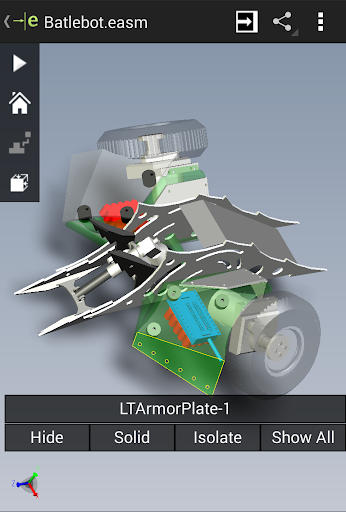
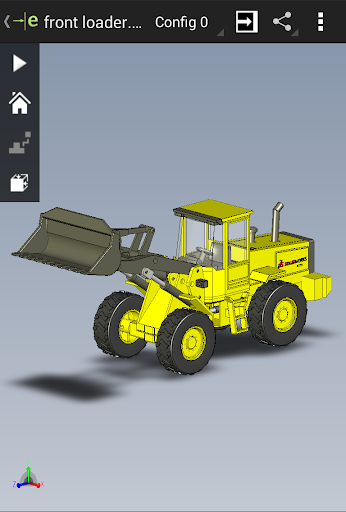
eDrawings is a versatile and powerful application designed to simplify the way professionals and hobbyists view, share, and collaborate on 3D models and CAD files directly from their mobile devices. With its unique ability to handle native files from SolidWorks® and support for a wide array of CAD formats, eDrawings transforms smartphones and tablets into portable CAD viewing stations, making it an indispensable tool for engineers, designers, and manufacturing teams on the go.
Key Features of eDrawings
Native File Compatibility
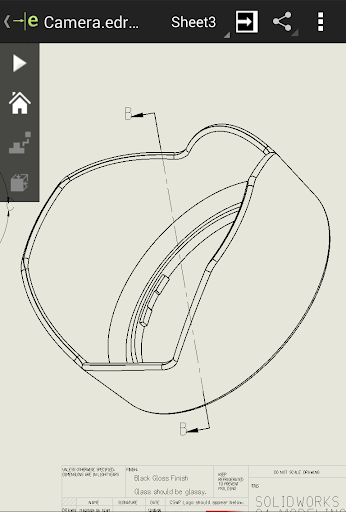
One of the standout aspects of eDrawings is its support for native SolidWorks® files such as parts, assemblies, and drawings. It also supports multiple other formats including IGES, JT, STEP, IFC, DWG, DXF, and more. This wide compatibility ensures that users can open and review nearly any CAD data without needing to access full CAD software, making collaboration more accessible and efficient.
User-Friendly Interface
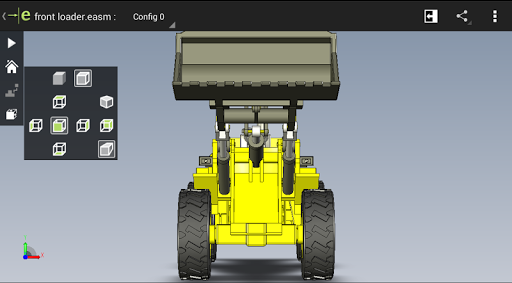
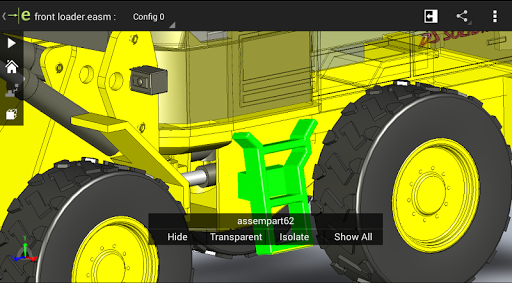
The app boasts an intuitive and easy-to-use user interface that allows users to quickly load and navigate complex 3D models and 2D drawings. Multi-touch gestures make it simple to pan, zoom, and rotate models effortlessly, providing a seamless experience whether you're inspecting intricate details or presenting designs.
Enhanced Viewing Capabilities
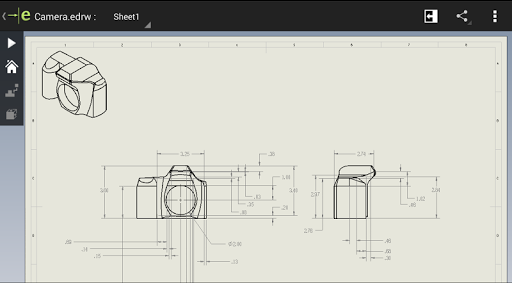
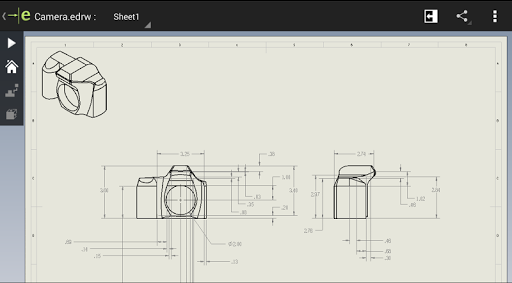
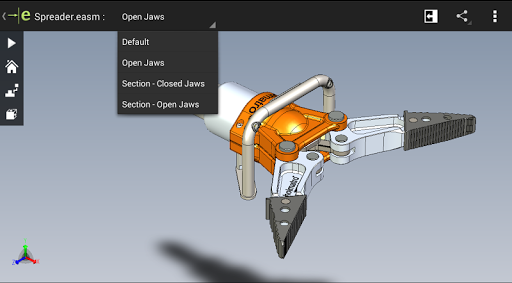
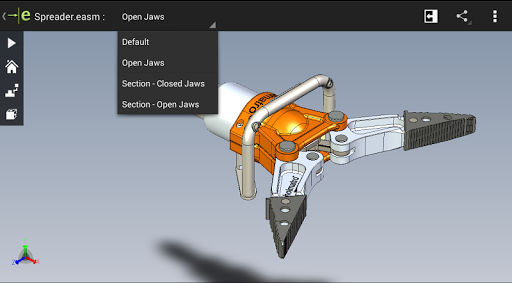
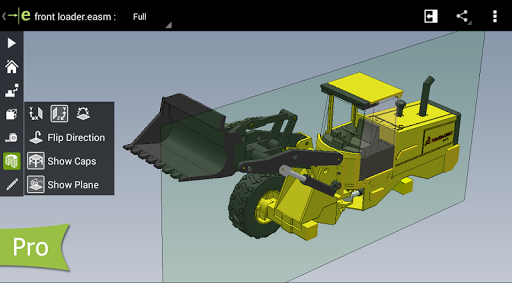
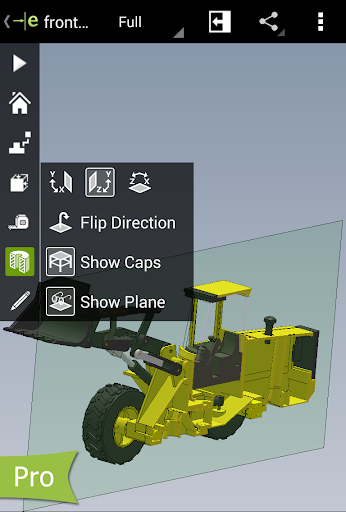
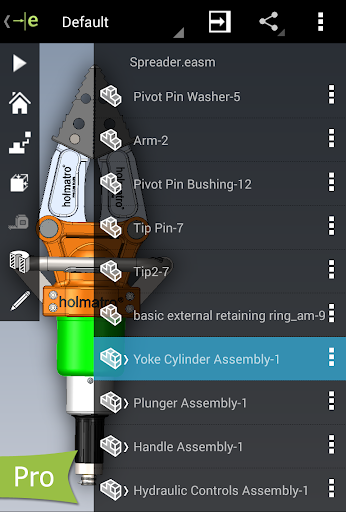
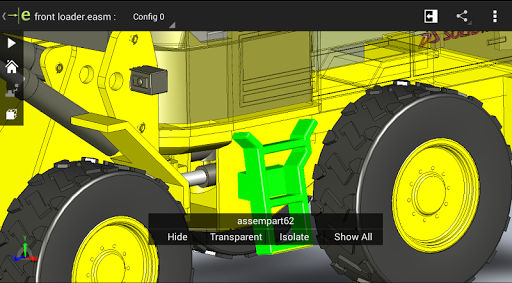
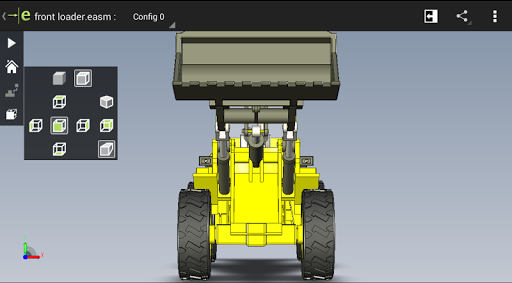
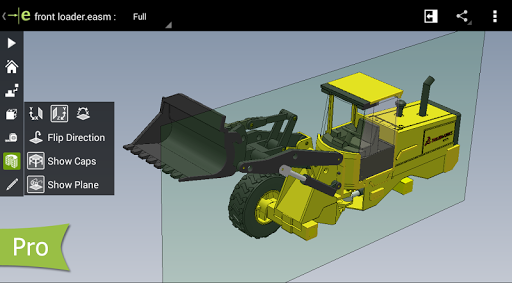
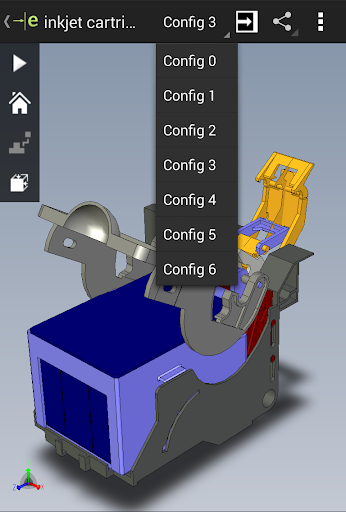
eDrawings provides powerful visualization features such as full-screen viewing, double-tap to fit models to the screen, and animation of standard views. Users can browse through multiple drawing sheets, view exploded views from SolidWorks, and dynamically examine cross-sectional areas of models in XY, YZ, or ZX directions. These features enable thorough inspection and presentation of CAD models directly on your mobile device.
File Sharing and Collaboration
The app eases sharing by allowing files to be sent via email or stored in popular cloud storage services like Dropbox™, SkyDrive®, Google Drive, or via FTP. eDrawings also supports drawing sheets and offers options to annotate models with text notes and freehand markups. All markups and their histories are stored within the files, facilitating streamlined review processes and collaborative feedback.
eDrawings Pro: Advanced Features for Professionals
Upgrade with In-App Purchase
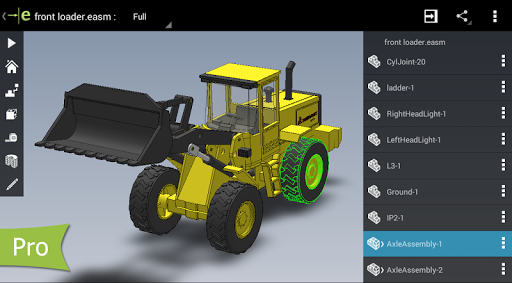
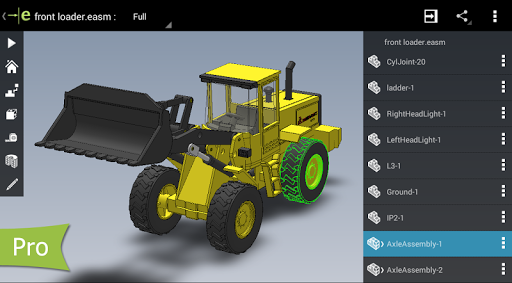
For users requiring enhanced capabilities, eDrawings offers an Pro upgrade through in-app purchase. This unlocks a suite of powerful tools including:
- Precise measurement tools such as distance, angles, and point-to-point measurements.
- Dynamic cross-sectional views to explore models in XY, YZ, or ZX planes with simple drag functionality.
- Markup creation with additional annotation options to facilitate detailed design reviews.
- File sharing of marked-up, reviewed models, ensuring effective collaboration among team members or clients.
These features are particularly useful for engineers, designers, and manufacturing professionals who need in-depth analysis and review tools on their mobile devices.
Augmented Reality and Additional Insights
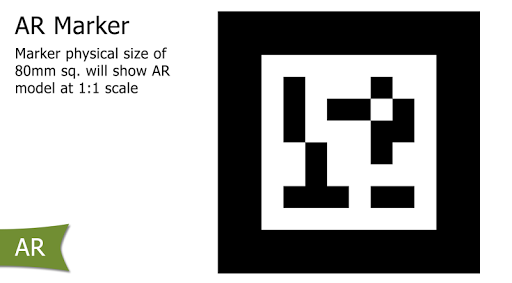
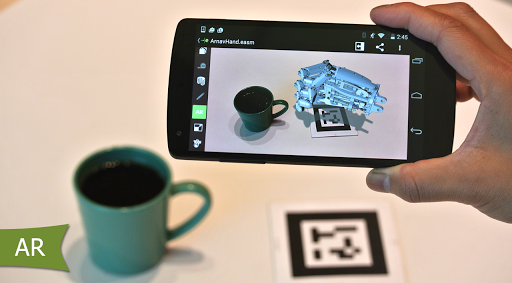
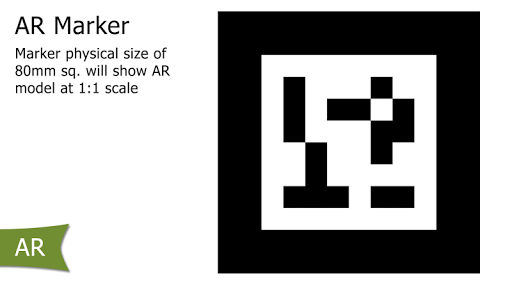
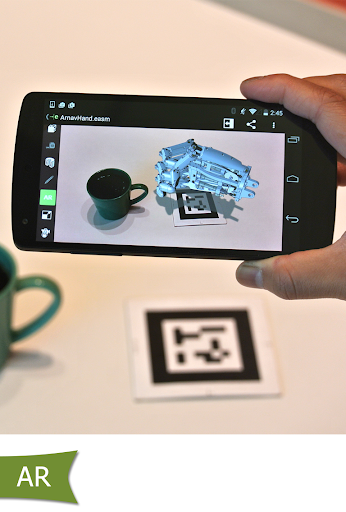
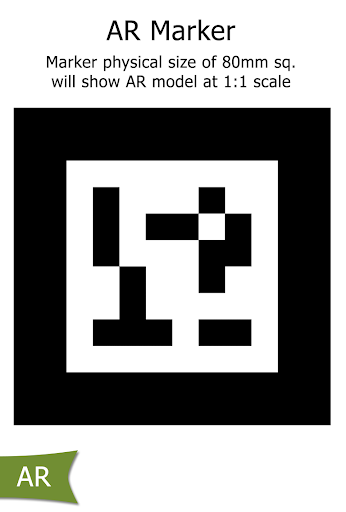
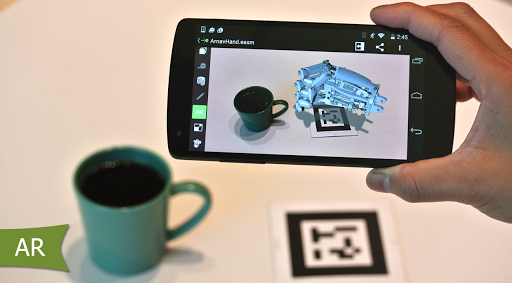
eDrawings also offers augmented reality (AR) capabilities, which allow users to visualize their CAD models in a real-world environment—for example, viewing a product prototype directly in its physical context. While some devices may encounter minor issues with AR buttons, these are typically accessible via the settings menu.
Supported on a wide range of Android tablets and smartphones, eDrawings delivers high-quality graphics, smooth performance, and detailed visuals, making it an excellent choice for on-site presentations, remote inspections, or quick design reviews.
Final Thoughts
If you're involved in product design, CAD analysis, or manufacturing, eDrawings is an essential mobile tool for managing CAD files efficiently. Its ability to view native SolidWorks files and other CAD formats, coupled with collaboration features like sharing, annotations, and AR visualization, makes it stand out in the realm of mobile CAD viewers. Whether you're a professional seeking detailed analysis tools or a casual user exploring 3D models, eDrawings offers a reliable, user-friendly platform that enhances your workflow. Download eDrawings today and experience the power of mobile CAD review and collaboration.
Pros
- User-friendly interface
- Supports various file formats
- Collaborative features
- Cross-platform compatibility
- Interactive 3D models
Cons
- Limited free version
- Occasional lag with large files
- Requires internet for full features
- Not ideal for complex designs
- Lacks advanced editing tools











