

Introduction to Easy Voice Recorder Pro
Have you ever needed to quickly capture an important moment or conversation, only to find your default recording app lacking in features or ease of use? Easy Voice Recorder Pro is the perfect solution that transforms your device into a reliable, fast, and versatile audio recorder. Whether you're a student, professional, musician, or casual user, this app is designed to meet your recording needs with simplicity and high-quality results.
Getting Started with Easy Voice Recorder Pro
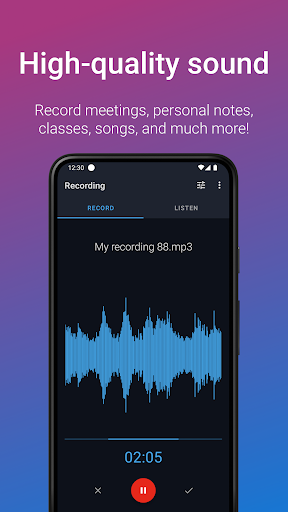
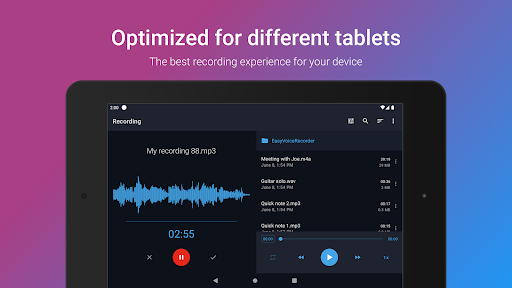
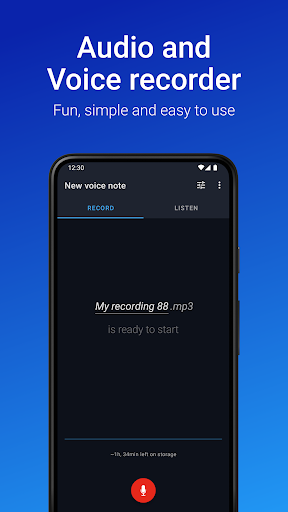
Setting up Easy Voice Recorder Pro is straightforward and hassle-free. Available on both Android and iOS platforms, the app is lightweight, ensuring it doesn't consume excessive storage space. Upon launching, users are greeted with a clean, intuitive interface that makes starting a recording an effortless task—just a single tap is enough to begin capturing audio, eliminating the frustration of navigating complex menus when you're in a hurry.
Enhanced Recording Quality and Features
The true strength of Easy Voice Recorder Pro lies in its robust recording capabilities. Supporting a range of audio formats including •Format: PCM, MP4, and AAC, the app guarantees clear and high-quality sound recordings. Whether you're recording lectures, meetings, interviews, or musical ideas, the app adapts seamlessly to your needs.
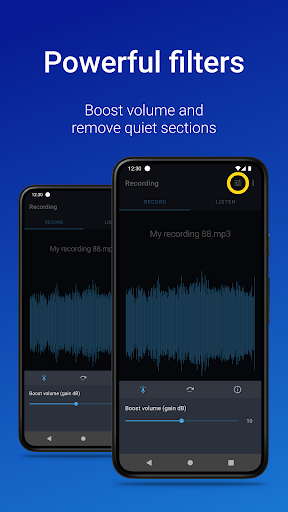
One notable •Feature: noise reduction technology actively filters out background noise, providing pristine audio even in noisy environments. The •Pro Version introduces exclusive features such as •Stereo Recording: offering a richer sound experience, and unlimited recording duration, so you're never restricted by time limits. Additionally, advanced options like custom bitrates, volume boosting, and skip silence ensure your recordings are tailored perfectly to your preferences.
Adjusting playback speed—either speeding up or slowing down recordings—allows for better comprehension or analysis, making it ideal for students and professionals alike.
Organizing and Sharing Recordings Effortlessly
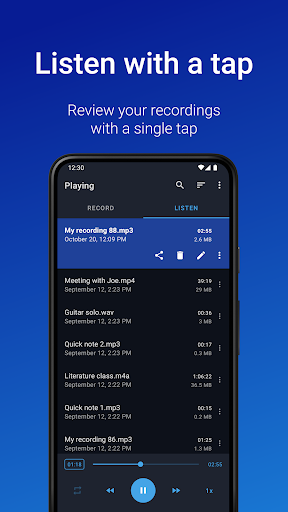
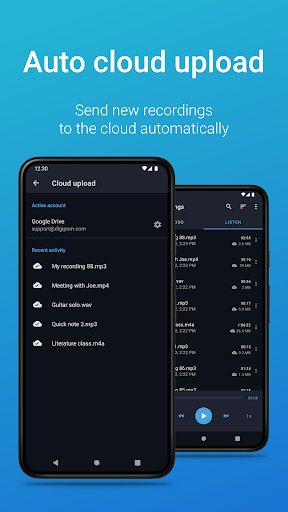
Managing your audio files becomes a breeze with Easy Voice Recorder Pro. The app enables you to organize recordings into folders, making retrieval simple. Sharing recordings is just as easy: send files via email, messaging apps, or upload them directly to cloud storage services like •Cloud: Google Drive, Dropbox, or OneDrive. This flexibility is perfect for collaborative work or keeping backups.
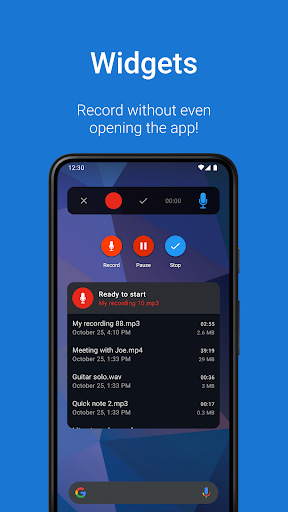
The app also features handy shortcuts and widgets that allow you to start new recordings directly from your home screen, saving valuable time.
Additional Features for Power Users and Musicians
•Pro Features: enhance your recording experience further. You can upload recordings automatically to cloud services, convert files into various formats including MP3, FLAC, AAC, and import existing audio files. For musicians and those capturing spontaneous melodies, the stereo recording option provides better audio depth.
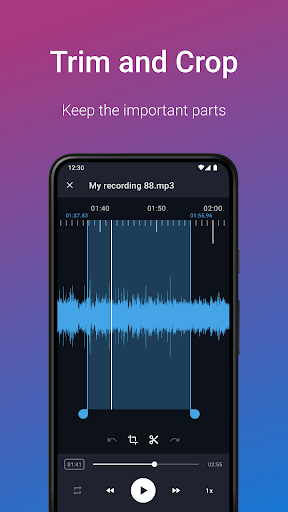
Other handy tools include trimming recordings to remove unwanted sections, managing files with folders, remote control via notifications, and recording in stereo for immersive sound quality. Plus, the app supports Bluetooth microphones and offers options like skip silence and volume boosting.
Versatile Use Cases and Compatibility
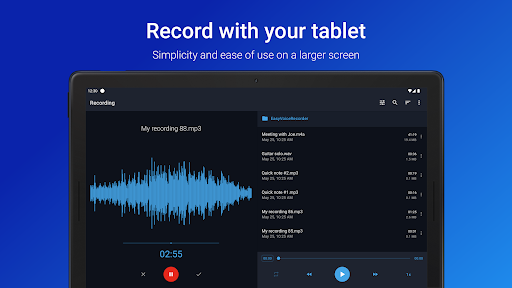
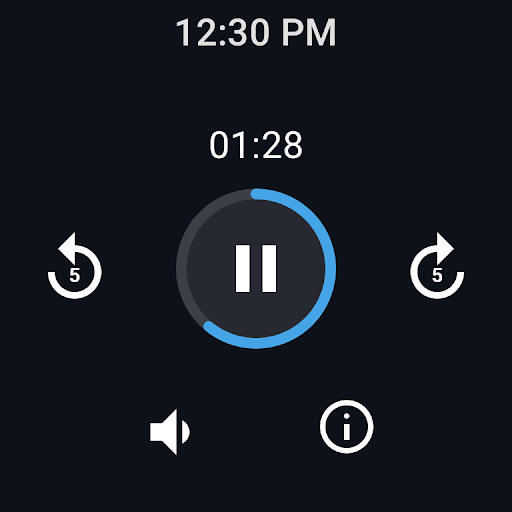
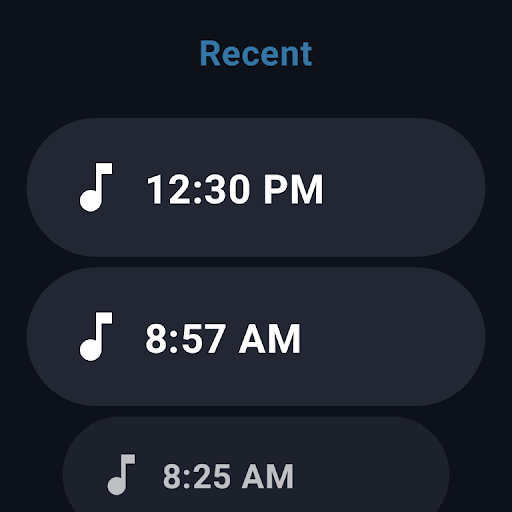
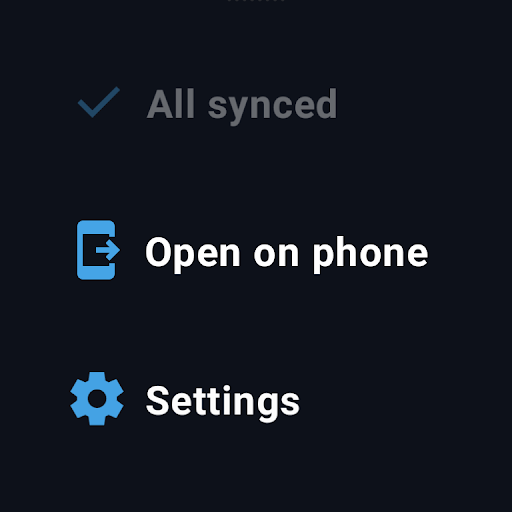
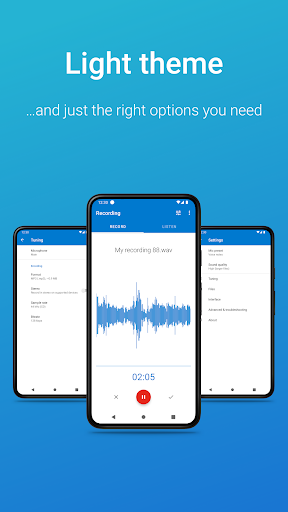
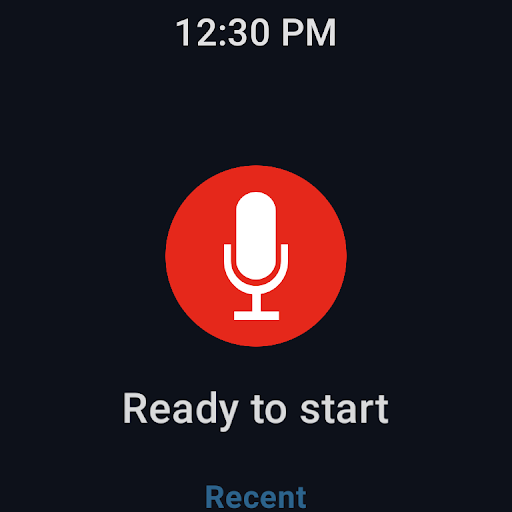
Whether you're a student recording lectures, a business professional capturing meetings, or a musician documenting new ideas, Easy Voice Recorder Pro adapts to all scenarios. The app supports recording from your smartwatch via Wear OS, allowing quick starts on the go. Themes such as light and dark modes further personalize your user experience.
Final Thoughts
Easy Voice Recorder Pro lives up to its name as an easy-to-use and reliable audio recording solution. Its combination of user-friendly design, robust features, and high-quality output make it an essential tool for anyone needing quick and professional recordings. With powerful features like cloud uploads, format variety, and advanced editing, this app caters to both casual users and audio enthusiasts.
Whether you're capturing important meetings, brainstorming musical ideas, or simply recording memos, Easy Voice Recorder Pro offers a seamless experience that enhances your productivity and creativity. Say goodbye to mediocre recording apps and upgrade your audio recording capabilities today—your ears will thank you!
Pros
- High-quality audio recording
- User-friendly interface
- Supports multiple formats
- Background recording available
- No ads in the pro version
Cons
- Limited editing features
- No cloud sync with free version
- Files can be large
- No transcription option
- Limited features in free version











