

Dropbox: Secure Cloud Storage
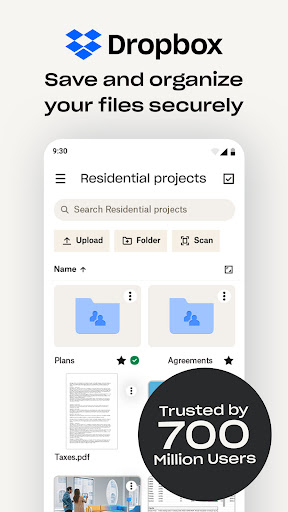
Dropbox is a leading cloud storage solution trusted by over 700 million registered users and more than 600,000 teams worldwide. It provides a simple, trustworthy, private, and secure platform to backup your most essential files and access them anytime, from any location. Whether you're a student, professional, or someone who values data security, Dropbox offers an all-in-one solution for file storage, organization, transfer, and sharing.
Main Features of Dropbox
Automatic Photo Uploads
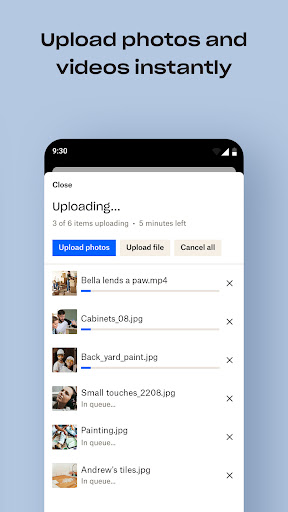
Automatically upload photos and pictures from your camera roll to cloud photo storage. This feature makes sharing photos effortless and ready to send anywhere, with no extra effort on your part.
Access and Preview Files
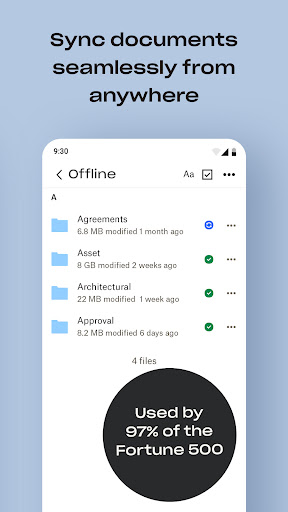
Access any file in your account—even when offline—and preview over 175 different file types without the need for specialized software. This ensures you can view and manage your documents seamlessly.
Share Large Files Easily
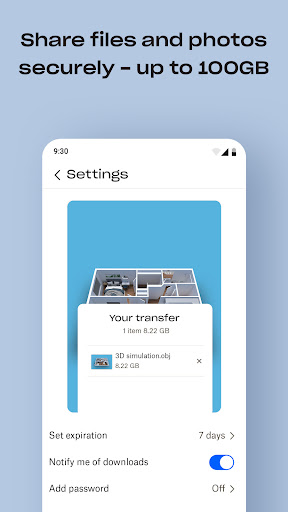
Share large files effortlessly by sending a link to anyone, even if they don’t have a Dropbox account. This feature simplifies collaboration and file distribution.
Photo Transfer and Backup
Use the photo transfer app to easily save photos to the cloud or transfer them from your cloud storage app. Additionally, sync folders between your PC or Mac and Dropbox, enabling reliable backup and recovery with version history.
Document Scanning and PDF Conversion
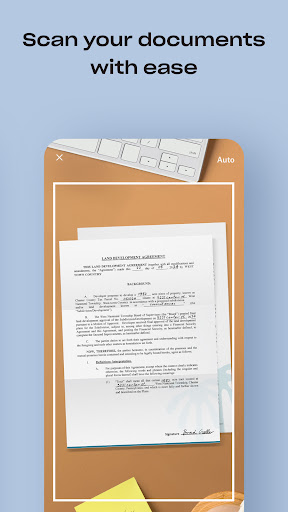
Scan documents, receipts, IDs, photos, and more using your mobile device. Convert these scans into high-quality PDFs, making sharing and viewing more convenient.
Secure Data Management
Manage family albums, video collections, and personal or shared files with ease. Dropbox provides extra space for photos and files, offering an intuitive backup and data vault experience.
Plans and Pricing
Sign up for a free Dropbox Plus trial and enjoy 2 TB (2000 GB) of storage space. The Plus plan introduces features like Dropbox Passwords for syncing passwords across devices, Dropbox Vault for securing sensitive documents, and Dropbox Rewind for rolling back any file, folder, or entire account for up to 30 days. Subscription plans are billed monthly or annually, and auto-renewal can be managed through your account settings.
Security and Trustworthiness
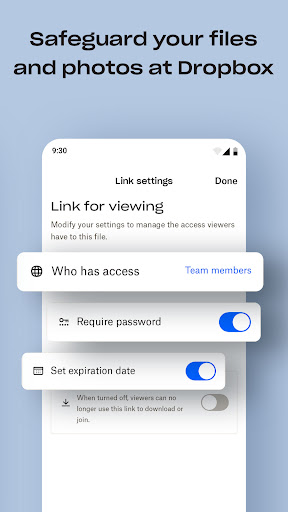
Dropbox is a secure cloud and drive solutions leader, trusted by Fortune 500 companies for handling their most sensitive data. Over 14 million paid users rely on Dropbox because of its commitment to security and privacy. With advanced encryption, two-factor authentication, and reliable data recovery options, Dropbox ensures your files are protected at all times.
Conclusion
If you're searching for a dependable and easy-to-use cloud storage solution, Dropbox is an excellent choice. Its robust features, high security standards, and seamless syncing across devices make it ideal for managing files efficiently. Whether you need to backup important documents, share large files, or organize your media collections, Dropbox offers a comprehensive platform designed to meet your needs. Embrace the convenience and peace of mind that comes with trusted cloud storage—try Dropbox today and experience the difference!
Pros
- Easy file sharing and collaboration
- Access files from any device
- Automatic photo backup
- Offline access to files
- Strong security features
Cons
- Limited free storage
- Requires internet connection for synchronization
- Occasional synchronization issues
- Premium features are costly
- Lack of built-in editing tools











