







Introduction to Docusign - Upload & Sign Docs
Docusign has established itself as the leading Intelligent Agreement Management company, revolutionizing the way businesses and individuals handle agreements. With a focus on ease and efficiency, the Docusign app brings the seamless experience of eSignature to the entire agreement process.
Trusted by millions worldwide, Docusign eSignature is the industry’s #1 solution for securely sending and signing agreements remotely from almost any device. Whether you’re on a computer, tablet, or smartphone, Docusign ensures your documents are signed safely, legally, and effortlessly.
The app is straightforward to use, offering unlimited free signing capabilities for all parties. It caters to a broad range of document types, making it an indispensable tool for professionals, legal entities, real estate agents, healthcare providers, and many more.
How Docusign Works
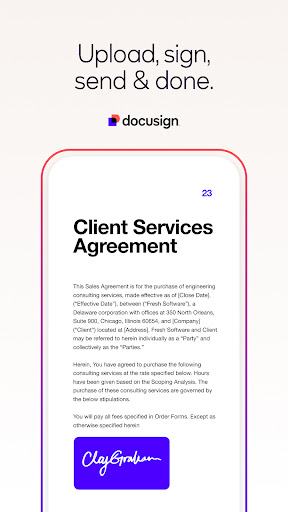
Sign PDFs, Forms, and Contracts on the Go
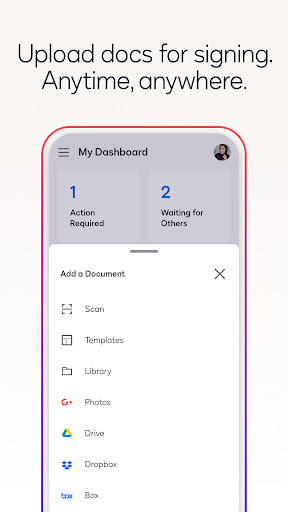
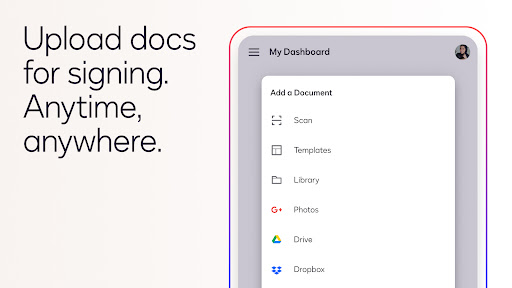
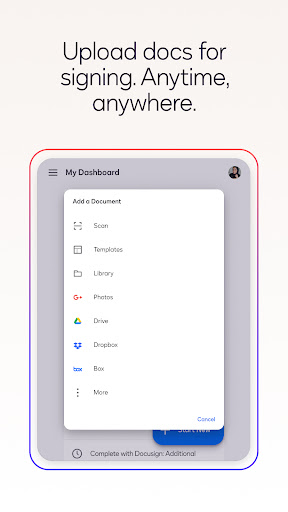
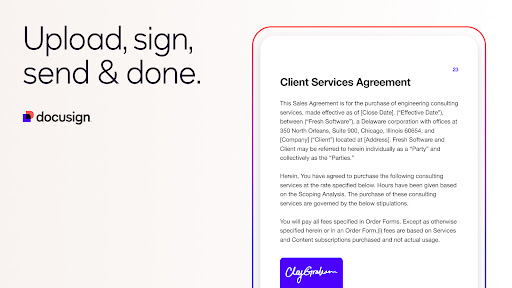
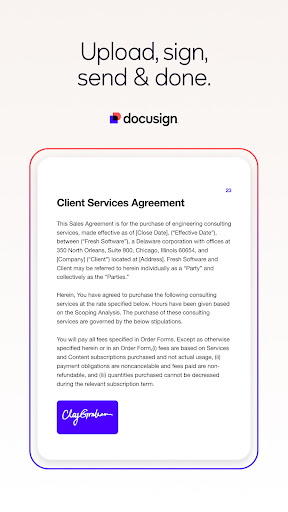
Using Docusign, users can quickly create digital signatures directly on their devices, making the signing process both secure and convenient. The app simplifies document handling with easy upload options, including email, cloud storage services like Google Drive, DropBox, Box, Evernote, Salesforce, or even via photo scanning.
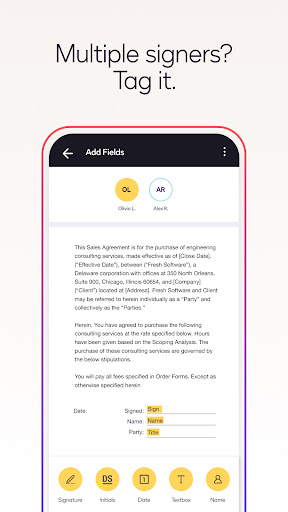
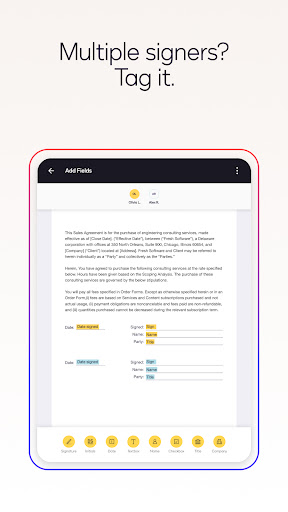
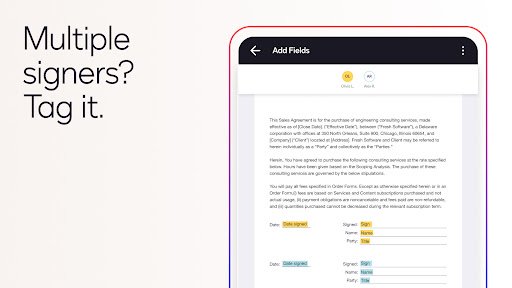
Once uploaded, documents can be e-signed at no cost and without any monthly limits, enabling users to handle multiple deals seamlessly. The intuitive interface guides users through preparing documents with "Sign Here" tags, which specify exact signing, initials, or additional fields.
For those working in teams or requiring specific signing sequences, the app provides options to set a signing order and define a workflow. Whether signatures are collected in person or remotely, Docusign’s responsive signing feature automatically adjusts the document's layout for mobile devices, ensuring a smooth signing experience.
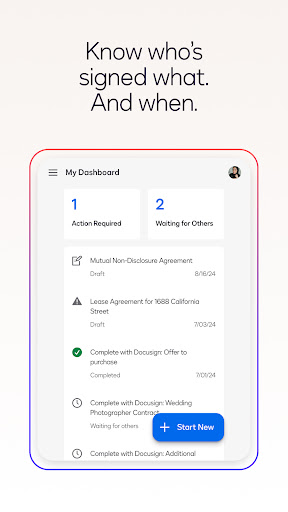
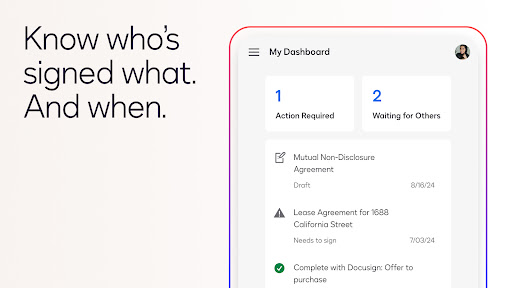
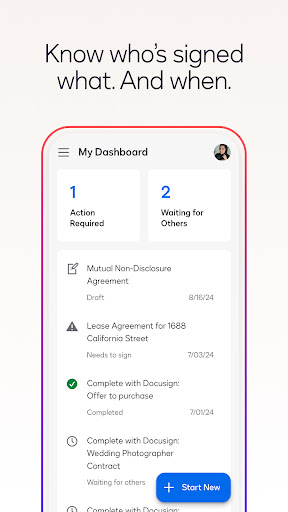
Reminders can be sent with a single tap, and if necessary, documents can be voided after being sent. Notifications alert users in real-time when a document has been signed, keeping the entire process transparent and efficient.
Legal Security and Compliance
One of the key advantages of using Docusign is its compliance with the eSign Act, making electronically signed agreements fully legally binding.
The platform maintains an audit trail that records who signed and when, providing additional legal assurance. All documents are protected through encryption, ensuring they are safer than traditional paper-based agreements.
Furthermore, Docusign is compliant with ISO 27001 and SSAE16 standards, reaffirming its commitment to data security and privacy.
Supported document formats include PDF, Word, Excel, JPEG, PNG, TIFF, and other text-based files, making it versatile for various signing needs.
Common Use Cases and Supported Documents
Users frequently digitally sign and send a wide range of important documents, such as:
- Non-disclosure agreements (NDAs)
- Sales contracts and proposals
- Healthcare documents
- Financial agreements
- Waivers
- Permission slips
- Lease agreements
The flexibility of Docusign enables users across various industries to streamline their workflows, reduce paperwork, and expedite approval processes.
Premium Plans and Additional Features
Beyond its free signing capabilities, Docusign offers comprehensive subscription plans tailored to different needs:
Standard Plan
- Send documents for signature
- Utilize advanced signing fields
- Manage signing workflows on the go
- Reminders, voiding, in-person signing, and reusable templates
Real Estate Plan
- All features of the Standard Plan
- Integrated zipForm Plus and custom branding options
- Efficient management of real estate documents
Personal Plan
- Limited to sending up to 5 documents monthly
- Basic signing fields like requesting signature, date, and name
- Reusable templates for consistency
Subscription details, billing information, and management options are available, with auto-renewal settings that can be adjusted or canceled via account settings.
For more information, users can visit the Privacy Policy and Terms of Service.
Why Choose Docusign - Upload & Sign Docs?
If you often find yourself overwhelmed with paperwork or need to sign documents remotely, Docusign is an indispensable tool. Its user-friendly interface, robust security, and comprehensive features make it ideal for individuals and businesses aiming to digitize their agreements.
From signing legal documents to managing real estate contracts or healthcare forms, this app simplifies the entire process. The ability to integrate seamlessly with various cloud platforms ensures that your workflow remains uninterrupted, whether you're working from home, the office, or on the move.
Embrace the future of digital signatures with Docusign and experience the convenience of managing agreements digitally, securely, and efficiently. Give it a try and transform the way you handle your documents today!
Pros
- Smooth process for signing documents.
- User-friendly interface.
- Data is protected with security and encryption.
- Supports a variety of integrations.
- Effective tools for tracking documents.
Cons
- Requires an active internet connection.
- Features in the free version are limited.
- Occasional delays in app performance.
- Subscription plans may be costly.
- Can be complicated for new users to navigate.











