
Comprehensive Document Reader & Viewer App
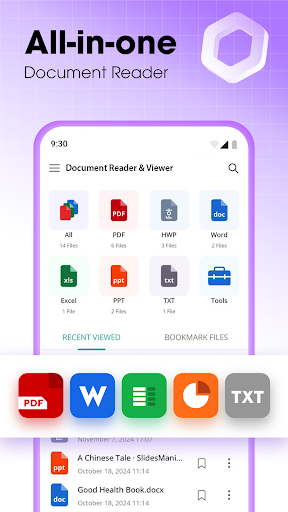
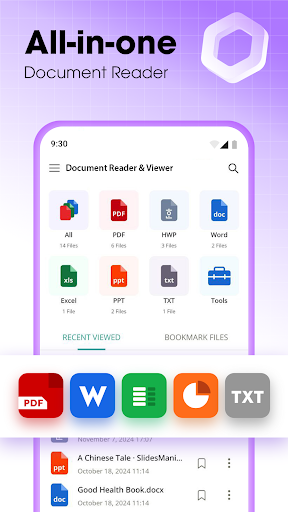
Are you tired of juggling multiple apps to open different types of documents on your device? Look no further than Document Reader & Viewer, the all-in-one file management solution designed to simplify your workflow. Whether it's PDFs, Word documents, Excel spreadsheets, PowerPoint presentations, or plain text files, this versatile app enables you to access and read all your files seamlessly and efficiently—all from your smartphone. With a user-friendly interface and powerful features, Document Reader & Viewer is the ultimate tool for anyone needing quick access to their documents on the go.
Main Features of Document Reader & Viewer
The app offers a wide range of capabilities tailored to meet your document reading needs:
All-in-One Document Management
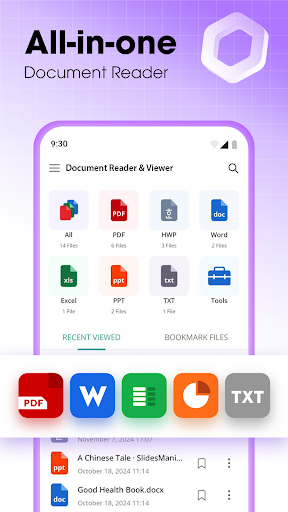
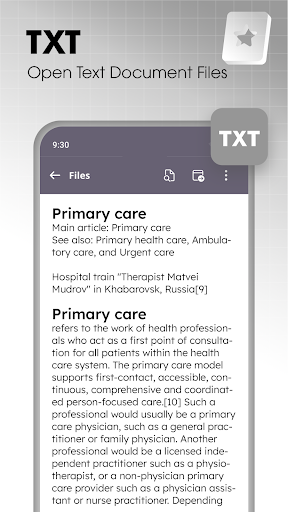
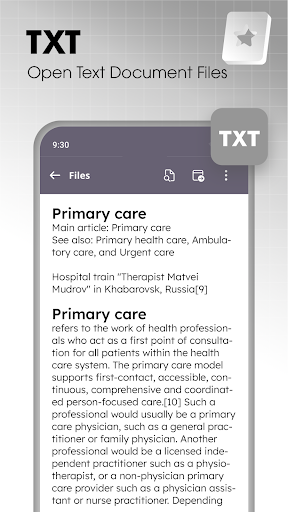
Support for all formats: PDF files, Word documents (•DOCX), Excel sheets (•XLSX), PowerPoint presentations (•PPTX), and simple text files. The documents are automatically organized into logical, easy-to-navigate folders, allowing you to locate files quickly. Its auto-scan feature detects PDFs and other documents, while text extraction from images simplifies data management. Whether you're managing work reports or personal files, this app keeps everything neatly organized at your fingertips.
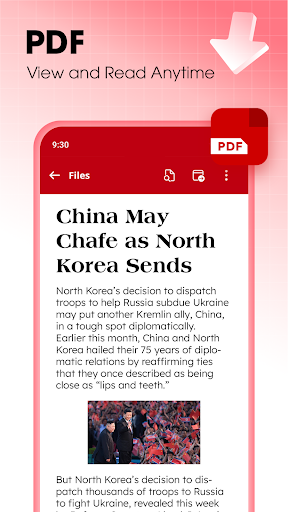
High-Quality PDF Reader & Viewer
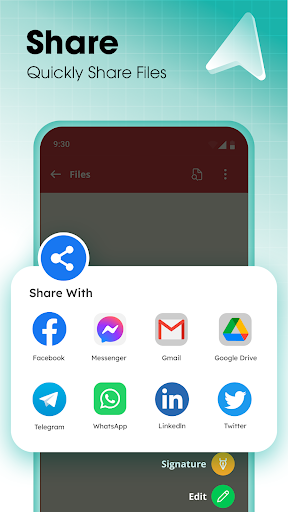
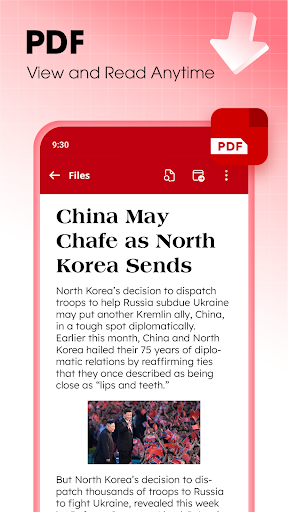
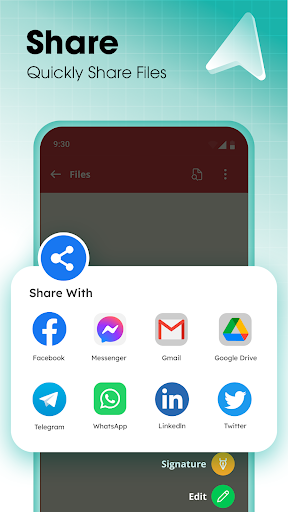
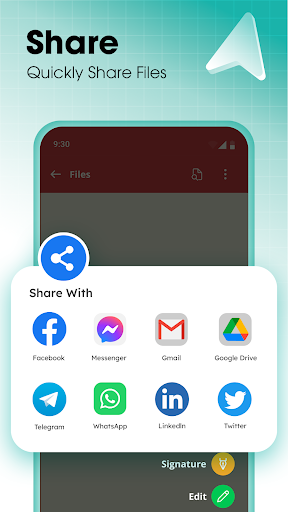
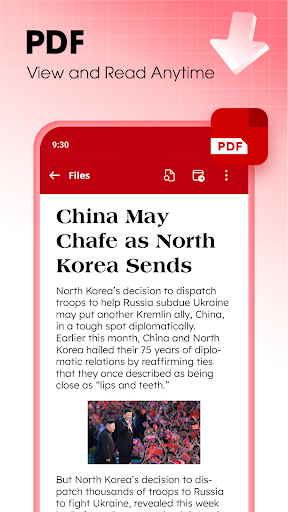
Open and read PDF files effortlessly, similar to flipping through an e-book. You can search specific pages, jump directly to sections, and zoom in or out with ease. The app supports ultra-fast reading of receipts, notes, scanned images, business cards, whiteboards, and other PDF documents. Sharing PDFs with friends or colleagues is just a tap away, making collaboration smooth and simple.
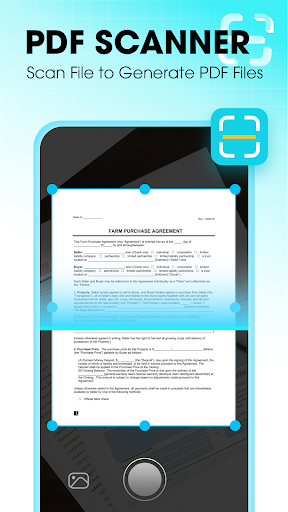
PDF Scanner & Converter
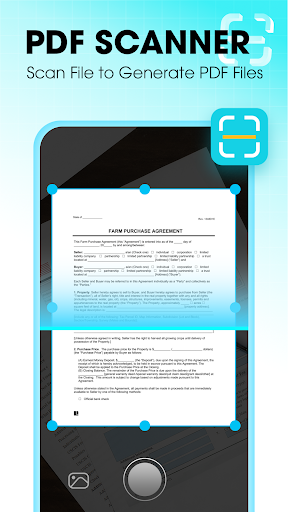
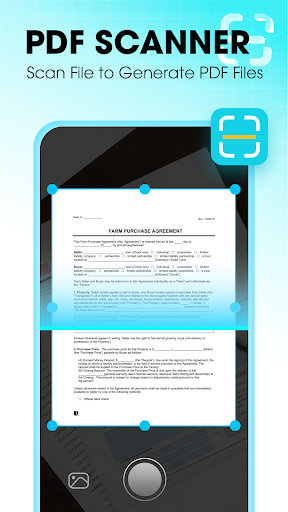
Use your device's camera to scan physical documents into clear, high-resolution PDFs. The app’s smart cropping and auto-enhancement features ensure that your scanned images have sharp text and vibrant colors. This makes it ideal for digitizing various papers such as invoices, receipts, contracts, or certificates, turning your phone into a portable scanner.
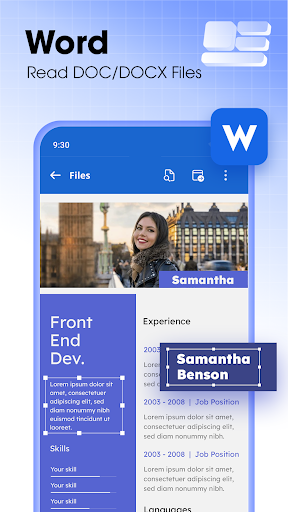
Efficient Word Document Viewing & Editing
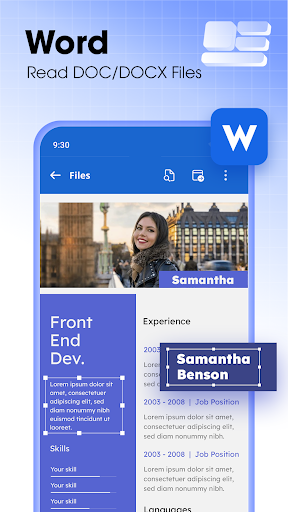
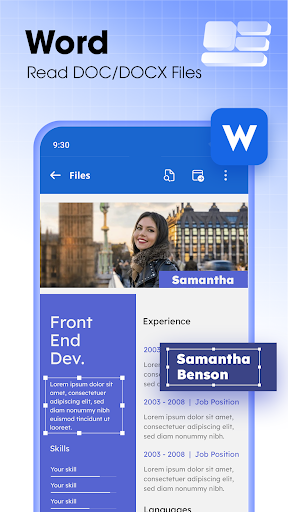
Read and interact with Word files including DOCX, DOC, and DOCS formats. You can create, edit, and delete text directly within the app. Its quick search feature helps you locate your desired document in seconds, and you can review and annotate files on the spot, making it a practical tool for students, professionals, or anyone dealing with text documents.
Excel Sheet & PowerPoint Presentation Support
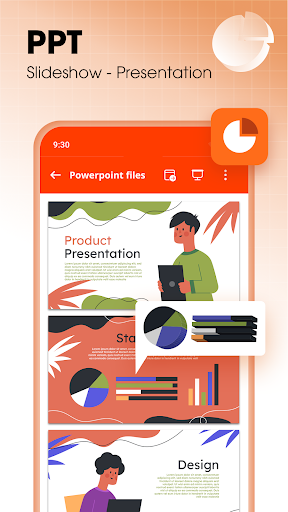
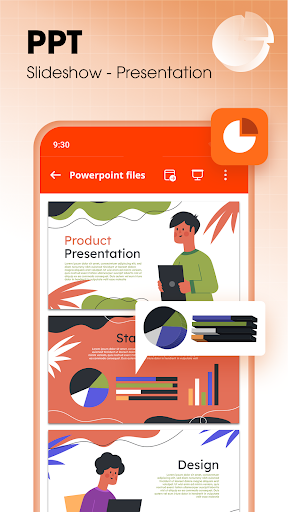
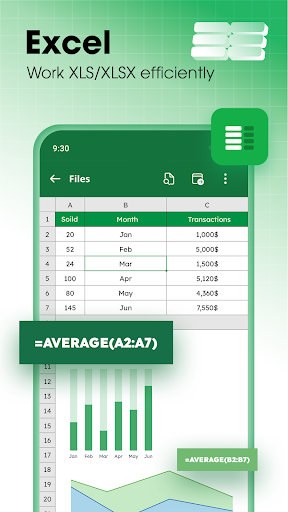
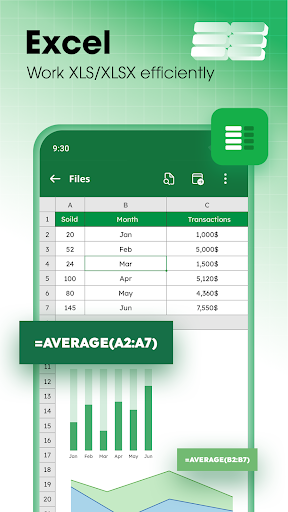
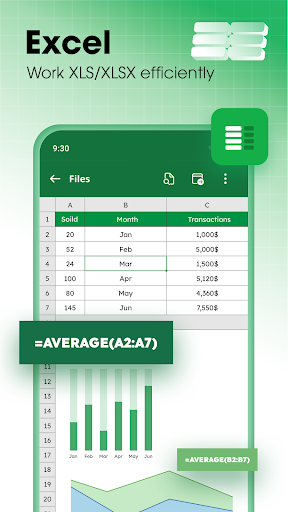
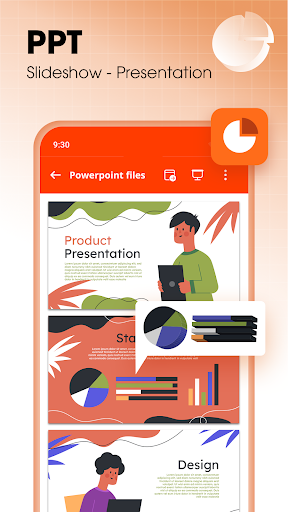
Open and manage your Excel spreadsheets (XLS, XLSX, CSV), with capabilities to view, edit, and analyze data. Power users working with PPTX and other presentation files will appreciate features like high-resolution viewing, slide searching, and even creating new slides or inserting images directly from the app. These features make it suitable for business meetings, classroom lectures, or personal projects.
Why Choose Document Reader & Viewer?
This app is a perfect office suite in your pocket. It eliminates the need for multiple applications — you can read, edit, organize, and share all your documents conveniently. Its lightweight design ensures quick loading times and smooth performance, even when handling large files. Plus, it works offline, so you can access your files anywhere, whether you're traveling, commuting, or in a place with limited internet connectivity.
Final Thoughts
The Document Reader & Viewer app is an efficient, reliable, and user-friendly tool that caters to anyone needing quick and easy document management on their mobile device. Whether you're a student reviewing coursework, a professional managing reports, or someone who frequently scans documents, this app streamlines the process and boosts productivity. Its support for a wide range of formats, combined with powerful features like document organization, high-speed viewing, and offline access, makes it a must-have app. Download Document Reader & Viewer today and experience the convenience of managing all your documents in one place—anytime, anywhere.
Pros
- Supports multiple file formats
- Fast and easy document loading
- User-friendly interface
- Offline access available
- Annotations and notes feature
Cons
- Contains ads in the free version
- Limited cloud integration
- Occasional loading errors
- No text editing features
- Subscription required for advanced features











