
Introduction to Document Reader & PDF Editor
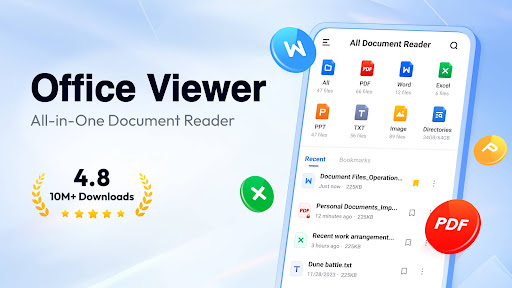
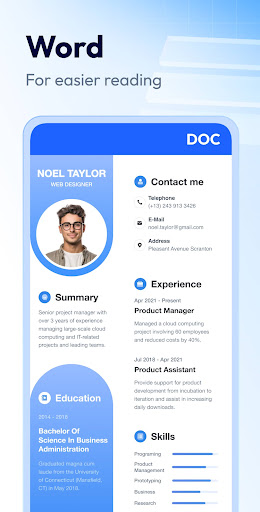
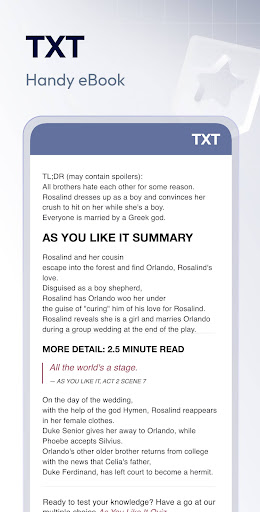
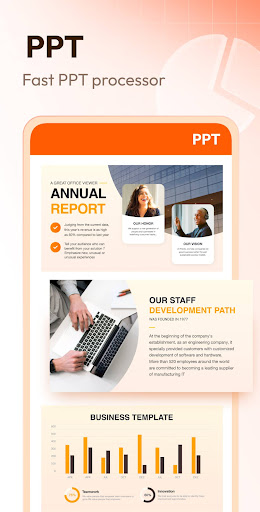
Are you frequently searching for a reliable document viewer and PDF editor that can handle all your office files effortlessly? Look no further! Document Reader & PDF Editor is an all-in-one solution designed to simplify your document management needs. Supporting a wide range of formats including PDF, WORD, EXCEL, PPT, TXT, and more, this app boasts a user-friendly interface coupled with powerful features that enable you to read, edit, and organize your files efficiently, whether you are at home or on the go.
Key Features of Document Reader
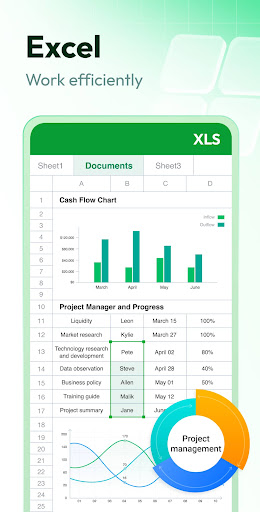
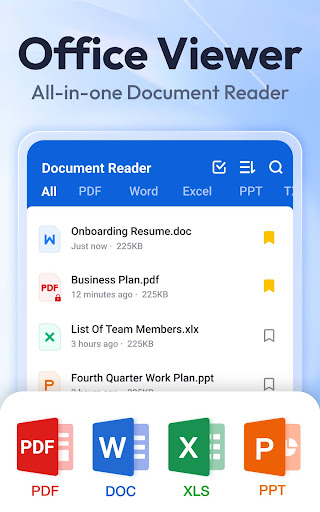
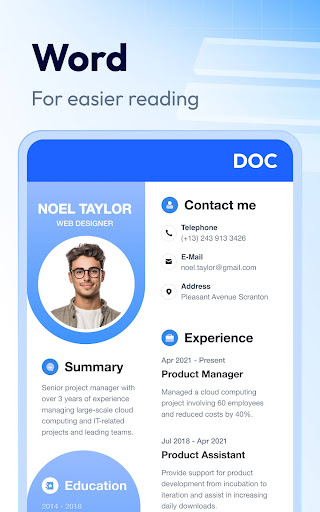
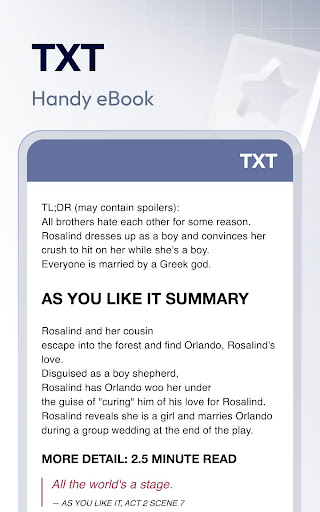
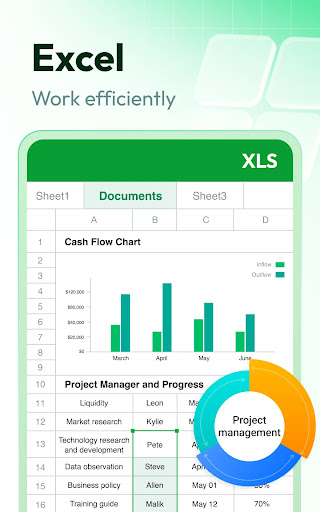
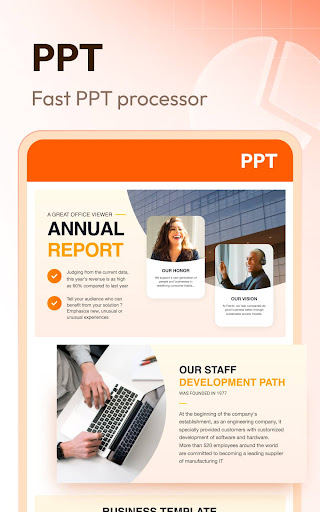
This versatile office document viewer supports virtually all popular formats such as PDF, DOC, DOCX, XLS, XLSX, PPT, TXT, as well as images like PNG and JPG. The app's straightforward design ensures quick access to your files, organized neatly in folders for rapid search and retrieval. With just one click, you can open Word documents, view PDF files, or manage all your files centrally.
Supported Format & Easy Management
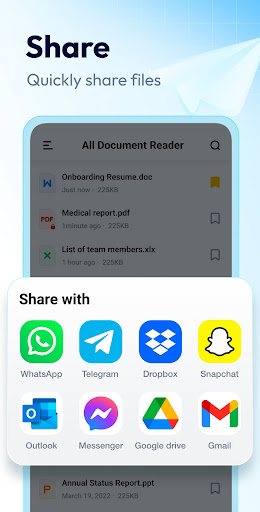
Support all formats - From PDFs and Word documents to spreadsheets and images, this app lets you open and view all document formats. Its simple file list allows you to search and manage your documents effortlessly. You can also bookmark frequently accessed files for quick retrieval and organization.
Viewing & Annotation
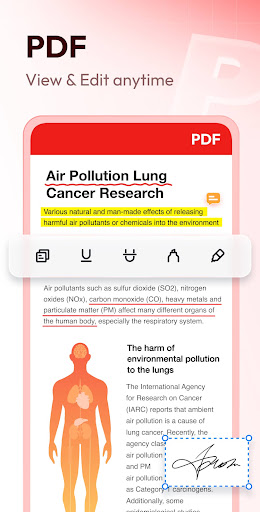
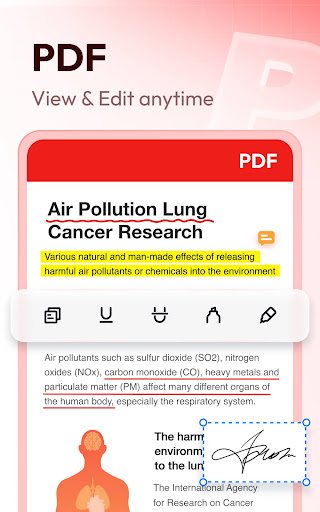
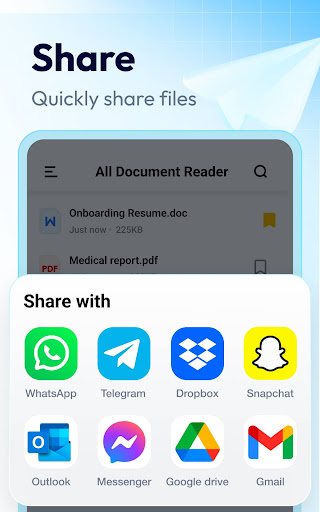
The PDF reader feature includes zooming in and out, jumping to specific pages, switching between landscape and portrait modes, and sharing or printing documents directly from the app. For editing needs, the PDF editor allows annotations, highlighting, and note-taking, making it suitable for both reading and editing documents on the fly.
Document Management & Search
With features like quick search, sorting by name, size, last edit date, and file path, managing large volumes of files becomes a breeze. The app supports bookmarking important pages or documents for swift access, and it remains fully functional offline—no internet connection required.
Additional Tools and Future Updates
Beyond just a PDF reader and office document viewer, the app offers image to PDF conversion, easy document editing, and supports additional formats like RAR, ZIP, MOBI, and HTML. With upcoming updates, users can expect features like night mode and full-text search within documents, further enhancing usability.
User Experience & Performance
Designed for smooth performance, Document Reader & PDF Editor operates seamlessly without lag or crashes, even with large files. Its offline capability ensures you can read and edit documents anytime, anywhere, without relying on an active internet connection. The app's lightweight nature means it won’t drain your device’s battery, making it ideal for busy professionals, students, or anyone handling multiple document formats regularly.
Ease of Installation & Permissions
Available for both Android and iOS devices, installing the app is quick and straightforward. For Android 11 and higher, users will need to provide MANAGE_EXTERNAL_STORAGE permission to access and manage files on their device securely. Rest assured, this permission is used solely for file management and not for any other purpose.
Why Choose Document Reader & PDF Editor?
Whether you're looking for a comprehensive document reader or a powerful PDF editor, this app offers a robust set of features that cater to every need. From viewing and annotating PDFs to converting between formats and managing files efficiently, it combines versatility with ease of use. It’s an essential tool for students, professionals, or anyone who handles documents daily.
Final Thoughts
With its intuitive interface, extensive format support, and rich feature set, Document Reader & PDF Editor stands out as a top choice for managing documents on the go. Download it today to experience seamless document handling, editing, and management—making your workflow more organized and productive than ever before!
Pros
- User-friendly interface
- Supports various file formats
- Fast document loading
- Cloud integration available
- Annotation tools included
Cons
- Requires in-app purchases
- Occasional ads
- Limited editing features
- May drain battery quickly
- No offline mode











