



Discover Coda: The All-in-One Collaborative Workspace
In today's fast-paced world, finding a solution that seamlessly combines various productivity tools into a single platform can significantly boost your workflow. Enter Coda, an innovative collaborative workspace designed to consolidate documents, spreadsheets, databases, and applications into one flexible environment. Whether you're managing a team, organizing personal projects, or streamlining business operations, Coda offers a comprehensive platform to make your work more organized, efficient, and collaborative.
What is Coda?
Coda is an all-in-one productivity platform that blends the familiarity of documents with the power of spreadsheets and databases. Unlike traditional apps that require switching between different tools, Coda consolidates everything you need into a unified workspace. Its intuitive interface and customizable environment make it suitable for both tech-savvy users and beginners seeking a smarter way to manage their tasks.
Core Features of Coda
The strength of Coda lies in its versatile features that cater to a variety of productivity needs:
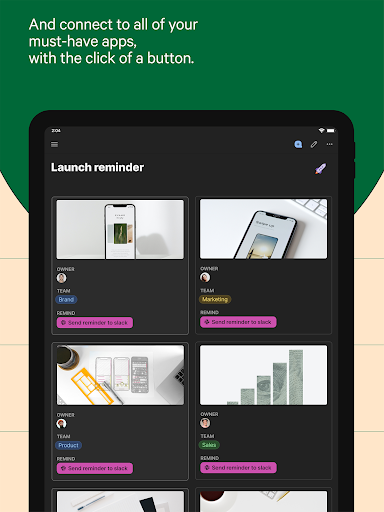
- Building Blocks: Create pages with infinite depth, tables that interlink, and buttons to trigger actions within or outside your docs.
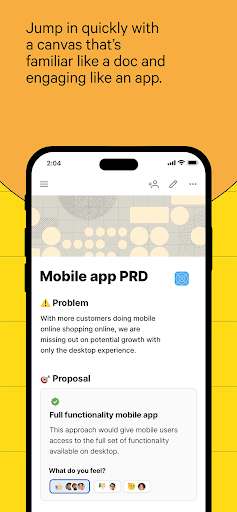
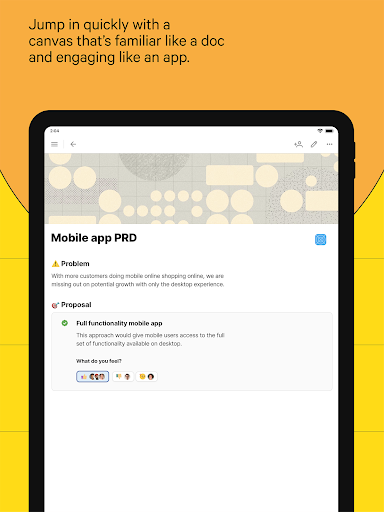
- Writeups: Functioning like a document, yet engaging enough to act as a customizable app, allowing teams to quickly collaborate and make decisive decisions.
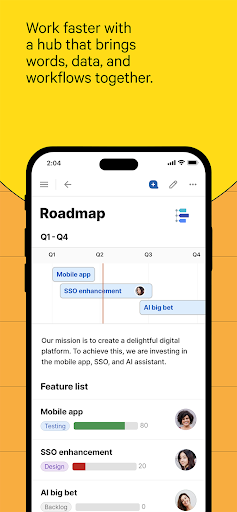
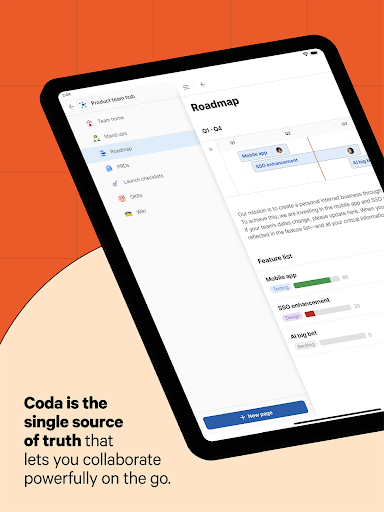
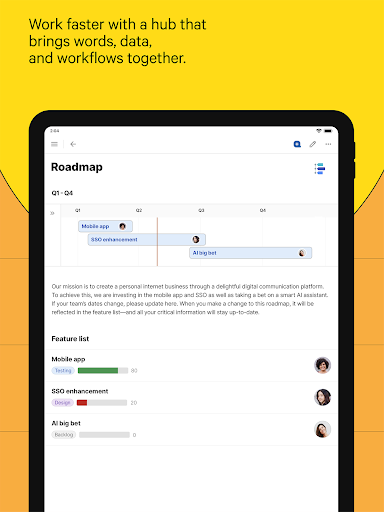
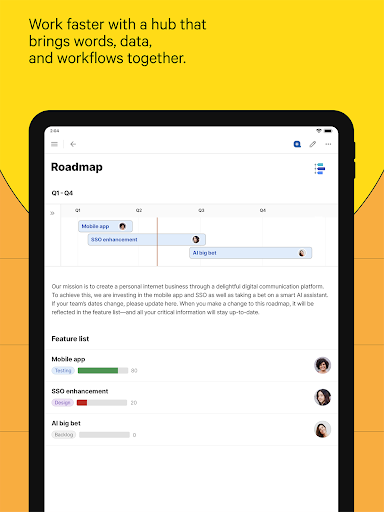
- Hubs: Centralized single sources of truth that streamline strategy, schedules, and team updates, enhancing overall team efficiency.
- Trackers: Interactive tables that synchronize edits, offer personalized views, and eliminate the need for complicated spreadsheets.
- Applications: Easily design custom solutions using formulas, buttons, and automation features—replacing multiple niche apps in your tech stack.
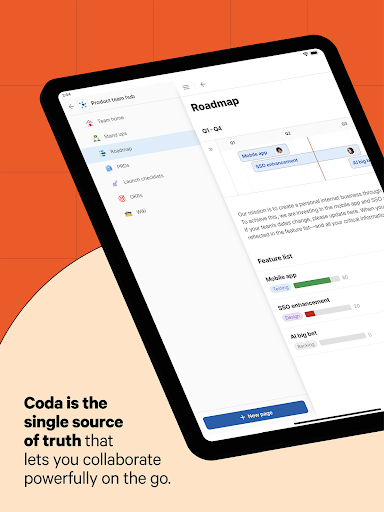
And with recent updates to the mobile interface, Coda enables seamless collaboration on the go. Users can effortlessly create, edit, and share documents, add pages to expand workflows, leave comments, and browse content quickly—making remote teamwork effortless and efficient.
Benefits of Using Coda
Choosing Coda offers numerous advantages:
- Unified Platform: Replace several apps with one flexible workspace—saving time and reducing complexity.
- Highly Customizable: Design workflows tailored to your team's unique needs.
- Easy to Use: Its clean, minimalist design ensures an intuitive experience, whether you’re an experienced user or new to productivity tools.
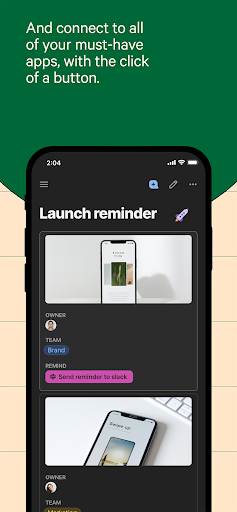
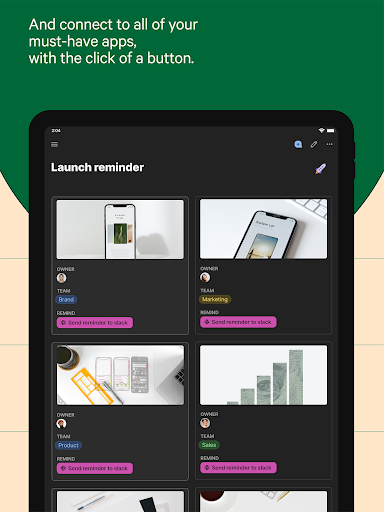
- Automation & Integration: Automate repetitive tasks with buttons and formulas, and connect effortlessly with tools like Slack, Google Calendar, and Jira.
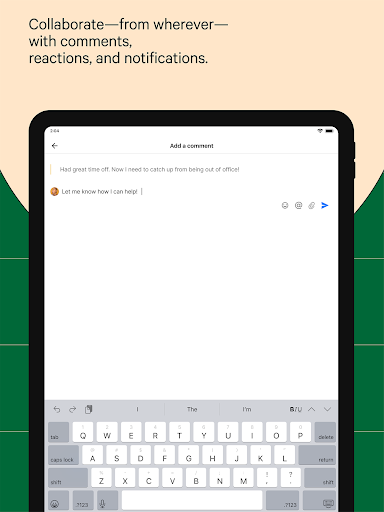
- Enhanced Collaboration: Comment, react, and share content within the same environment, fostering real-time teamwork from anywhere.
Why Choose Coda?
If you’ve ever felt overwhelmed juggling multiple apps or spreadsheets, Coda offers a smarter and more cohesive way to organize your work. Its innovative approach combines the flexibility of docs, the structure of spreadsheets, the power of applications, and the intelligence of AI to help you work more effectively.
Whether managing a complex project, trying to coordinate a team, or simply wanting better personal organization, Coda adapts seamlessly to your needs. Its robust features enable you to create custom tools, automate workflows, and centralize communication—all without switching between multiple, disconnected apps.
Final Thoughts
In an era where efficiency is paramount, having a tool like Coda can truly transform your approach to work. It’s designed to help you accomplish more by doing things smarter, faster, and in a more integrated way. Its capabilities extend beyond mere project management; it empowers you to craft tailored solutions that evolve with your needs.
If you’re ready to take your productivity to the next level, give Coda a try. With its versatile features, easy-to-use interface, and powerful automation, it might become the all-in-one platform you’ve been searching for to organize, collaborate, and innovate in your workflows.
Pros
- User-friendly interface for straightforward navigation.
- Strong integration capabilities with other applications.
- Enables real-time collaboration among users.
- Offers customizable templates to suit different needs.
- Available across multiple platforms.
Cons
- Limited functionality when offline.
- Steep learning curve for new users.
- Occasional issues with data synchronization.
- Some advanced features require additional payment.
- Mobile app has limited functionality.











