




Introduction to the Cloud Storage: Cloud Drive App
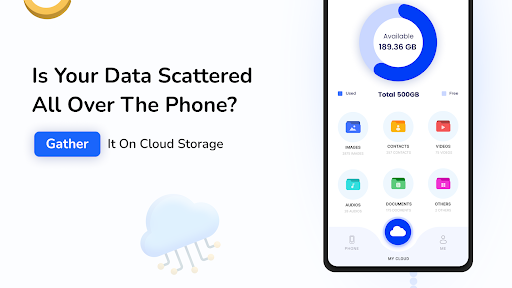
In today's digital age, managing and safeguarding your files is more important than ever. The Cloud Storage: Cloud Drive App offers a comprehensive solution for storing, backing up, and accessing your essential data effortlessly. Whether you need to store photos, videos, documents, or other file types, this cloud storage application provides a user-friendly platform that makes file management simple, secure, and accessible from any device. With generous free storage space and a suite of powerful features, the Cloud Storage Cloud Drive App is designed to meet the needs of students, professionals, and casual users alike.
Main Features of the Cloud Storage Cloud Drive App
Generous Free Cloud Storage
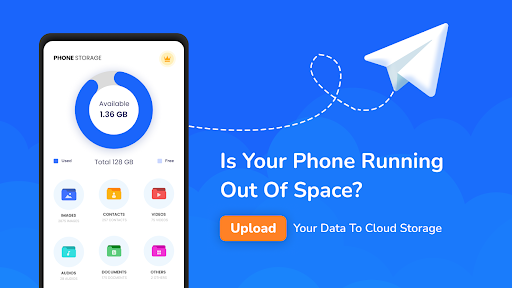
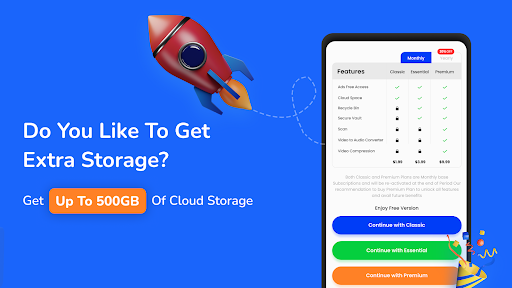
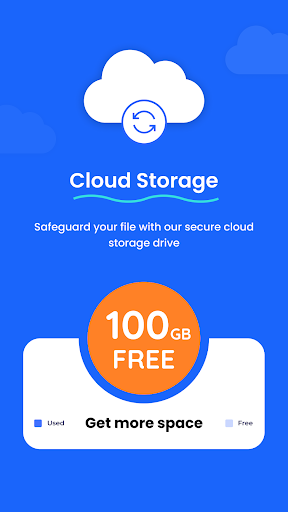
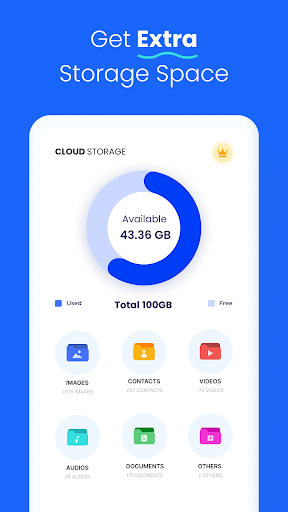
The app provides 100GB of free storage space, allowing users to store a wide range of files without worrying about running out of space. This makes it an ideal solution for backing up important photos, videos, documents, and more, all in one secure place.
Effortless Upload and Backup
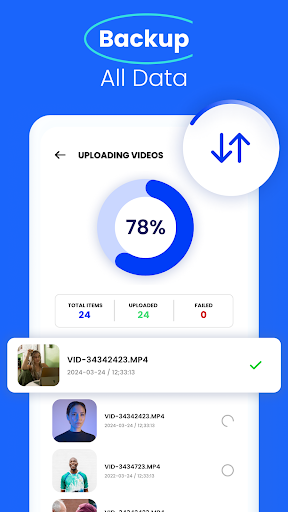
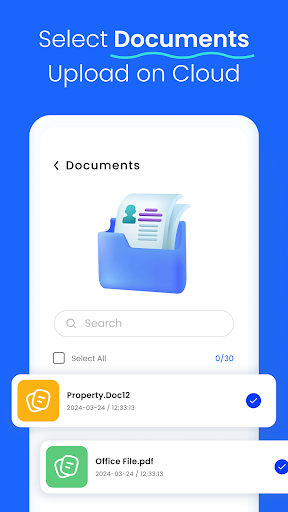
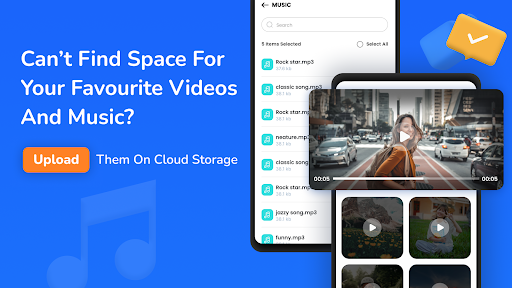
Uploading files is straightforward—simply select your files and upload them directly from your device. The app supports various file types, enabling seamless backup of photos, videos, apps, contacts, and documents. It’s a reliable tool to backup your data and restore files whenever needed, ensuring your digital memories and work files are always safe.
Secure and Reliable Storage
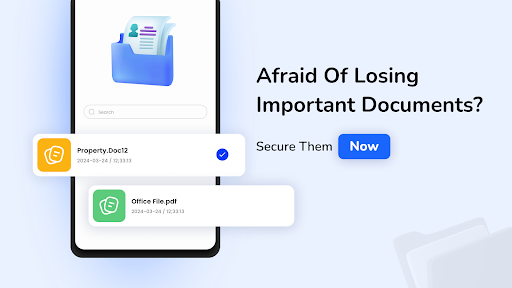
Security is a top priority. The app employs top-notch encryption methods to protect your data against unauthorized access. You can confidently store sensitive information, knowing it’s safeguarded by industry-standard security protocols.
Cross-Device Accessibility
Access your files from any mobile device or tablet at any time, whether you are at home, in the office, or on the go. The app makes it easy to access, share, and manage files across multiple devices with synchronization features.
Additional Handy Tools
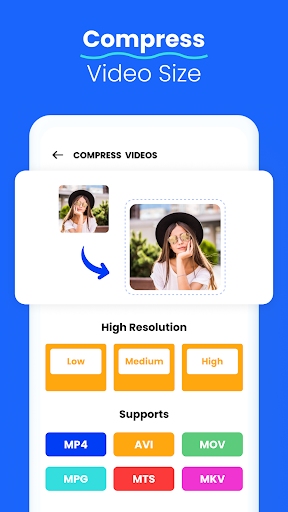
Beyond simple storage, the app offers a range of extras like file versioning, which allows you to retrieve previous versions of your files if needed. It also includes built-in media players for playing videos and audio files directly within the app. Users can even convert MP4 videos into MP3 audio files, making media management a breeze.
Photo and Image Editing
Handling images is made easy with the in-app image editor. You can flip, resize, crop, rotate, and move photos, then store the edited versions directly in your cloud storage space. This feature streamlines the process of managing visual content without needing third-party editing tools.
Why Choose the Cloud Storage: Cloud Drive App?
The Cloud Storage Cloud Drive App stands out as a versatile and secure platform for data management. Its user-friendly design allows even beginners to quickly upload and organize files while maintaining advanced security standards. The app’s ability to sync files across devices simplifies workflows, whether you're collaborating with team members or managing personal media collections.
Its reliable backup system ensures that your valuable memories and important work documents are always protected against device loss or damage. Plus, offline access features let you download files to view them without an internet connection, making it perfect for travel or areas with limited connectivity.
Designed for convenience and security, the Cloud Storage: Cloud Drive App is a perfect companion for anyone seeking an efficient way to store, share, and edit files securely in the cloud. Download it today and experience seamless file management that keeps your digital life organized and protected.
Pros
- User-friendly interface
- Large storage capacity
- Quick upload speeds
- Data security through encryption
- Compatible across multiple platforms
Cons
- Limited free storage space
- Requires internet connection
- Occasional synchronization problems
- Subscription may be expensive
- No option for offline access











