
Overview of the Calendar Planner - Agenda App
Are you looking to boost your productivity and stay organized effortlessly? Do reminders for important events, holidays, or anniversaries help you manage your busy schedule? If so, Calendar Planner - Agenda App is the perfect solution. This free digital calendar app integrates all your personal and business calendars into a single, easy-to-use platform, empowering you to manage your time efficiently and enjoy a more organized life.
Key Features and Benefits
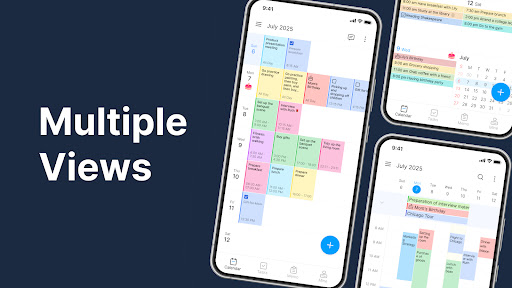
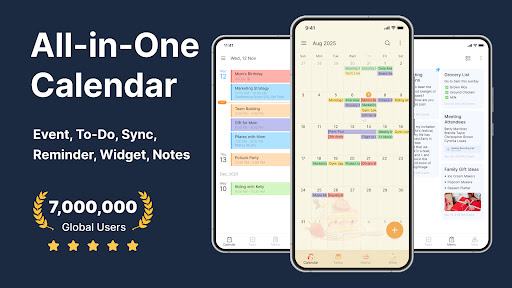
Calendar Planner - Agenda App brings together multiple calendars, allowing seamless scheduling and reminders. Whether you need to plan work meetings, personal events, or special occasions, this app simplifies everything. You can create, view, and manage your monthly, weekly, daily, and list views, providing flexible ways to stay on top of your agenda. The app supports various calendar sources, such as Google Calendar, local calendars, Gmail, and public holiday calendars for 2024, making it versatile and highly synchronized.
Customizable Calendar Views & Widgets
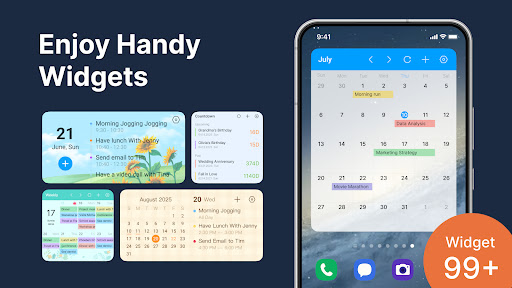
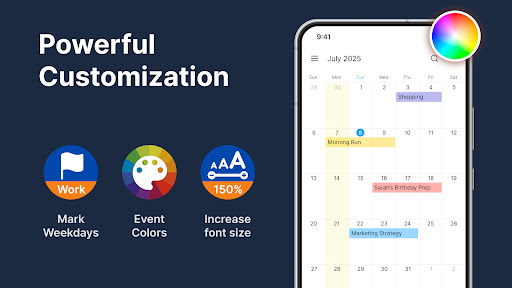
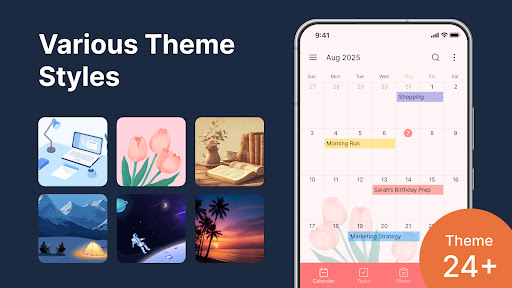
The default monthly calendar view can be personalized to show your daily, weekly, or even yearly schedule. Visual customization is a highlight; with numerous themes and color schemes, you can tailor the interface to match your style, reducing eye strain and enhancing usability. Additionally, calendar widgets (month, week, agenda) can be added to your device's home screen for instant access. These widgets are customizable in size and appearance, allowing you to check your today's agenda or upcoming events at a glance.
Reminders, Alarms, and Notifications
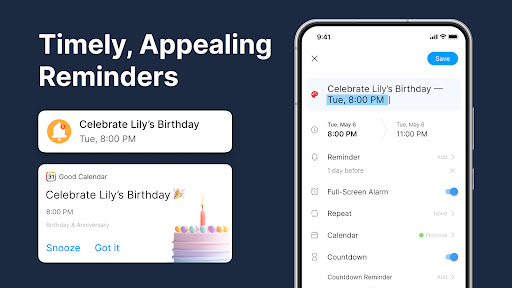
Never miss an important event with the app's reminder and alarm features. You can set alerts for meetings, birthdays, holidays, or deadlines. Notifications are flexible—receiving alerts via push notifications, emails, or even SMS—making sure you stay informed no matter where you are. The app’s intuitive interface also supports drag-and-drop functionality for managing your daily events quickly.
Unified Management & Syncing
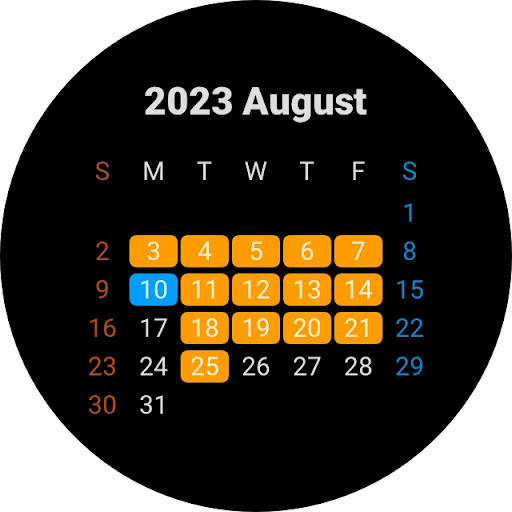
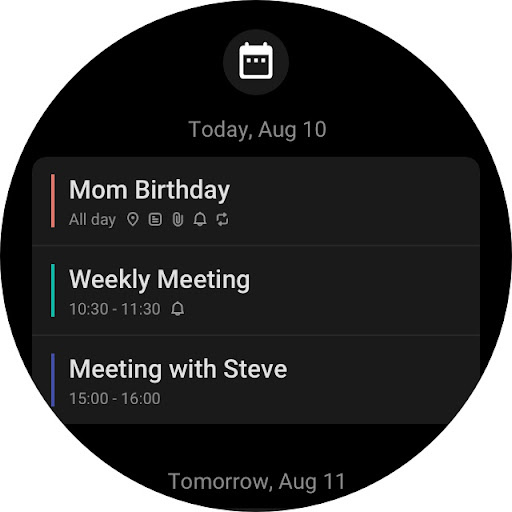
One of the strongest advantages of Calendar Planner - Agenda App is its ability to aggregate all types of calendars into one app. You can import local calendars, business schedules, study planners, and holiday calendars effortlessly. Its sync feature ensures your data is backed up and updated across devices, supporting Wear OS for smartwatches. This means your calendar updates seamlessly whether you’re on your phone or checking your schedule through a wearable device.
Notes, Media Attachments, and Event Details
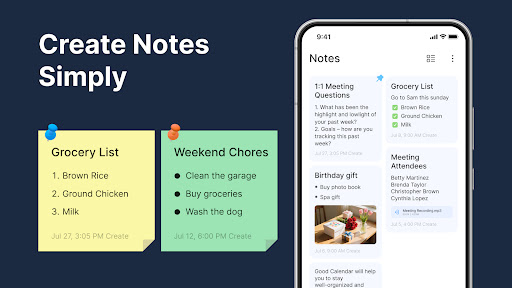
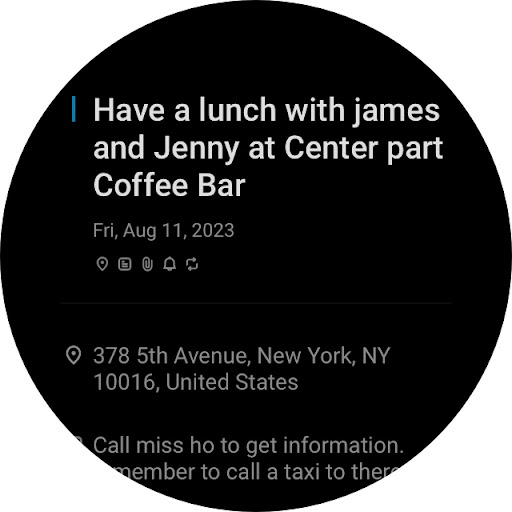
Beyond scheduling, the app lets you add notes, attach media files, and specify event locations. The ability to include detailed information about each appointment or task makes your planning even more efficient. You can set recurring events on your monthly calendar and quickly access summaries through the widget, simplifying routine planning.
Design and User Experience
The interface is thoughtfully designed to be both simple and efficient. Its minimalistic approach ensures easy navigation, avoiding overwhelming users with complex menus. Customizable themes and clear visual markers help distinguish different events (such as birthdays or work meetings). With the inclusion of media attachments and location tags, your scheduling experience becomes rich and detailed. The app caters to users who prefer a colorful, organized, and deeply personalized calendar experience.
Conclusion: Why Choose This Calendar App?
In summary, Calendar Planner - Agenda App is a comprehensive, free calendar organizer and reminder tool suited for students, professionals, and anyone looking to streamline their daily schedule. Its ability to sync across multiple calendar sources, highly customizable interface, and user-friendly features make it a standout choice in the realm of digital calendar apps. With its versatile widgets and notification options, it ensures you stay informed and organized wherever life takes you. If you want an all-in-one tool for scheduling, remembering, and planning, this app is undoubtedly worth trying. Your future organized self will thank you!
Pros
- User-friendly interface.
- Seamless synchronization with other calendars.
- Customizable reminders.
- Provides daily view.
- Offers weekly view.
- Includes monthly view.
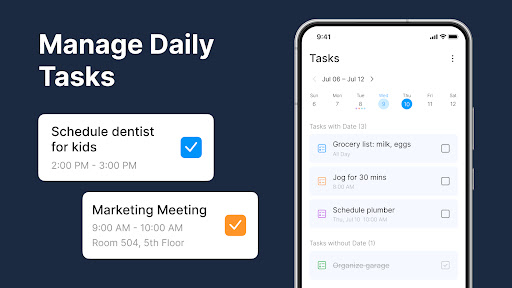
- Features efficient task management.
Cons
- Limited features in the free version.
- Occasional delays in synchronization.
- No offline functionality available.
- Advertisements present in the free version.
- Consumes significant battery power.











