
Bitwarden Password Manager
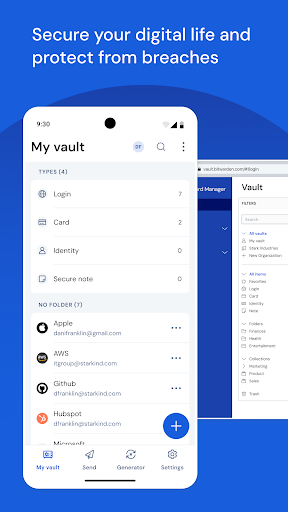
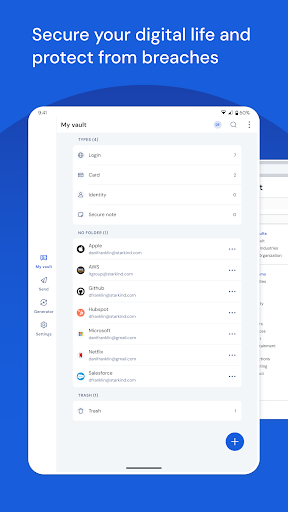
Recognized as the best password manager by PCMag, WIRED, The Verge, CNET, G2, and more! SECURE YOUR DIGITAL LIFE and protect against data breaches by generating and saving unique, strong passwords for every account. Maintain everything in an end-to-end encrypted password vault that only you can access.
Access Your Data Anytime, Anywhere
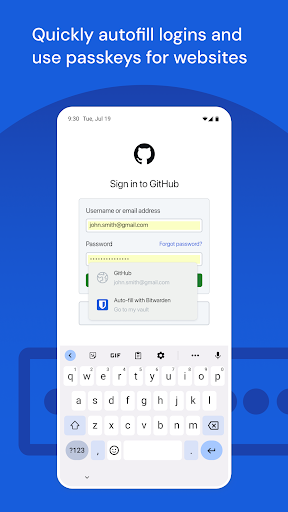
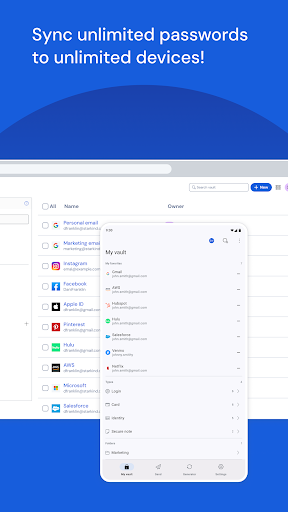
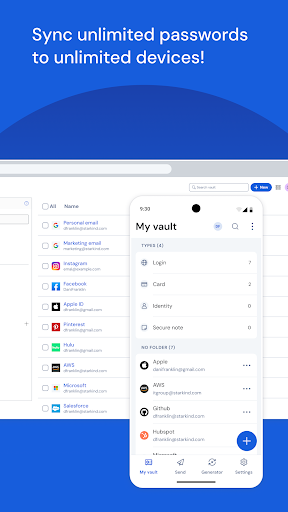
Easily manage, store, secure, and share unlimited passwords and passkeys across unlimited devices without restrictions. Use passkeys wherever you log in by creating, storing, and syncing passkeys across the Bitwarden mobile app and browser extensions for a secure, passwordless experience no matter what device you're on.
Empowering Everyone to Stay Safe Online
Utilize Bitwarden for free with no ads or data selling. Bitwarden believes everyone should have the tools to stay safe online. Premium plans unlock access to advanced features such as SSO integration, self-hosting, directory integration, SCIM provisioning, global policies, API access, event logs, and more. Businesses can secure their workforce and share sensitive information confidently with colleagues.
Why Choose Bitwarden?
World-Class Encryption
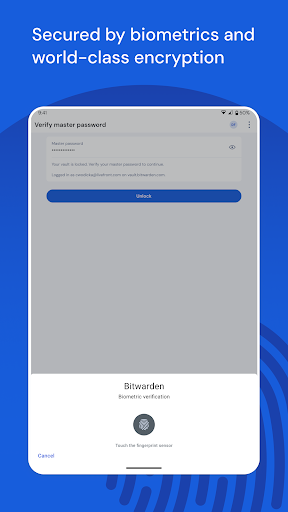
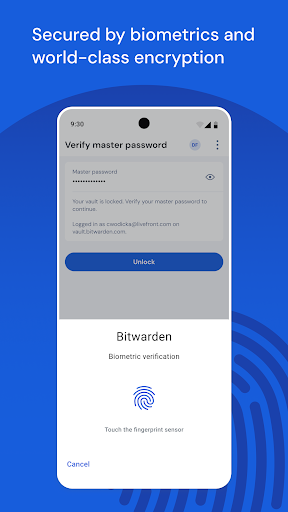
Passwords and sensitive data are protected with advanced end-to-end encryption (AES-256, salted hashtags, PBKDF2 SHA-256), ensuring your data remains private and secure.
Third-Party Security Audits
Bitwarden undergoes comprehensive third-party security audits annually, including source code assessments and penetration testing across its infrastructure, to maintain transparency and trust.
Advanced 2FA Security
Enhance your login security with two-factor authentication options such as authenticator apps, email codes, or FIDO2 WebAuthn credentials like hardware security keys and passkeys.
Bitwarden Send
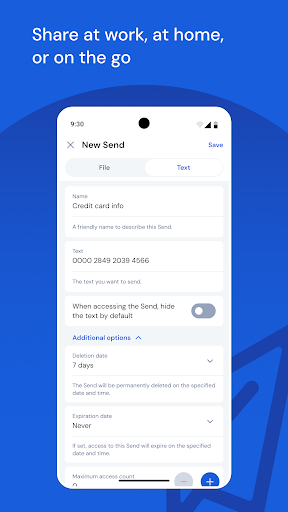
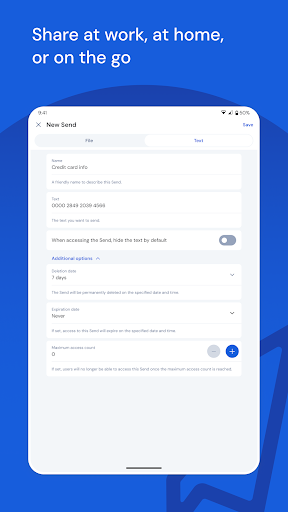
Securely transmit end-to-end encrypted data directly to others while limiting exposure, making sharing sensitive information safer and more private.
Password Generator
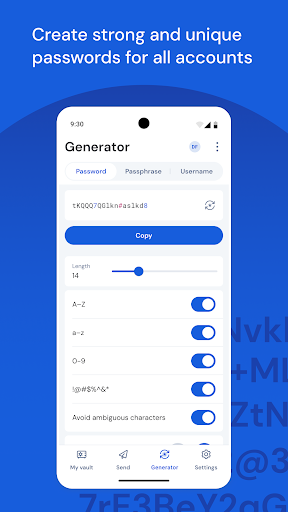
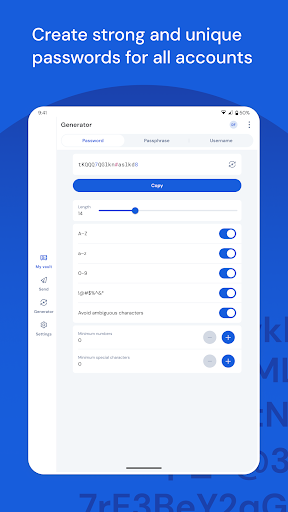
Create long, complex, and unique passwords for each site with the built-in password generator, enhancing your overall online security. Integrate with email alias providers for additional privacy.
Multi-Language Support & Cross-Platform Compatibility
Bitwarden is available in more than 50 languages and supports browser extensions, iOS, Android, Windows, Linux, and other platforms, ensuring that your sensitive data is always within reach, regardless of device.
Accessibility Features
With **Accessibility Services**, Bitwarden can enhance Autofill functionality on older or problematic devices by searching for login fields and inserting credentials securely, without storing or controlling on-screen elements beyond that purpose.
Personal Experience & User-Friendly Design
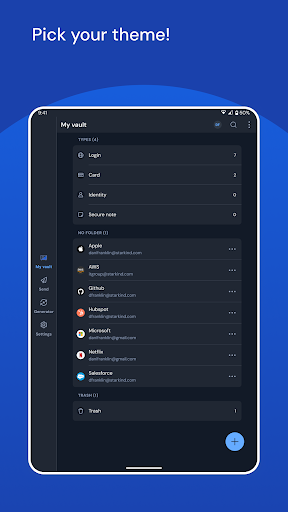
If you've ever felt overwhelmed by a sea of passwords, Bitwarden Password Manager might be your ideal solution. Its clean and straightforward design makes setup quick and easy. You can create folders, add notes, and attach files—kind of like having a personal assistant who never forgets anything!
Security is taken very seriously, with end-to-end encryption and two-factor authentication ensuring your data stays protected. Plus, as an open-source project, its transparency gives you extra peace of mind knowing the code is publicly scrutinized for vulnerabilities.
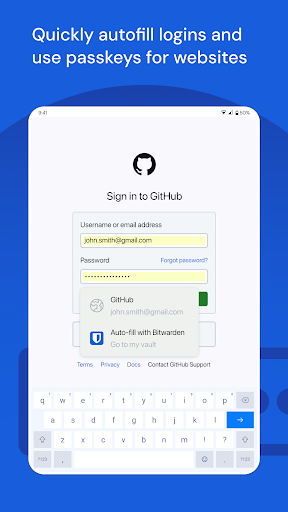
The cross-platform support means your passwords are always accessible whether you're on your smartphone, tablet, or computer. Its seamless browser integrations with autofill make logging in swift and hassle-free, especially when you're in a rush.
With the password generator feature, creating strong, unique passwords becomes effortless, helping you significantly improve your online security.
All these features come at a great value. The free version gets you most of the essentials, while the premium subscription unlocks powerful tools for advanced users and organizations.
In summary, Bitwarden isn't merely a password manager—it's a comprehensive digital security solution that simplifies managing your online credentials and enhances your peace of mind. It's a tool everyone should consider to stay protected in the digital age.
Pros
- Open-source with transparent development
- Available on multiple platforms for easy access
- Robust security with end-to-end encryption
- Free version provides comprehensive features
- User-friendly interface suitable for all levels
Cons
- No password access offline
- Limited response time from customer support
- Premium features require a subscription
- Some functionalities may need technical expertise
- Occasional synchronization delays across devices











