
App Lock - Applock Fingerprint: Secure Your Phone Privacy
In today's digital age, safeguarding your private data on your smartphone is more important than ever. App Lock - Applock Fingerprint offers a comprehensive solution to protect your sensitive information with ease and style. Whether you're concerned about nosy friends, family, or simply want peace of mind, this app provides robust security features that keep your personal data safe from prying eyes.
Key Features of App Lock - Applock Fingerprint
1. Effortless App Locking with Advanced Security Options
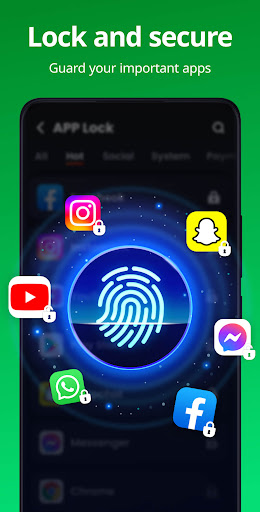
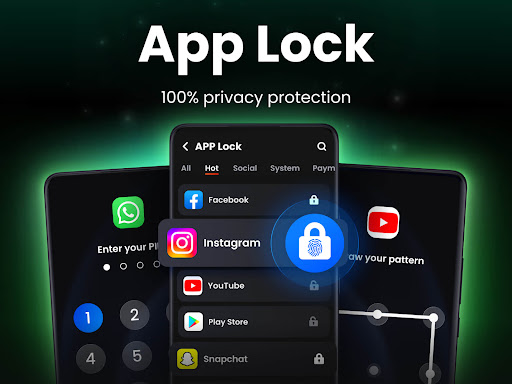
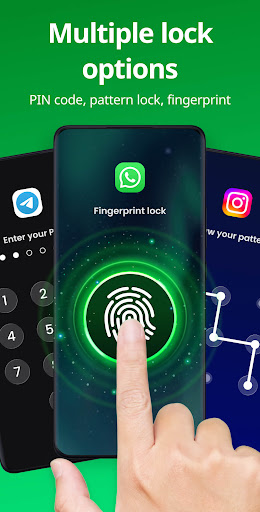
The app enables you to lock individual applications with multiple methods such as PIN, pattern, or fingerprint. Quickly securing your social media platforms like WhatsApp, Instagram, and Facebook prevents others from accessing your chats and posts. In addition, sensitive apps like Gallery, Contacts, and Messages are protected from unauthorized viewing, ensuring complete privacy.
2. Privacy Protection with Safe Vault
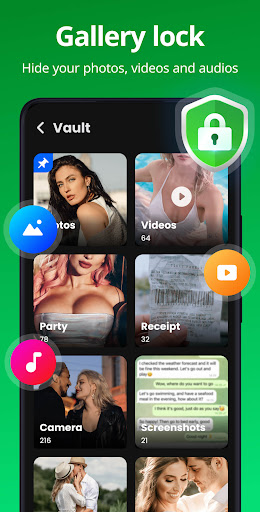
One of the standout features is the Safe Vault that hides your private photos and videos. These files become invisible in your gallery, accessible only through a password, safeguarding your cherished memories from accidental exposure.
3. Intruder Selfie & Disguise Mode
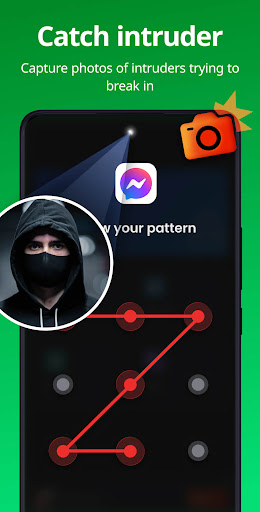
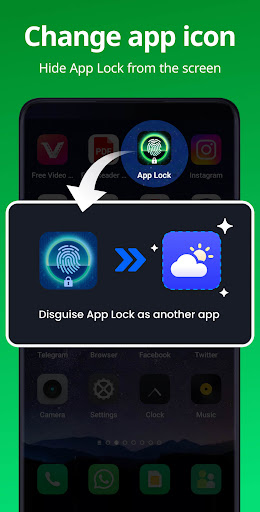
If someone attempts to access your apps with the wrong password, the Intruder Selfie captures a photo of the intruder, providing a deterrent against unauthorized access. Moreover, the app supports Disguise App mode, which allows you to change the app icon, making it less noticeable and preventing others from discovering its presence on your device.
4. Additional Security Features
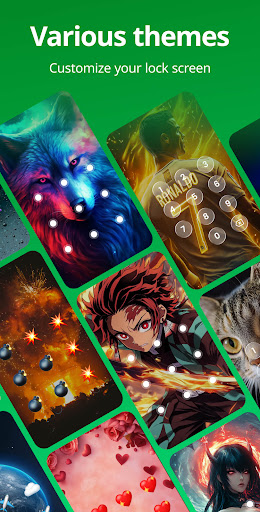
To ensure your privacy remains intact, features like Uninstall Protection prevent accidental removal of hidden files and apps. You can also customize the look of your lock screen with various Themes. For enhanced security, options such as Hide pattern draw path and Random keyboard make it harder for anyone to guess your lock combination.
5. Future Enhancements and Additional Tools
Upcoming features like Encrypt notification for secure message alerts, Junk file cleaner to tidy up storage, and Cloud backup for data safety are planned. These will further enhance your experience and ensure your privacy is always under your control.
Seamless User Experience and Convenience
Designed with user-friendliness in mind, App Lock - Applock Fingerprint boasts a clean, intuitive interface that makes locking and unlocking apps straightforward. The app supports fingerprint lock, allowing you to secure your apps quickly and conveniently—just a tap of your finger, and your data is protected. Combining fingerprint, PIN, and pattern options gives you flexibility in securing different apps based on sensitivity.
Setting up or changing your password is simple: navigate to Settings, select Change password, and input a new one. For those concerned about forgotten passwords, the app offers an easy recovery via email, ensuring you won't be locked out of your own privacy.
Why Choose App Lock - Applock Fingerprint?
If you value privacy and want a reliable, secure way to lock your applications, this app is a top contender. Its support for biometric fingerprint lock and various protective features makes it stand out from generic app lockers. The ability to disguise the app, capture intruder selfies, and lock sensitive apps with just one tap ensures your private data remains confidential.
Looking for an ultimate security app that combines ease of use with powerful features? App Lock - Applock Fingerprint is your ideal choice. Protect your personal information, keep nosy eyes away from your private photos and videos, and enjoy peace of mind knowing your data is under lock and key. Download it today and experience the most secure way to keep your smartphone confidentials safe and private.
Pros
- User-friendly interface.
- Supports unlocking via fingerprint.
- Lightweight with quick performance.
- Allows customization of lock themes.
- Provides secure protection for apps and data.
Cons
- Advertisements may be disruptive.
- Some features require additional payment.
- Limited compatibility with newer devices.
- May lead to faster battery drain.
- Occasional app crashes have been reported.











