
All Document Reader & Editor: The Ultimate Mobile Document Management Solution
In today’s fast-paced digital world, managing and accessing a variety of document formats seamlessly is crucial for students, professionals, and anyone who frequently works with files on their mobile devices. All Document Reader & Editor stands out as a versatile, all-in-one app designed to support a wide range of file formats including Word, Excel, PPT, and PDF. This comprehensive tool offers a smooth and efficient document reading experience, making it a must-have for mobility and productivity.
Why Choose All Document Reader & Editor?
Multi-Format Compatibility
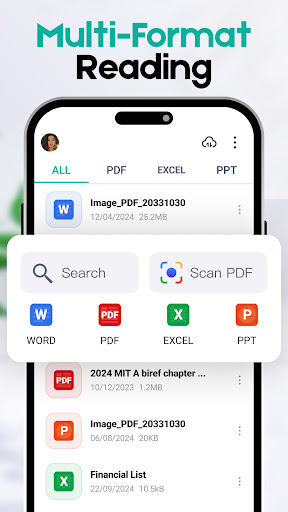
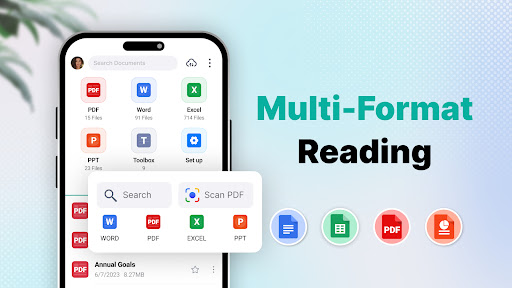
One of the main advantages of All Document Reader & Editor is its unparalleled support for multiple file formats. You can easily view Word, Excel, PPT, PDF, and more, all within a single app. This eliminates the hassle of constantly switching between different applications, thus streamlining your workflow and enhancing productivity.
Document Scanning & Archiving
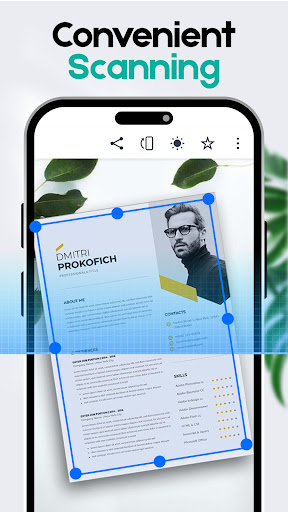
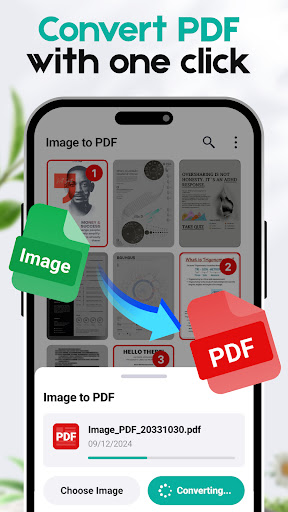
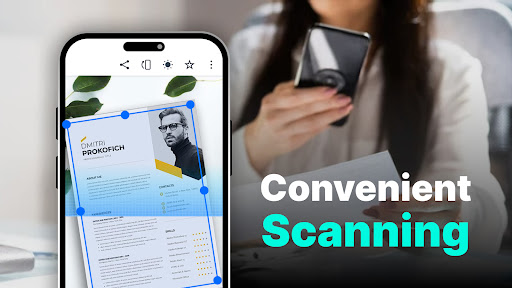
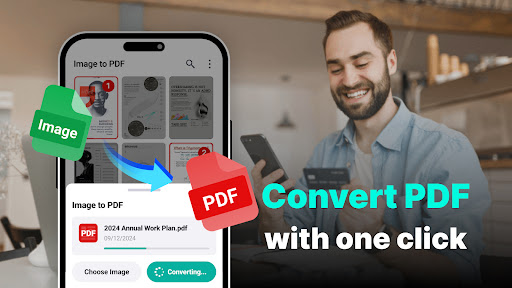
This app simplifies document digitization with its •Document Scanning feature. With just one click, you can scan paper documents, photos, or JPG images directly into PDF format. Whether you're digitizing receipts, notes, or important papers, this feature makes archiving and sharing straightforward and efficient. It's ideal for users who need quick conversion tools on the go.
Convenient Reading & File Browsing
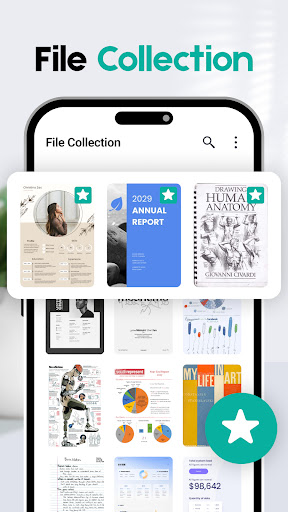
All Document Reader & Editor allows users to access and read their documents anytime and anywhere. You can browse through all types of files stored locally or in cloud services with ease, making document management hassle-free. This extensive file access and intuitive interface contribute to a boost in everyday productivity, whether you are reviewing reports or preparing presentations.
Smart Search & Quick Access
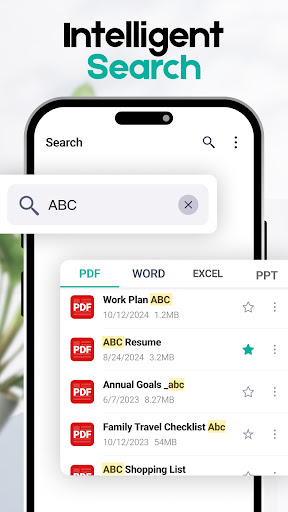
Finding the right document has never been easier. The app features a •Smart Search capability that lets you locate specific files or content within seconds. This intelligent search saves valuable time and effort, especially when managing large collections of documents.
Eye Care Mode for Comfortable Reading
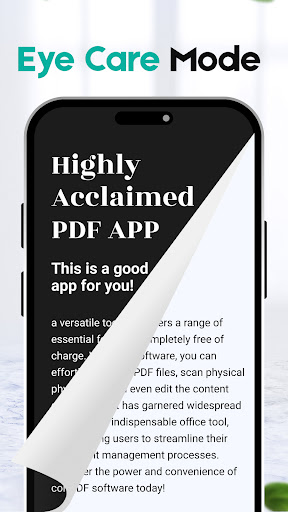
Long reading sessions can strain your eyes, but All Document Reader & Editor offers a •Eye Care Mode that switches the interface into a dark mode. This feature reduces eye fatigue and enhances your reading comfort during extended use, making it suitable for students, professionals, and anyone who spends hours with digital documents.
Enhanced Features for a Better Document Experience
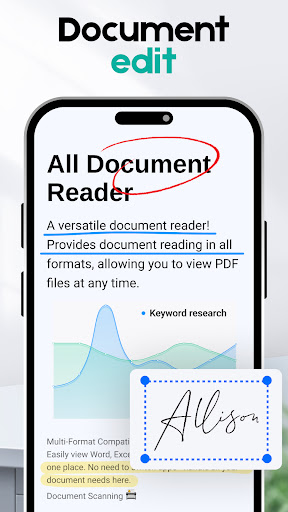
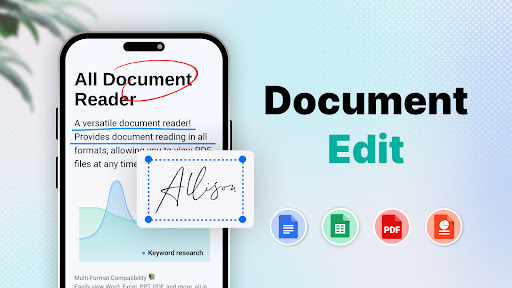
This all-in-one document app is packed with features designed to optimize your document interaction. You can not only view documents but also edit, highlight, annotate, and share files instantly. Supports integration with popular cloud storage services like Google Drive and Dropbox, allowing seamless synchronization across devices. Whether working from a laptop or a smartphone, you can start editing a document and continue on the go without interruption.
Performance, Reliability, and User-Friendliness
All Document Reader & Editor delivers exceptional performance with fast load times, even for large files. Its user-friendly interface is intuitive for newcomers while providing advanced features for power users. Cross-platform compatibility ensures a smooth experience whether you're on Android or iOS devices. The developers' continuous updates and improvements guarantee a reliable, bug-free user experience—making it a dependable tool for daily document management.
Conclusion
If efficiency, versatility, and ease of use are what you’re seeking in a document reader and editor, then All Document Reader & Editor is the ideal solution. It consolidates multiple document formats, supports quick scanning and sharing, and facilitates smooth navigation and editing—all in a single app. Elevate your document handling – manage, read, and edit with confidence, anytime and anywhere. Download now and transform your mobile document experience into a seamless, organized journey!
Pros
- Supports various file formats
- User-friendly and easy to navigate
- Fast document loading times
- Available offline access
- Minimal advertisements for free users
Cons
- Limited editing capabilities
- Occasional delays in rendering
- No integration with cloud storage services
- Presence of ads in the free version
- Lacks advanced search functionalities











