
Introduction to 1Password: Password Manager
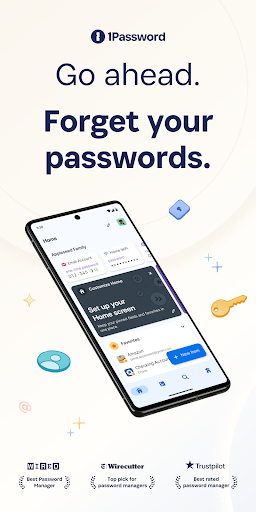
Since its inception in 2006, 1Password has been a reliable companion for millions of users worldwide, including over 150,000 businesses. Recognized by The New York Times Wirecutter as one of the best password managers, it offers an exceptional blend of features, security, compatibility, and ease of use. Whether you're looking to generate strong and unguessable passwords, securely store sensitive information, or streamline your login process across devices, 1Password is designed to simplify and secure your digital life.
Key Features of 1Password
Generate Strong Passwords
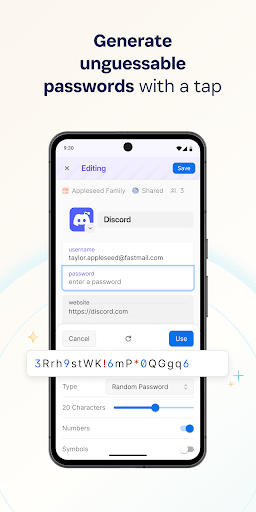
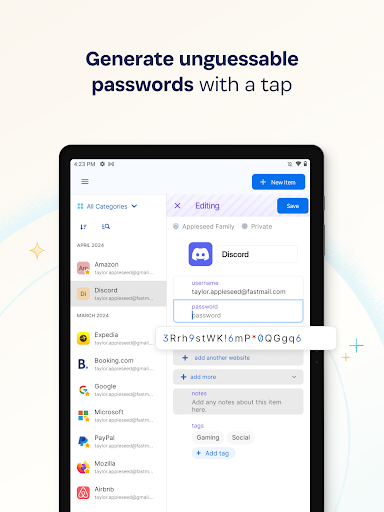
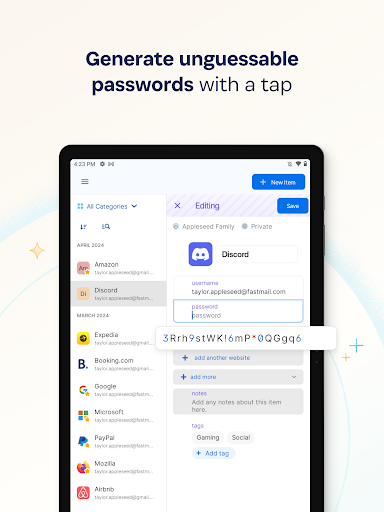
One of the standout features is the built-in •password generator. With a simple tap, you can create strong, unguessable passwords for your accounts. These passwords are then saved securely within your vault, ensuring you have unique credentials for every site. The passwords are accessible across all your devices, whether you’re on a browser extension, mobile app, or desktop app. This seamless integration helps prevent security breaches caused by weak or reused passwords.
Automatic Sign-In and Autofill
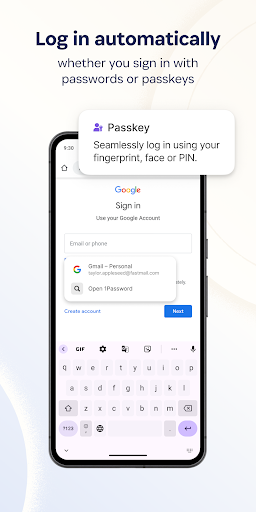
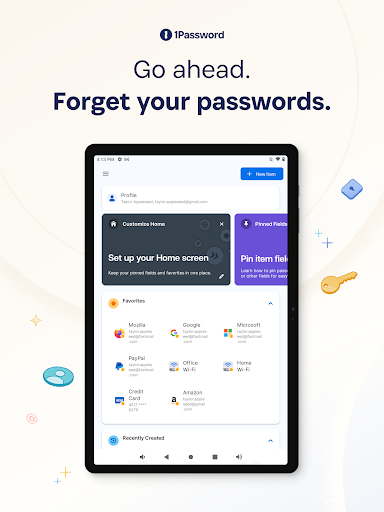
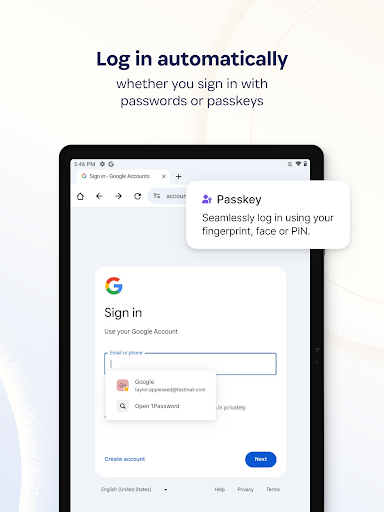
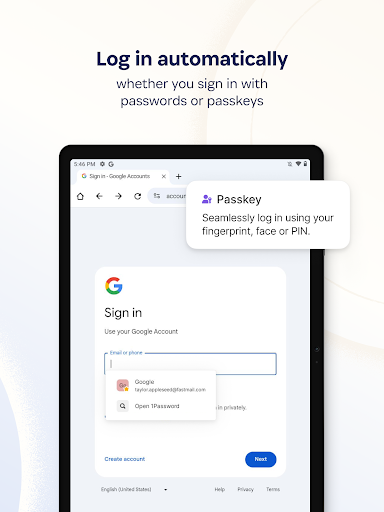
Say goodbye to the hassle of manually entering login details. 1Password allows you to autofill usernames and passwords when signing in to websites and apps. Its compatibility with popular browsers like Chrome and mobile platforms like Android ensures that signing in is quick and effortless, boosting productivity and convenience.
Built-in Two-Factor Authentication (2FA)
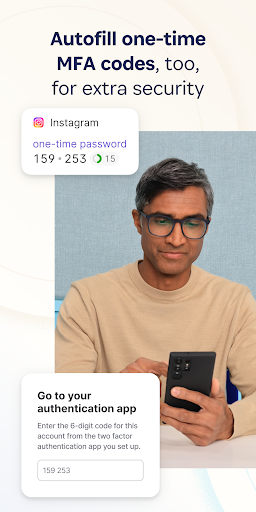
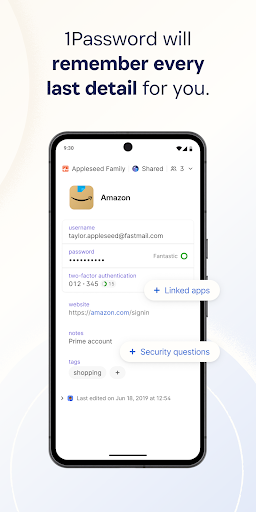
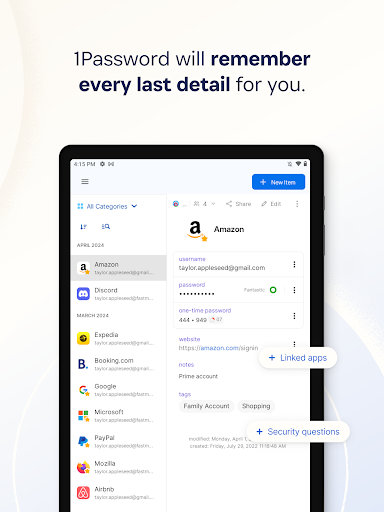
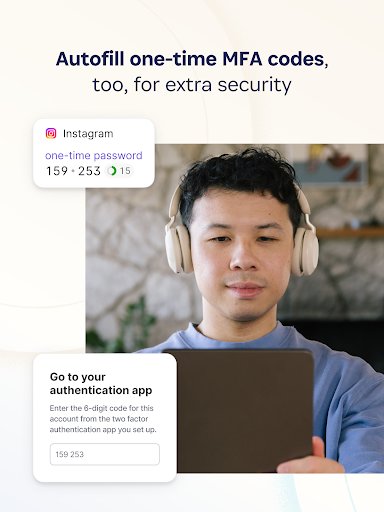
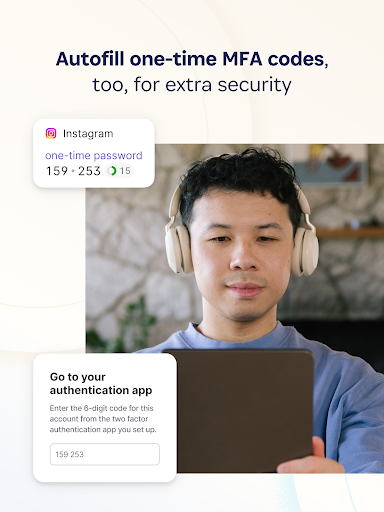
Enhance your online security with •two-factor authentication. 1Password can generate and autofill one-time 2FA codes for services that support this feature. This eliminates the need for separate authenticator apps and streamlines the login process, adding an extra layer of protection against unauthorized access.
Industry-Leading Passkey Support
Discover the future of secure authentication with •passkeys. These are more convenient and secure alternatives to traditional passwords. You can generate, save, and use passkeys within 1Password to authenticate on supported sites, often without entering a password at all. When using passkeys, the need to remember or create passwords diminishes significantly, making your online security much simpler.
Sign in with Other Providers
For those who prefer social sign-ins, 1Password supports storing and managing credentials from providers like Google. This makes signing into websites or apps even easier, especially if you opt for sign-in options instead of passwords, giving you flexibility and security in one package.
Secure and Organize Your Digital Life
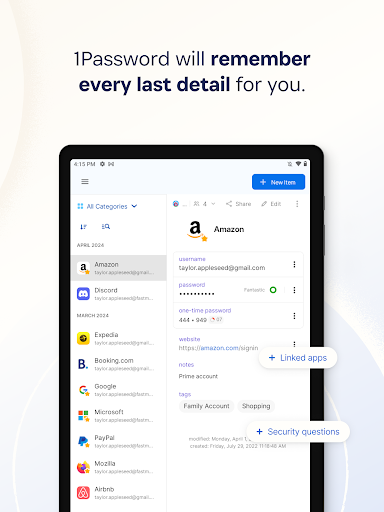
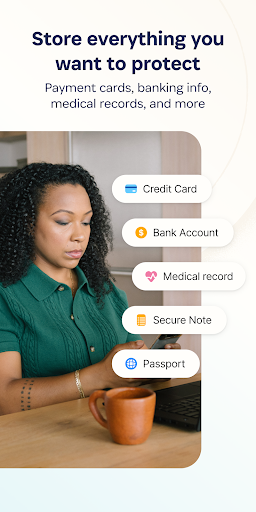
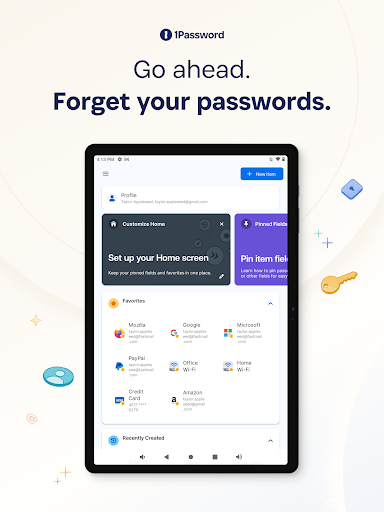
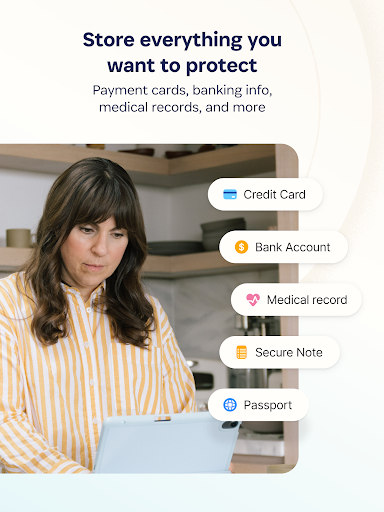
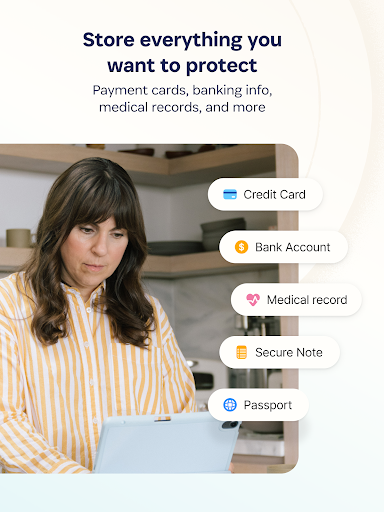
Beyond passwords, 1Password acts as a digital vault for various types of sensitive information. Store credit cards, secure notes, banking details, medical records, and more — all protected with strong encryption. With cross-device sync, your critical information is always at your fingertips, secure and organized.
Secure Sharing
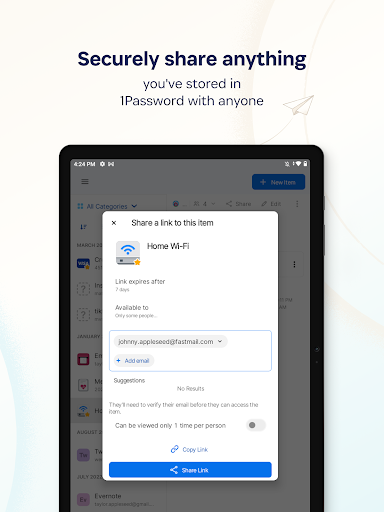
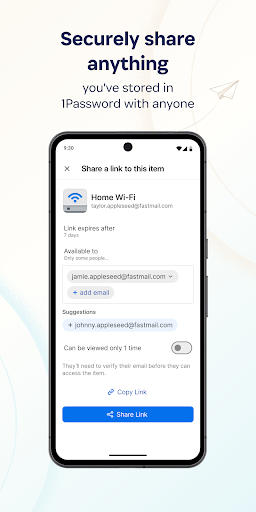
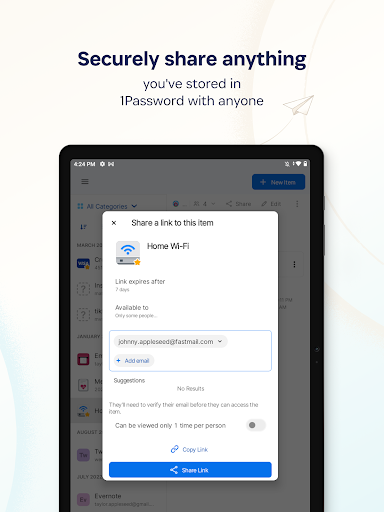
Need to share passwords or sensitive information securely? 1Password allows you to do so with confidence. Share data temporarily or permanently with friends, family, or colleagues without risking exposure through insecure channels like email or messaging apps. This feature ensures your shared information stays protected.
Enhanced Security Features
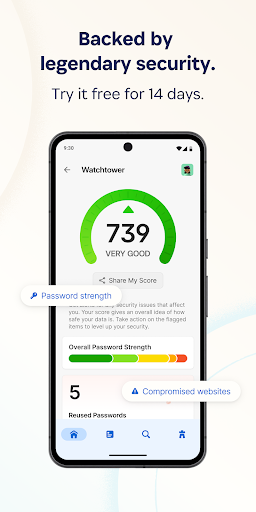
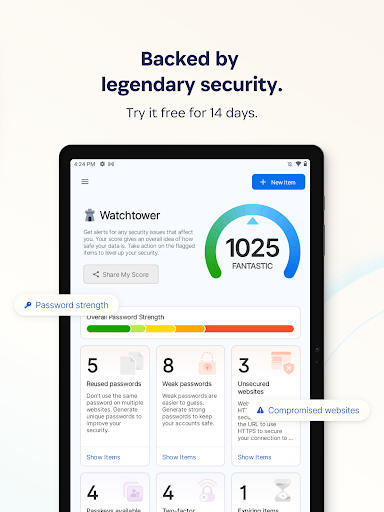
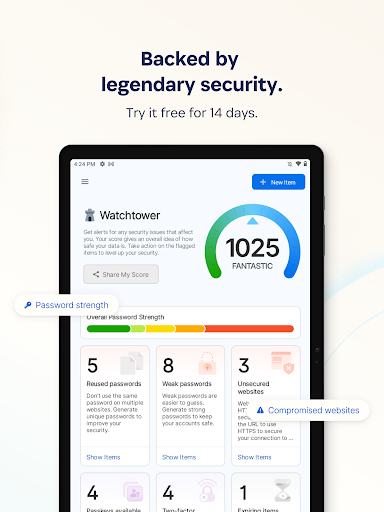
Security is at the core of 1Password. Features include biometric unlocking (fingerprint or facial recognition), real-time security alerts through Watchtower, and breach monitoring. If a data breach occurs, you'll be notified immediately, enabling you to take swift action to protect your accounts.
Travel Mode for Data Protection
Travel Mode provides an extra layer of security when you’re on the move. It allows you to temporarily hide sensitive vaults, protecting your private information from prying eyes while traveling. Once you’re back home, you can restore access effortlessly.
Unmatched Privacy and Security
With 1Password, your data is protected by industry-leading security protocols. The company cannot access or share your data, ensuring complete privacy. Their comprehensive security model is designed to keep your information safe from cybercriminals, making 1Password a trusted name in digital privacy.
Getting Started and Final Thoughts
Embarking on your password management journey with 1Password is straightforward. The app offers a free 14-day trial, allowing you to explore its features before selecting a plan suited for personal or business needs. The intuitive interface, combined with powerful security tools and cross-platform compatibility, makes 1Password the premier choice for those seeking a reliable password manager. It transforms the often daunting task of password management into a seamless and secure experience — giving you peace of mind and freeing your mental space from password-related stress.
Pros
- User-friendly interface for easy navigation.
- Supports multiple platforms seamlessly.
- Advanced security features protect data.
- Allows secure sharing with family and team.
- Biometric login for quick access.
Cons
- Requires subscription after the trial period.
- Can be complex for first-time users.
- Limited free version features.
- Occasional sync issues across devices.
- Some features may be redundant.











