

- Name Yubico Authenticator
- Category Utilities & tools
- Developer Yubico AB
- Available on PC
- OS Windows 10 version 17763.0 or higher
- languages English (United States)
A Reliable Companion for Your Security: Yubico Authenticator for Windows
If you're someone who takes digital security seriously, especially with the rising tide of online threats, Yubico Authenticator for Windows offers an efficient way to manage your two-factor authentication (2FA) tokens seamlessly. Designed by the trusted Yubico AB team, this app elevates your security game with straightforward yet powerful features—think of it as your personal digital security vault that's easy to access and hard to crack.
Who's Behind the Curtain? Developer and Developer's Vision
Developed and published by Yubico AB, a company renowned worldwide for pioneering hardware security keys and authentication solutions, this app is part of Yubico's broader mission to make secure login accessible and effortless for everyone. Their experience in hardware-based security lends credibility and trustworthiness to this application, promising users a piece of reliable software grounded in industry-leading expertise.
Top Highlights: What Makes Yubico Authenticator Stand Out
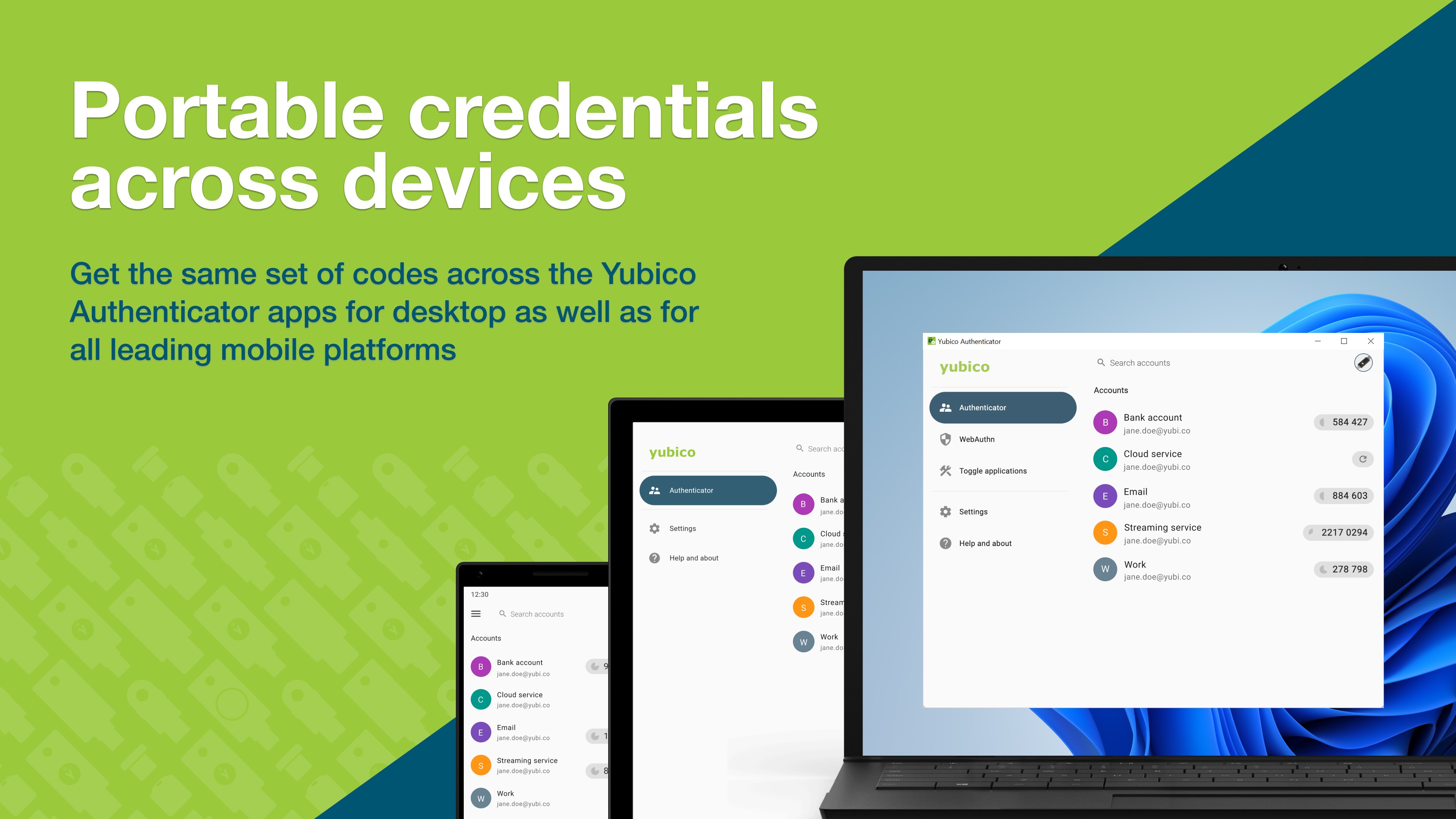
- Multi-Account TOTP Management: Effortlessly handle multiple accounts' TOTP (Time-based One-Time Password) codes within a unified interface, simplifying your multi-service security routine.
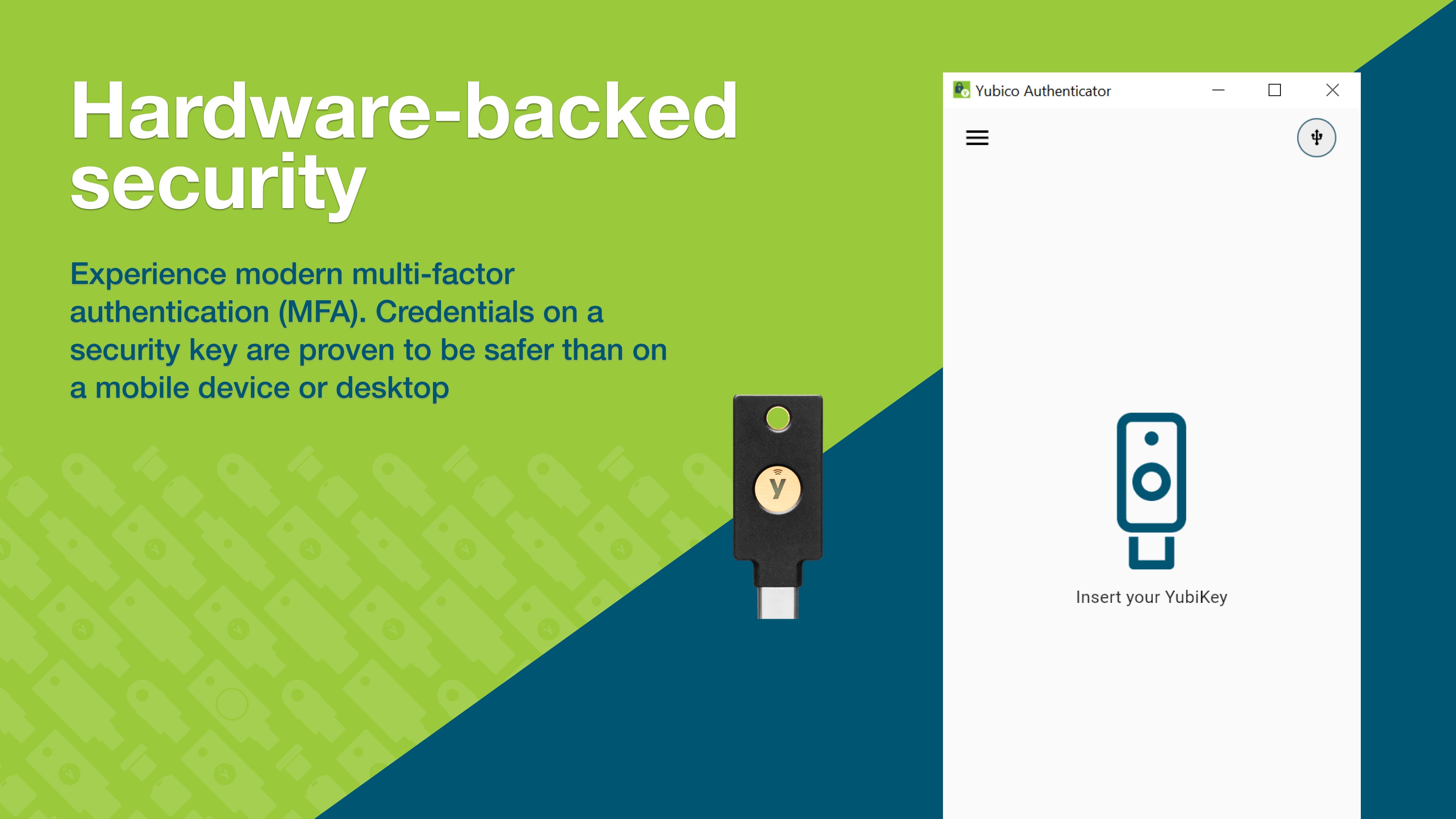
- Hardware Key Integration: Seamlessly pair with Yubico's hardware security keys for enhanced, hardware-backed 2FA, providing an added layer of protection beyond software solutions.
- Offline Access & Backup: Generate codes offline without internet dependency, ensuring access even in restricted environments, while also supporting backup and recovery features.
- Secure, Open-Source Framework: Built upon open standards, maintaining transparency and allowing community trust and potential customization.
An Engaging Dive into Core Features
Effortless Multi-Account 2FA Management
Imagine juggling numerous keys—each unlocking different doors. Yubico Authenticator simplifies this by acting as your digital keyring. Once set up, you can store and generate TOTP codes for all your accounts—be it email, social media, or enterprise services—within a sleek, user-friendly interface. The app displays each account with recognizable icons, making it easy to locate the right token at a glance. The experience resembles flipping through a well-organized library—everything neat, accessible, and within arm's reach.
Hardware Integration: When Security Meets Simplicity
Compared to purely software-based authenticators, Yubico's integration with hardware keys is its shining star. Think of it as adding a trusted physical badge to your digital identity. When using a Yubico security key, the app can authenticate login requests via hardware signals, significantly reducing phishing risks. This synergy not only fortifies your security but also streamlines the process—simply plug in the key, confirm, and you're done. The seamless handshake between app and hardware captures the future of secure authentication with ease and elegance.
User Experience: Smooth, Intuitive, and Ready to Adopt
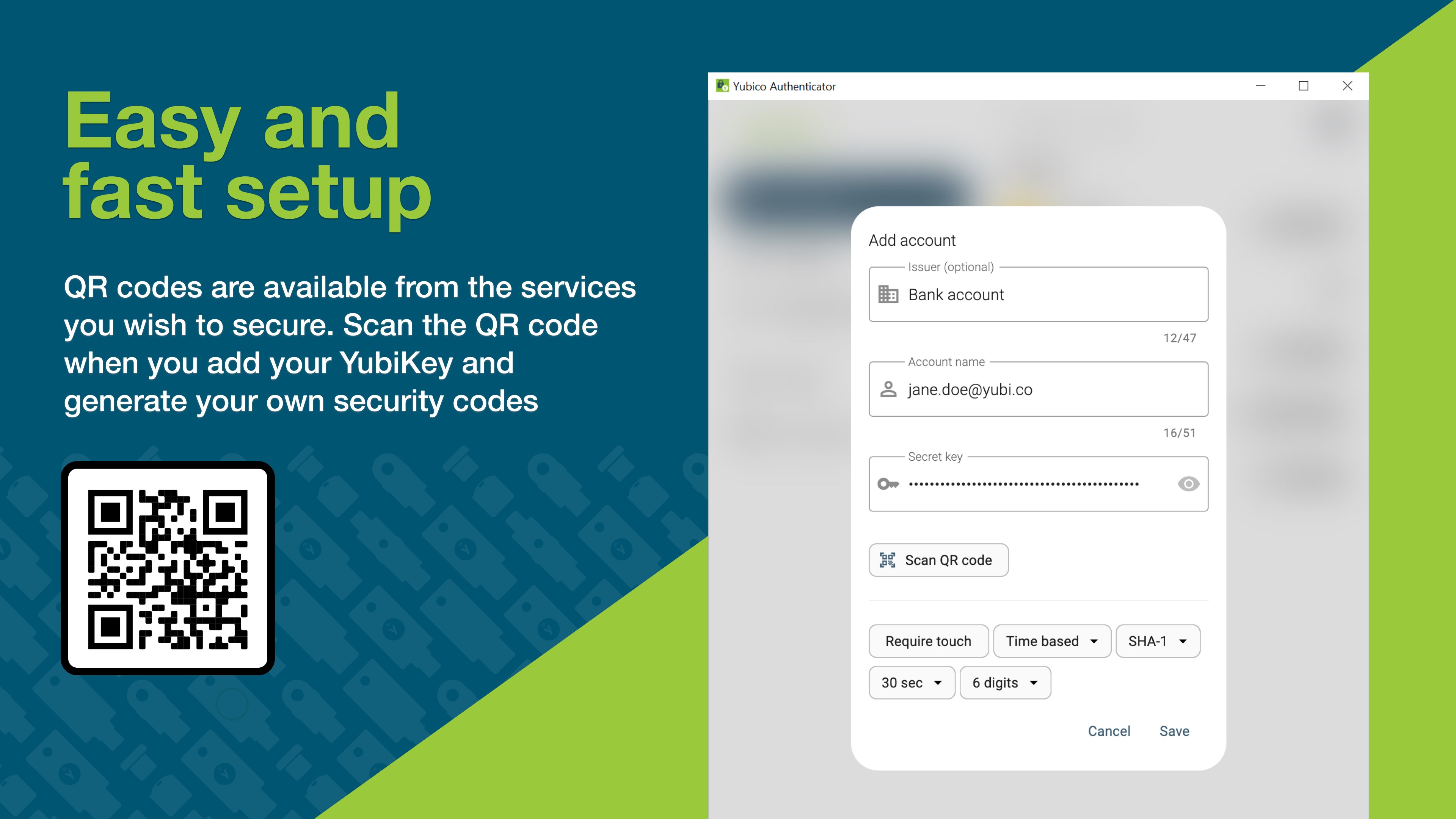
The interface design embodies clarity and minimalism—no clutter, just essential information presented clearly. Users will find the layout intuitive, with a straightforward setup process that guides even newcomers through adding accounts and pairing security keys. The app's responsiveness is noteworthy; switching between tokens or performing configurations feels snappy, akin to flipping through a well-tuned digital notebook. The learning curve is gentle; with basic tech familiarity, most users can get up and running within minutes. This accessibility makes it especially appealing for those transitioning from manual methods or other authenticator apps.
Standing Out in the Crowd: What Sets This App Apart?
While numerous authenticator apps exist, Yubico Authenticator distinguishes itself with its hardware key integration—a feature not universally available. Unlike software-only solutions, this pairing offers an extra layer of security that makes credential theft markedly more difficult. Additionally, its open-source approach fosters transparency and community trust, a vital consideration in security applications. Its offline capabilities further ensure that your tokens are available regardless of internet status, which is crucial for enterprise environments or remote work scenarios.
My Verdict: Is It Worth a Try?
Absolutely. If you already own a Yubico hardware key, this app complements your investment perfectly, providing a dedicated, unified platform to manage your 2FA codes comfortably. Even as a standalone tool, its straightforward management and offline capabilities make it a reliable choice for everyday use. I'd recommend it for security-conscious users who want a mix of simplicity, reliability, and the added assurance of hardware-backed security. For those who value transparency and open standards, it's particularly appealing.
In conclusion, Yubico Authenticator for Windows is not just another 2FA app; it's a thoughtfully designed tool that emphasizes security, usability, and flexibility. Whether you're protecting personal accounts or professional credentials, this app acts like a digital guard dog—alert, reliable, and ready to keep your digital life safe.
Pros
- Secure two-factor authentication
- Supports multiple accounts
- Offline operation
- Open-source design
- User-friendly interface
Cons
- Limited platform compatibility
- No biometric authentication support
- Basic user interface
- Limited customization options
- Initial setup may require guidance











