- Name Weather Radar Pro
- Category News & weather
- Developer WeatherAI
- Available on PC
- OS Windows 8.1 or higher
- languages Chinese (Simplified), Chinese (Traditional Chinese), English (United States), French, German, Italian, Japanese, Spanish
Weather Radar Pro for Windows: A Comprehensive Weather Monitoring Tool
If you're someone who relies heavily on accurate and real-time weather updates, Weather Radar Pro for Windows aims to be your trusty weather companion. Its sleek interface combined with advanced radar features makes it stand out in the crowded field of weather apps.
About the App
Weather Radar Pro for Windows is a specialized weather application designed to deliver detailed radar imagery and weather forecasts directly to your desktop. Developed and published by WeatherAI, this app is crafted for users seeking precise, timely weather data with an emphasis on radar visualization. Its key strengths include high-resolution radar imaging, intuitive navigation, and real-time alerts. Tailored for professionals like meteorologists, outdoor enthusiasts, and daily commuters, the app caters to those who need comprehensive weather insights at their fingertips.
Vivid Weather Surveillance with Radar Imaging
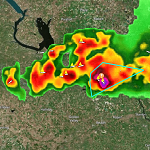
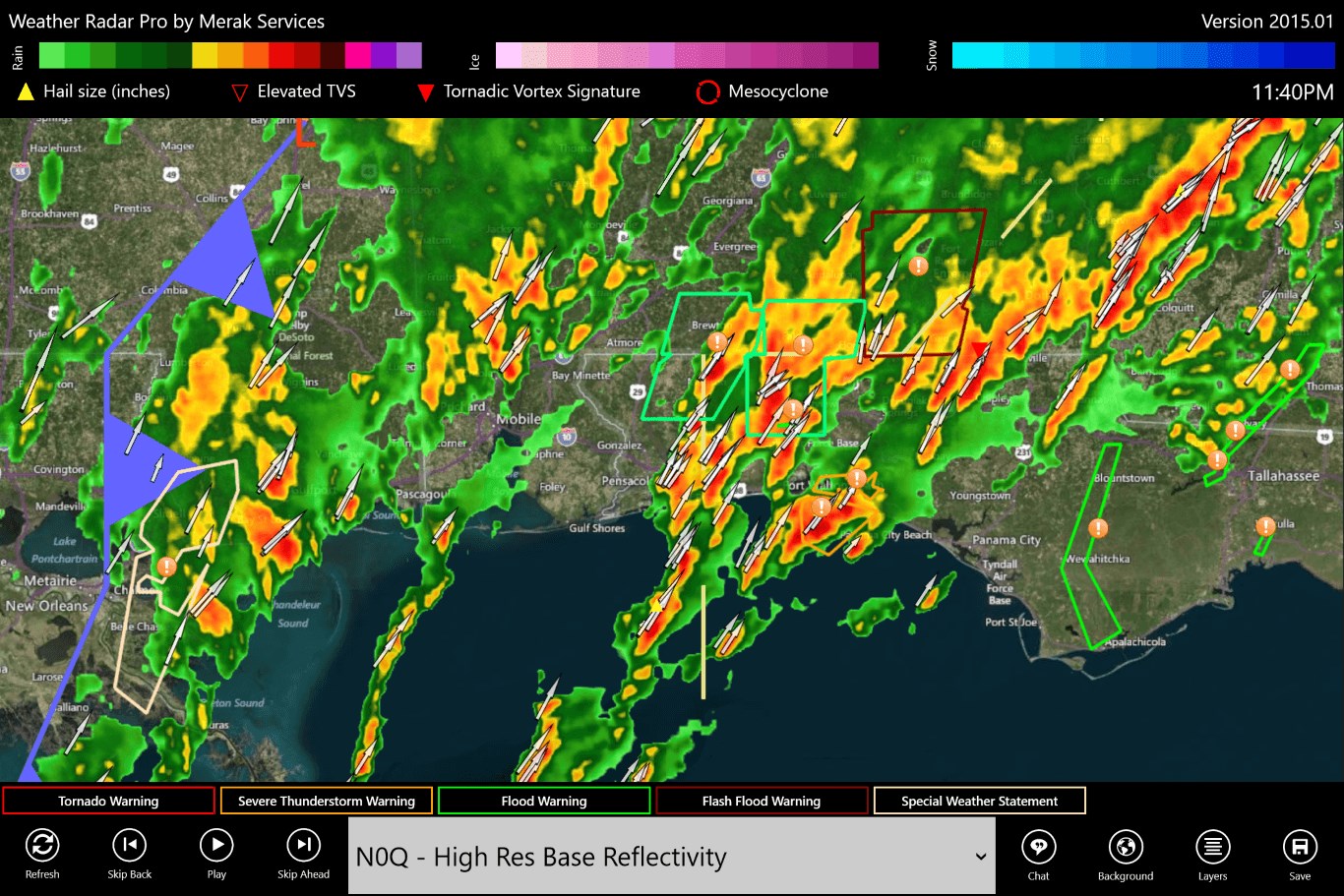
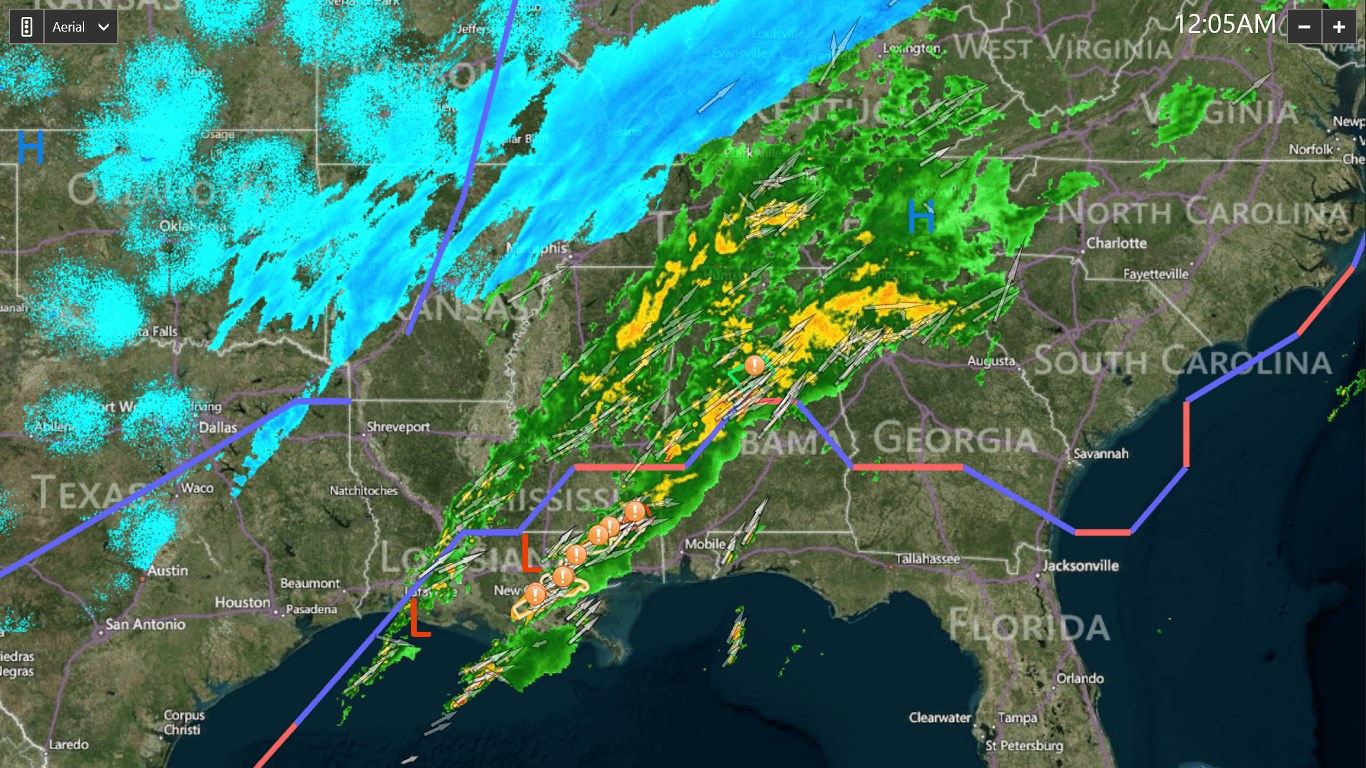
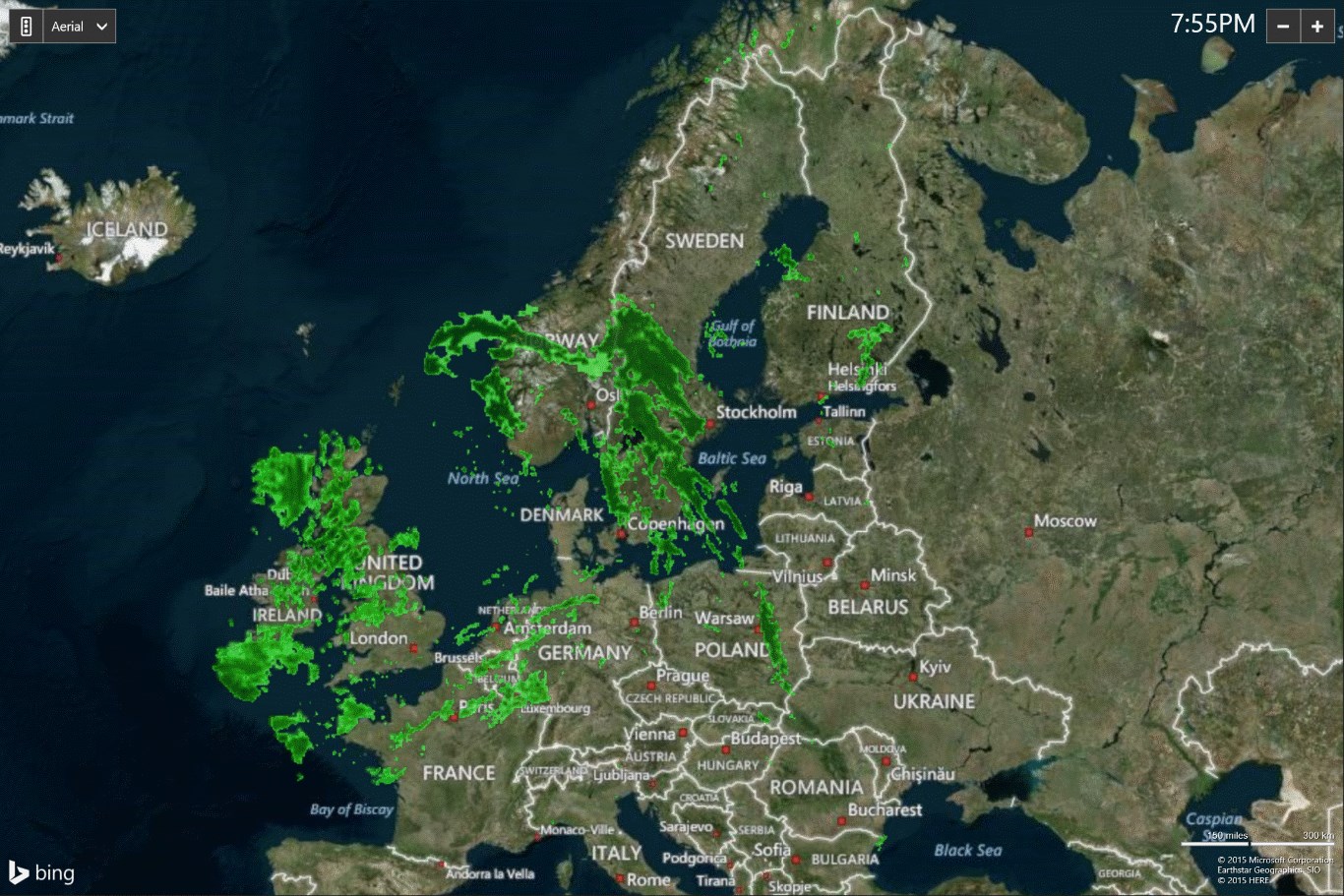
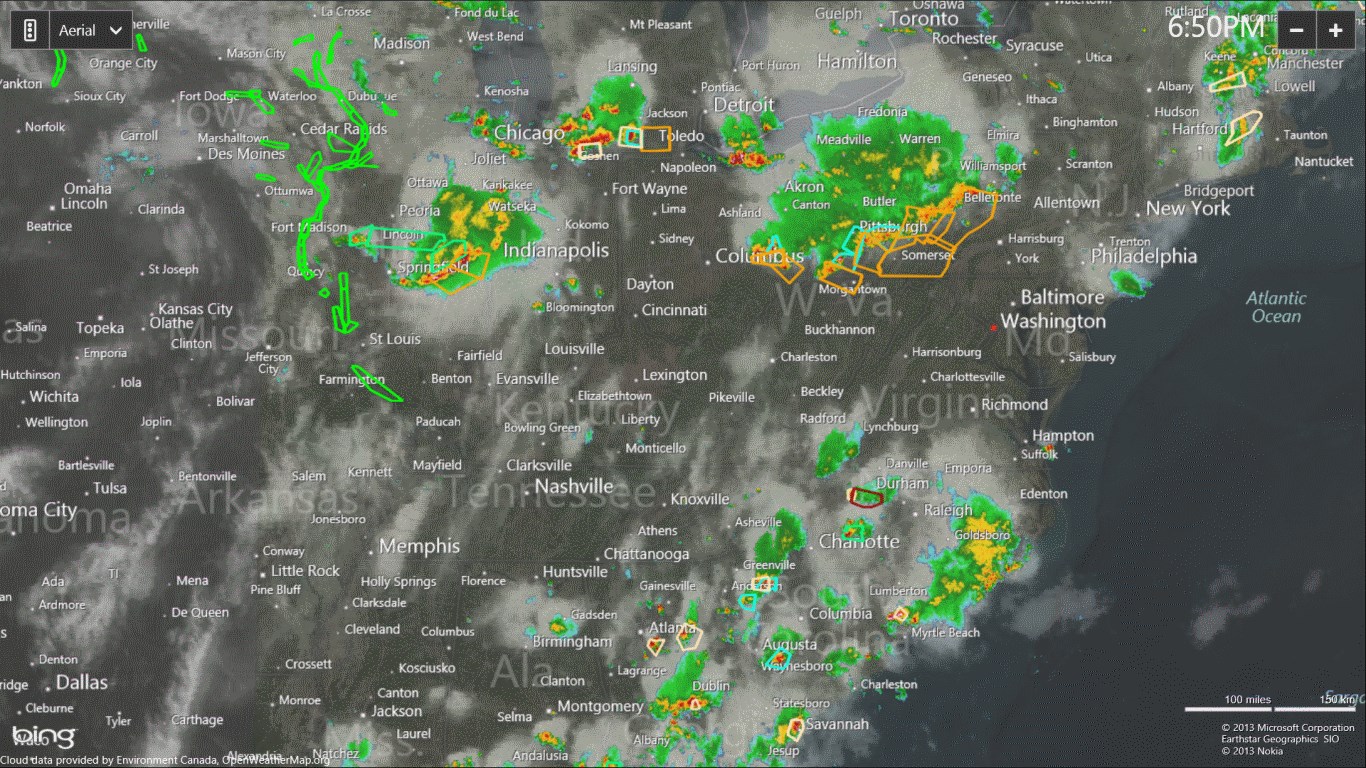
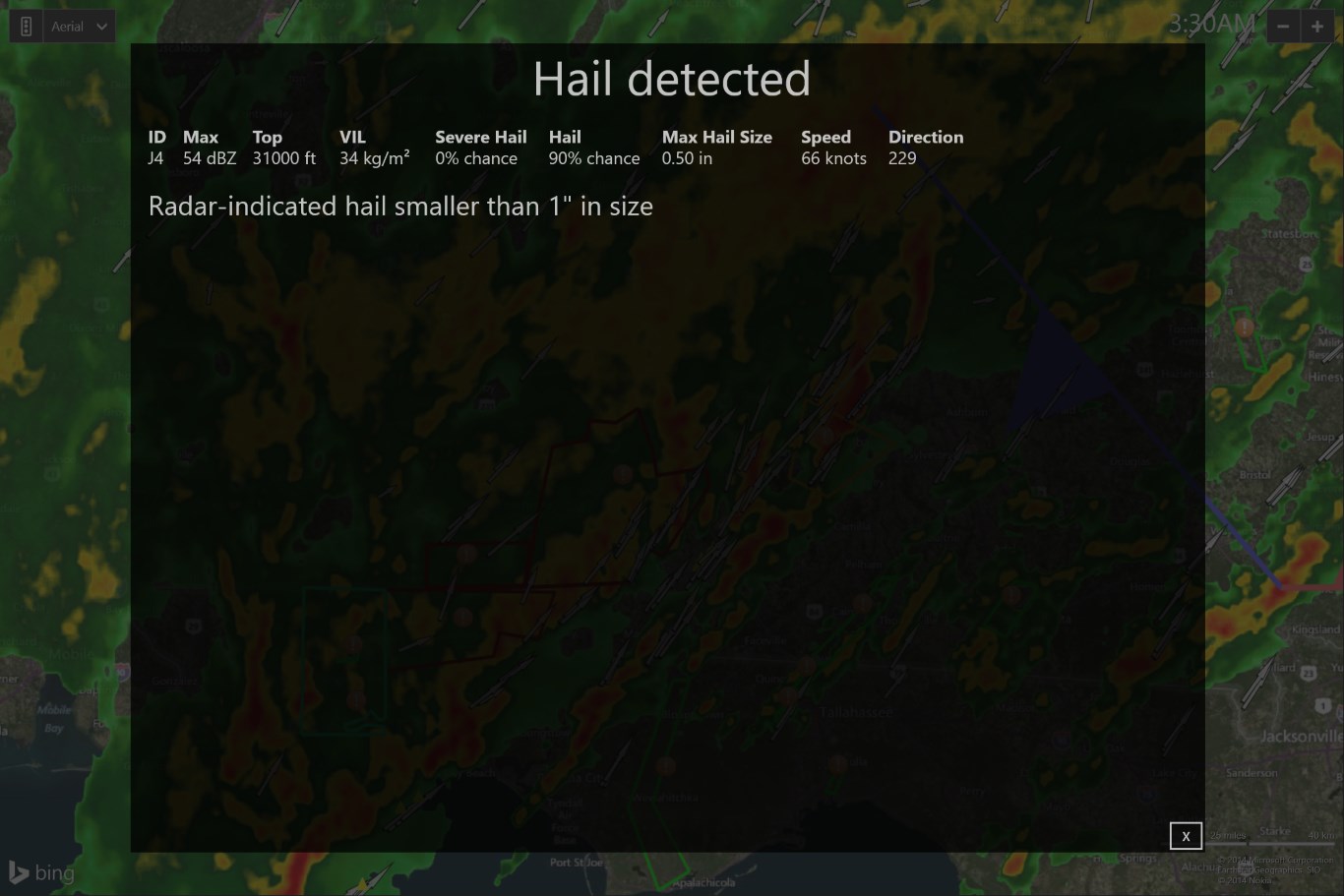
The core feature that sets Weather Radar Pro apart is its state-of-the-art radar visualization capability. Unlike standard weather apps that rely solely on forecasts or satellite images, this app provides detailed, animated radar imagery that depicts precipitation, storm movement, and severe weather patterns. Imagine watching a weather system unfold on your screen like a live weather broadcast—this immersive radar view helps you anticipate weather changes with greater confidence. Its high-resolution radar images are refreshingly crisp, capturing even the subtle shifts in cloud formations and precipitation intensity.
Intuitive and User-Friendly Interface
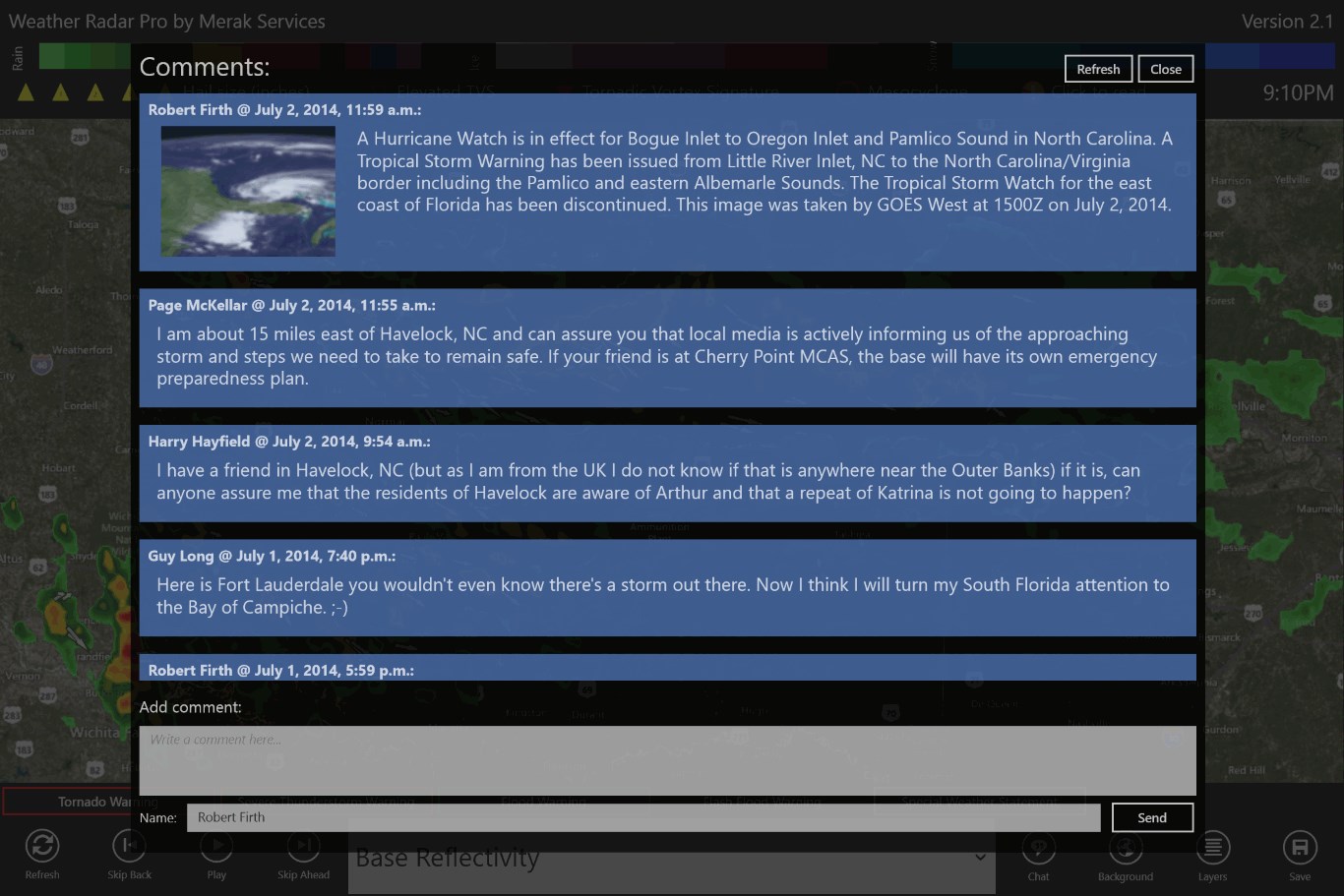
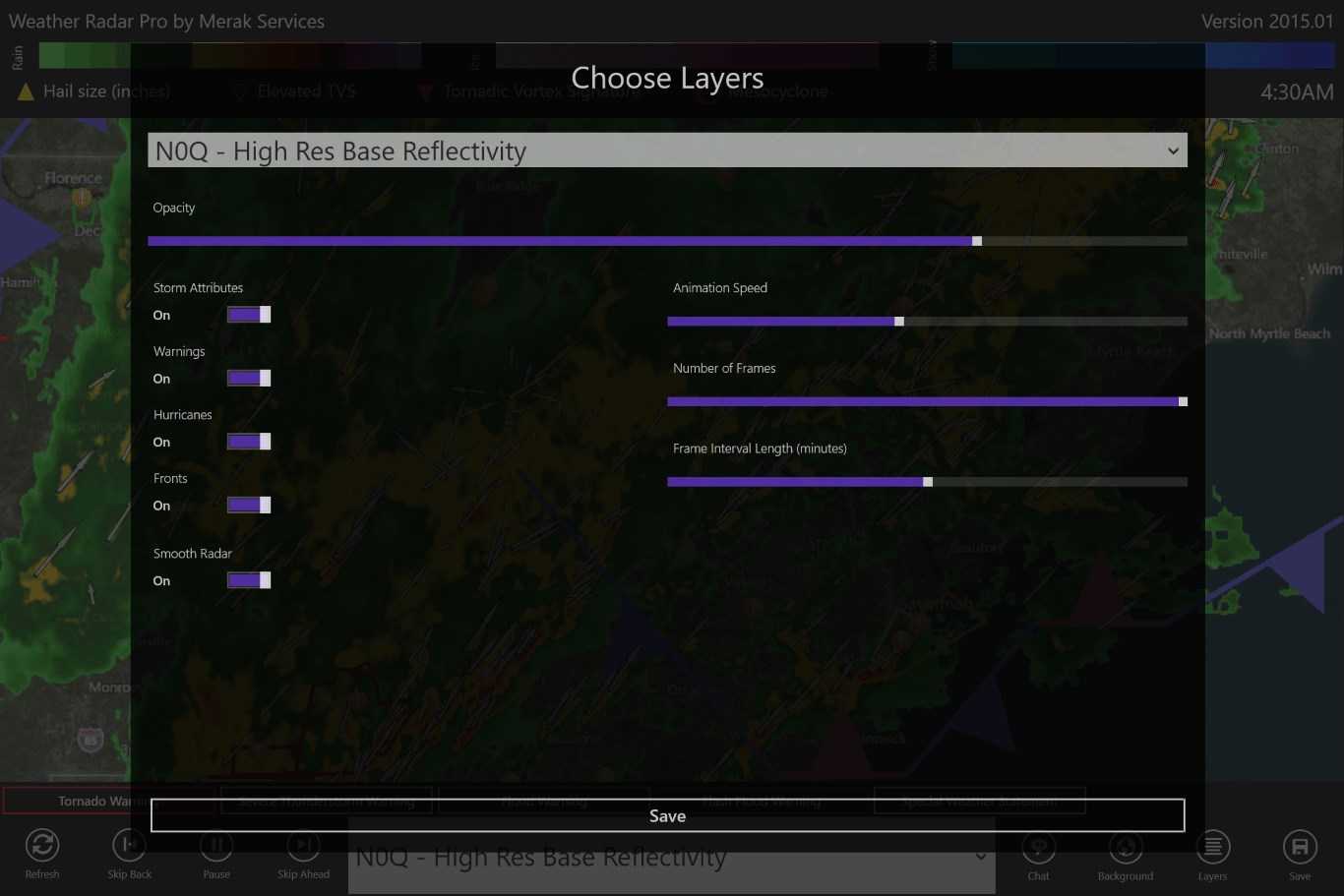
One of the app's strongest points is its clean, thoughtfully designed interface. Navigation is smooth, with controls that are logical and easy to grasp—even for those not particularly tech-savvy. The app employs an elegant map-based layout, allowing users to zoom in and out seamlessly or switch between different radar layers. The real-time data updates happen swiftly without lag, creating a fluid user experience similar to flipping through a weather live stream. Additionally, the learning curve is gentle, making it accessible for casual users and weather enthusiasts alike.
Advanced Weather Data and Custom Alerts
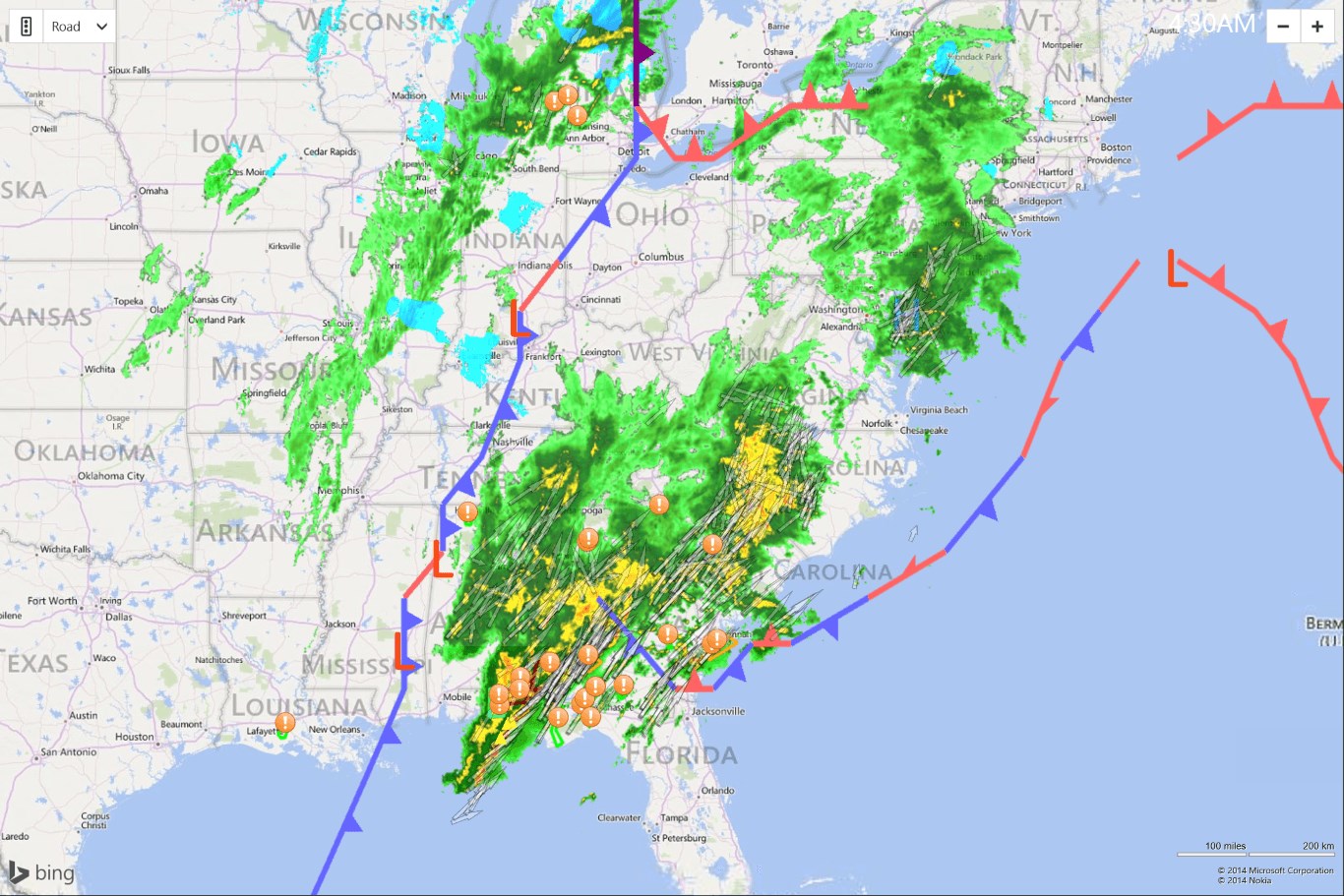
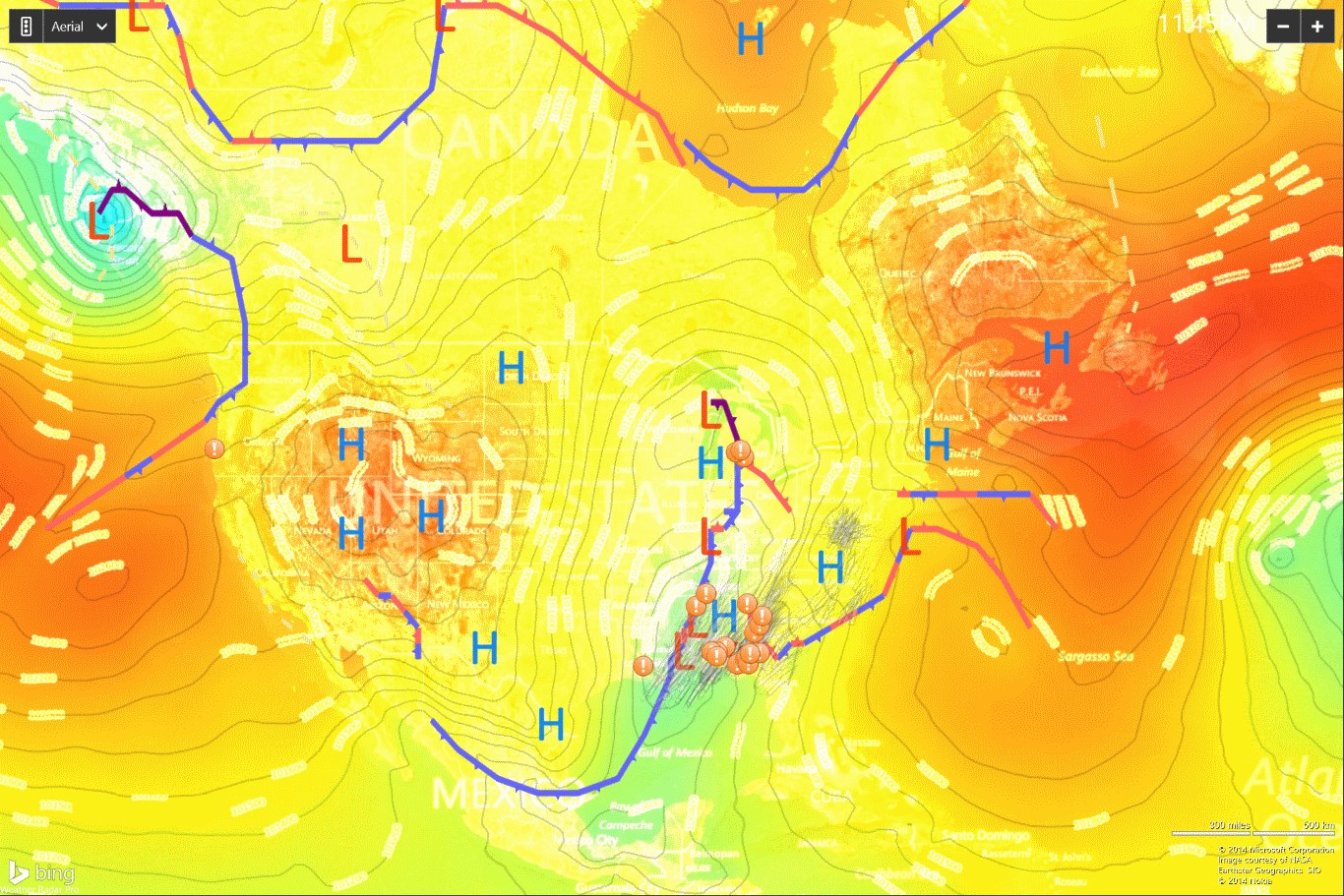
Beyond radar imaging, Weather Radar Pro offers comprehensive weather data, including temperature, humidity, wind speed, and severe weather alerts. Its customizable notification system ensures you stay informed about critical weather events like thunderstorms or heavy rain, tailored to your location and preferences. This feature is especially beneficial for outdoor activities, travel planning, or emergency preparedness, providing peace of mind through timely updates. The app smartly combines visual data with textual alerts, giving users a well-rounded understanding of current conditions and forecasts.
Unique Selling Points and Differentiation
What truly makes Weather Radar Pro shine among its peers is its focus on radar visualization combined with real-time, customizable alerts. While many weather apps provide forecasts and satellite imagery, few offer such detailed, user-tailored radar views directly on your desktop. Its ability to display animated precipitation patterns in high resolution provides an immersive experience akin to watching a live weather channel right on your PC. Additionally, its straightforward interface and swift responsiveness make it a practical choice for both casual users and weather professionals seeking precise data without a steep learning curve.
Recommendation and Usage Suggestions
If you're in need of an application that emphasizes radar imagery and offers reliable, real-time weather alerts, Weather Radar Pro is worth considering. Its unique radar visualization capabilities make it ideal for outdoor planning, storm tracking, or simply satisfying a curiosity about weather phenomena. We recommend it for users who prefer visual, animated weather data over solely forecast-based information. For those already using multi-featured weather apps, Weather Radar Pro can serve as a supplementary tool to deepen your understanding of weather dynamics.
Overall, Weather Radar Pro for Windows stands out for its detailed radar imaging, intuitive design, and customizable notifications. While it may appeal most to users with specific weather tracking needs, even casual weather watchers will find its visual insights engaging and useful. Consider giving it a try if you want a more immersive weather experience on your desktop—it's a reliable, professional-grade tool that transforms everyday weather monitoring into an informative visual journey.
Pros
- Accurate and detailed weather radar visuals
- User-friendly interface with intuitive controls
- Timely weather alerts and notifications
- Customizable map layers for various weather data
- Offline mode for selected features
Cons
- Occasional lag during map rotations
- Limited customization options for alerts
- Battery consumption can be high during heavy use
- Some advanced features require in-app purchases
- Map accuracy may vary in remote areas