

- Name CAD / DXF Viewer
- Category Utilities & tools
- Available on PC, Mobile, Surface Hub, HoloLens
- OS Windows 10 version 17763.0 or higher
- languages English (United States)
Introduction: A Practical Viewer for CAD and DXF Files on Windows
If you're in need of a straightforward, reliable tool to open and view CAD or DXF files without diving into complex CAD software, the CAD / DXF Viewer for Windows by Mia Sarah might just become your new best friend. Designed with simplicity and efficiency in mind, this app aims to streamline your viewing experience, making it accessible even for users with minimal technical background.
Basic Information: Clear, Focused, User-Centric
Located at the intersection of ease-of-use and functionality, the CAD / DXF Viewer for Windows is a lightweight utility that caters primarily to professionals and hobbyists who need quick access to their CAD drawings. Developed by Mia Sarah—a developer group known for straightforward utility apps—the software emphasizes core file viewing capabilities with an emphasis on user convenience.
Key features include:
- Support for popular CAD and DXF formats, allowing broad compatibility.
- Intuitive interface that simplifies navigation through complex drawings.
- Lightweight and fast loading times to keep your workflow smooth.
- Zoom, pan, and layer management features for detailed inspection.
This application targets engineers, architects, designers, students, and any professionals or enthusiasts who occasionally need to view CAD files without investing in expensive CAD software or dealing with overly complicated viewers.
Engaging and Straightforward User Interface
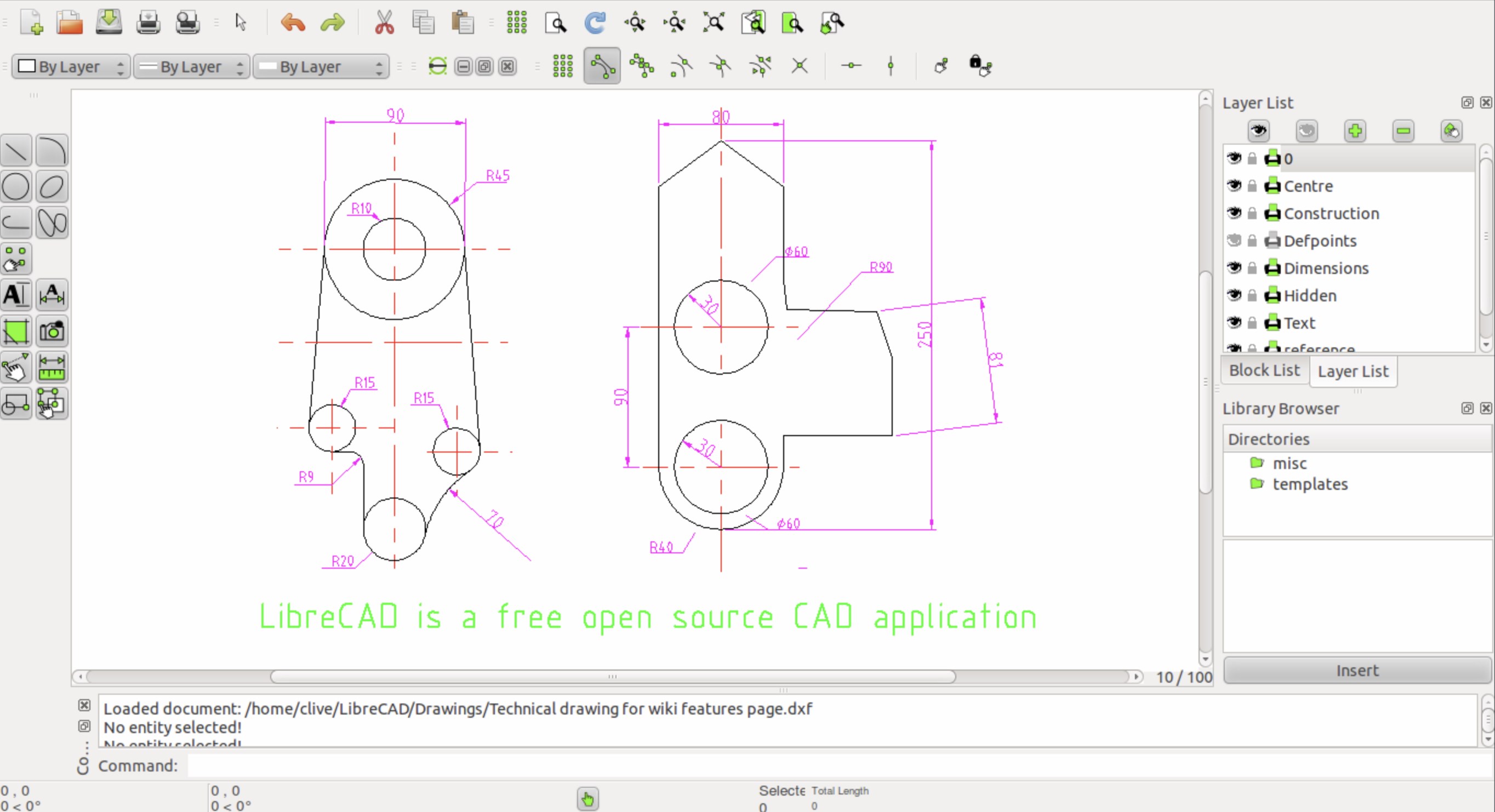
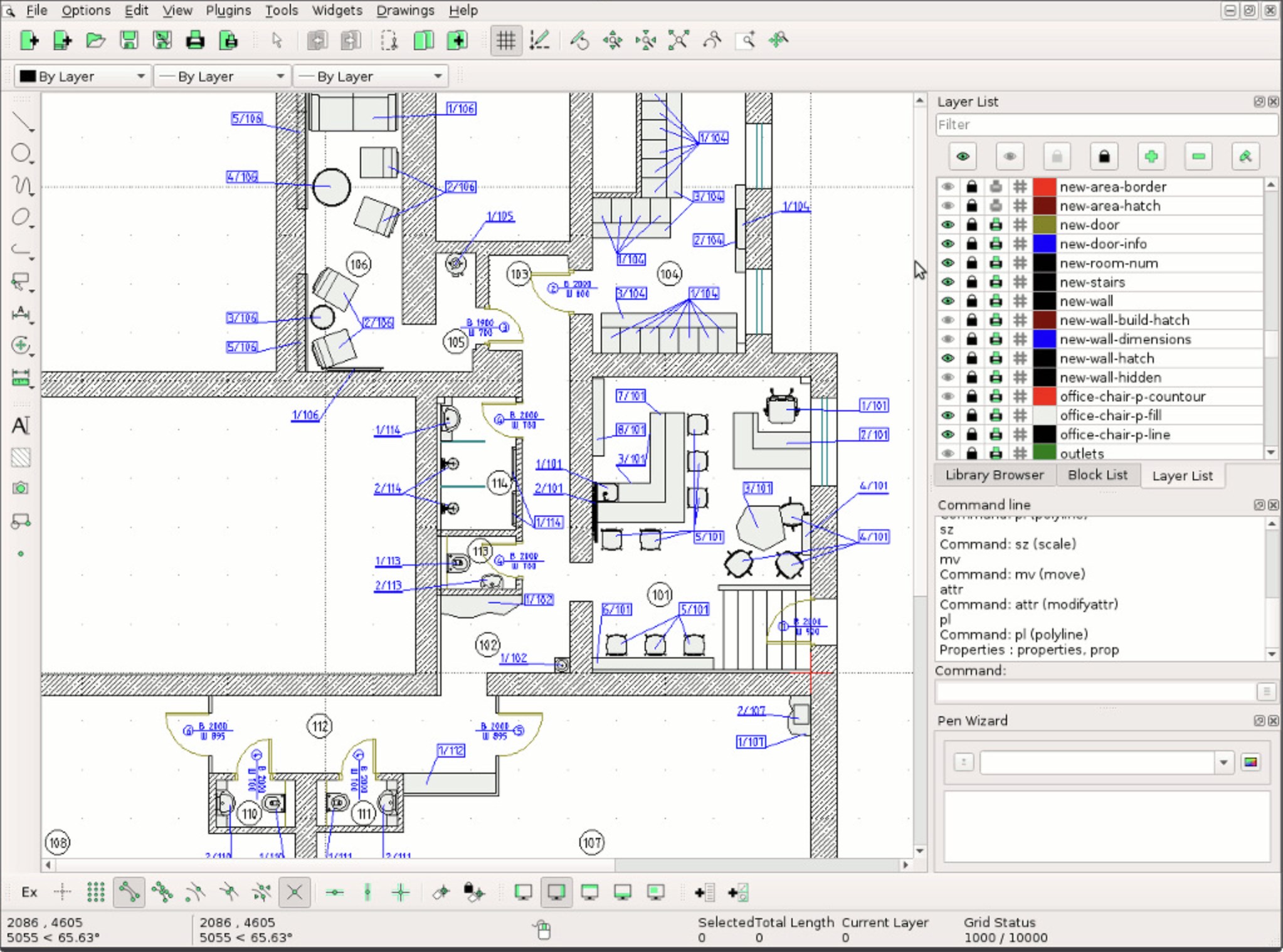
Launching the app feels like opening a neatly organized toolbox—welcoming and uncluttered. The interface is clean, with a classic design that makes you feel right at home, whether you're a seasoned CAD user or someone just starting out. Navigating through menus, switching between files, or zooming into details is seamless, thanks to responsive controls that respond instantly.
Using the viewer is as effortless as turning a page in a well-loved book. Even users unfamiliar with CAD terminology will find the learning curve gentle. Basic functions like zoom, rotate, and layer toggling are intuitively accessible through clearly labeled icons or right-click context menus. This ease of use boosts productivity and minimizes frustration—crucial when you're trying to get a quick look at your design or project layout.
Core Features That Make a Difference
Support for CAD and DXF Formats: Unlocking Compatibility
The app's most compelling feature is its ability to open and display a wide range of CAD and DXF files effortlessly. Unlike some viewers that may falter with certain versions or file complexities, this tool handles common formats reliably. Whether you're inspecting detailed architectural blueprints or mechanical parts, it preserves the integrity of your designs, ensuring nothing gets lost in translation.
Layer and Detail Management: Seeing Is Believing
One standout feature is the intuitive control over layers. You can toggle visibility, isolate specific layers, or adjust their opacity, making it easier to analyze complex drawings step-by-step. This mimics the experience of physically peeling back layers of a printout, giving you a more nuanced understanding of your designs without any additional software.
Fast and Smooth Viewing Experience
The app's lightweight nature ensures quick startup and fluid navigation. Zooming into intricate details or panning across large files feels instantaneous, which is vital when you're reviewing multiple designs or making precise inspections. The smooth operation offers a frustration-free experience akin to flipping through a well-illustrated magazine rather than struggling with a sluggish program.
Unique Advantages and Final Thoughts
Compared to other utilities in the same category, Mia Sarah's CAD / DXF Viewer stands out with its balanced focus on simplicity and functionality. Its support for multiple CAD and DXF versions, combined with user-friendly controls, makes it suitable for users who need reliable visualization without the overhead of full CAD software. The layer management feature is particularly noteworthy—it allows users to dissect complex drawings efficiently, a feature often reserved for higher-end CAD programs.
While it doesn't offer editing capabilities or advanced modeling tools, this app excels at what it promises: straightforward viewing. Its clean interface, rapid performance, and focus on essential features make it a dependable tool for quick inspections or sharing files with clients or team members.
In conclusion, I'd recommend this viewer to anyone who needs a dependable, easy-to-use CAD/DXF file viewer for Windows. Whether you're reviewing blueprints on-site or preparing files for presentations, this app provides an efficient and user-centric solution. For those seeking additional features like editing or annotations, you might need to explore more comprehensive CAD software, but if viewing is your primary goal, Mia Sarah's application is a solid choice worth trying.
Pros
- User-Friendly Interface
- Fast File Loading
- Lightweight Application
- Supports Multiple File Versions
- Basic Editing Features
Cons
- Limited Editing Capabilities
- No 3D Support
- Lack of Annotation Tools
- Basic File Export Options
- Limited Customization










