

- Name Wintoys
- Category Utilities & tools
- Developer Bogdan Pătrăucean
- Available on PC
- OS Windows 10 version 19044.1706 or higher
- languages English (United States), French, German, Italian, Polish , Romanian, Spanish (Spain), Turkish
Wintoys for Windows: A Fresh Take on Utility Management
Wintoys for Windows emerges as a thoughtfully designed utility app aiming to streamline your Windows experience through intuitive tools and features. Crafted by Bogdan Pătrăucean, this application promises to be a handy companion for users seeking to enhance productivity and system management without the clutter.
Who's Behind Wintoys?
Developed and published by Bogdan Pătrăucean, Wintoys benefits from a dedicated individual's focus on creating a user-centric utility app that caters to everyday Windows users. While it may be a solo venture or a small team effort, the developer's emphasis on simplicity and practicality shines through in the app's design.
Core Features That Make a Difference
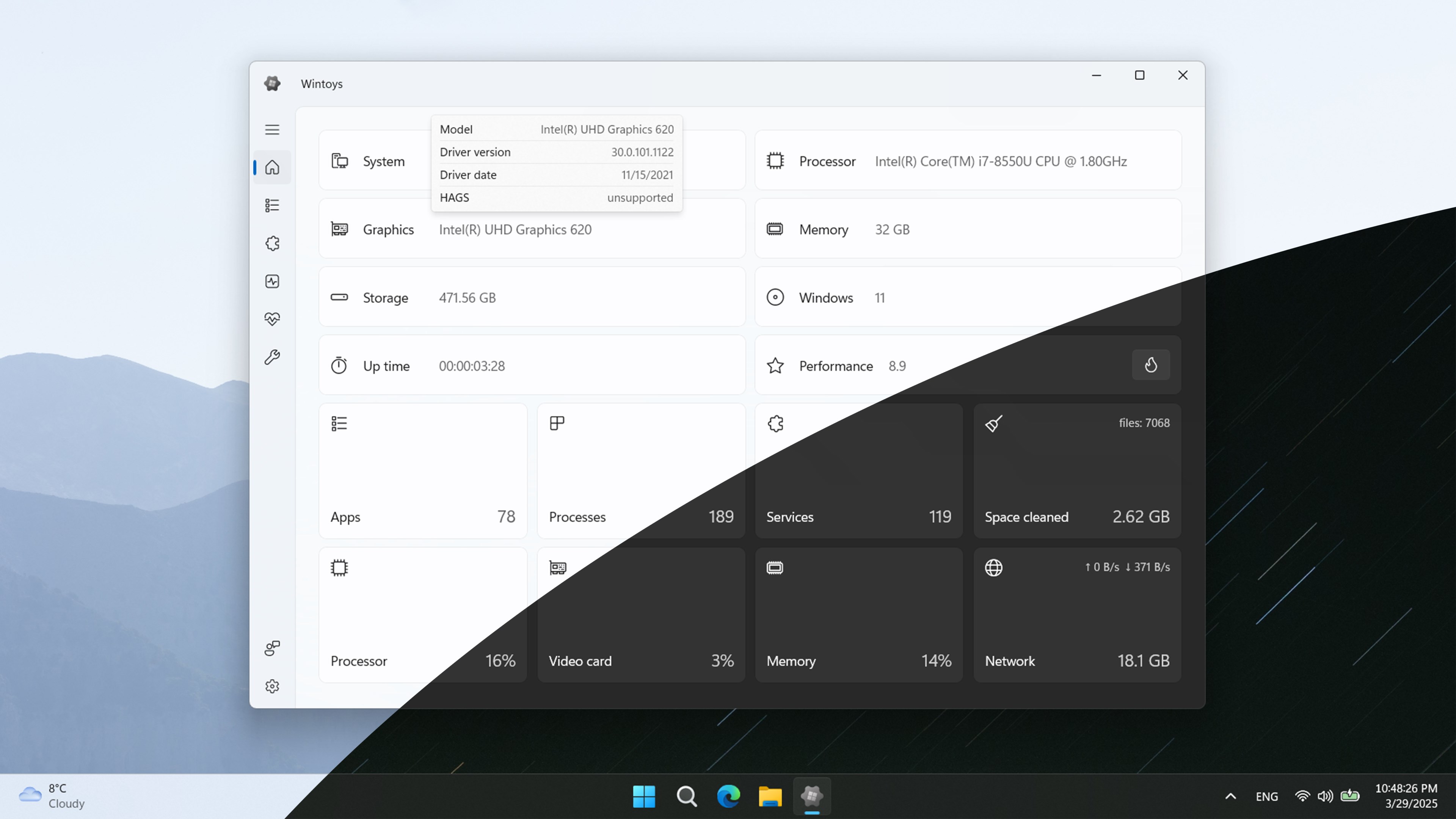
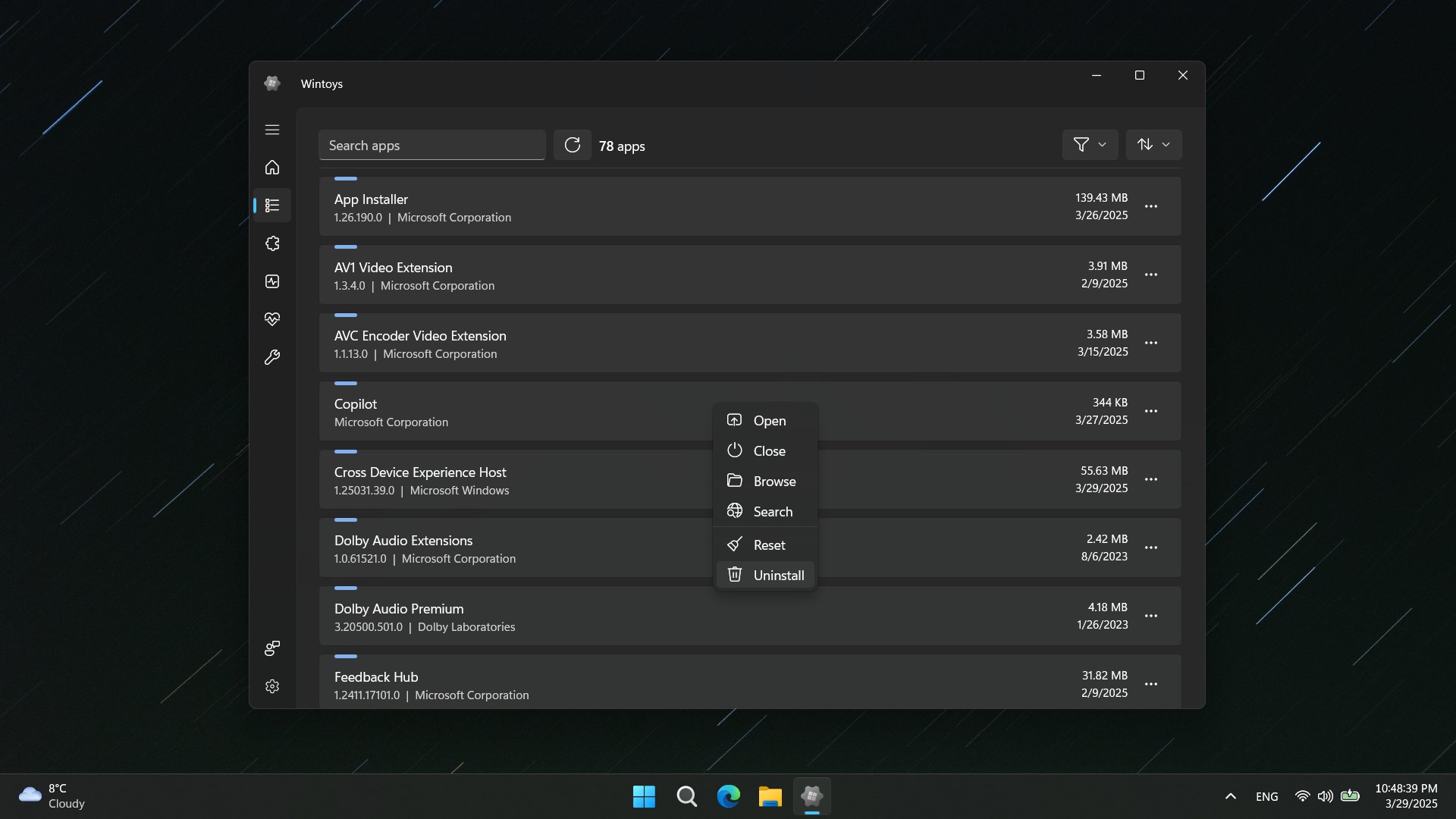
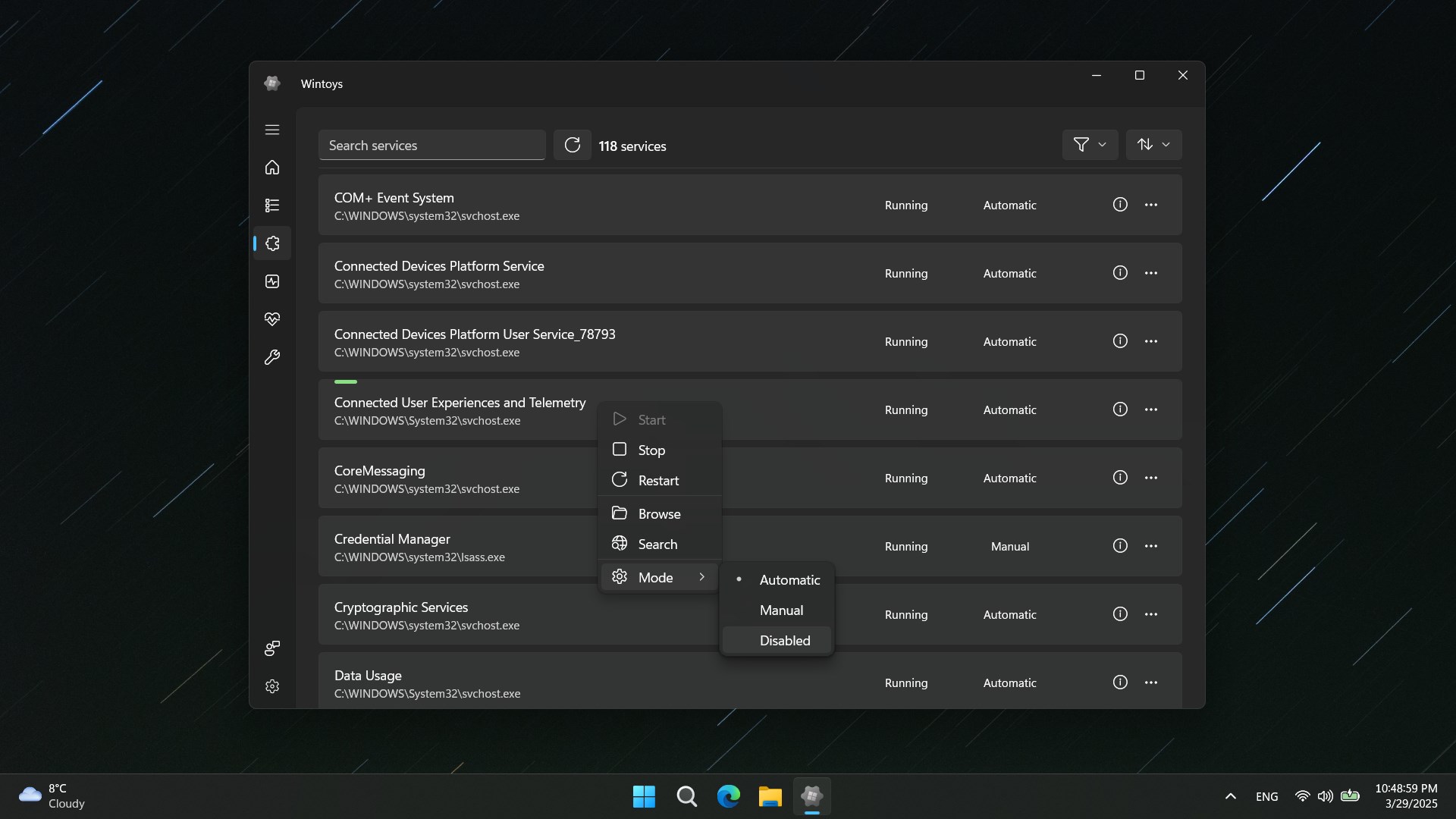
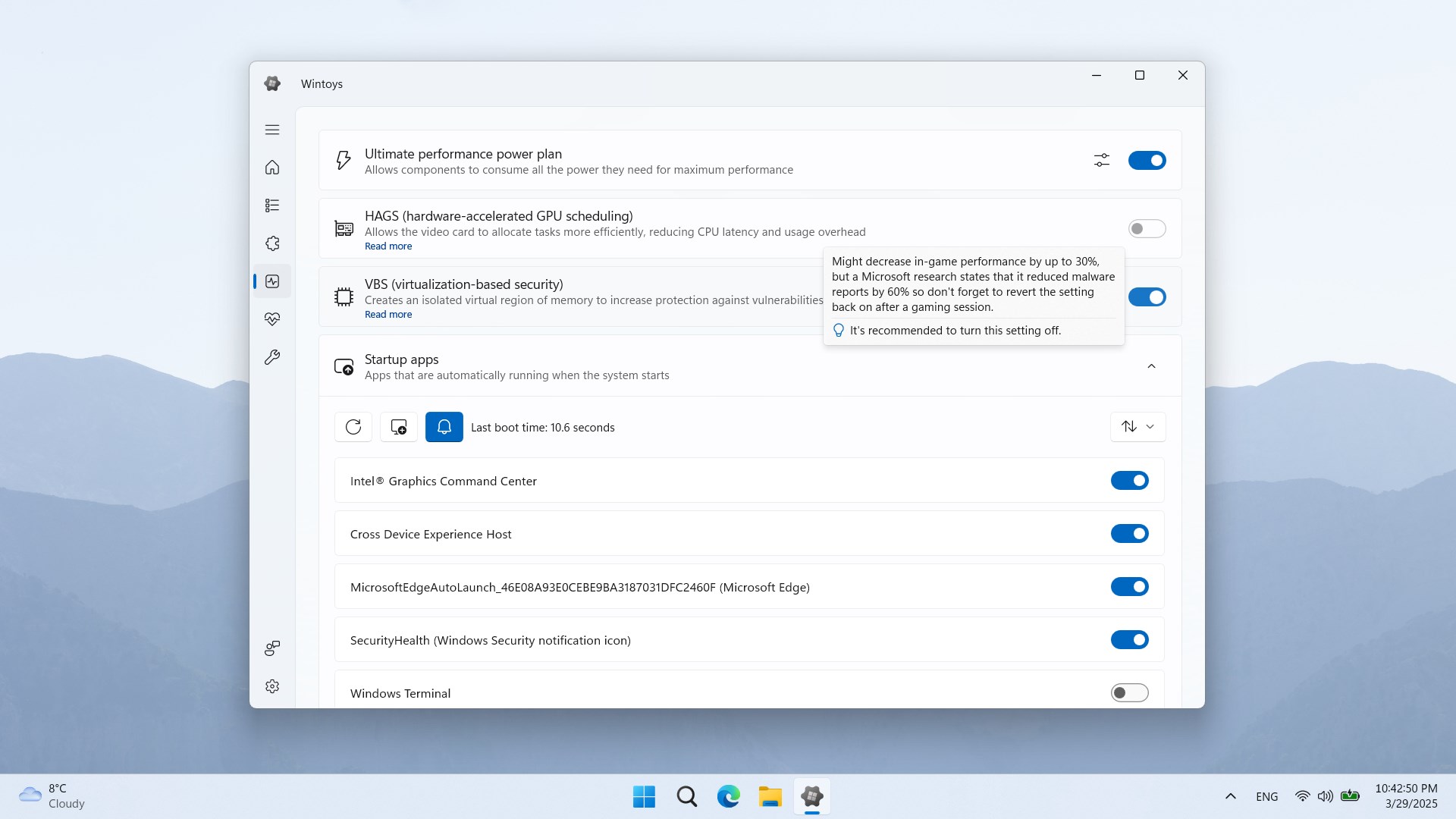
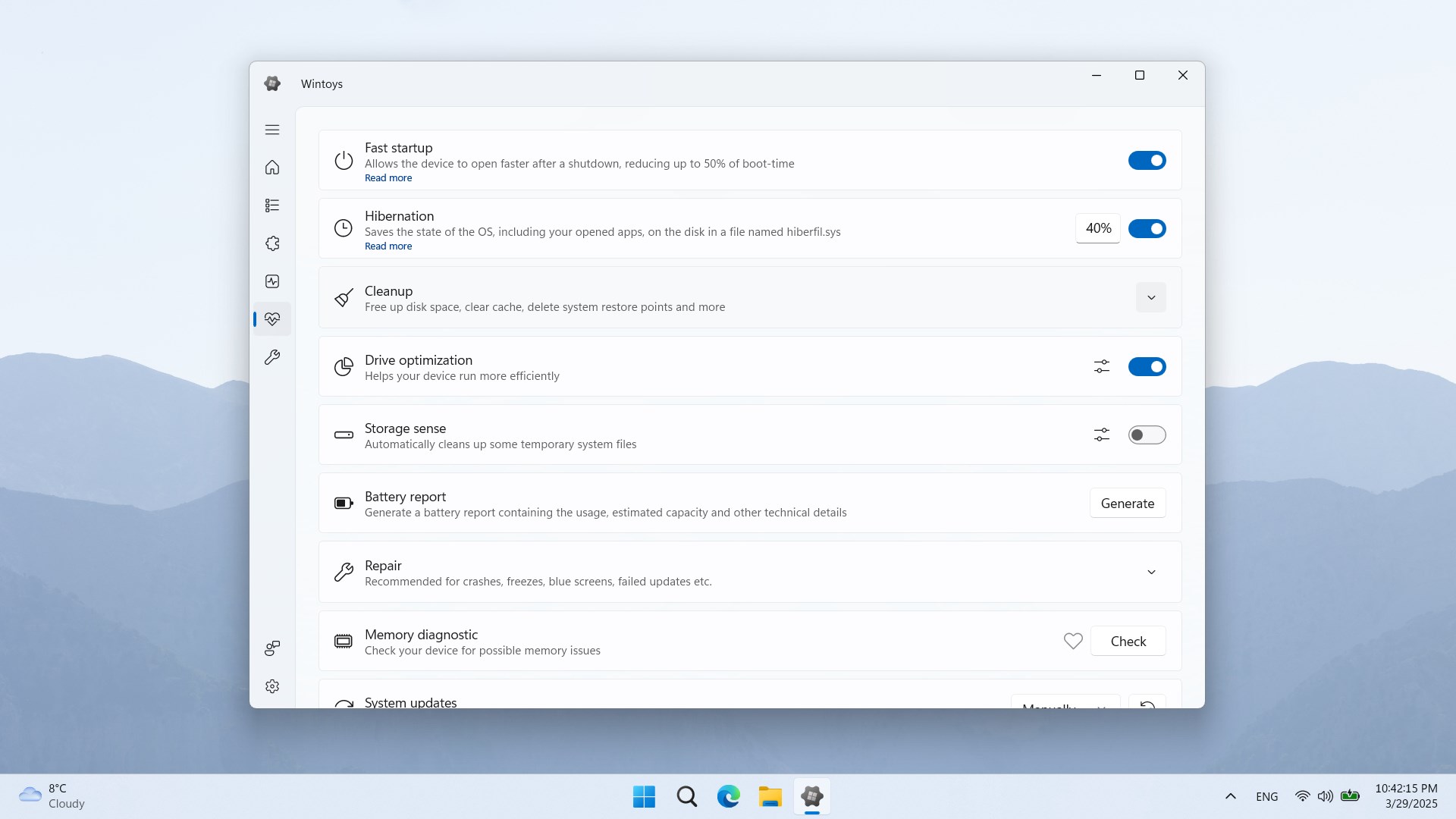
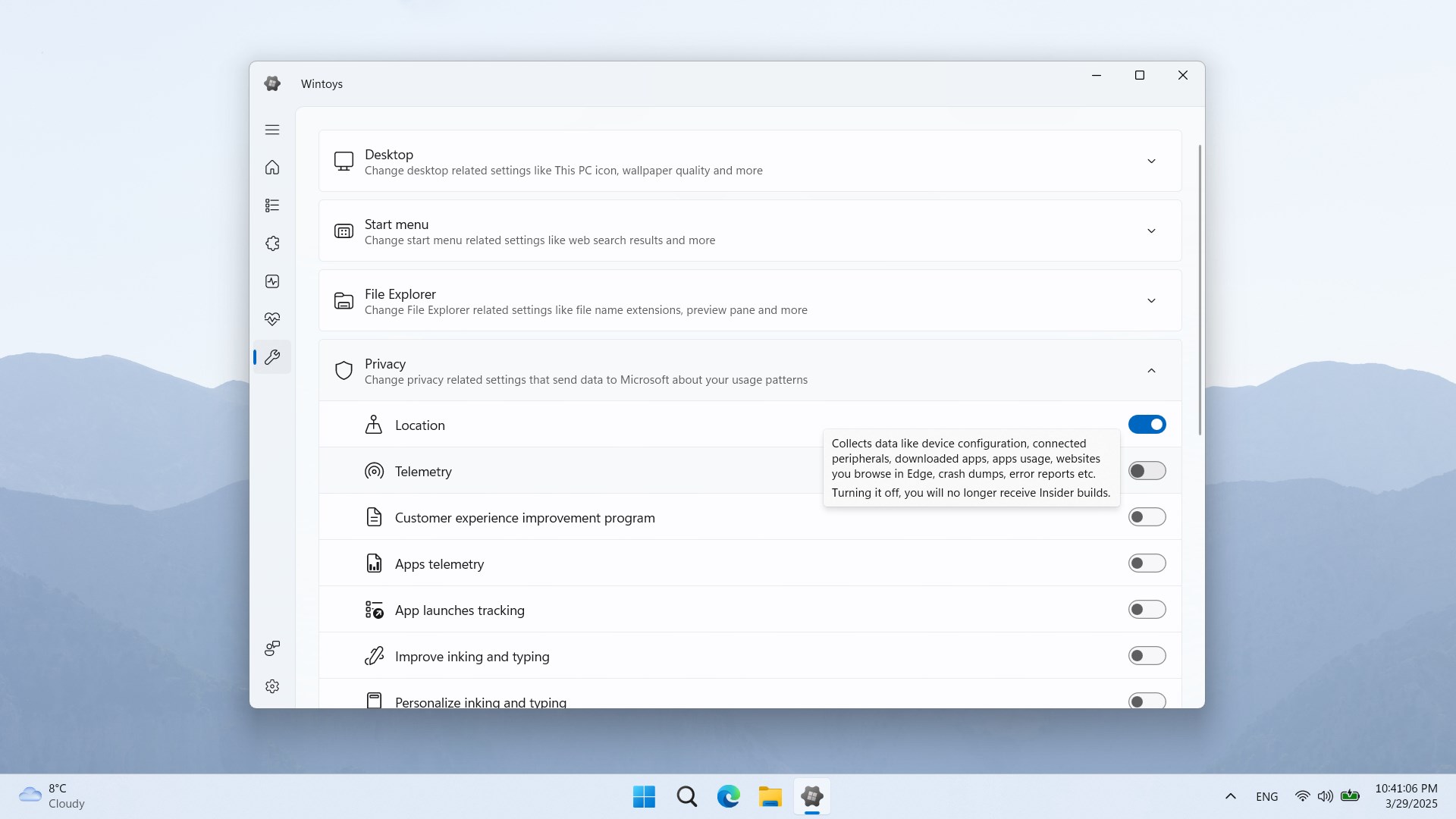
- Compact and Versatile Toolbox: Wintoys offers a collection of essential tools—ranging from system monitoring, file management, to quick system tweaks—all accessible through an easy-to-navigate interface.
- Lightweight and Fast: The app's minimalistic design ensures it loads swiftly and runs seamlessly without hogging system resources, making it ideal for both casual users and power users.
- User-Friendly Interface: Designed with simplicity in mind, the interface allows users of varying technical proficiency to dive in without a steep learning curve, transforming complex tasks into straightforward procedures.
What's it like to use Wintoys?
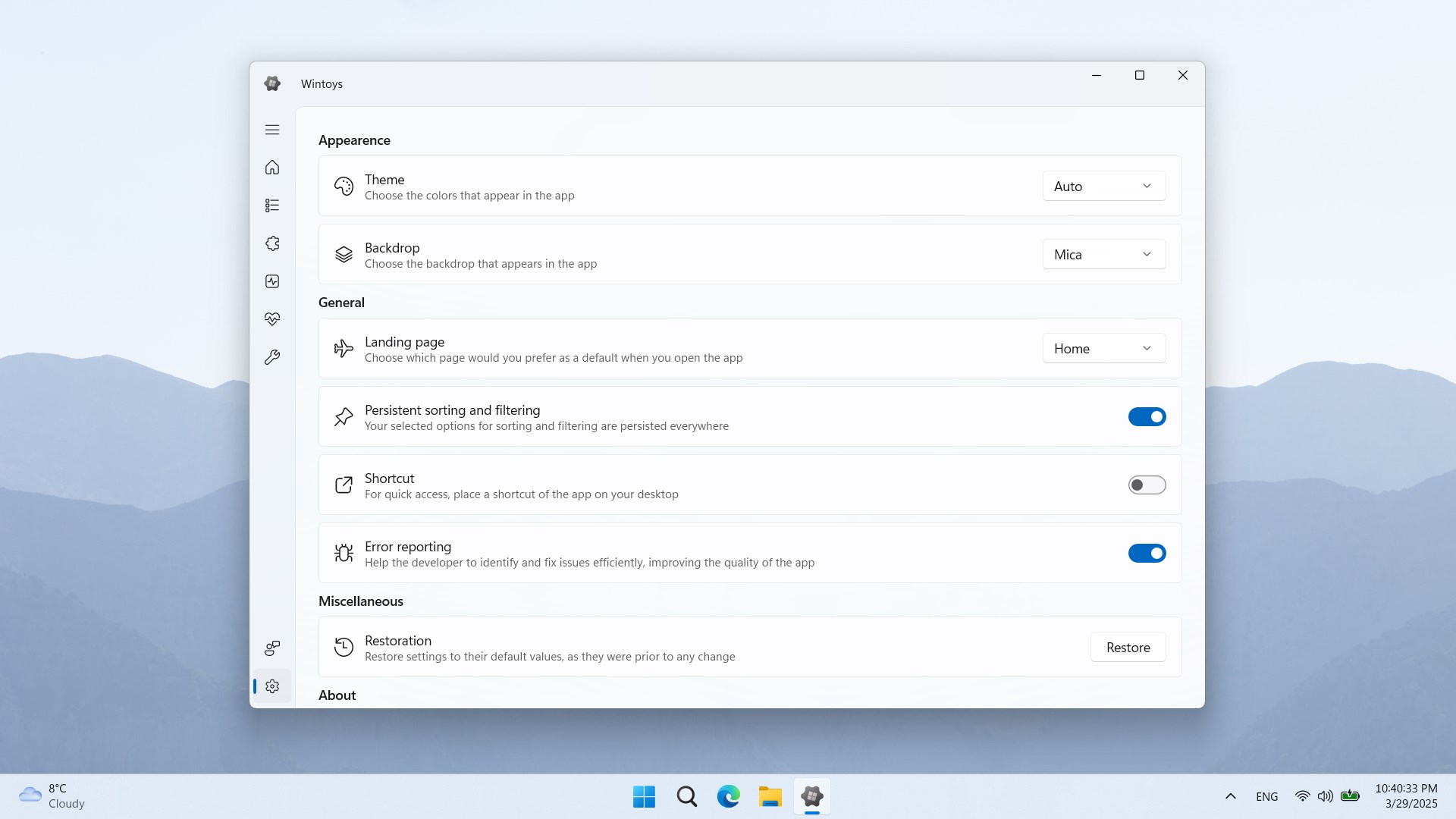
Imagine opening a tidy toolbox—each tool clearly labeled and easily accessible—ready to help you fix, monitor, or tweak your Windows system. That's the everyday experience with Wintoys: a clean, responsive interface that invites exploration. The app's design employs a straightforward layout, so even first-time users find it approachable. Navigating between features feels smooth, akin to gliding across a well-paved road—no lag or frustrating delays. Whether you're adjusting system settings or checking performance stats, the app remains steady and responsive, making routine maintenance less of a chore.
Design and User Experience
Wintoys adopts a minimalistic aesthetic complemented by a logical arrangement of tools, which minimizes visual clutter and makes finding functions intuitive. The interface's straightforwardness shortens the learning curve, enabling new users to get started quickly. The app's responsiveness ensures that actions are executed without noticeable delay, fostering confidence in its reliability. Overall, it provides a pleasant and efficient user experience, akin to having a professional assistant guiding your system management tasks.
Differentiation and Unique Selling Points
Compared to other utilities and tools on the market, Wintoys stands out through its focus on simplicity paired with essential functionality. Unlike heavier system management suites that overwhelm with features, Wintoys offers a curated set of tools—most notably, its ability to perform quick system tweaks and resource monitoring unobtrusively. Its lightweight footprint and ease of use make it particularly appealing for users who want reliable tools without unnecessary complexity. Furthermore, the app's design ensures that users can perform common tasks swiftly, reducing the need to juggle multiple applications.
Final Thoughts and Recommendations
Wintoys for Windows earns my recommendation as a reliable, user-friendly utility tool suitable for everyday system maintenance and tweaks. It's best suited for users who prefer a clean, straightforward approach to managing their Windows environment—especially those who might find more comprehensive utilities overwhelming. If you're looking for a small but powerful companion to keep your system optimized and monitored, Wintoys deserves a place in your toolset.
Pros
- User-friendly interface
- Wide selection of toys and games
- Affordable pricing options
- Regular updates and new content
- Secure environment for kids
Cons
- Limited customization options
- Occasional glitches during downloads
- Inconsistent content quality
- Limited language options
- Slow customer support response times











