

- Name Windows Configuration Designer
- Category Utilities & tools
- Developer Microsoft Corporation
- Available on PC
- OS Windows 10 version 18362.0 or higher
- Keyboard Integrated Keyboard
- Mouse Integrated Mouse
- languages English (United States)
Efficient Windows Deployment and Configuration at Your Fingertips
Microsoft's Windows Configuration Designer for Windows stands out as a versatile tool crafted to streamline the process of deploying and managing Windows devices. Whether you're an IT professional or a tech enthusiast, this application aims to simplify complex configurations through an intuitive interface, making device management more accessible than ever before.
A Robust Solution Developed by Microsoft
Developed and published by Microsoft Corporation, this tool exemplifies the company's commitment to empowering users with reliable and integrated management utilities. Its design reflects the company's vast experience in enterprise solutions, tailored to facilitate customized Windows device setups and configurations seamlessly.
Key Features:
- Template-driven Configurations: Quickly generate provisioning packages using pre-defined templates, reducing manual setup time.
- Intuitive UI for Custom Settings: Easily create and edit device configurations with user-friendly controls, even for complex settings.
- Provisioning Package Export & Deployment: Simplify deployment across multiple devices through exportable packages compatible with various deployment methods.
- Integration with Windows Deployment Tools: Seamless compatibility with Windows Imaging and Deployment solutions for professional workflows.
Target User Group: This app is ideally suited for IT administrators, hardware technicians, and advanced power users involved in configuring and deploying Windows devices in enterprise or educational environments.
An Engaging Dive into Core Features
Stepping into the Windows Configuration Designer feels akin to having a master craftsman's toolkit in your digital pocket — ready to shape your Windows environment to fit precise needs. Its design balances power and simplicity, making a potentially daunting task approachable for users with varying skill levels.
Streamlined Configuration Templates
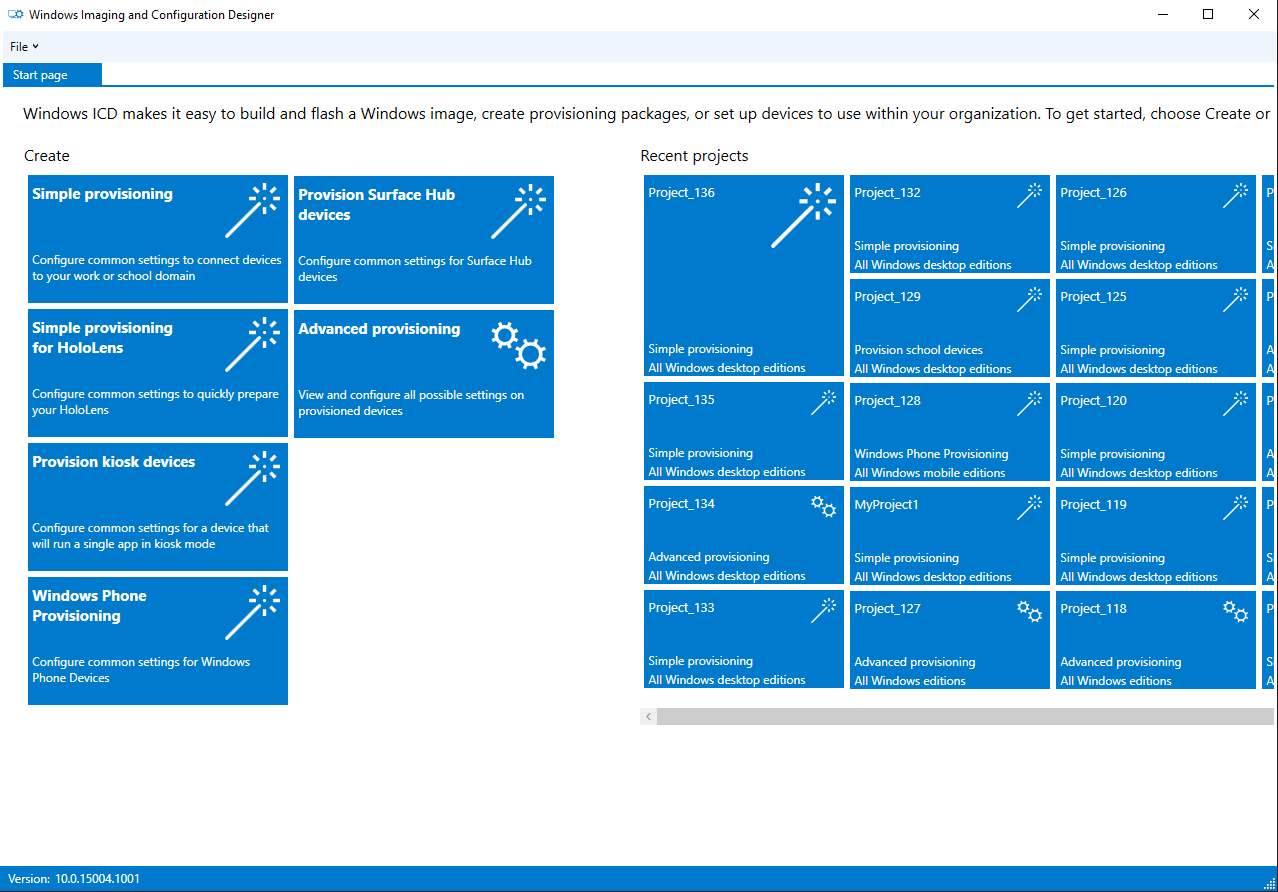
At the heart of this app's power lies its template system. Imagine having a set of blueprints that can instantly customize Windows devices for specific roles — be it kiosks, corporate laptops, or specialized hardware setups. These templates serve as starting points, which you can tailor with simple toggles and inputs, saving hours of manual configuration. This feature truly sets the app apart from many other utilities that force you to build configurations from scratch.
User-Friendly Interface Meets Advanced Settings
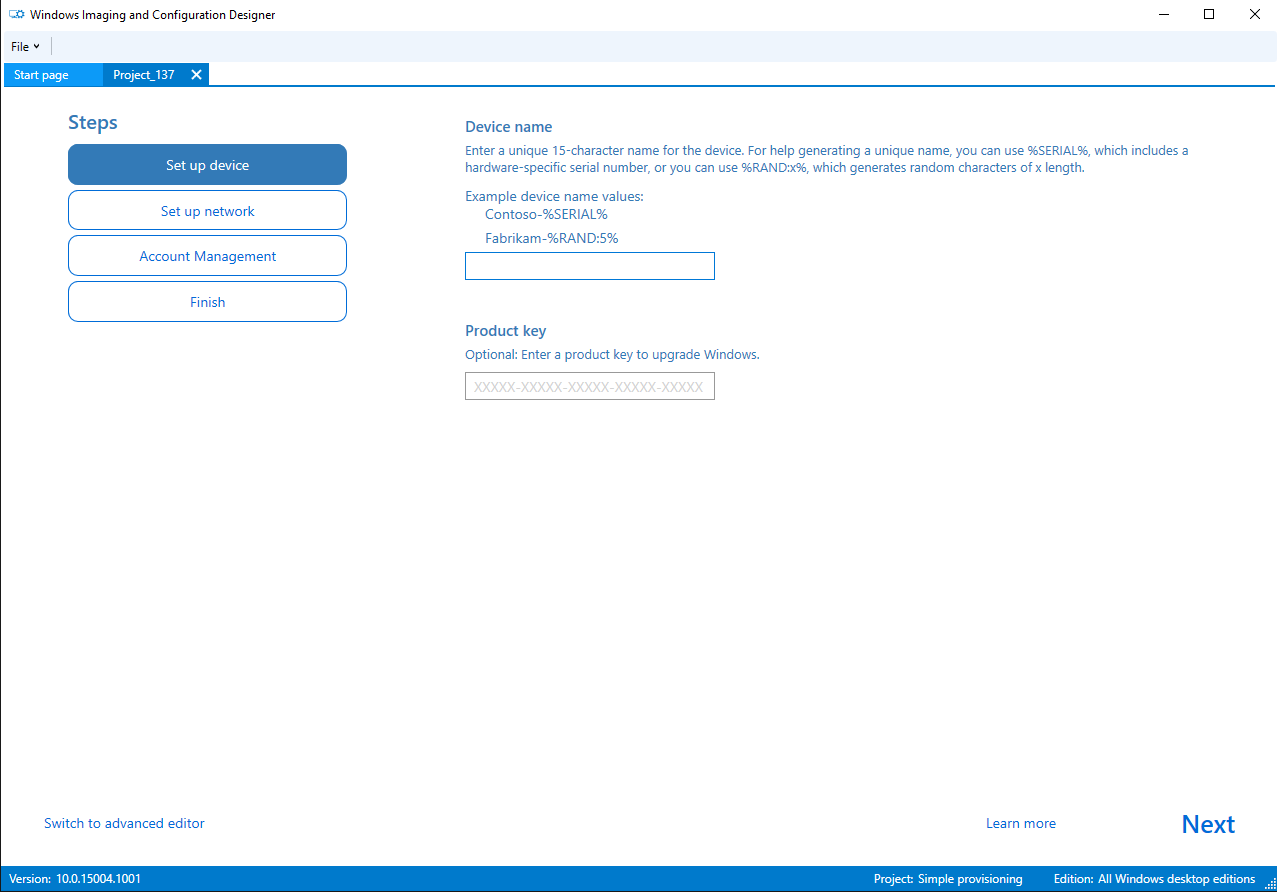
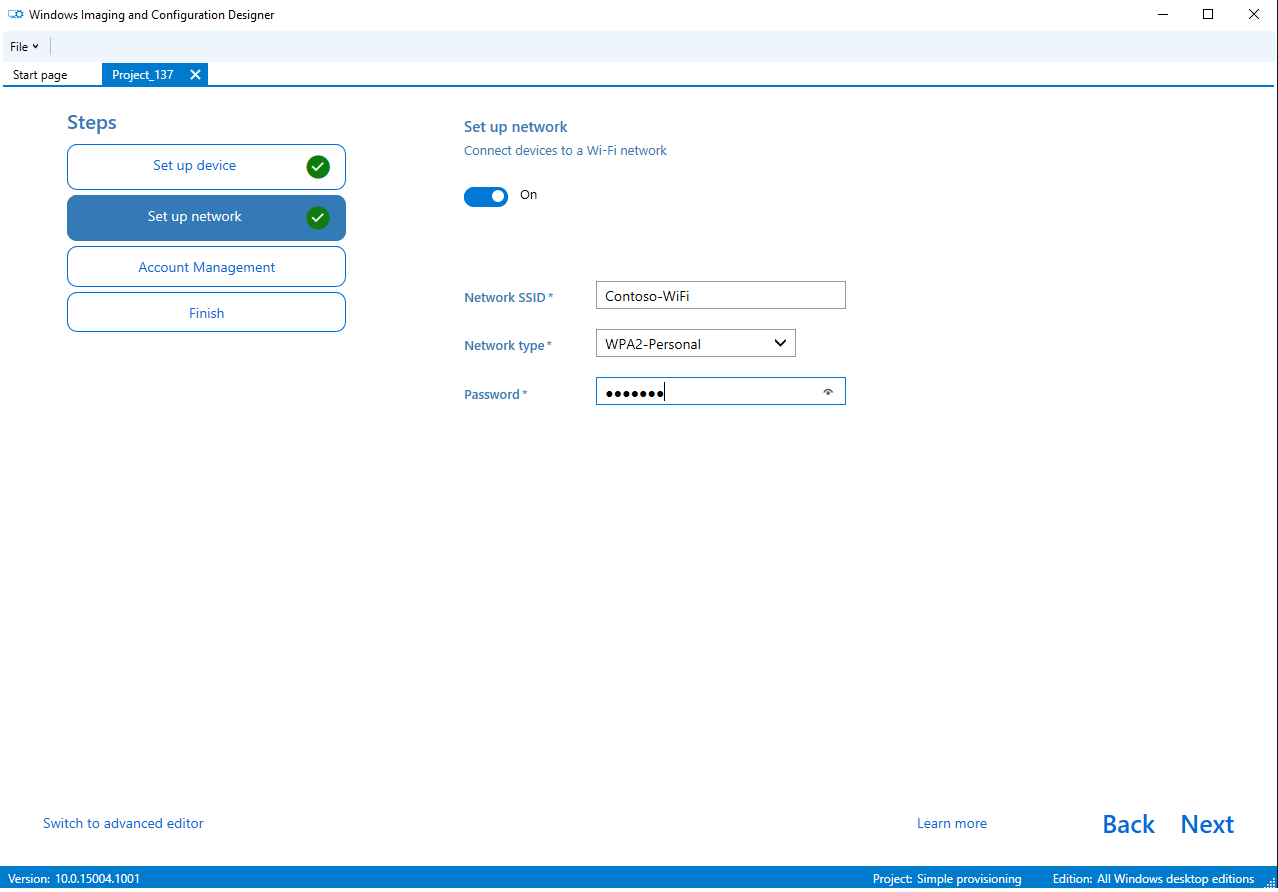
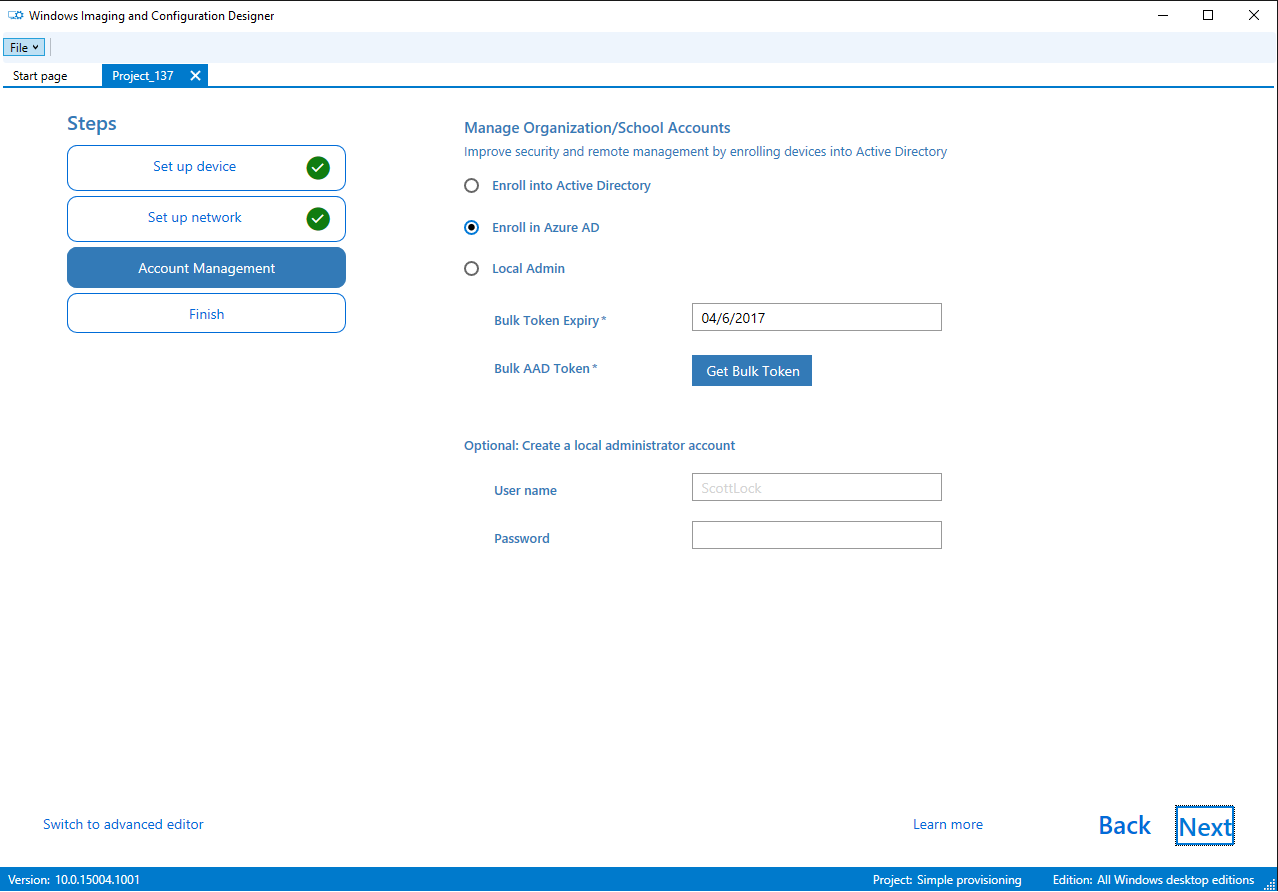
The interface strikes a fine balance: it's clean, intuitive, and accessible, like a well-organized workshop. Even if you're new to Windows deployment, you'll find navigating through device settings and options straightforward. For seasoned professionals, the tool offers comprehensive options and precise control, ensuring no customization is out of reach. The learning curve is gentle enough for beginners, yet sophisticated enough for seasoned admins to appreciate detailed adjustments.
Seamless Deployment and Compatibility
Perhaps most notable is how effortlessly the app exports provisioning packages that can be deployed across various Windows devices. Think of it as preparing personalized “kits” that can be plugged into any compatible device — saving time and reducing configuration errors. The integration with existing Windows deployment ecosystems makes it a natural choice for those managing a fleet of devices, standing out from third-party tools that may lack such deep ecosystem compatibility.
Should You Give It a Try?
Considering its feature set, user-centric design, and tight integration with Windows tools, I'd recommend Windows Configuration Designer to IT professionals and advanced users seeking a reliable, efficient way to configure multiple devices. While it might be overwhelming for absolute beginners unfamiliar with Windows deployment concepts, the app's friendly interface and templates help bridge that gap.
In brief, if your goal is to simplify device provisioning with precision and flexibility, this tool certainly merits a spot in your administrative toolkit. It's not just a utility — it's a digital workshop tailored for smoother, faster, and more reliable Windows deployment operations.
Pros
- Intuitive User Interface
- Comprehensive Device Configuration Options
- Integration with Microsoft Ecosystem
- Supports Offline Configuration
- Constant Updates and Support
Cons
- Steep Learning Curve for Advanced Features
- Limited Documentation for Beginners
- Performance Issues with Large Profiles
- Lack of Exporting Configurations in Multiple Formats
- Minor Inconsistencies in UI Across Versions











