
- Name Windows Clock
- Category Utilities & tools
- Available on PC, Mobile, Surface Hub
- OS Windows 10 version 18362.0 or higher
- languages Afrikaans, Albanian, Amharic, Arabic, Azerbaijani, Basque, Bulgarian, Catalan, Chinese (Simplified), Chinese (Traditional), Croatian, Czech, Danish, Dutch, English (United Kingdom), English (United States), Estonian, Filipino, Finnish, French, French (Canada), Galician , German, Greek, Hebrew, Hindi, Hungarian, Icelandic, Indonesian, Italian, Japanese, Kannada, Kazakh, Khmer, Korean , Lao, Latvian, Lithuanian, Macedonian, Malay, Malayalam, Norwegian (Bokmål), Persian, Polish , Portuguese (Brazil), Portuguese (Portugal), Romanian, Russian, Serbian (Latin, Serbia), Slovak, Slovenian (Slovenia), Spanish (Mexico), Spanish (Spain), Swedish, Tamil, Telugu, Thai, Turkish, Ukrainian, Vietnamese
A Clear and Convenient Digital Stopwatch: An In-Depth Review of Windows Clock for Windows
If you're someone who relies on precise time management—be it for workouts, work sessions, or cooking timers—then Windows Clock for Windows offers a straightforward yet versatile solution. This app transforms your Windows device into a reliable timekeeping tool, combining stylish design with handy functionalities.
Developed by Microsoft Corporation – Trustworthy and User-Centric
Created by the tech giant Microsoft Corporation, this application benefits from the company's extensive experience in software development. The app aims to integrate seamlessly into Windows 10 and 11, providing users with an intuitive experience that's both familiar and efficient. Its primary focus is to deliver a simple, accessible stopwatch and timer utility that can suit everyday needs without unnecessary complexity.
Core Features Highlighted: Simplicity Meets Functionality
Multiple Timer Modes for Versatile Use
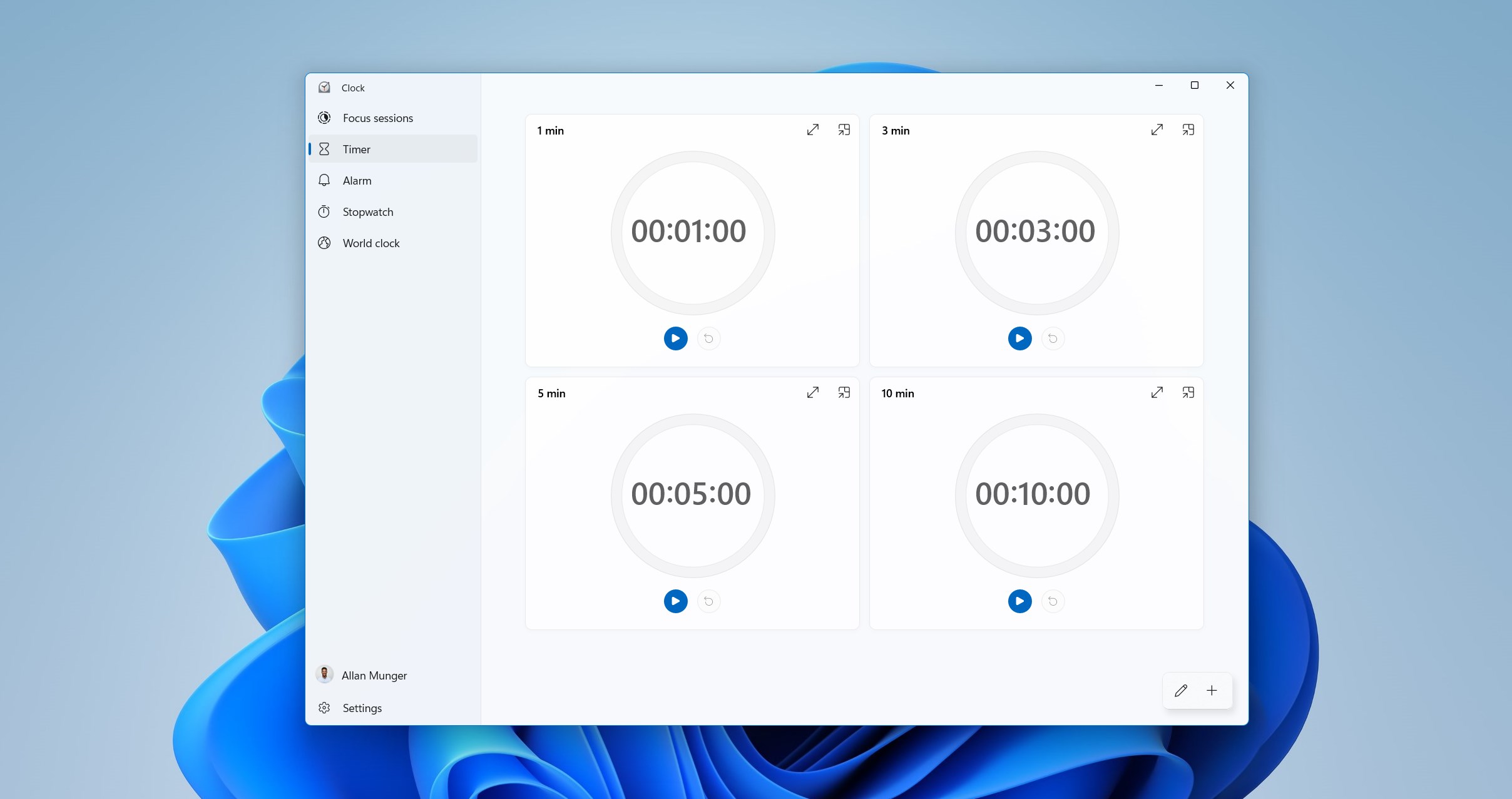
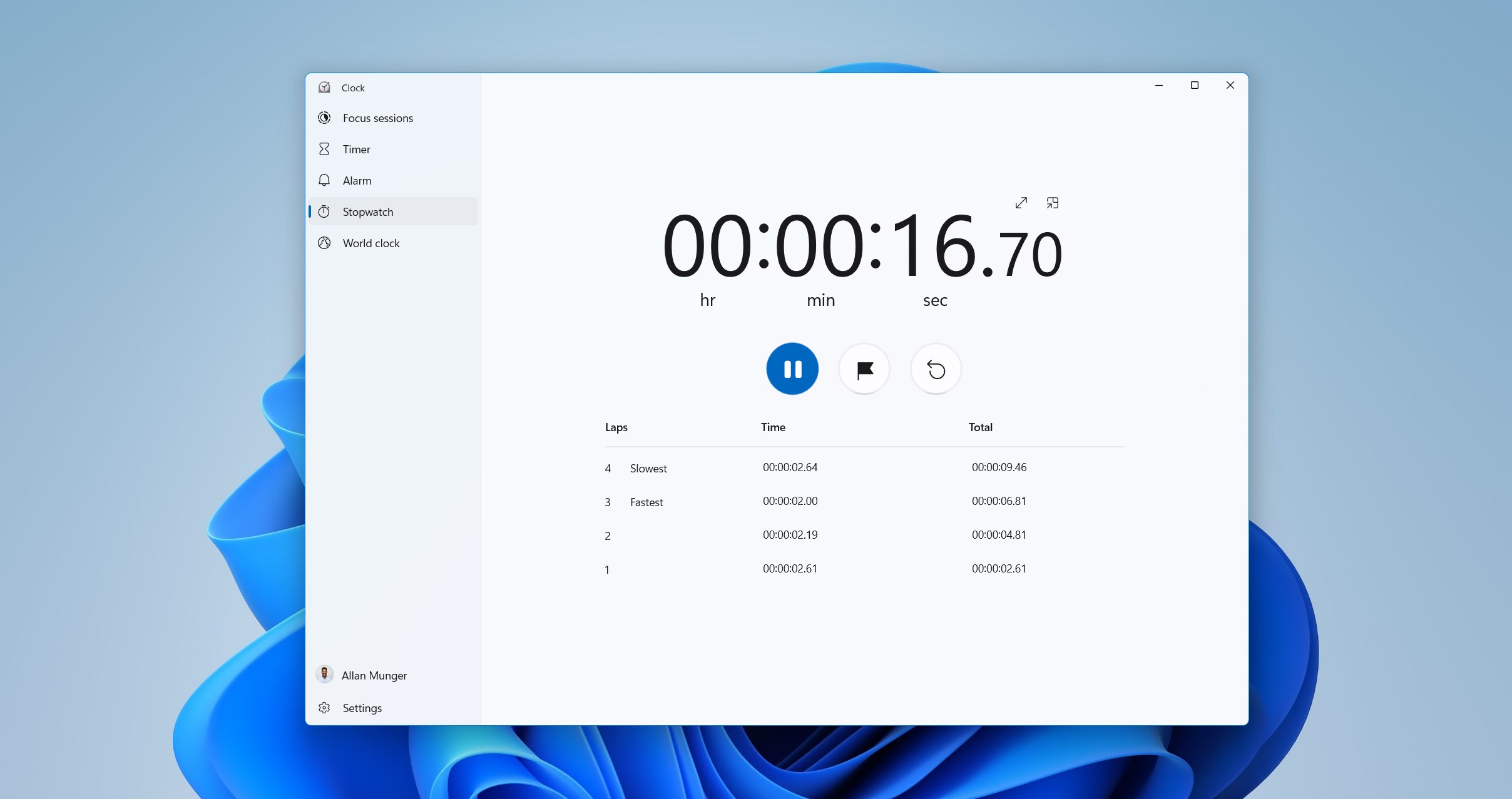
The app offers various modes such as stopwatch, countdown timer, and lap timer. Whether you're timing a workout set, a baking session, or a quick meditation, these modes can be quickly accessed. The lap timer feature also allows you to record split times during activities, making it ideal for athletes or productivity enthusiasts who want to analyze their performance.
Intuitive and Stylish User Interface
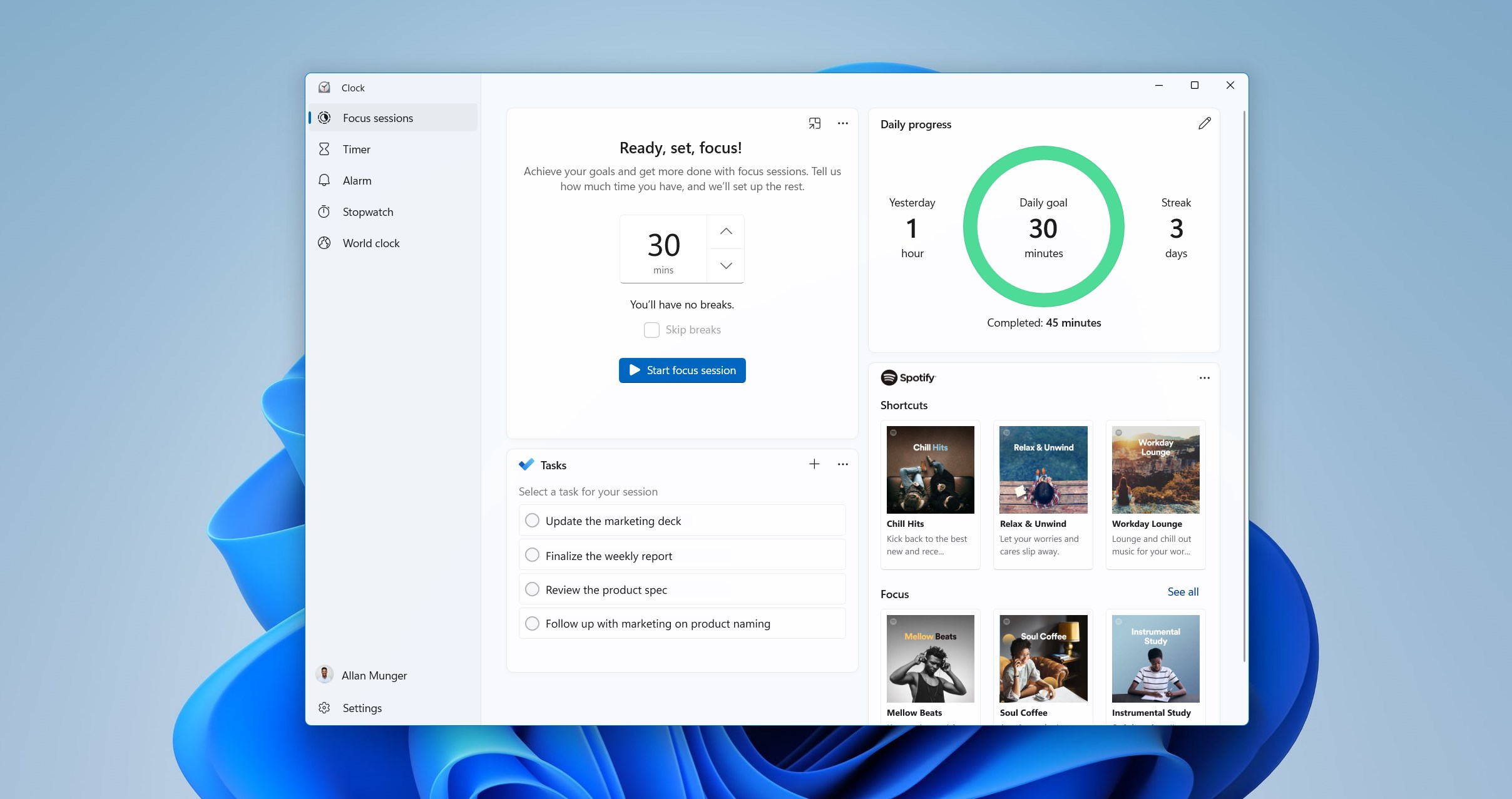
The interface exhibits a minimalistic design with clean, modern lines, ensuring that users can effortlessly navigate without confusion. Large, easy-to-read fonts and responsive buttons make starting, pausing, or resetting timers simple. The design adapts well to different screen sizes, providing a consistent experience across devices.
Seamless User Experience and Responsiveness
The app operates with fluid responsiveness, with almost instantaneous reactions to user commands. Transitioning between modes is smooth, and real-time updating of timers feels natural. The learning curve is shallow; most users will find themselves using the core functionalities within minutes, making it accessible even for those less tech-savvy.
What Sets It Apart from Other Utility Apps?
While many stopwatch or timer apps exist, Windows Clock for Windows distinguishes itself with its tight integration into the Windows ecosystem, ensuring it fits naturally into your PC workflow. Notably, its ability to run background timers without hindering performance or draining battery significantly enhances usability, especially in multitasking scenarios. Additionally, the app's customizable appearance and straightforward controls make it more user-friendly than some clunky alternatives cluttered with unnecessary features.
Unlike more complex productivity tools that aim to do everything, this app hones in on delivering what users need most—reliable, accurate timing—without needless bells and whistles. Its design philosophy emphasizes ease of use and visual clarity, making it a dependable companion for daily timing needs.
Overall Recommendation and Usage Suggestions
This app is highly recommended for users seeking a clean, effective, and easy-to-use stopwatch or timer utility on Windows. Its simple interface, combined with core functionalities and seamless integration, makes it suitable for personal, educational, or even light professional use. If your priority is to have a dependable timer that's accessible at all times without clutter, Windows Clock for Windows is an excellent choice.
For those who need advanced features like customizable alarms or complex scheduling, this app may fall short; however, for everyday timing purposes, it hits the mark perfectly. Users looking for a no-fuss, reliable tool should give it a try.
Pros
- Intuitive User Interface
- Accurate Time Synchronization
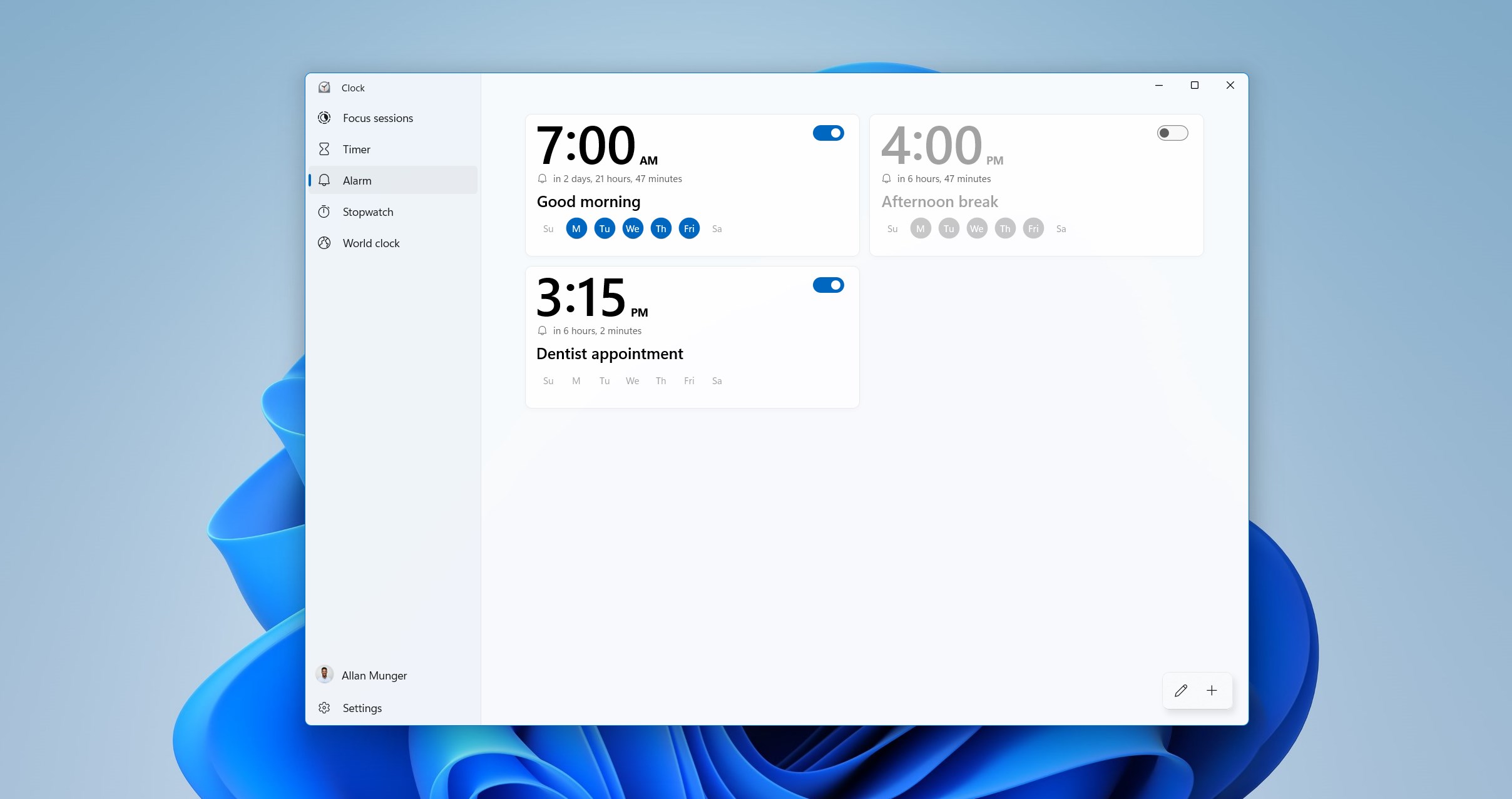
- Customizable Alarms and Timers
- World Clock Functionality
- Minimal System Resource Usage
Cons
- Limited Alarm Customization Options
- Lack of Integration with Calendar
- Basic Interface for Advanced Users
- Limited Accessibility Features
- Absence of Multiple Language Support











