
- Name Widget Pro
- Category Utilities & tools
- Developer good2create
- Available on PC
- OS Windows 10 version 19041.0 or higher
- languages English (United States)
A Fresh Take on Windows Widgets: What is Widget Pro for Windows?
Widget Pro for Windows is a versatile desktop widget manager designed to enhance your Windows experience with customizable, interactive widgets. Developed by Good2Create, this application aims to bring the convenience of quick information at your fingertips, making your desktop both more functional and visually appealing. Whether you're looking to keep track of weather, news, or reminders, Widget Pro promises a seamless integration into your daily workflow.
Meet the Creators: Good2Create's Vision for Widget Pro
Good2Create, a team dedicated to crafting user-centric utility tools, sought to bridge the gap between simplicity and powerful customization with Widget Pro. Their focus is to deliver a lightweight, intuitive widget platform that anyone can tailor to their needs, without the steep learning curve often associated with advanced customization apps.
Highlight Reel: Top Features That Make Widget Pro Stand Out
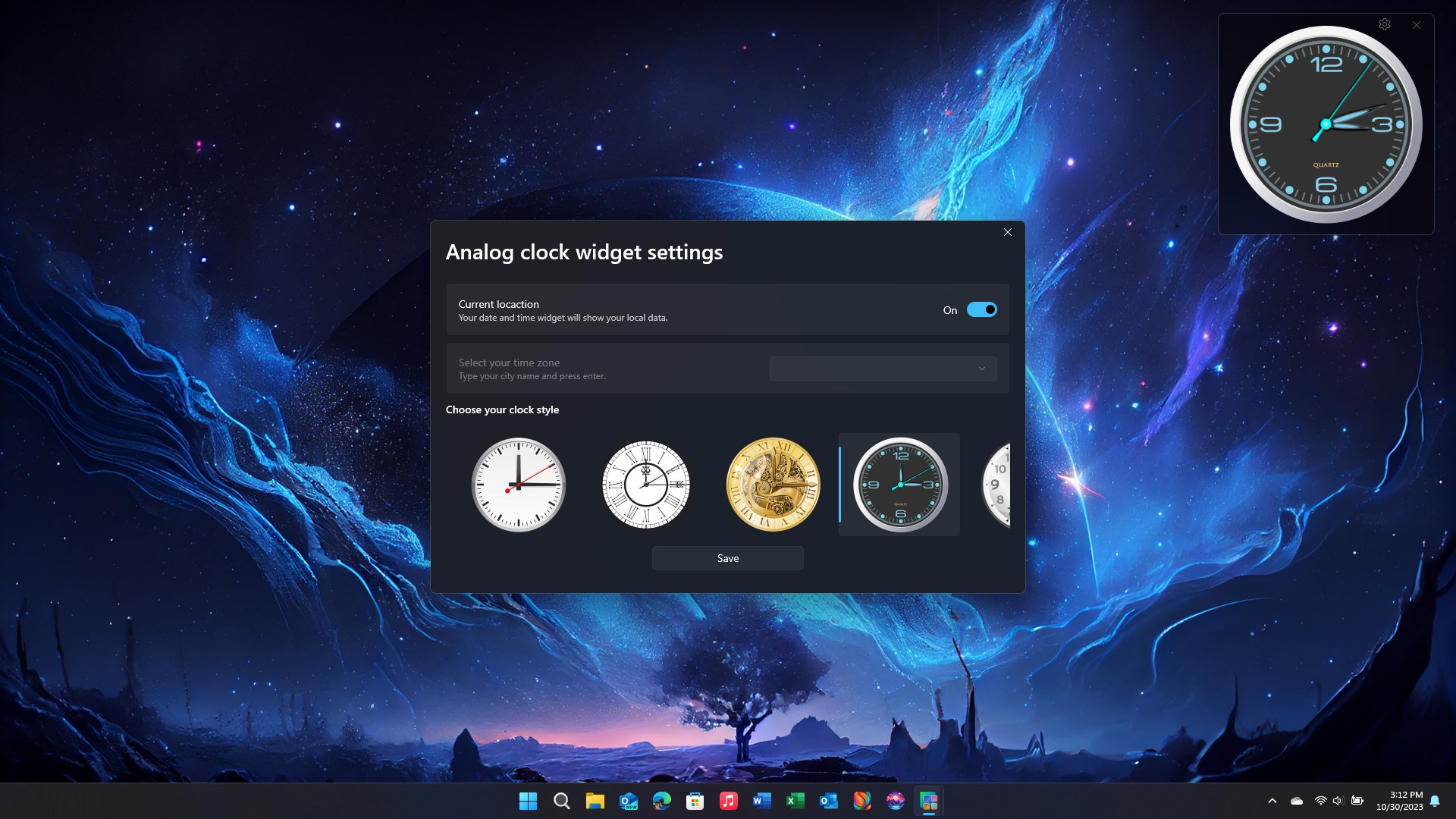
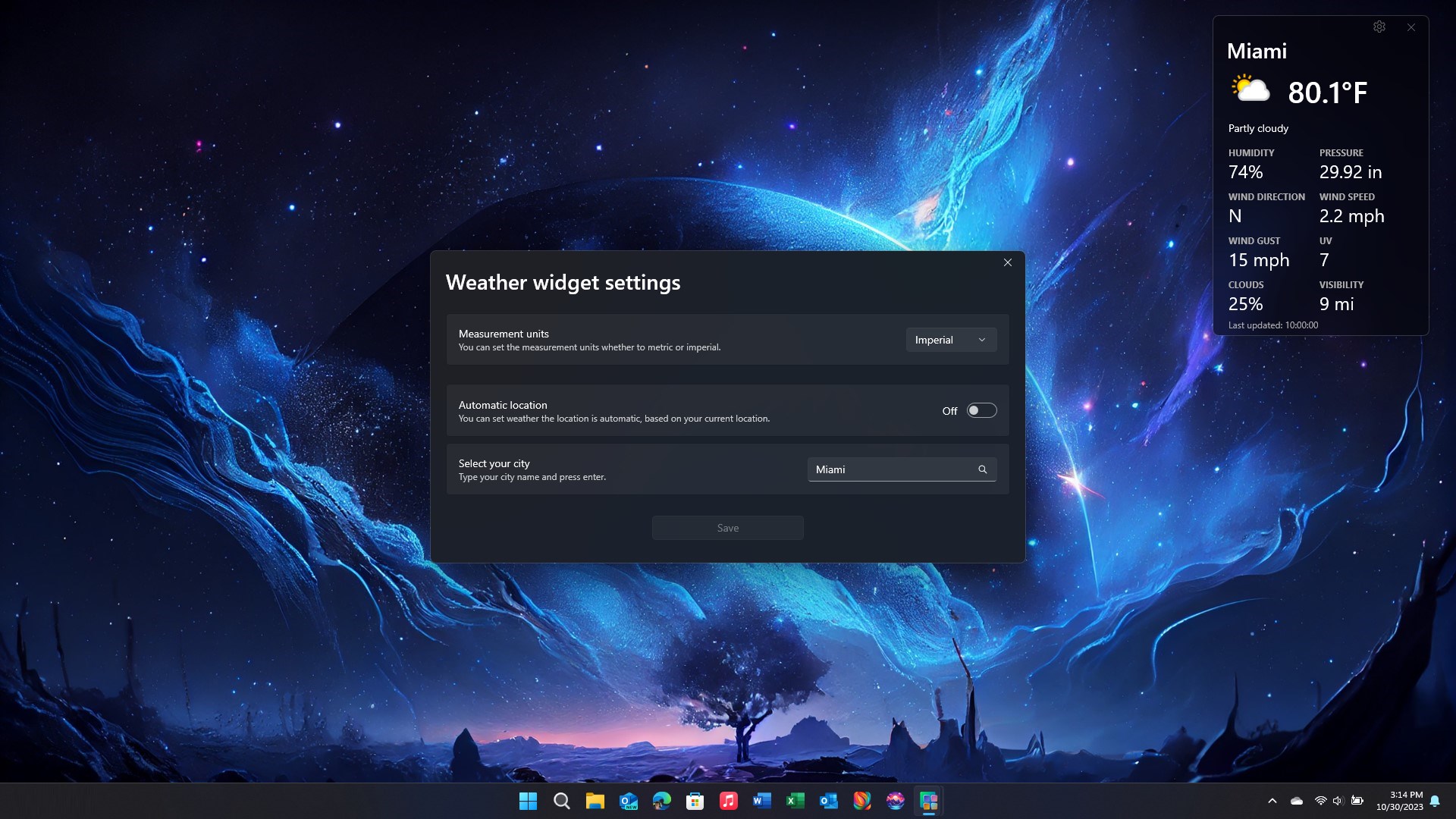
- Highly Customizable Widgets: Create and modify widgets to display weather, clock, calendar, news feeds, and more, all adjustable in size and appearance.
- Intuitive Drag-and-Drop Interface: Easily add, reposition, or remove widgets with straightforward drag-and-drop actions, making desktop personalization a breeze.
- Minimal Resource Usage: Built with efficiency in mind, ensuring the app runs smoothly without hogging system resources, even when multiple widgets are active.
Design and User Experience: Navigating with Ease
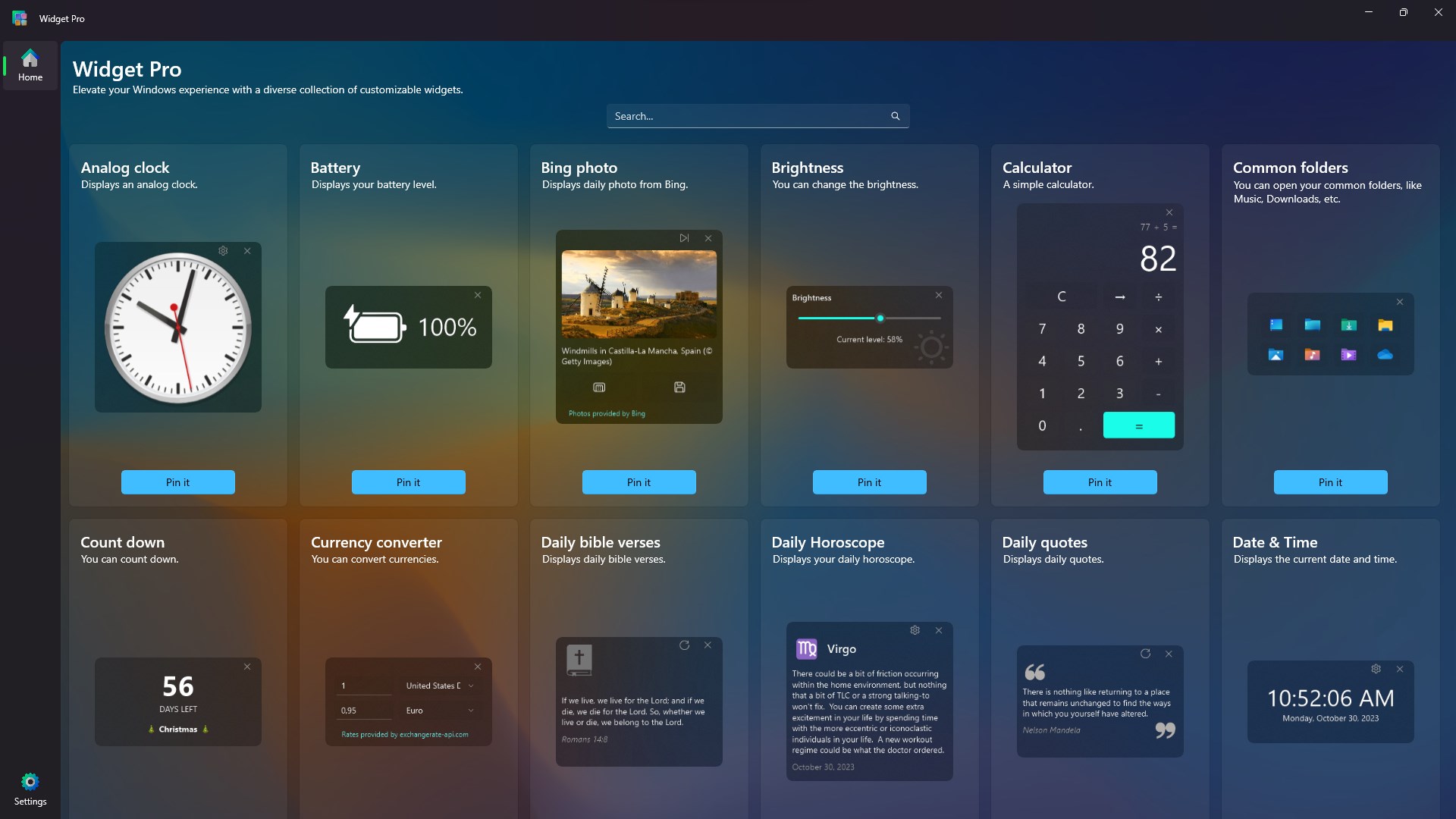
Stepping into Widget Pro feels like entering a well-organized digital toolbox—clean, modern, and inviting. The interface exudes simplicity, with vibrant icons and a layout that resembles a familiar dashboard. Users can quickly discover the widget catalog, customize settings, and resize widgets thanks to an intuitive sidebar. The app responds promptly to user interactions, reflecting smooth drag-and-drop movements that mimic the tactile sensation of arranging physical sticky notes on a board. The learning curve is notably gentle; even first-time users will find it straightforward to start creating their personalized desktop environment.
Core Functionality Deep Dive
Dynamic Widgets and Customization
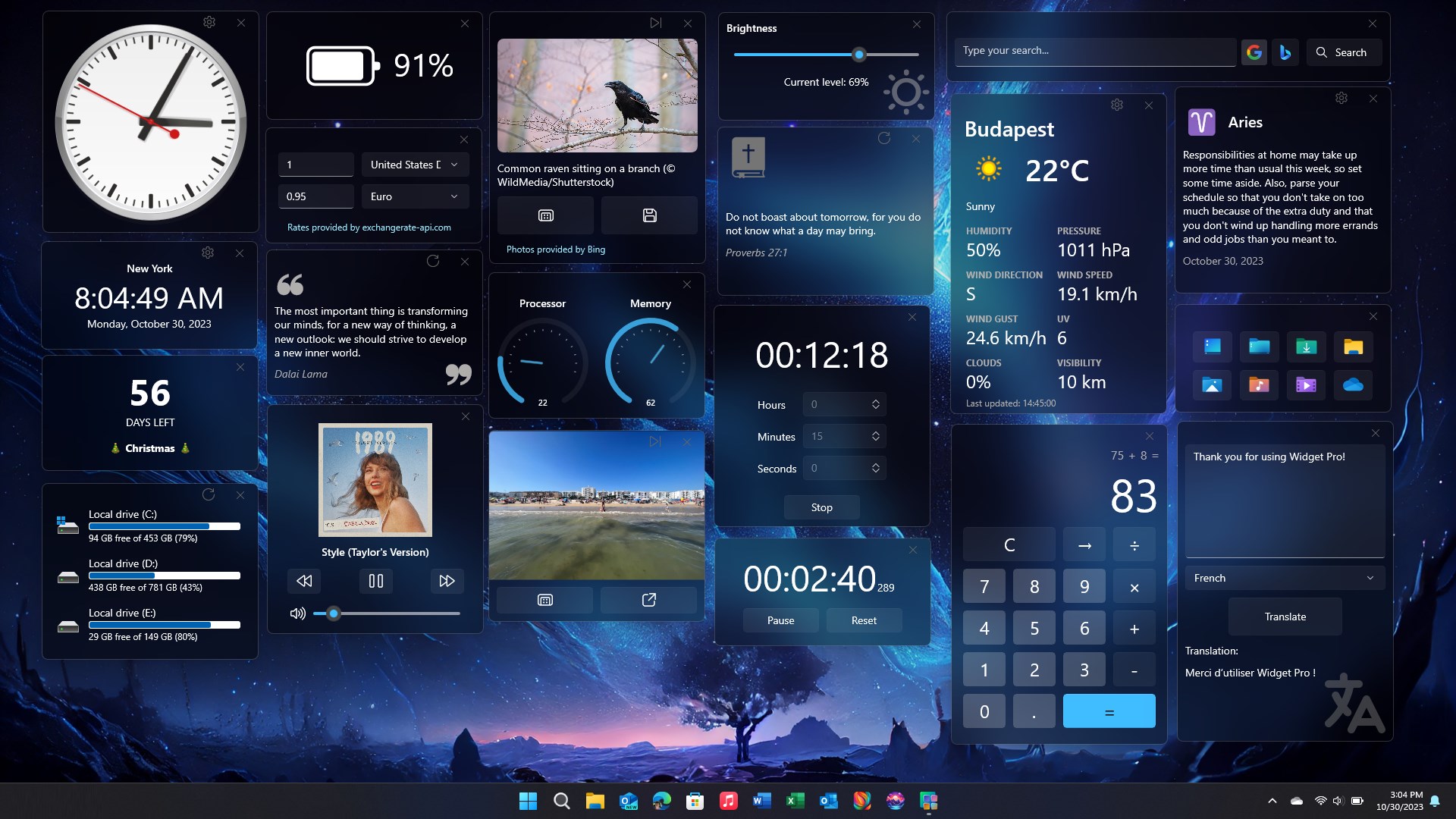
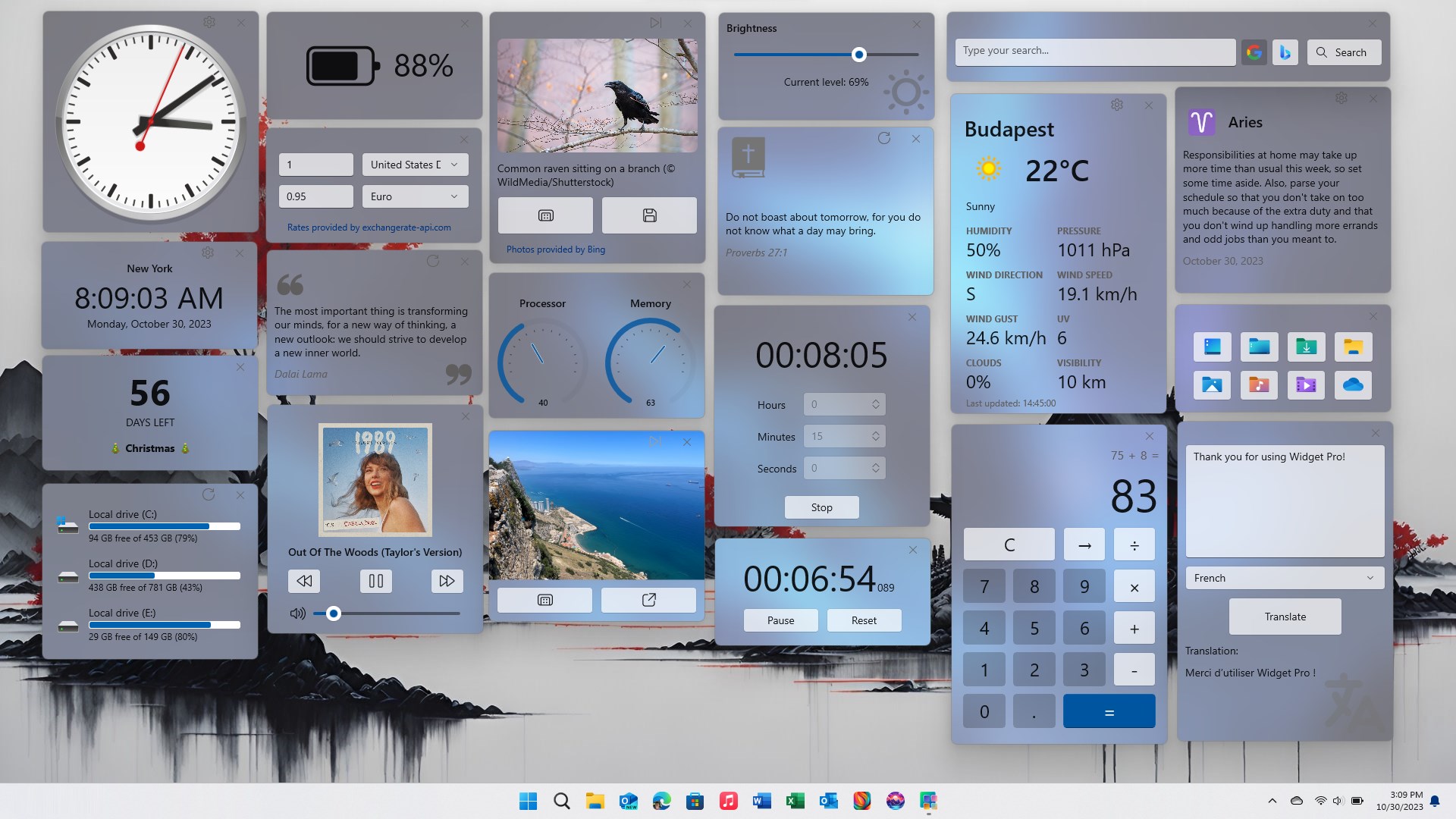
The true ingenuity of Widget Pro shines in its capacity for personalization. You can select from an array of pre-designed widgets—weather forecasts detailed down to the hour, live news tickers, clocks in various styles, and even custom HTML snippets. Beyond mere selection, users can tweak colors, sizes, fonts, and transparency, ensuring each widget complements the overall desktop aesthetic. This level of granular control distinguishes Widget Pro from many competitors that often offer static or limited options.
Seamless Workflow Integration
Imagine having a weather widget that updates automatically as you plan your day or a news feed that refreshes without manual prompts. The app's real-time data fetching offers a native feel of integration, making widgets feel like extensions of your desktop rather than external add-ons. Plus, the drag-and-drop functionality is powerful enough to let you instantly reorganize your workspace, accommodating shifting priorities with a few simple clicks. The developer's focus on responsiveness ensures fluidity, even when juggling multiple active widgets.
Differentiation and Unique Strengths: Why Choose Widget Pro?
While many widget apps exist, Widget Pro's standout feature is its exceptional level of customization combined with resource-efficient operation. Unlike bulkier alternatives, it provides a clutter-free, low-latency experience. The ability to fine-tune each widget's appearance and behavior makes it particularly appealing for users who value aesthetics as much as utility. Additionally, its straightforward user interface lowers barriers, enabling beginners to craft their perfect desktop setup without frustration. This balance of power and simplicity sets Widget Pro apart as a compelling choice for both casual users and tech enthusiasts.
Final Verdict and Recommendations
After exploring Widget Pro thoroughly, I find it to be a well-crafted tool that delivers on its promises with minimal fuss. For anyone seeking to personalize their Windows desktop with attractive, functional widgets, this app strikes a commendable balance between customization, ease of use, and performance. I would recommend it especially for users who want a flexible yet unobtrusive widget system that seamlessly integrates into their workflow. Whether you're organizing your daily essentials or just adding a bit of flair, Widget Pro is worth considering.
Pros
- Intuitive interface
- Customizable widgets
- Wide selection of themes
- Real-time updates
- Lightweight and fast
Cons
- Limited widget customization options
- Occasional bugs with live data sync
- Requires frequent permissions
- Limited widget size options
- Some features are only available in the premium version











