

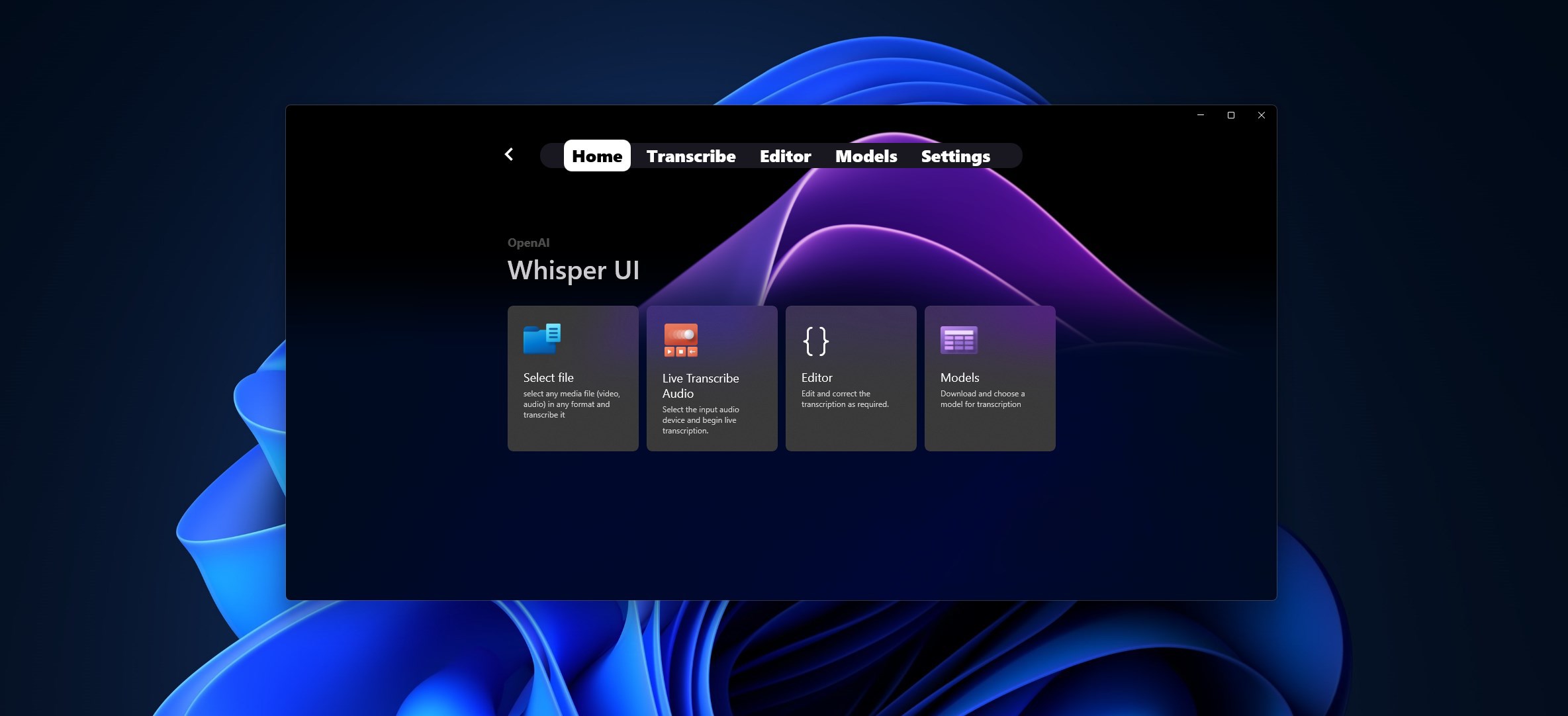
- Name WhisperUI
- Category Utilities & tools
- Developer parmata
- Available on PC, Mobile, Surface Hub, HoloLens
- OS Windows 10 version 19041.0 or higher
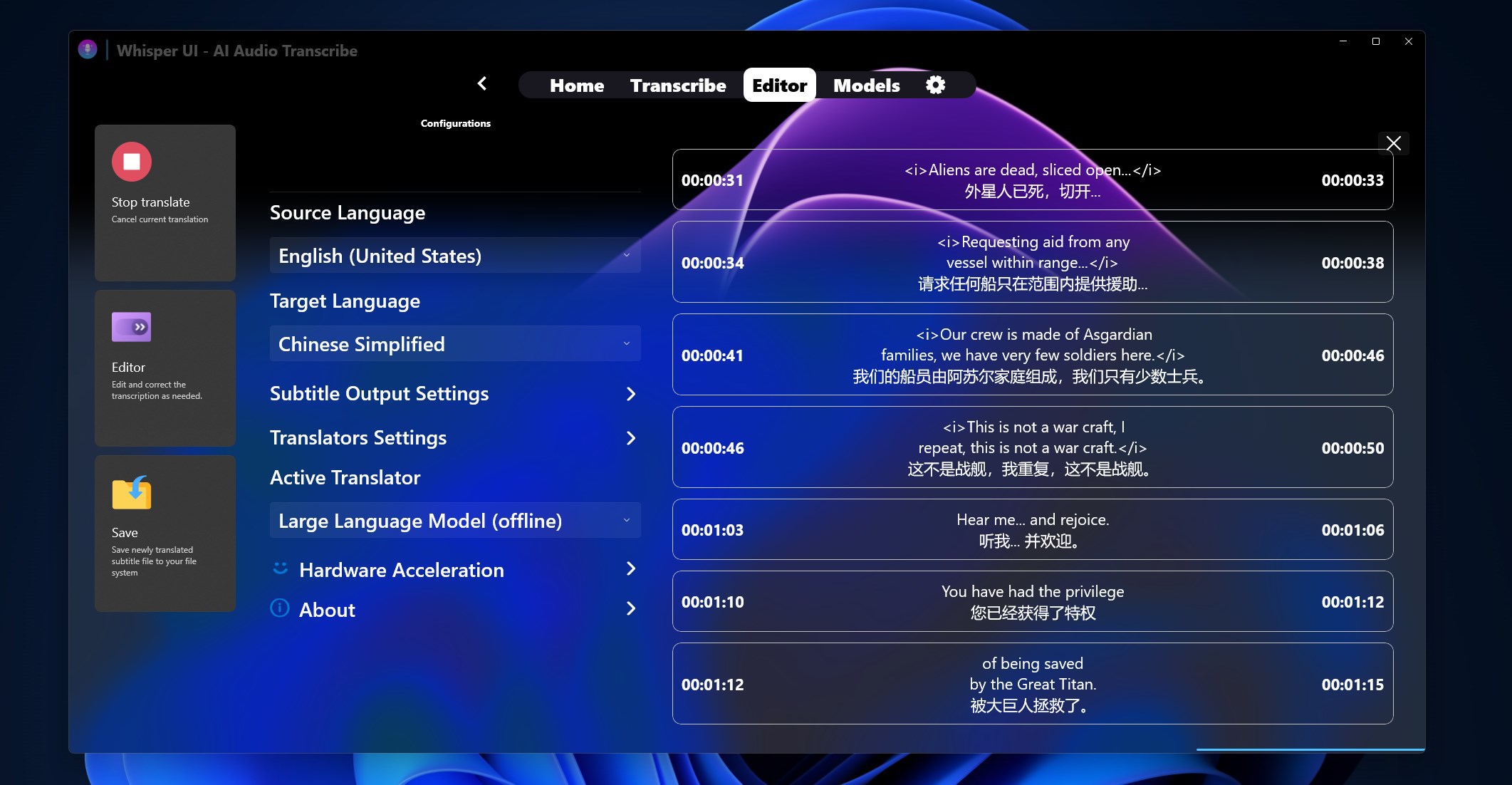
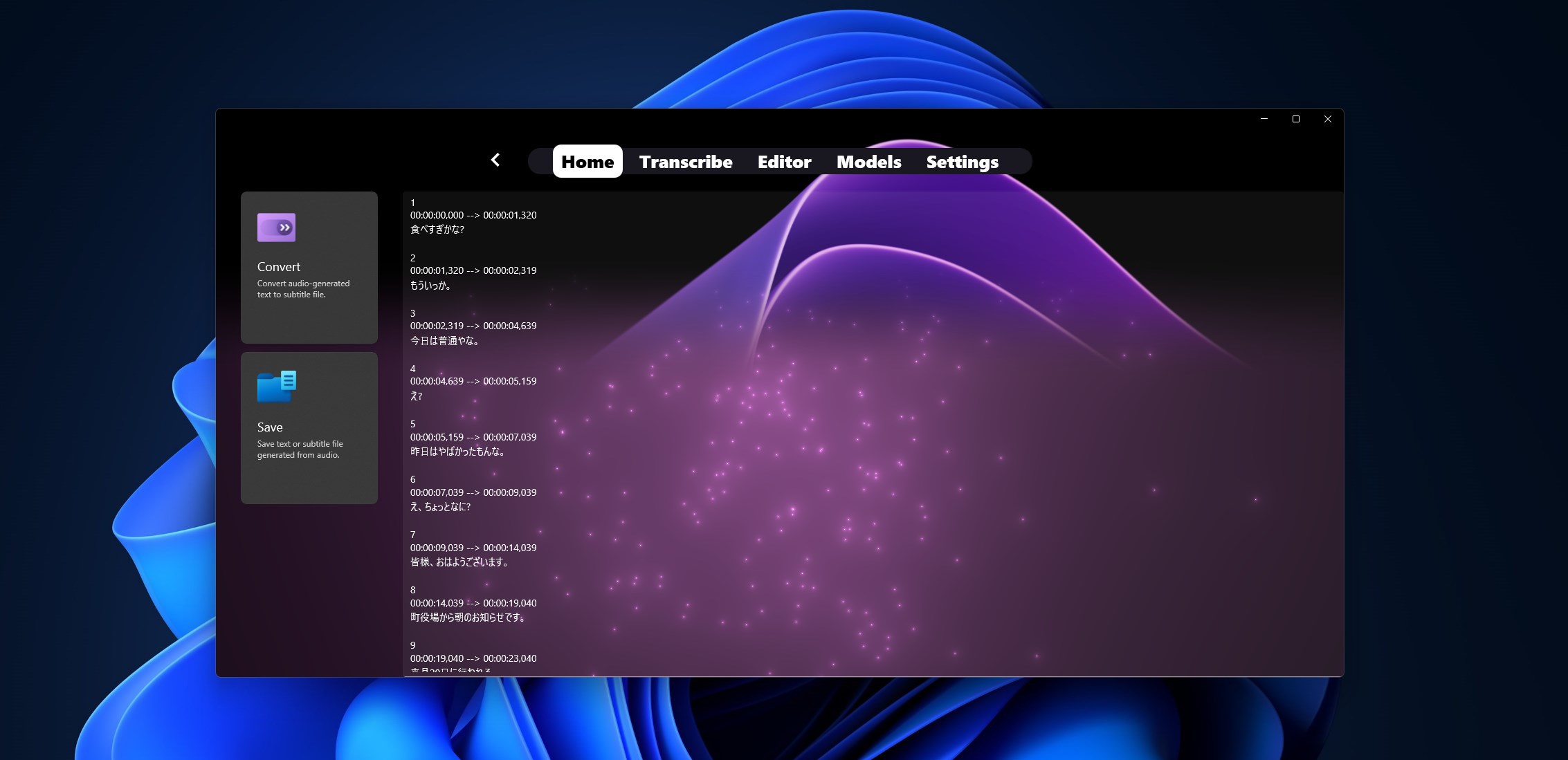
- languages Arabic, Chinese (Simplified), Chinese (Traditional Chinese), English (United States), French, German, Italian, Japanese, Korean, Portuguese, Russian, Spanish, Turkish
WhisperUI for Windows: Transforming Voice Transcription into a Seamless Experience
If you've ever wished for a voice recognition tool that feels both intuitive and highly accurate, WhisperUI might just be the solution you've been waiting for. Designed to streamline voice transcription tasks on Windows, this application promises a user-friendly interface combined with powerful core functionalities. Let's dive into what makes WhisperUI stand out in the crowded landscape of speech-to-text utilities.
About WhisperUI: The Essentials
WhisperUI is a Windows application developed and published by Parmata, aimed at delivering high-quality voice transcription services in an accessible manner. Its core objective is to provide users with an efficient, accurate, and easy-to-use speech recognition tool that can be integrated seamlessly into daily workflows.
- Main Features Highlights:
- Real-time voice transcription with high accuracy
- Customizable voice command support for enhanced productivity
- Minimalistic and intuitive user interface for effortless operation
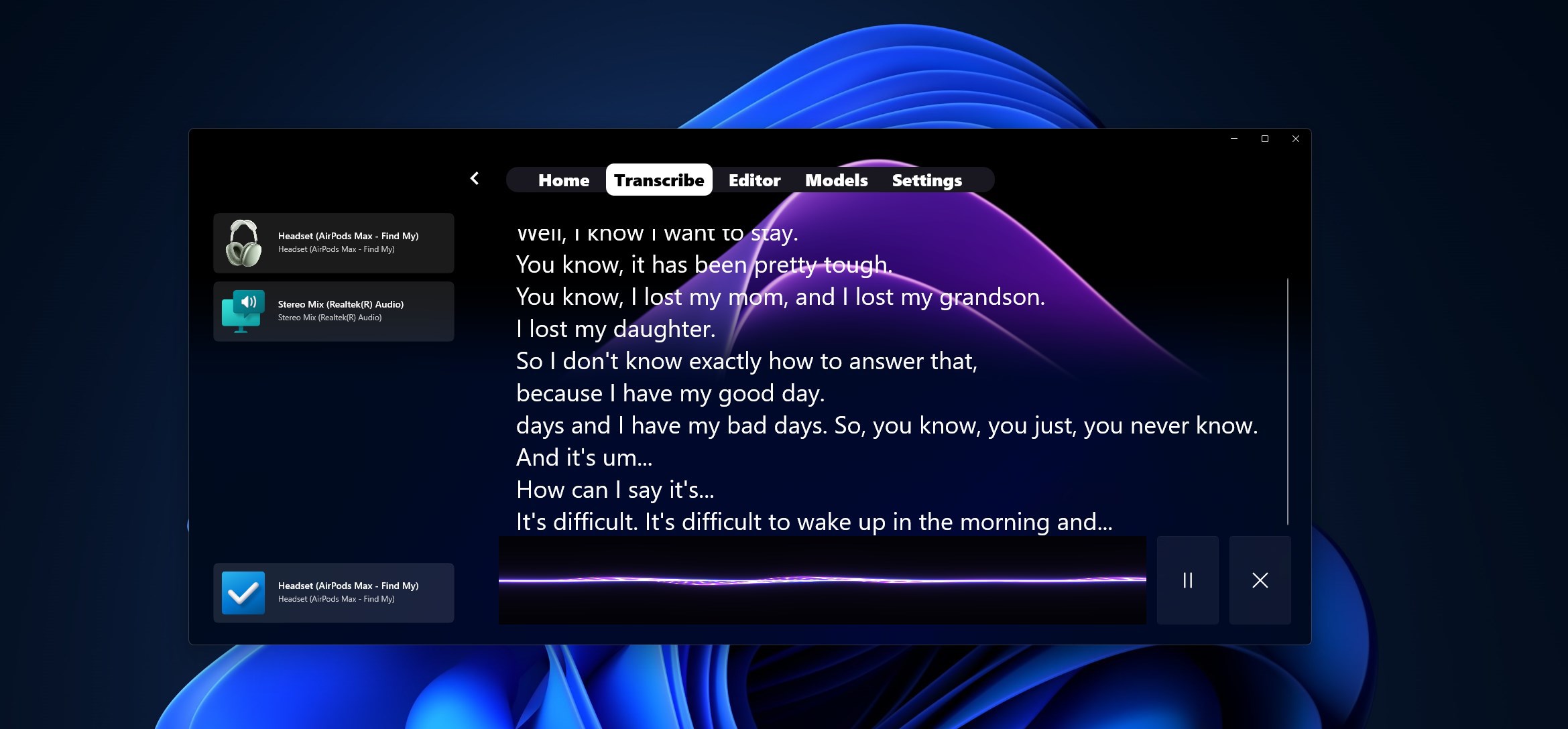
- Compatibility with various audio input sources
- Target Users: Professionals, students, and researchers who require quick and accurate speech-to-text conversion, as well as developers seeking a reliable speech interface for their applications.
An Engaging Start: Let's Talk WhisperUI
Imagine sitting at your desk, voice dictating your thoughts into the computer without the fuss of complicated menus or lagging response times. WhisperUI by Parmata takes this dream and makes it a tangible reality. Its sleek design feels like chatting with a knowledgeable companion who's always ready to transcribe your words with precision. Whether you're drafting a report, capturing lecture notes, or just dictating a quick message, WhisperUI is designed to support your voice-driven workflow with both elegance and efficiency.
Core Functionality: The Heart of the Experience
Accurate and Real-Time Transcription
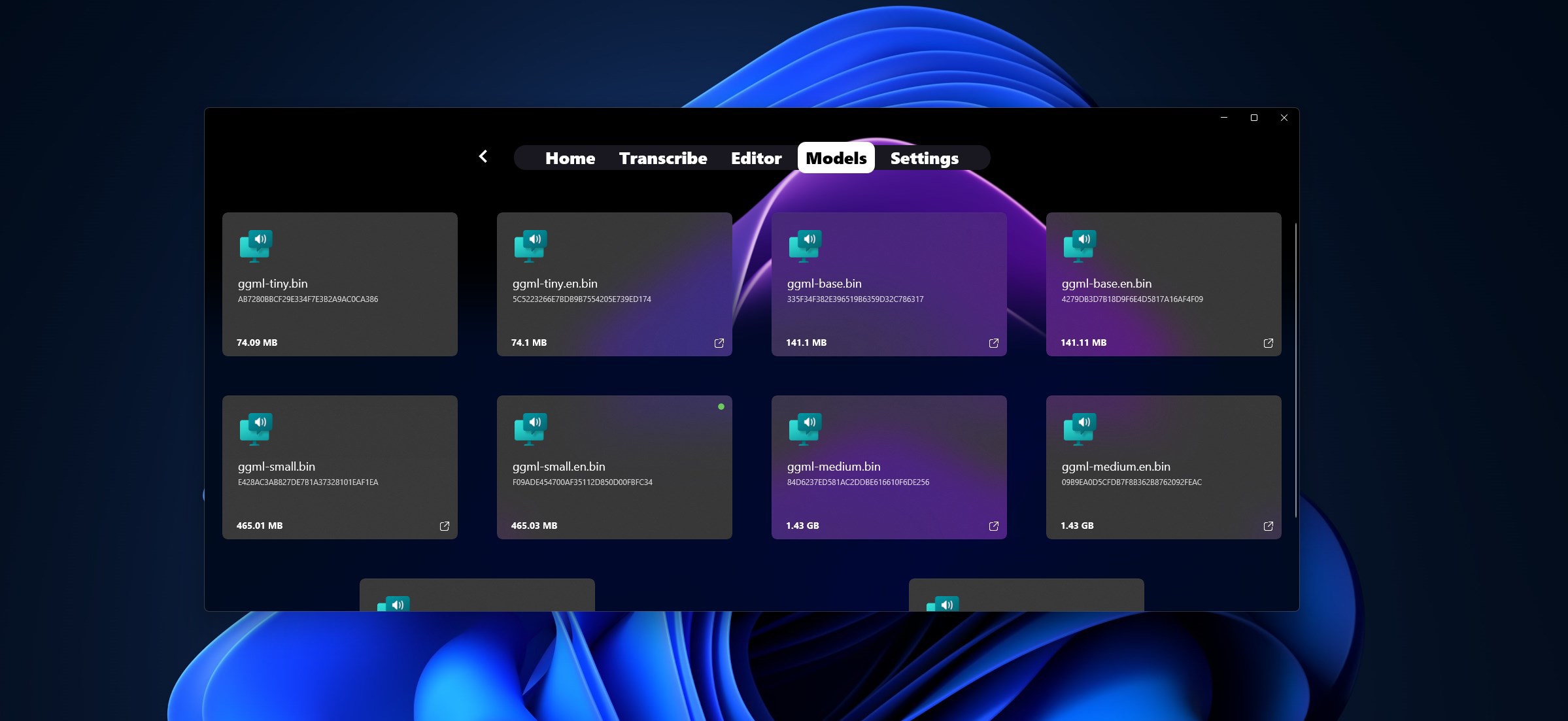
The standout feature of WhisperUI is its impressive speech recognition accuracy. Powered by advanced speech models, it captures your spoken words precisely, even in noisy environments. The real-time transcription feels almost like having a personal stenographer at your side—instant and dependable. This makes it ideal for professionals who need quick notes, students during lectures, or journalists recording interviews on the fly.
Customizable Voice Commands
What truly sets WhisperUI apart is its support for customizable voice commands. You can teach the app specific phrases or commands that trigger certain actions, effectively turning your voice into a control interface. Imagine saying “Open Notepad” or “Scroll Down” and having the app execute these commands flawlessly. This feature elevates the app from a simple transcription tool to a productivity assistant, enabling smoother workflows and hands-free interactions.
User Experience: Interface, Ease, and Learning Curve
WhisperUI's interface is minimalistic but thoughtfully designed—think of it as a clean workspace that invites you to focus. The layout is intuitive, placing all essential controls within easy reach, so even new users can start dictating almost immediately without a steep learning curve. The app responds swiftly to commands, and the transition between different functions remains smooth, making the overall experience feel natural and frustration-free.
What Sets WhisperUI Apart from Rivals?
Many speech recognition tools focus solely on accuracy, but WhisperUI combines accuracy with customizability and user-centric design. Its support for custom voice commands is a significant advantage—most apps offer transcription without such flexible control. This feature transforms WhisperUI from a passive converter into an active productivity tool tailored to individual workflows. Compared to existing utilities like Otter.ai or Windows Dictate, WhisperUI's emphasis on personalized command customization and seamless integration with Windows operating systems provides a unique edge.
Final Thoughts and Recommendations
Based on its features and user experience, I recommend WhisperUI to anyone seeking a reliable, easy-to-use voice transcription application. For professionals needing quick notes, educators recording lectures, or developers integrating voice commands into their tools—this app delivers solid value. While it may not replace advanced transcription services for massive workloads, its balance of accuracy, customization, and intuitiveness makes it a noteworthy addition to your digital toolkit.
Overall, WhisperUI stands out as a practical, well-crafted utility that respects user needs without getting bogged down in overly complex features. It's like having a smart virtual stenographer that adapts to your voice, making your hands free and your work easier. I'd say give it a try—its simplicity and effectiveness make it a useful companion in your Windows environment.
Pros
- User-friendly interface
- Accurate speech transcription
- Multi-language support
- Customizable settings
- Seamless integration
Cons
- Limited offline functionality
- Occasional transcription delays
- Battery consumption is relatively high
- Limited customization options for output format
- Minor bugs in certain languages











