

- Name Web Explorer
- Category Utilities & tools
- Developer Thiago Fortes
- Available on PC
- OS Windows 10 version 17763.0 or higher
- DirectX Version 11
- Memory 2 GB
- Keyboard Not specified
- Mouse Not specified
- languages English (United States)
A Fresh Spin on Web Browsing: Discover Web Explorer for Windows
Imagine a browser that combines sleek design with practical features tailored for everyday users — Web Explorer for Windows, developed by Thiago Fortes, promises exactly that. Whether you're a casual surfer or someone who demands better control over browsing, this app aims to elevate your web experience without the bloat of unnecessary complexities.
Sleek Interface Merging Simplicity and Functionality
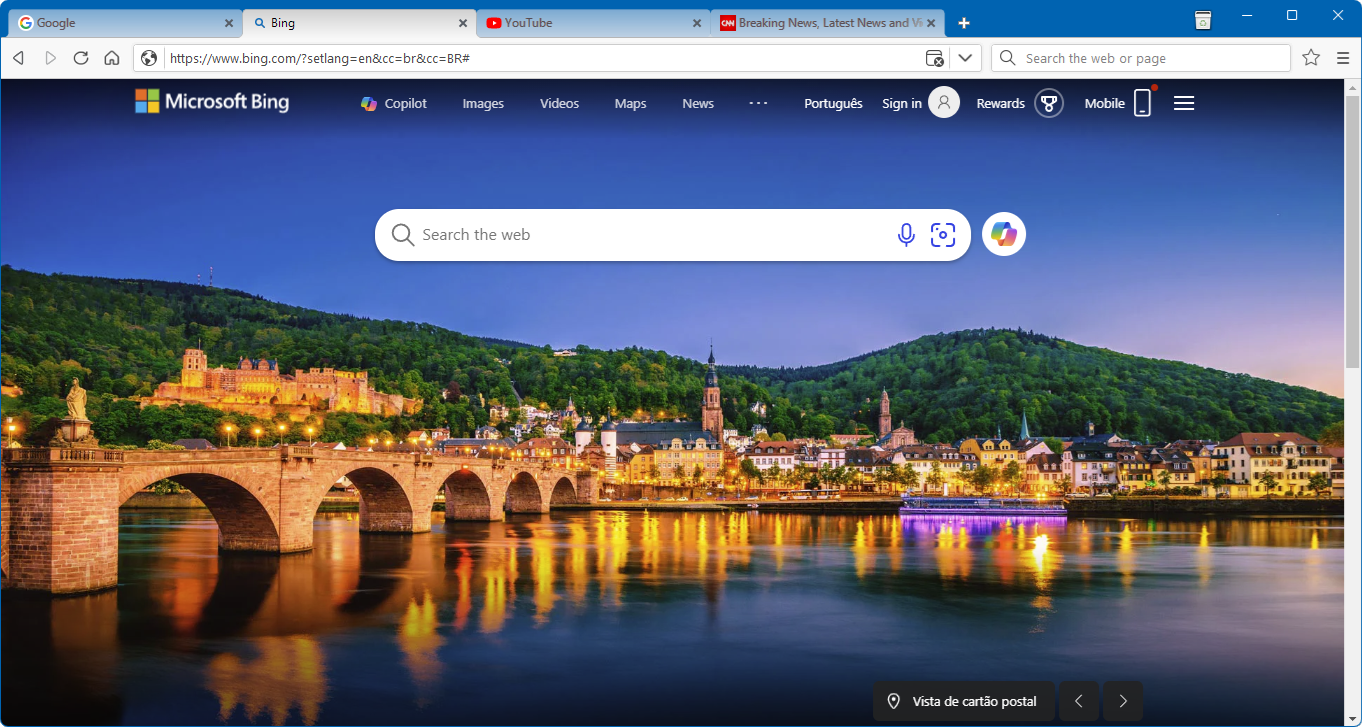
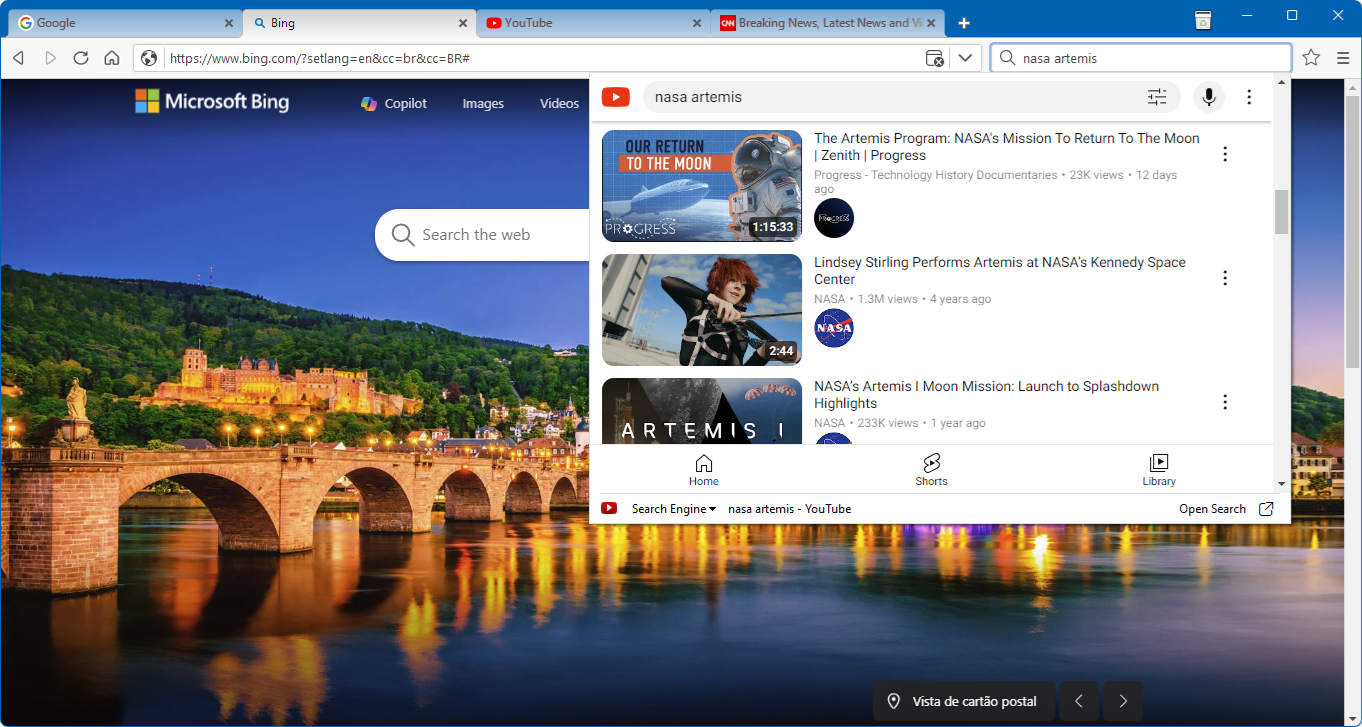
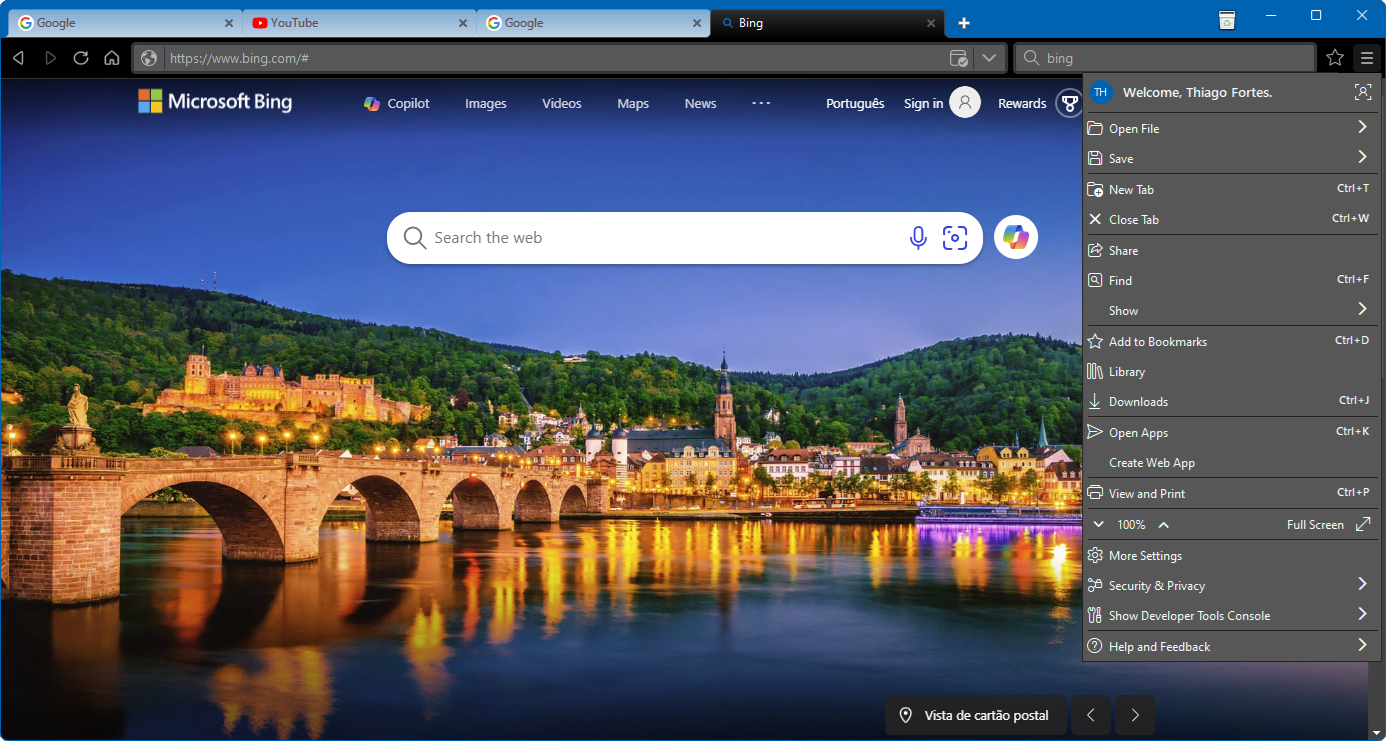
First impressions matter, and Web Explorer's interface feels like a cozy digital workspace. Its clean layout, with minimalistic icons and thoughtful spacing, makes navigation intuitive — perfect for users tired of cluttered browser menus. The dark and light themes cater to different environments, providing eye comfort whether you're working late or browsing in daylight. Transitioning between tabs or searching for your favorite sites feels like turning the pages of a well-organized book; smooth, responsive, and unobtrusive.
Intuitive and Efficient Navigation
Clicking through pages or opening new tabs is snappy, with minimal lag that keeps your flow uninterrupted. The app's design emphasizes ease of use: a prominent address bar, quick access to bookmarks, and straightforward settings. The learning curve is gentle; even non-tech-savvy users will find themselves comfortable within minutes. Unlike some browsers that bombard users with options, Web Explorer respects your familiarity, gently guiding you along your browsing journey.
Core Features that Make Web Explorer Stand Out
1. Advanced Privacy Control
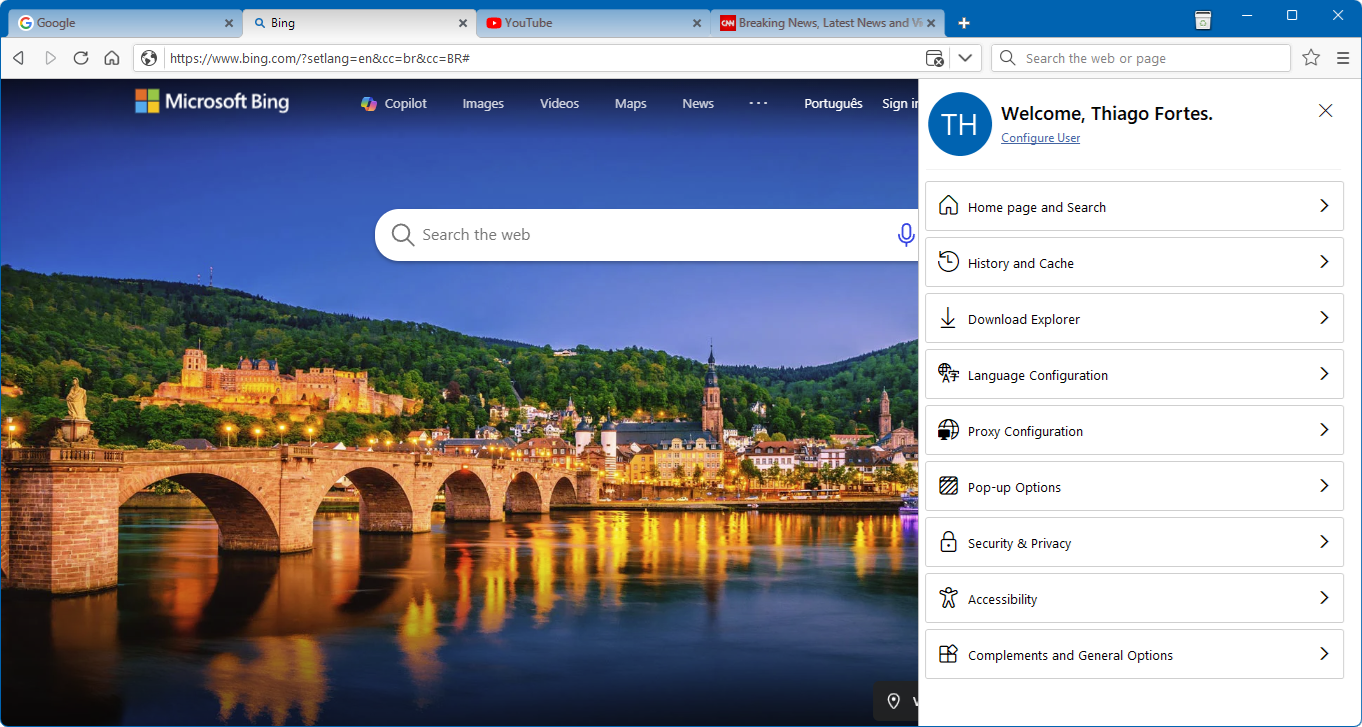
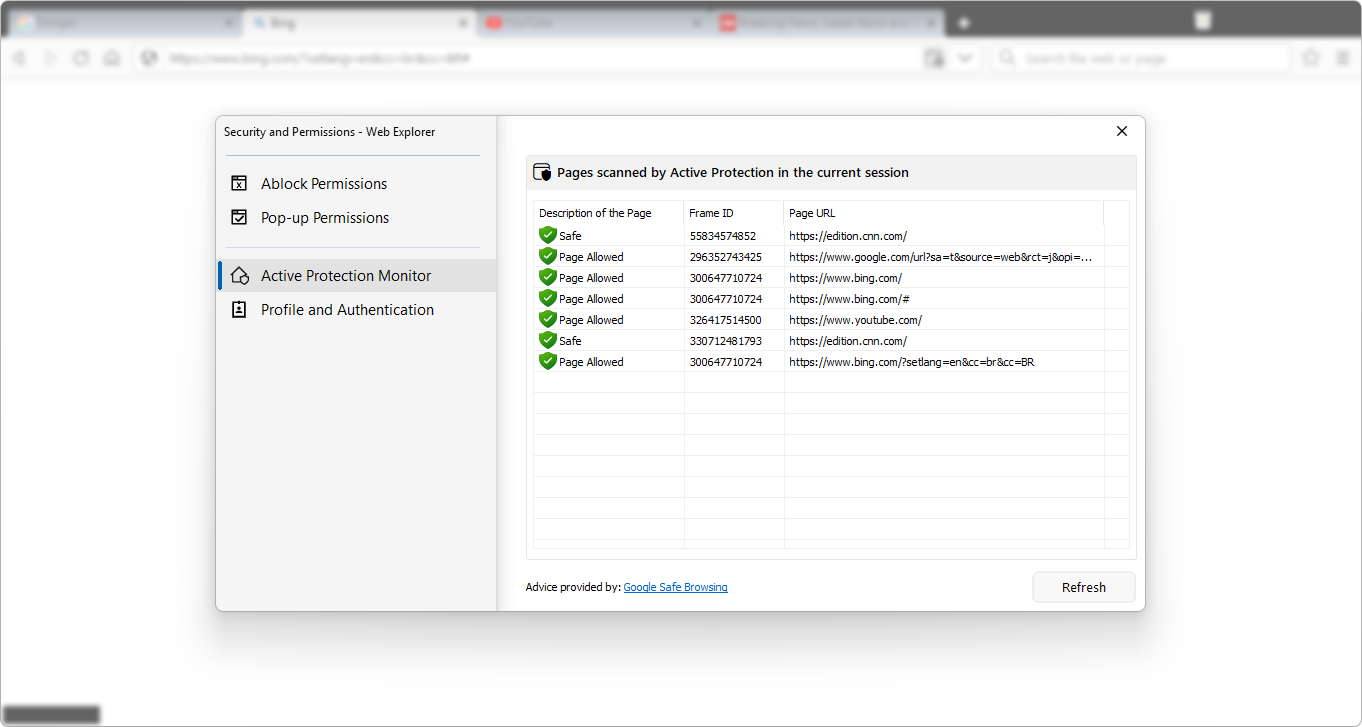
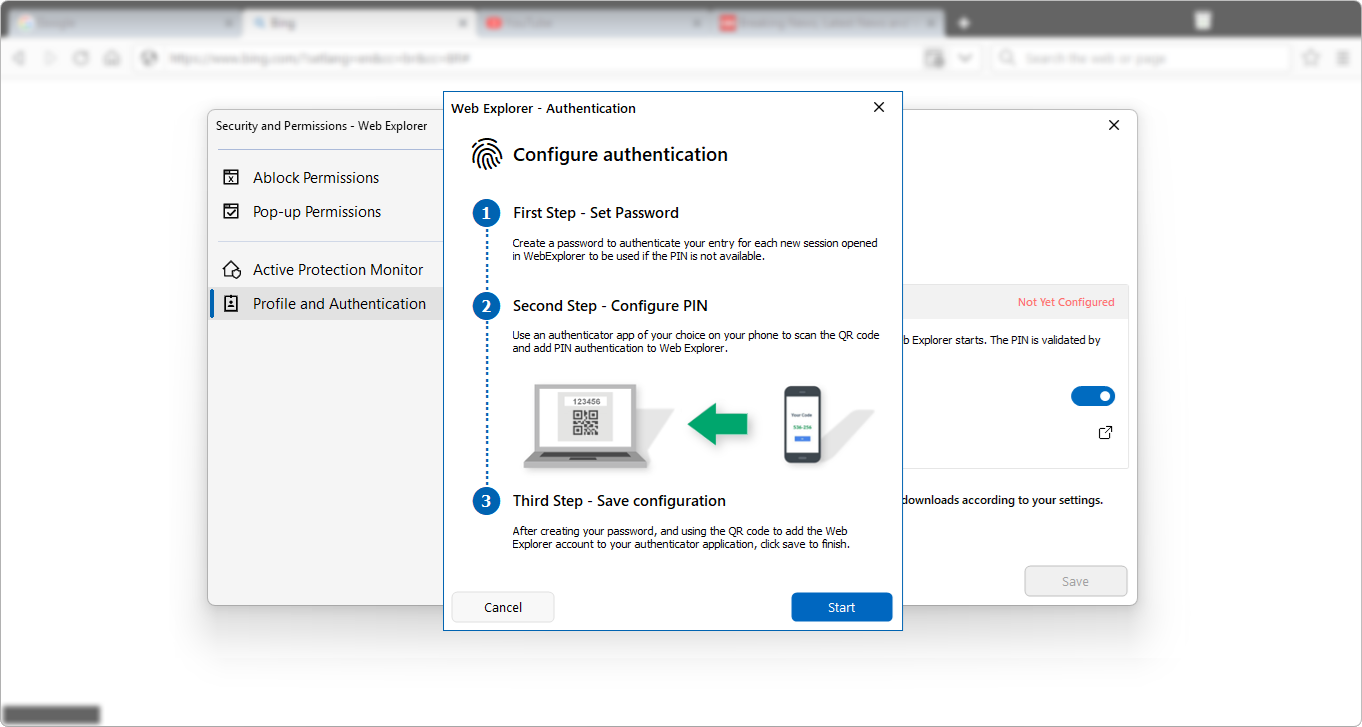
While many browsers have privacy options, Web Explorer for Windows takes a nuanced approach. It allows you to customize cookie management, enabling you to block trackers or allow certain sites to save data — all through an easy-to-navigate privacy panel. This feature is especially valuable in today's digital age where privacy concerns are paramount, giving users peace of mind and greater control over their data.
2. Lightweight Yet Powerful Performance
One of Web Explorer's most compelling features is its performance optimization. Unlike heavyweight browsers that demand hefty resources, this app is designed to run efficiently on a variety of systems. It loads pages swiftly, handles multiple tabs with ease, and consumes less memory. For users who want a fast, responsive experience without sacrificing essential functionalities, this lightweight approach is a real advantage.
3. Customization and Extension Support
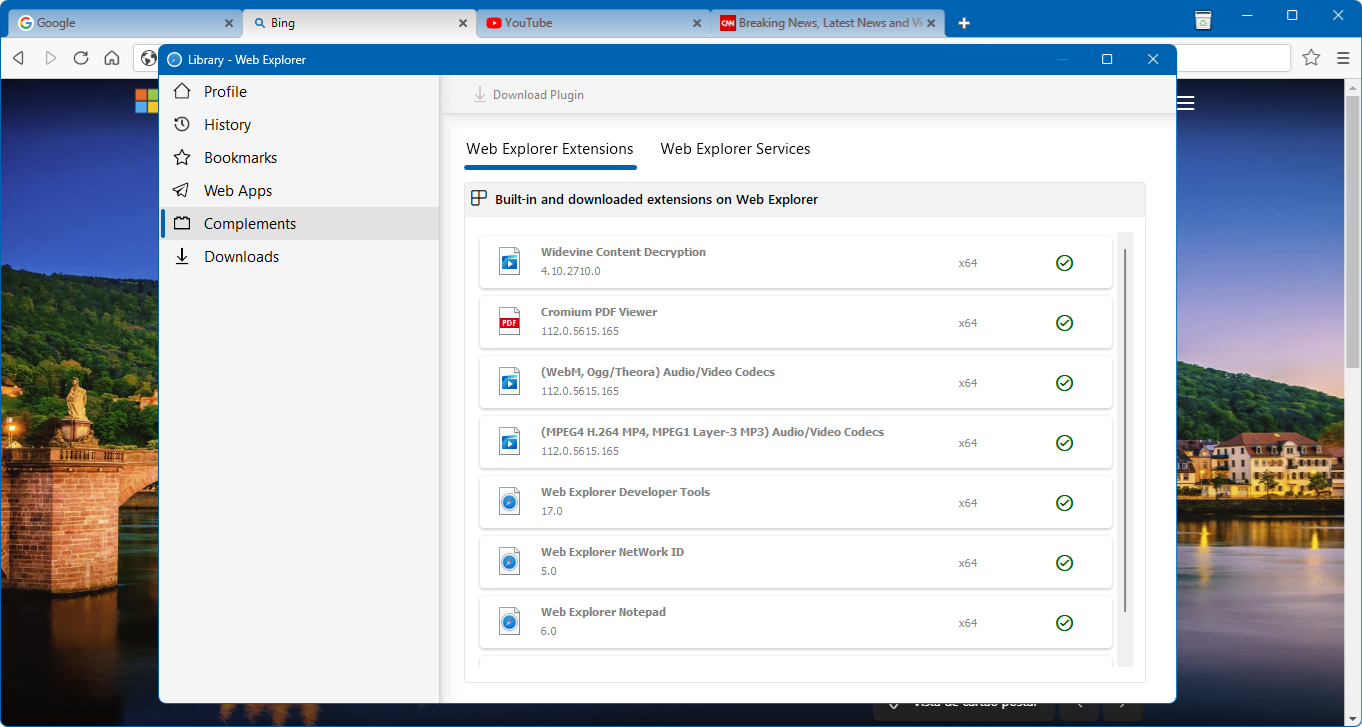
Personalization is key — and Web Explorer shines here. It offers a straightforward way to customize the toolbar, add shortcuts, and even support basic extensions. This degree of flexibility allows users to tailor their browsing environment. While not as extensive as some mainstream browsers, its balance between simplicity and customization caters well to those seeking control without a steep learning curve.
Comparison and Unique Selling Points
Compared to other utility and tools apps, Web Explorer's standout trait is its focus on user privacy combined with a clean, unobtrusive design. Unlike more crowded browsers that often overwhelm users with features they rarely use, Thiago Fortes's creation champions essential, privacy-conscious browsing. Its efficiency and ease of use set it apart from resource-heavy options, making it ideal for users with older hardware or those who simply want a no-fuss experience.
Final Thoughts and Recommendations
If you're on the lookout for a browser that offers a balanced mix of speed, privacy, and simplicity, Web Explorer for Windows deserves serious consideration. Its most compelling features—particularly its customizable privacy controls and lightweight performance—are perfect for users who want more control without the complexity of traditional browsers. I'd recommend this app to anyone seeking a straightforward yet customizable browsing experience, especially those who value their privacy and system resources.
Pros
- Fast browsing experience
- Intuitive interface
- Built-in security features
- Seamless integration with Microsoft services
- Regular updates and improvements
Cons
- Limited extension support
- Occasional page rendering issues
- Lack of advanced privacy controls
- Limited customization options
- Missing some popular features like synchronized browsing











