

- Name VPN Plus
- Category Utilities & tools
- Available on PC
- OS Windows 10 version 17134.0 or higher
- Keyboard Integrated Keyboard
- Mouse Integrated Mouse
- DirectX Version 10
- Memory 1 GB
- languages English (United States)
Introducing VPN Plus for Windows: Your Gateway to Seamless and Secure Browsing
VPN Plus for Windows, developed by TIGERVPNS LTD, is a comprehensive virtual private network tool designed to enhance your online privacy, unlock geo-restricted content, and provide a smoother browsing experience. With its user-friendly interface and robust features, this application aims to serve both casual users and professionals seeking reliable VPN services hassle-free.
Key Features That Stand Out
At its core, VPN Plus offers several compelling features tailored to modern internet users:
- High-speed, stable connections: Enjoy fast and consistent VPN connections that keep your browsing swift and uninterrupted.
- Multiple server locations: Access a variety of global servers, facilitating content access from different regions and enhancing privacy.
- Advanced security protocols: Protect your data with latest encryption standards, ensuring your online activities remain confidential.
- One-click connect and easy management: Simplified, intuitive interface minimizes setup time, enabling smooth operation for beginners and tech-savvy users alike.
Engaging the User: A Friendly Dive into VPN Plus
Imagine cruising down the digital highway—fast lanes, open roads, and no roadblocks—this is what VPN Plus promises in your internet journey. Whether you're streaming your favorite shows, conducting sensitive work remotely, or simply browsing at ease, VPN Plus aims to be your trusted companion in cyberspace. Its promise of ease, speed, and security makes it a compelling option for anyone eager to explore the web without borders or worries.
Core Functionality Deep Dive
1. Connection Management & Server Selection
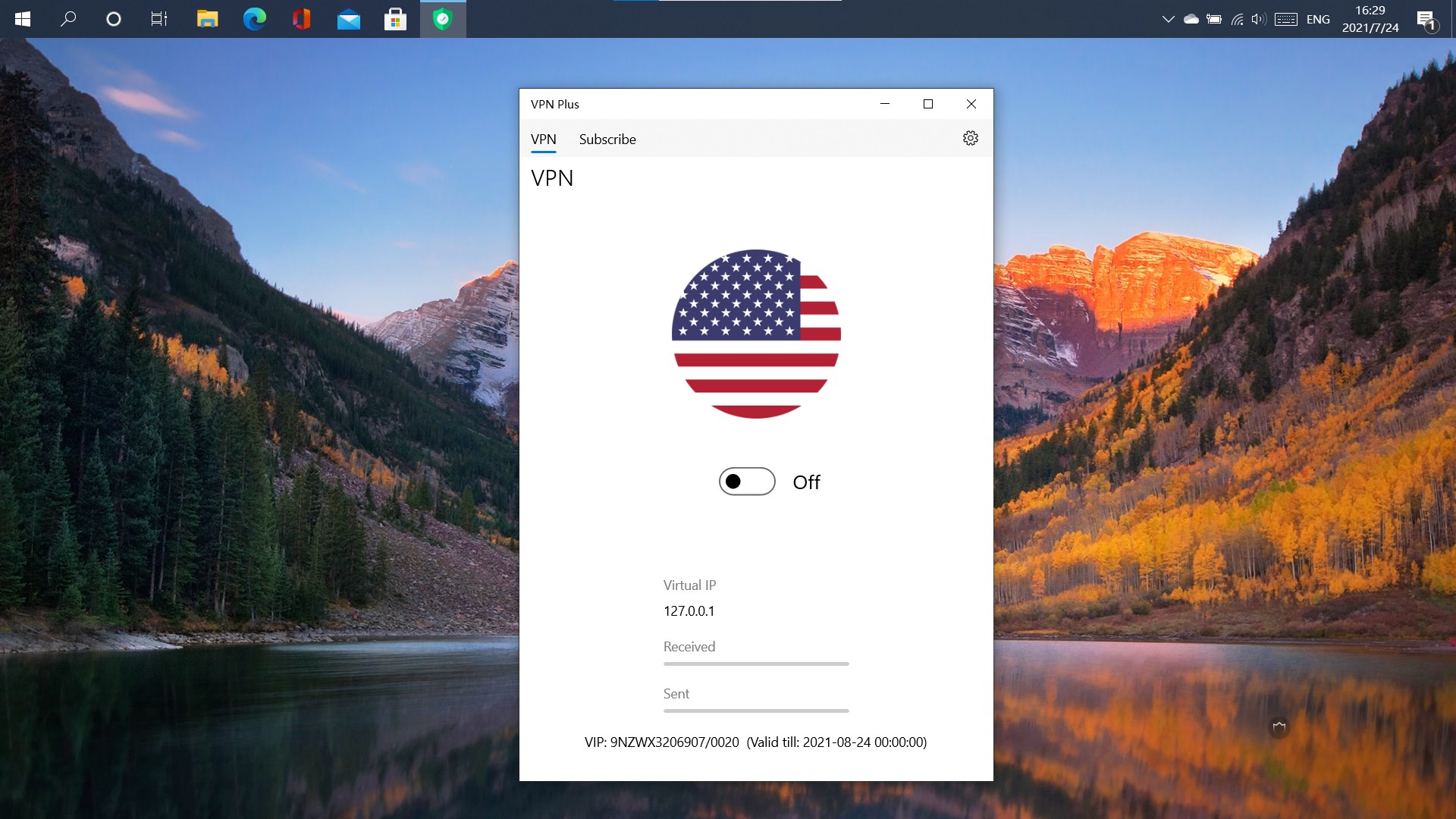
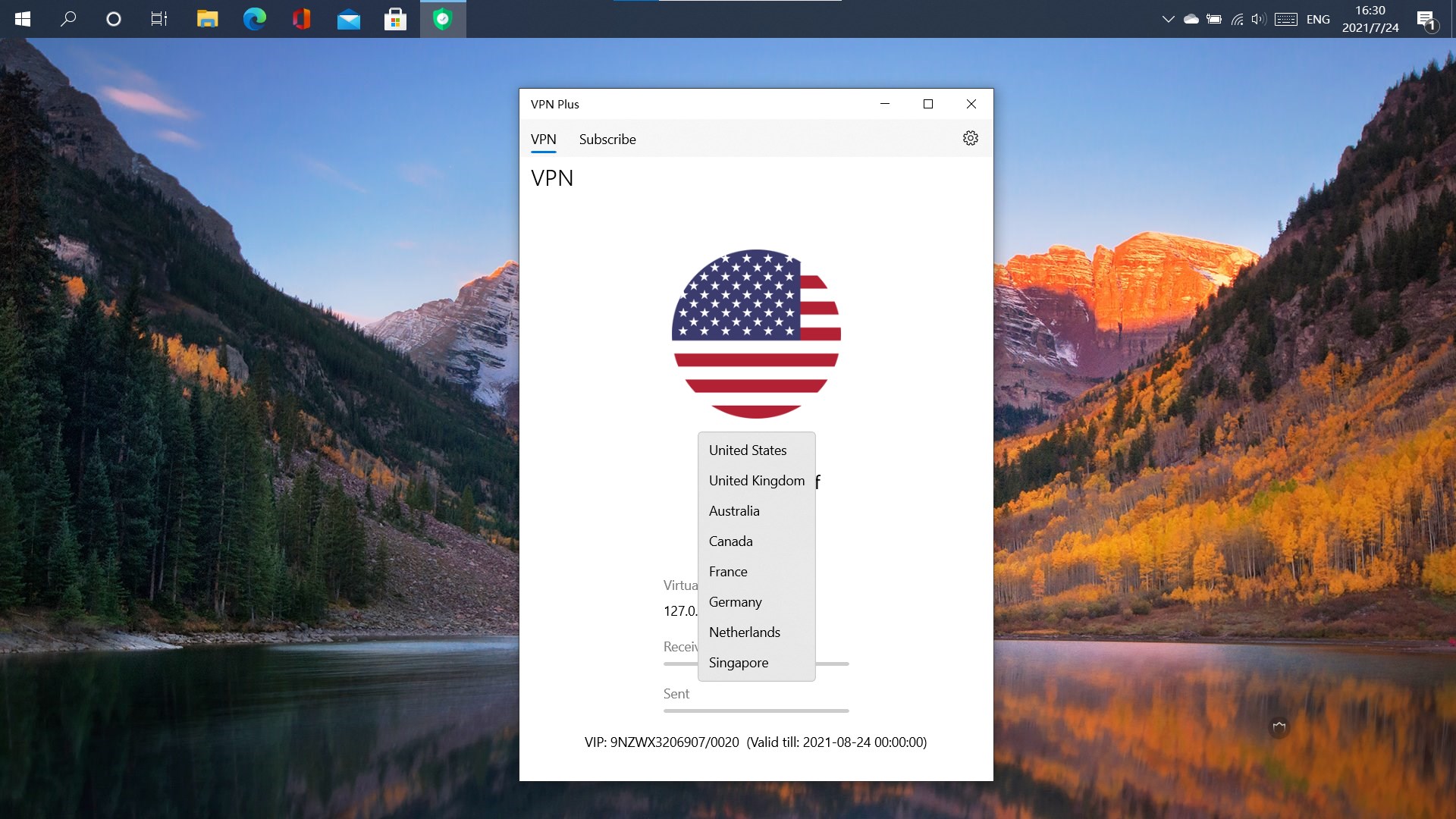
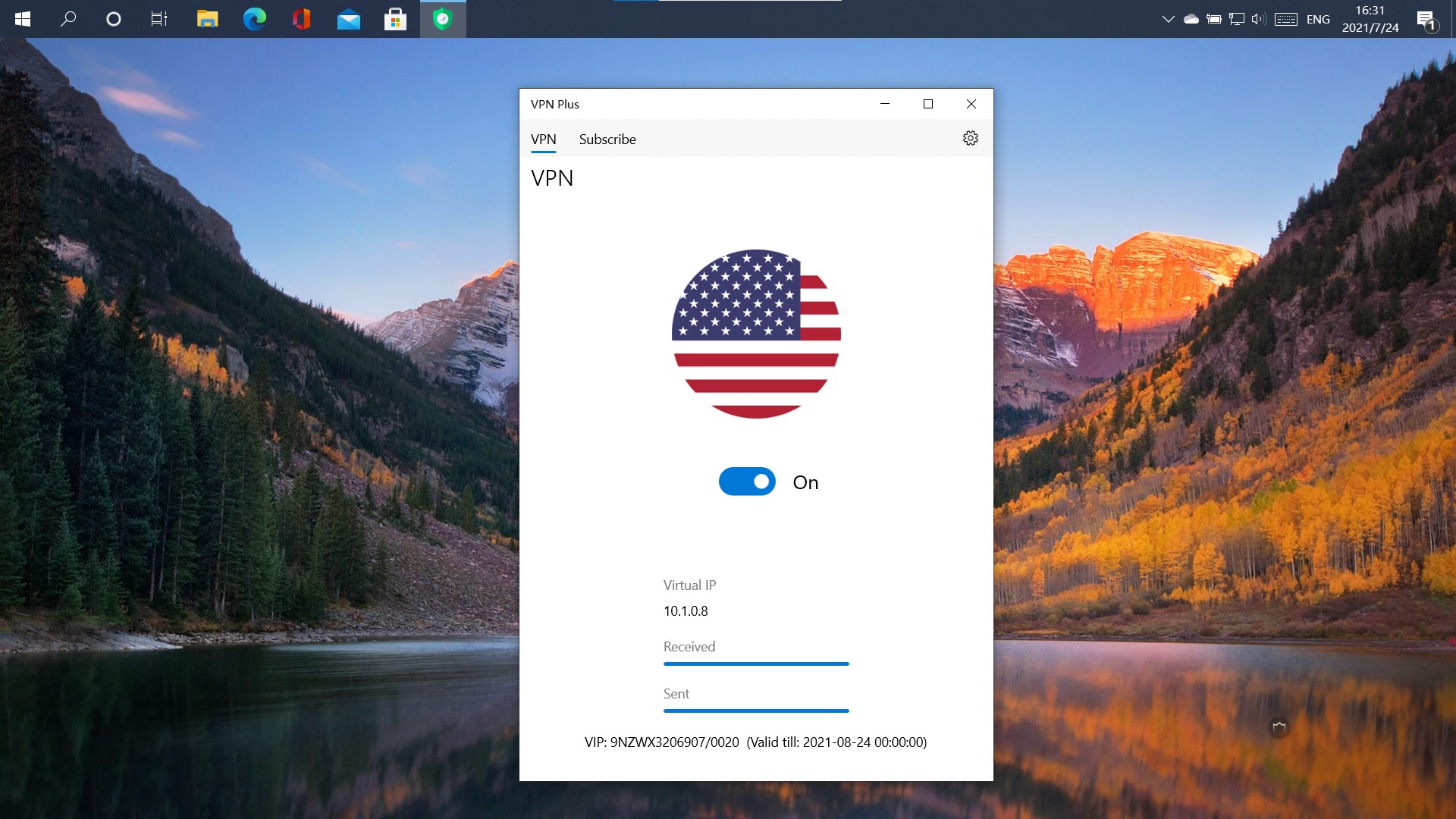
One of VPN Plus's highlights is its straightforward connection interface. From gently sliding into the app, users are greeted with a clean dashboard that neatly presents available server locations. Connecting is as simple as a single click—no complex configurations, no confusing options. The server list is well-organized, offering options from North America, Europe, Asia, and more, providing versatility for various needs. The app's quick connect feature ensures you're protected in seconds, making it perfect for on-the-fly privacy protection or unblocking content on the go.
2. Security & Privacy Protocols
VPN Plus employs top-tier encryption standards to shield your data from prying eyes. It supports modern protocols such as WireGuard and OpenVPN, ensuring both speed and security are maintained without compromise. The app also provides options for automatic kill switches and DNS leak protection, vital for users who demand peace of mind during sensitive browsing sessions. Notably, it emphasizes privacy with a strict no-logs policy, so your usage history stays confidential, positioning it as a trustworthy guardian of your online footprint.
3. User Experience & Interface Design
The interface design of VPN Plus is akin to a well-organized control panel—simple, uncluttered, and visually appealing. It's like having a well-stocked toolbox where every tool is within arm's reach. The app is responsive, with smooth transitions and minimal lag, creating a seamless experience even on lower-spec devices. Its learning curve is gentle—new users will find the setup intuitive, while seasoned privacy advocates can delve into advanced settings effortlessly. This balance of usability and depth makes it a versatile choice for everyone.
What Sets VPN Plus Apart from the Crowd
While many VPN utilities focus solely on raw speed or encryption, VPN Plus's biggest strength lies in its combination of usability and security, especially with its efficient server switching and stable connection management. Unlike some competitors that can feel clunky or overwhelming, VPN Plus's clean, minimalist interface ensures that users spend less time fiddling with settings and more time enjoying their browsing experience. Its support for multiple protocols and built-in privacy safeguards give it a competitive edge, providing peace of mind for users concerned about data privacy and access restrictions.
Final Verdict & Usage Recommendations
All considered, VPN Plus for Windows demonstrates a thoughtful approach to VPN service—focusing on core functionality, security, and user experience. Its ease of use makes it ideal for beginners; its robust security features cater to more advanced users. We recommend it for anyone needing reliable, straightforward VPN protection without the fuss. However, for users seeking highly customizable protocols or specialized features like ad-blocking or multi-hop VPNs, exploring additional options may be prudent. Overall, VPN Plus earns a solid recommendation for everyday privacy and unrestricted browsing, especially for those valuing simplicity combined with security.
Pros
- User-friendly Interface
- Wide Server Network
- Strong Security Protocols
- Fast Connection Speeds
- Dedicated Customer Support
Cons
- Limited Free Trial Options
- Occasional Connection Drops
- Premium Pricing Can Be High
- Limited Customization Options
- Occasional Server Congestion











