

- Name UltraDMG
- Category Utilities & tools
- Developer SYSGeeker Team
- Available on PC
- OS Windows 10 version 0.0 or higher
- languages English (United States)
UltraDMG for Windows: A Comprehensive Tool for Accurate Disk Image Management
UltraDMG for Windows stands out as a reliable utility designed to simplify disk image creation, mounting, and management on Windows platforms. Its streamlined interface and robust features cater to both casual users and professionals seeking precise control over disk images without the complexity often associated with similar tools.
Meet the Development Team and Core Features
Developed by the SYSGeeker Team and published through their dedicated channels, UltraDMG aims to bring macOS-style disk imaging capabilities to Windows users in a user-friendly manner. The application offers several impressive features:
- Intuitive Disk Image Creation & Editing—enabling users to craft, customize, and manage disk images with ease.
- Fast Mounting & Unmounting—quickly access disk images as virtual drives, facilitating seamless data transfer and testing.
- Support for Multiple Image Formats—compatible with various image types, ensuring versatility across different workflows.
- Secure Encryption Options—providing an additional layer of safety for sensitive data stored within disk images.
Targeted primarily at IT professionals, software developers, and tech enthusiasts, UltraDMG for Windows suits users who need dependable disk image manipulation without resorting to complex command-line tools.
Vivid User Experience and Interface Design
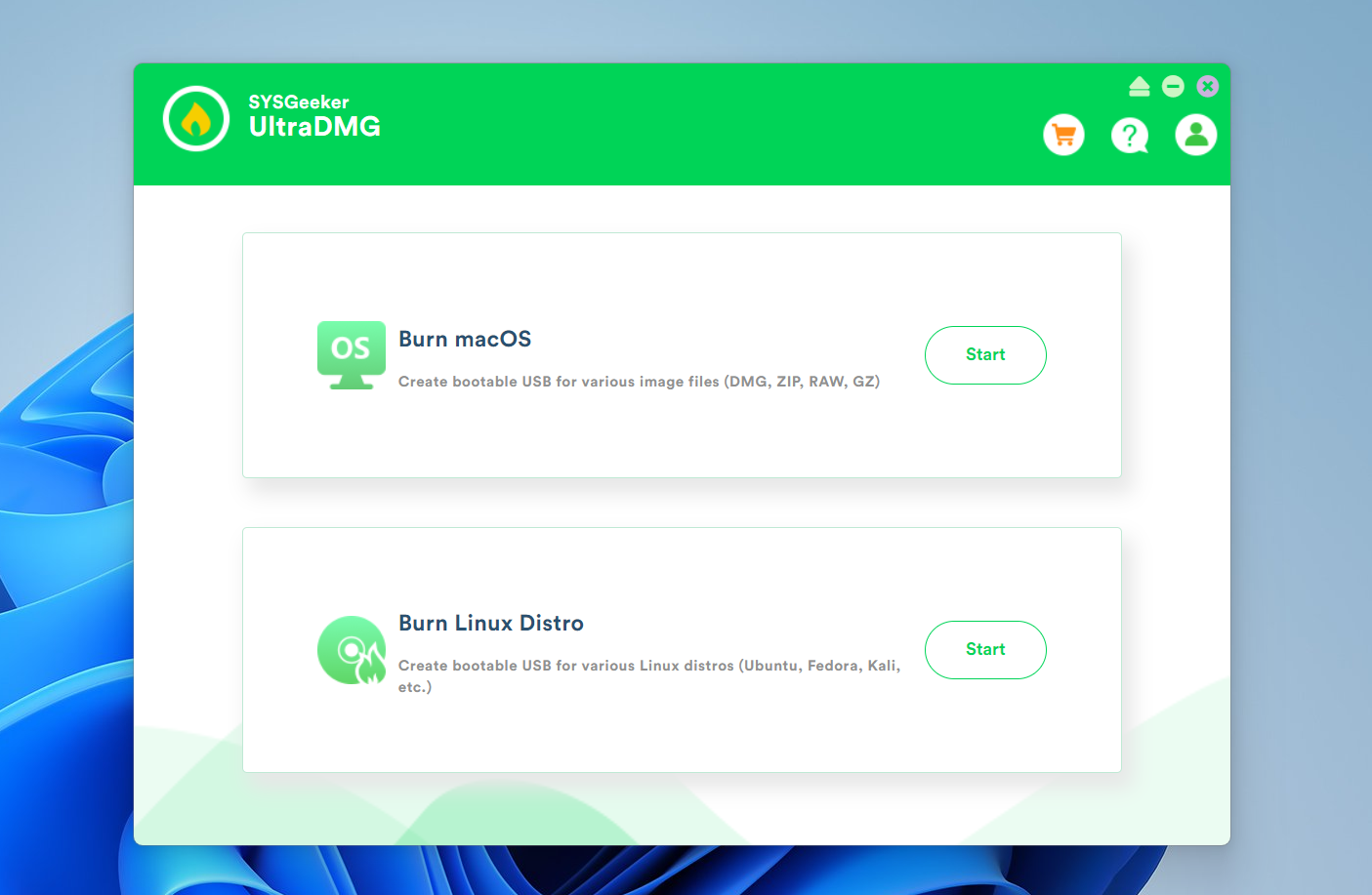
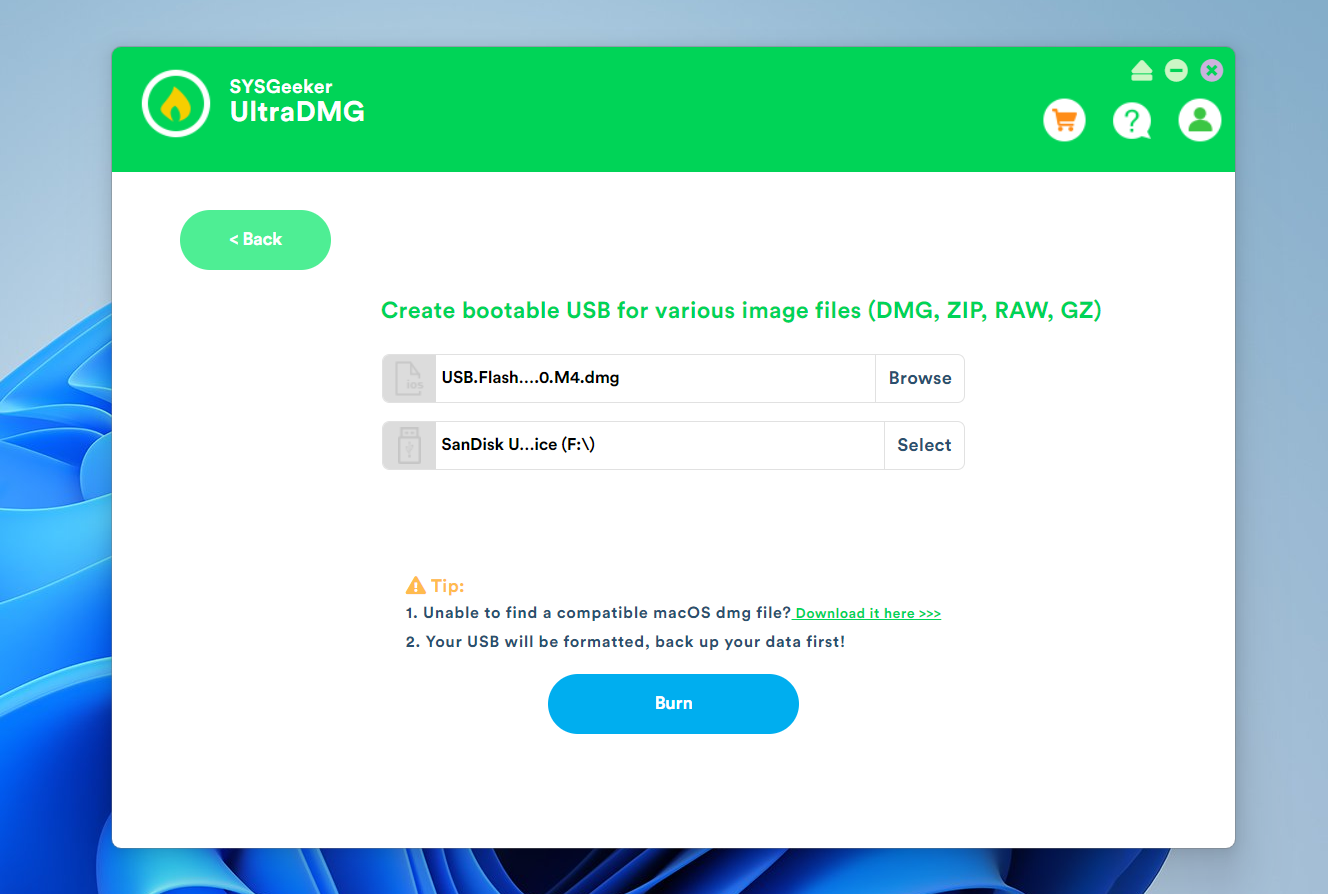
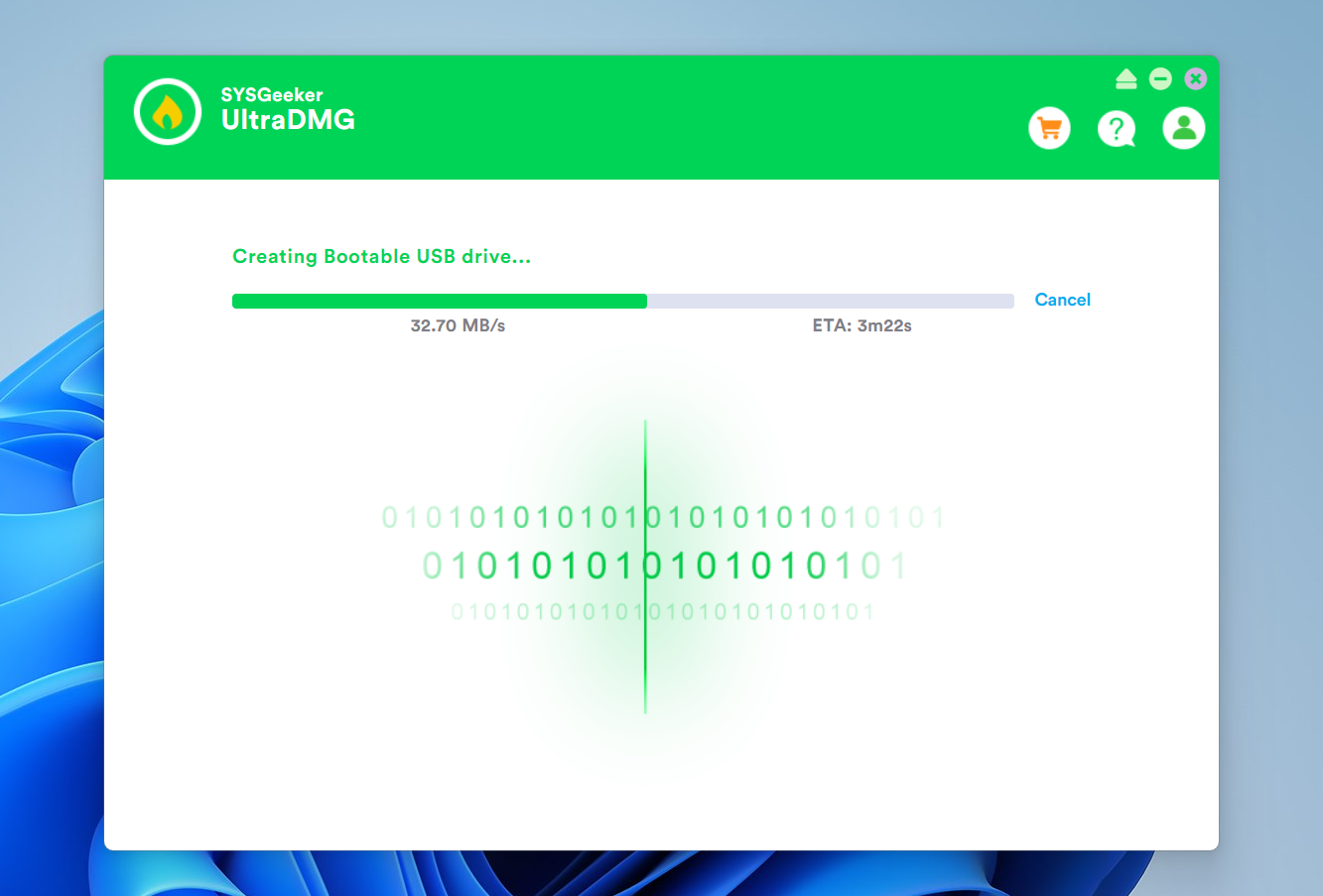
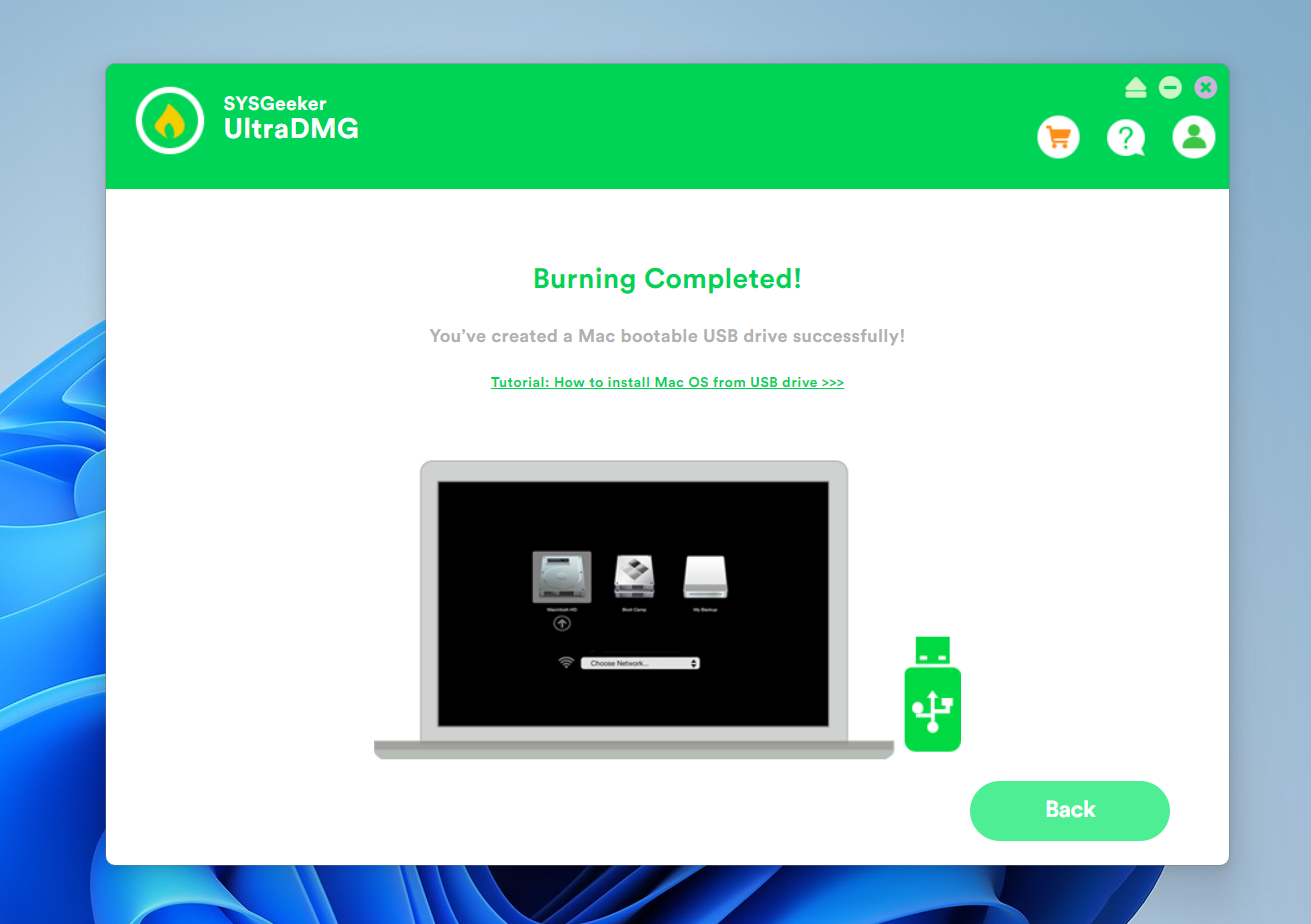
Imagine opening a sleek dashboard that feels more like diving into your favorite tech gadget than battling through clunky menus. UltraDMG's interface balances simplicity with functionality—visual icons guide users intuitively, making complex operations more approachable. The workflow flows naturally: select your source files, choose your desired image format, and hit 'Create.' The real-time progress indicator keeps users engaged, diminishing the usual anxiety of long waits.
Operation-wise, the app excels in delivering a smooth experience. Transitions between tasks are swift, and the application's stability ensures fewer crashes even under high-demand conditions. Learning curves are gentle; newcomers can quickly become proficient thanks to the well-organized layout and helpful tooltips. For tech veterans, the interface's clean design allows for efficient batch processing and detailed customization, transforming power users' tasks from tedious to straightforward.
What Sets UltraDMG Apart: Unique Strengths and Differentiators
While several disk management tools exist for Windows, UltraDMG distinguishes itself primarily through its ability to combine a macOS-inspired workflow with Windows stability. Its standout feature—the compatibility with a broad range of image formats and the ease of creating encrypted, bootable images—addresses key pain points often overlooked by competitors. Imagine crafting a secure, portable virtual drive in just a few clicks, reminiscent of assembling a high-tech gadget with precision and flair.
Moreover, UltraDMG's emphasis on security—offering robust encryption options—is a noteworthy highlight, especially for users handling confidential data. Its lightweight design ensures that it runs smoothly on a variety of hardware, making it accessible even on modest systems, unlike bulkier utilities that often demand high specs.
Final Verdict and Recommendations
In conclusion, UltraDMG for Windows is a thoughtfully crafted utility that brings a high level of professionalism and efficiency to disk image management. Whether you're a developer testing software environments or an IT admin deploying secure images en masse, this tool offers a strong combination of usability and power.
I would recommend UltraDMG to those seeking a reliable, straightforward disk imaging solution that doesn't compromise on features or security. Its user-friendly interface ensures that even first-time users can quickly get up to speed, while its sophisticated options cater to advanced workflows. While it may not replace every specialized tool out there, in its niche, UltraDMG stands out as a particularly balanced and effective choice.
Pros
- User-friendly interface
- Effective disk partitioning tools
- Fast operation speed
- Supports a variety of disk formats
- Regular updates and improvements
Cons
- Limited free functionality
- Occasional minor bugs during large disk operations
- Learning curve for complex tasks
- Limited customer support options
- Compatibility issues with the latest Windows versions











