

- Name UFS Explorer Professional Recovery
- Category Utilities & tools
- Developer Bohdan Shulha, SysDev Laboratories.
- Available on PC
- OS Windows 10 version 0.0 or higher
- Keyboard Integrated Keyboard
- Mouse Integrated Mouse
- Memory 2 GB
- languages English, German, Spanish, Portuguese, Ukrainian
Introducing UFS Explorer Professional Recovery for Windows
UFS Explorer Professional Recovery for Windows is a comprehensive data recovery solution designed to rescue lost or inaccessible data from a variety of storage devices, with a particular strength in handling complex file systems and damaged drives.
Background & Developer Insights
Developed by Bohdan Shulha of SysDev Laboratories, this application reflects a dedicated effort to provide advanced yet user-friendly data recovery tools. The publisher, SysDev Laboratories UK Limited, brings expertise in crafting reliable utility software that caters to both professionals and tech enthusiasts.
What Makes This Tool Stand Out?
- Robust Support for Complex File Systems: Specializes in recovering data from challenging environments, including formatted or corrupted UFS, Ext2/3/4, and other file systems.
- Comprehensive Data Recovery Capabilities: Offers versatile options to recover files from a wide array of storage media such as SSDs, HDDs, memory cards, and external drives.
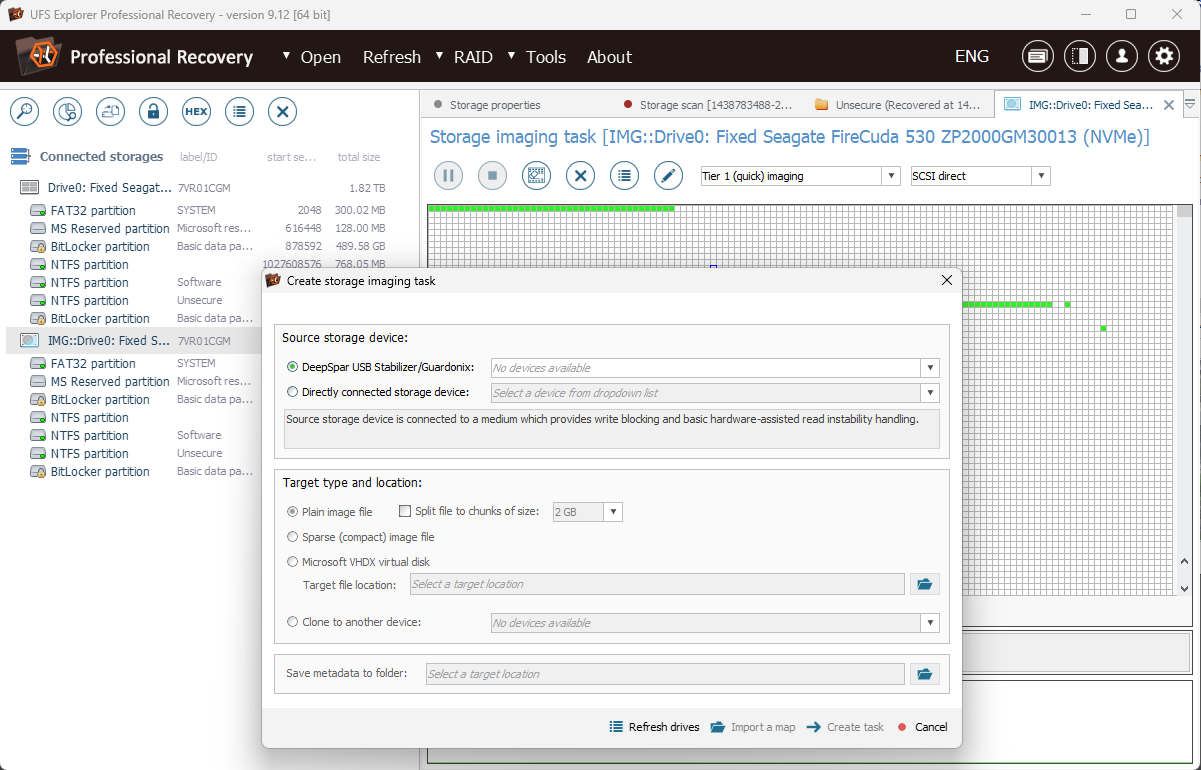
- User-Friendly Interface with Advanced Features: Balances accessible navigation with sophisticated scan and preview functions, appealing to both novices and experts.
- Selective File Recovery and Preview: Enables users to efficiently preview recoverable data and select specific files for restoration, saving time and effort.
Engaging Assessment: Why This Recovery Tool Deserves Your Attention
Imagine your precious photos, important documents, or critical project files vanishing into thin air—that's where UFS Explorer Professional Recovery steps in, like a seasoned detective piecing together clues. Its promise is to bring lost data back from the depths of damaged disks and corrupted partitions, all wrapped in an interface that feels almost intuitive rather than intimidating. Whether you're a seasoned IT professional or a tech-savvy hobbyist, this tool offers a lifeline with its blend of power and simplicity.
Core Functionality: Support for Complex File Systems and Container Types
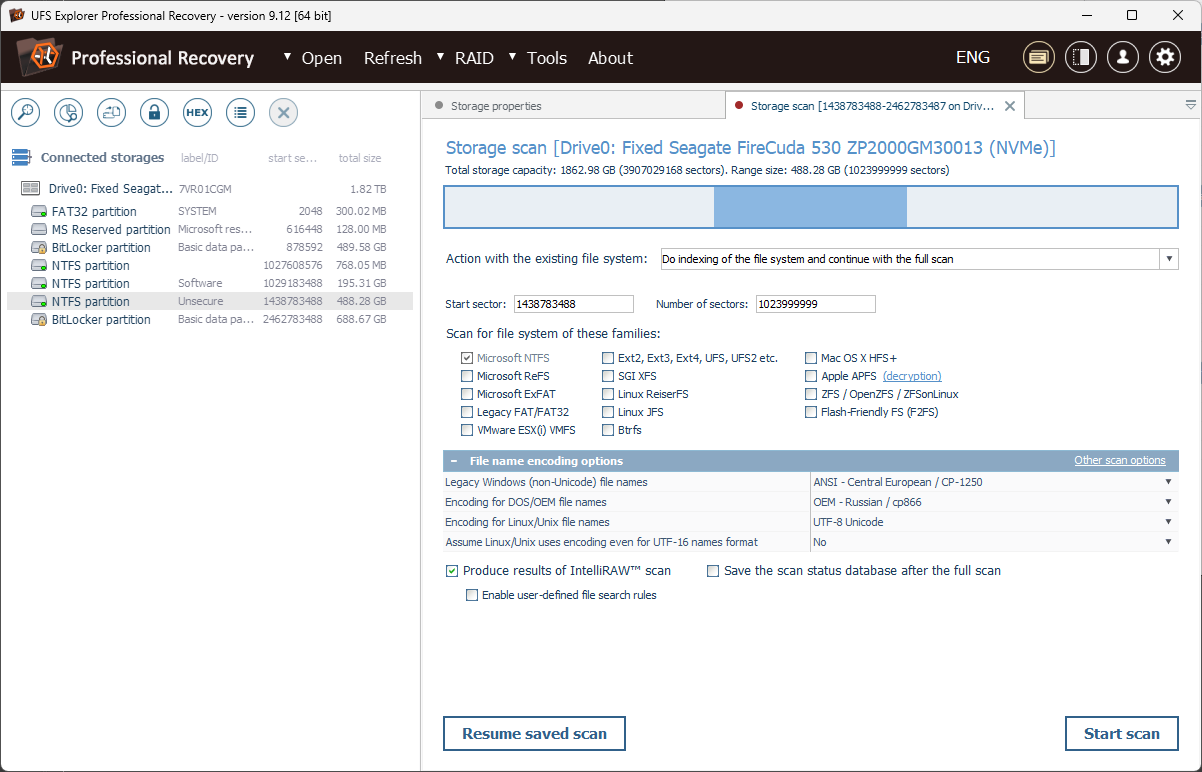
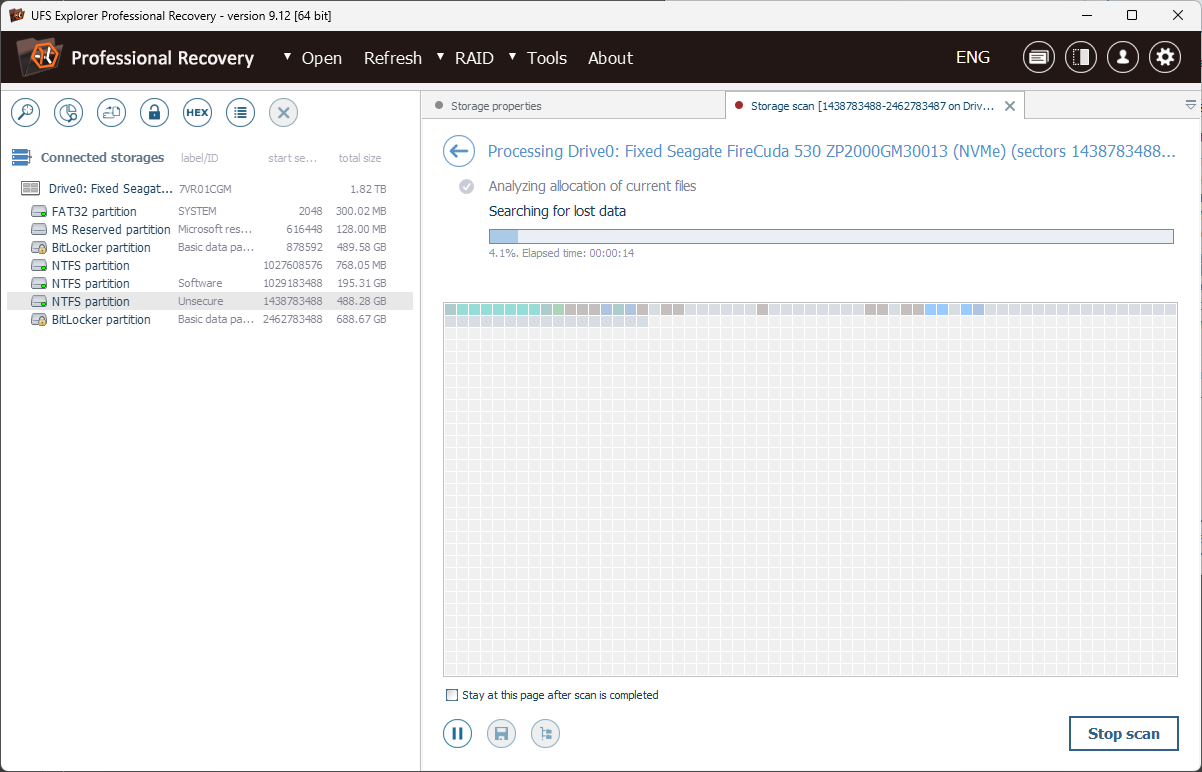
The standout feature of UFS Explorer is its deep understanding of complex storage systems. It excels at navigating and recovering data from UFS, Ext, and other file systems, even when they're severely damaged or formatted. For example, if a drive formatted with Ext4 suddenly becomes inaccessible after a system crash, this app can often scan, locate, and restore files without needing prior partition information. Its ability to handle raw disks and disk images makes it ideal for recovering data from drives that traditional tools might overlook.
Core Functionality: Intelligent Preview and Selective Recovery
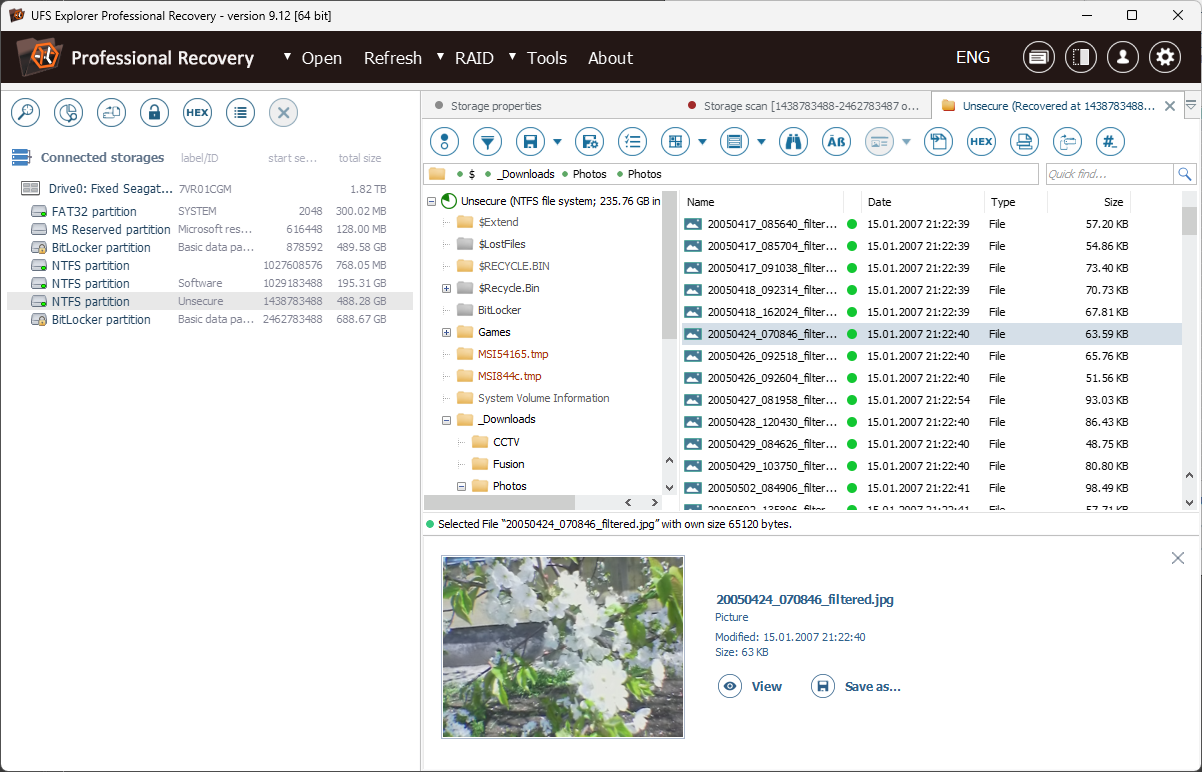
Understanding that not all data is created equal, UFS Explorer provides a highly detailed preview pane that allows users to browse recoverable files before deciding. This feature is akin to browsing through a digital photo album before choosing which shots to keep. This selective approach prevents unnecessary recovery of unwanted files and streamlines the process significantly.
Design & User Experience
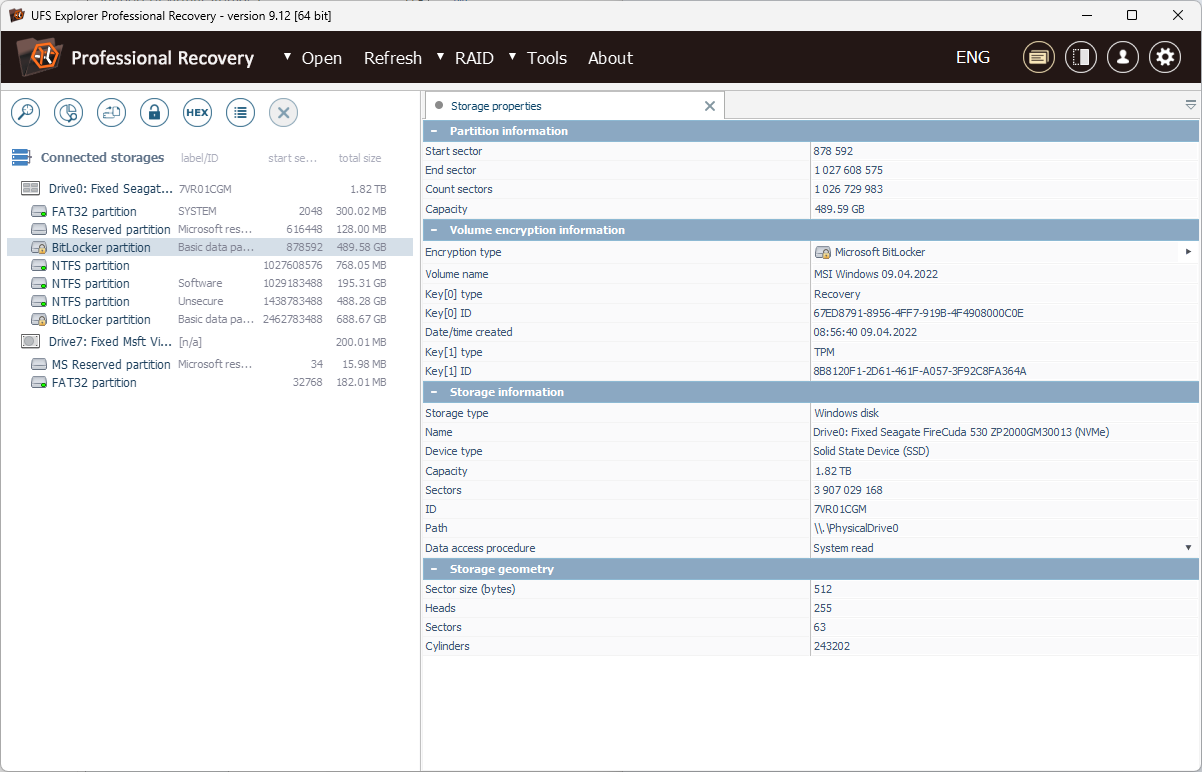
The interface strikes a fine balance—clean, organized, yet rich with features. Navigation feels natural, akin to browsing through a well-structured folder system, reducing the learning curve for newcomers. The application runs smoothly, even when performing deep scans over large drives, which is crucial for maintaining workflow efficiency. For users familiar with data recovery, the array of options and detailed logs offer reassurance, while newcomers benefit from guided walkthroughs and straightforward prompts.
What Sets It Apart From Competitors?
Many tools claim to recover lost data, but UFS Explorer's proficiency with intricate file systems like UFS and its capacity to handle raw disk diagnostics distinguish it from more generic recovery utilities. While some utilities focus solely on NTFS or FAT systems, this app's versatility and detailed support for alternative file structures make it ideal for recovering data from specialized environments, such as Linux partitions or UFS-based storage. Its ability to operate at a disk level, including the mounting and analysis of disk images, adds a layer of flexibility unmatched by standard recovery tools.
Final Verdict & Recommendations
In summary, UFS Explorer Professional Recovery offers a powerful yet accessible solution for complex data recovery scenarios. Its main attractions—the support for diverse file systems and the intelligent preview feature—make it a standout choice for users facing challenging data loss situations. I recommend this app to professionals needing advanced recovery capabilities or tech enthusiasts seeking a reliable tool for less straightforward issues.
While the interface is approachable, mastering the more advanced features might require some initial learning—yet, it's well worth the effort for the potential recovery success. If you deal with heterogeneous storage environments or have experienced catastrophic drive failures, this utility is definitely worth considering.
Pros
- Intuitive User Interface
- Supports a Wide Range of File Systems
- Deep Scan Capabilities
- High Recovery Success Rate
- Comprehensive Data Preview
Cons
- Performance on Large Drives
- Limited Free Features
- USB Device Compatibility Issues
- Lack of Advanced Filtering Options
- Customer Support Response Time











