

- Name TreeSize
- Category Utilities & tools
- Developer JAM Software
- Available on PC
- OS Windows 10 version 0.0 or higher
- Keyboard Integrated Keyboard
- Mouse Integrated Mouse
- languages German, English, Bulgarian, Chinese (Simplified), Danish, French, Greek, Italian, Japanese, Korean, Dutch, Norwegian, Polish, Portuguese, Portuguese (Brazil), Portuguese (Portugal), Russian, Slovak, Slovenian, Spanish, Czech, Turkish, Ukrainian, Hungarian, Vietnamese
Introducing TreeSize for Windows: A Visual Explorer of Your Disk Space
Imagine walking into a cluttered room, trying to find where all the space has gone—TreeSize for Windows acts like a detailed map, guiding you through your digital storage landscape with clarity and precision. This application is designed to give users a comprehensive overview of their disk usage, making it easier to find and manage large files and folders that quietly eat up valuable space.
About the Developer and Core Features
Who's Behind the Magic?
Developed by JAM Software, a seasoned name in the software industry known for their reliable data management solutions, TreeSize for Windows benefits from years of expertise in storage analysis tools. JAM Software's dedication to precise, user-friendly utilities makes this app a trusted companion for both casual users and IT professionals.
Key Features That Shine
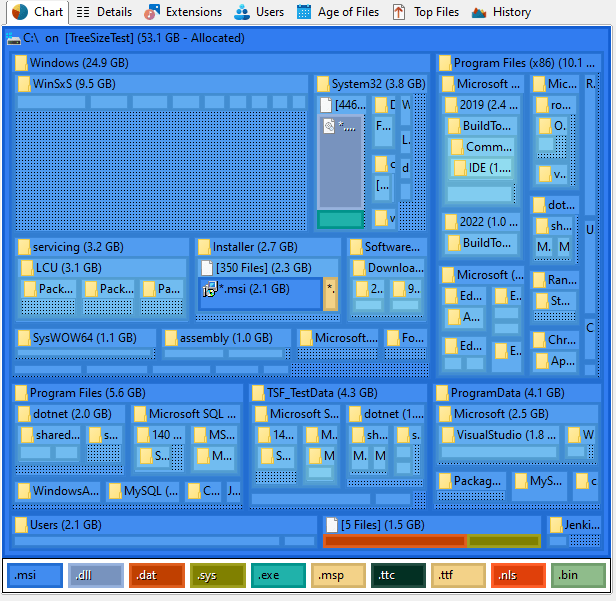
- In-Depth Disk Space Visualization: TreeSize provides a hierarchical, visual breakdown of disk contents, allowing users to see at a glance which folders are hogging the most space.
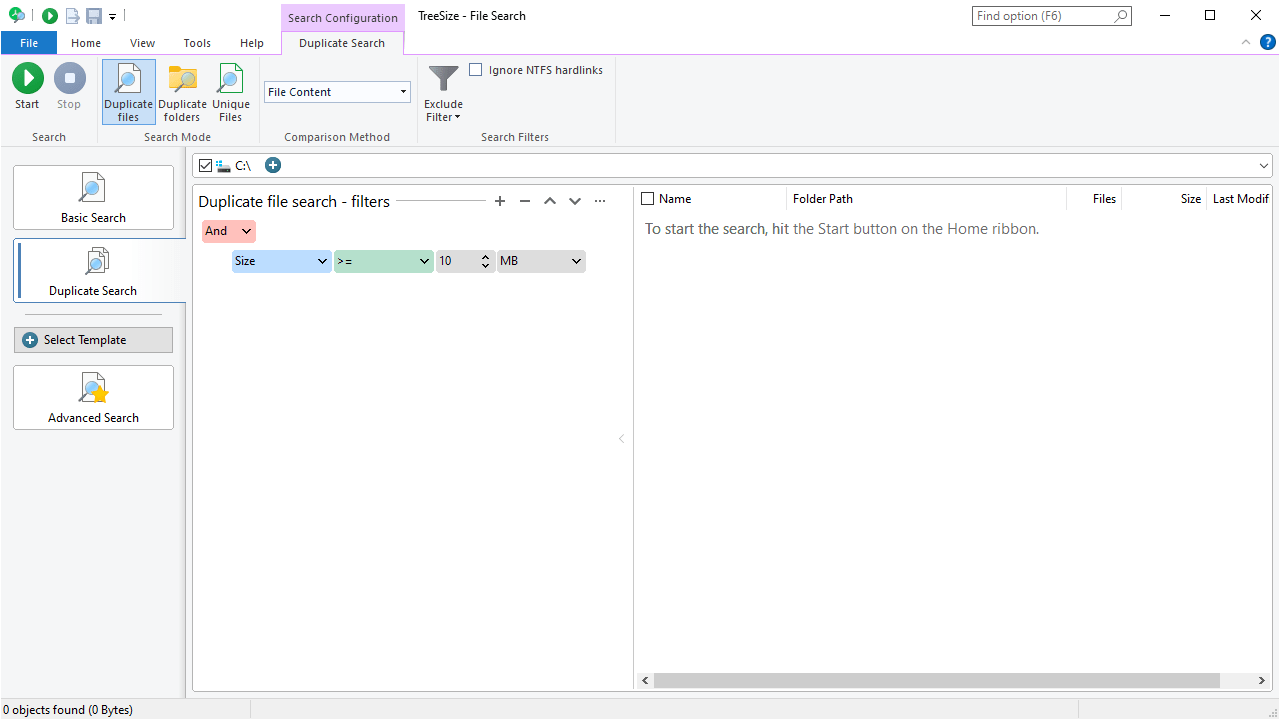
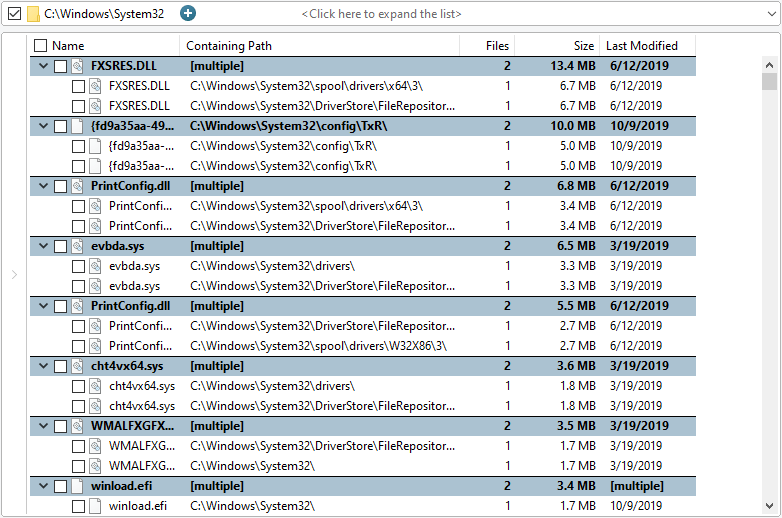
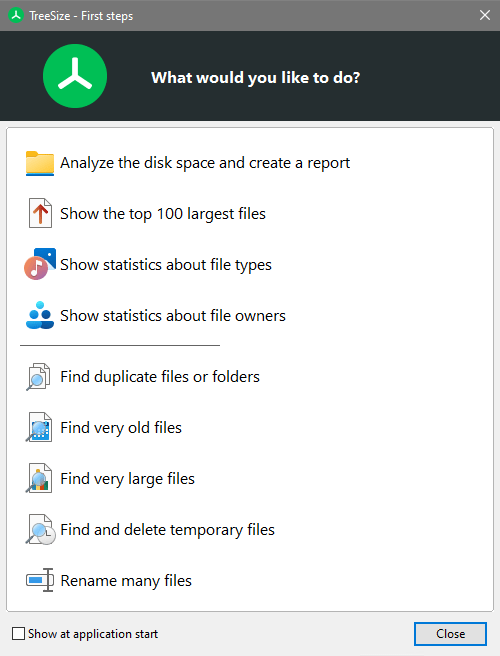
- Filtering and Custom Reports: Users can filter results by file size, type, date, or other attributes, and generate tailored reports to aid in cleanup efforts.
- Integration with Windows Explorer: Seamlessly integrates into the Windows context menu, letting users scan folders directly from the right-click menu—no need to open the app separately.
- Real-Time Monitoring and Scheduling: For ongoing maintenance, TreeSize can monitor disk changes and schedule regular scans, keeping users informed without manual effort.
Brightness and Baggage: User Experience Breakdown
Clean, Intuitive Interface and Smooth Navigation
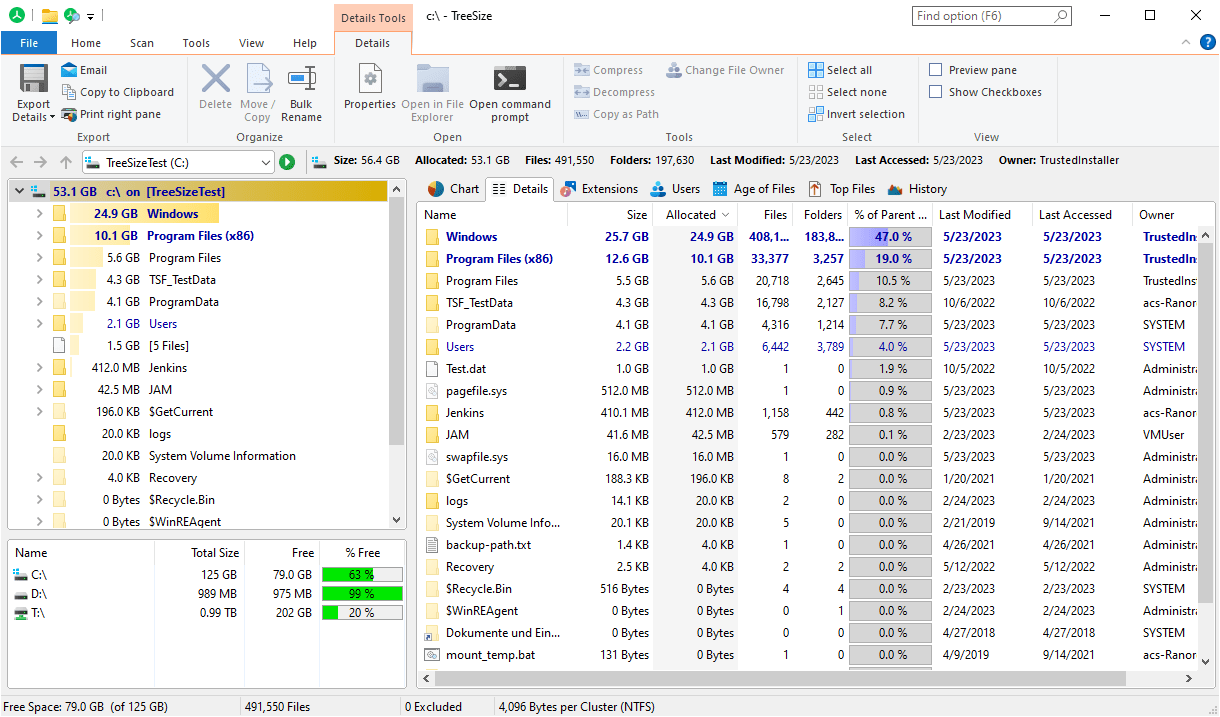
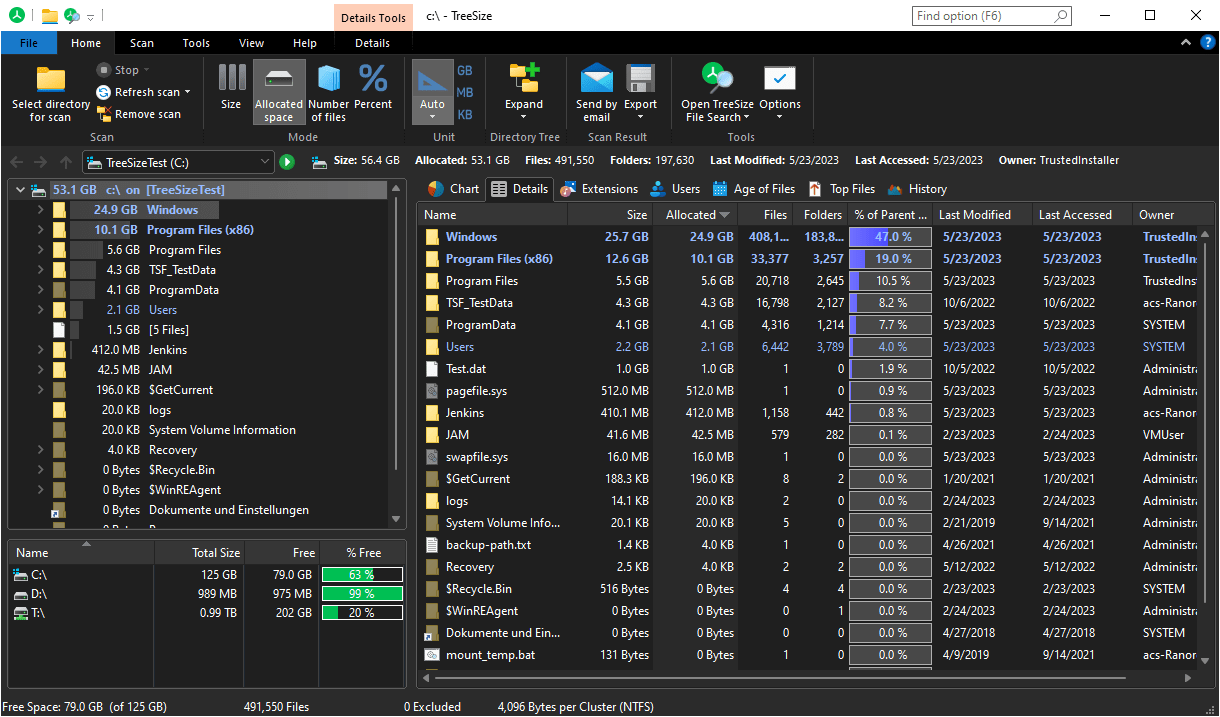
From the moment you launch TreeSize, it greets you with a sleek, clear interface reminiscent of a well-organized tool chest. The layout is straightforward, featuring an explorer-like hierarchy on one side and detailed insights on the other. Navigating through your folders feels as smooth as gliding your hand over polished wood—clicking on directories expands instantly, revealing nested content without lag or hiccups. Users unfamiliar with disk analysis tools will appreciate the app's gentle learning curve, supported by helpful tooltips and contextual explanations.
Highlighting the App's Unique Selling Point
What sets TreeSize apart from other utilities is its combination of depth and user-friendliness. Unlike some bulky disk analyzers that drown you in data, TreeSize emphasizes clarity—visual charts, color codes, and drill-down capabilities allow users to understand their disk makeup instantly. Its ability to generate detailed, customizable reports and the smooth integration with Windows Explorer make it particularly effective for both quick checks and detailed investigations. The app's ability to display data hierarchically is akin to a digital topographical map—you see the big picture first, then zoom into the details.
Final Verdict: A Valuable Tool with a Clear Edge
All in all, TreeSize for Windows is a solid, thoughtfully designed utility that earns its spot in any user's toolkit. Its standout features—particularly the visual disk space analysis and seamless Windows integration—offer users a level of insight that's both accessible and powerful. Whether you're a casual user wanting to free up some space or an IT professional managing enterprise storage, TreeSize makes the task intuitive and efficient.
If you're seeking a reliable, detailed, yet easy-to-use disk space analyzer, I recommend giving TreeSize a try. Its balance of depth and usability makes it a worthwhile addition—helping you navigate your storage universe with confidence and clarity.
Pros
- Comprehensive disk space analysis
- Intuitive user interface
- Real-time updates and scanning
- Advanced filtering and sorting options
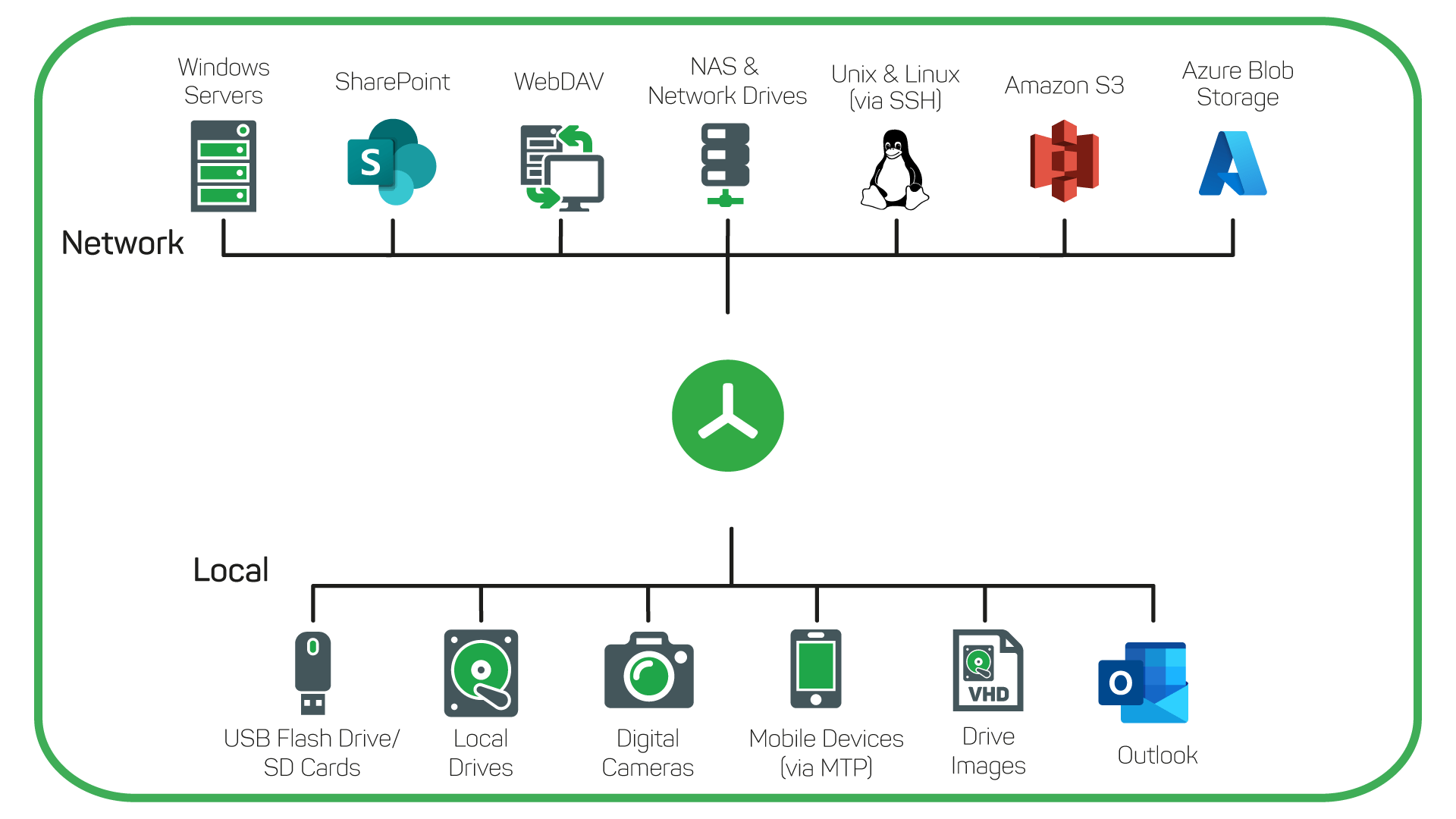
- Supports multiple languages and integrations
Cons
- Limited free version features
- Slower performance on very large drives
- Occasional false positives with system files
- Limited cloud storage analysis capabilities
- Requires administrative privileges for full access











