
- Name TouchCopy
- Category Utilities & tools
- Developer Wide Angle Software Ltd
- Available on PC
- OS Windows 10 version 17763.0 or higher
- languages Dutch, English, English (United States), French, German, Italian, Japanese, Spanish
TouchCopy for Windows: Seamless Music and Data Transfers Made Easy
If you're tired of juggling between your iPhone and Windows PC, struggling to transfer your cherished music or backup your device, TouchCopy offers a straightforward yet powerful solution. Designed to bridge the gap between Apple devices and Windows environments, this application simplifies data management without requiring complex setups or iTunes dependencies. Whether you're a casual user or a tech enthusiast, TouchCopy aims to streamline your digital life.
Developed by Wide Angle Software Ltd
Founded by a team passionate about creating user-friendly media transfer solutions, Wide Angle Software Ltd specializes in developing utilities that enhance user experience with Apple devices. Known for their focus on simplicity and reliability, they continuously refine their tools to keep pace with the evolving tech landscape.
Top Features that Make TouchCopy Stand Out
- Easy Music and Media Transfer: Instantly copy music, playlists, and videos from iPhones or iPads to your PC, without needing iTunes or complicated syncing processes.
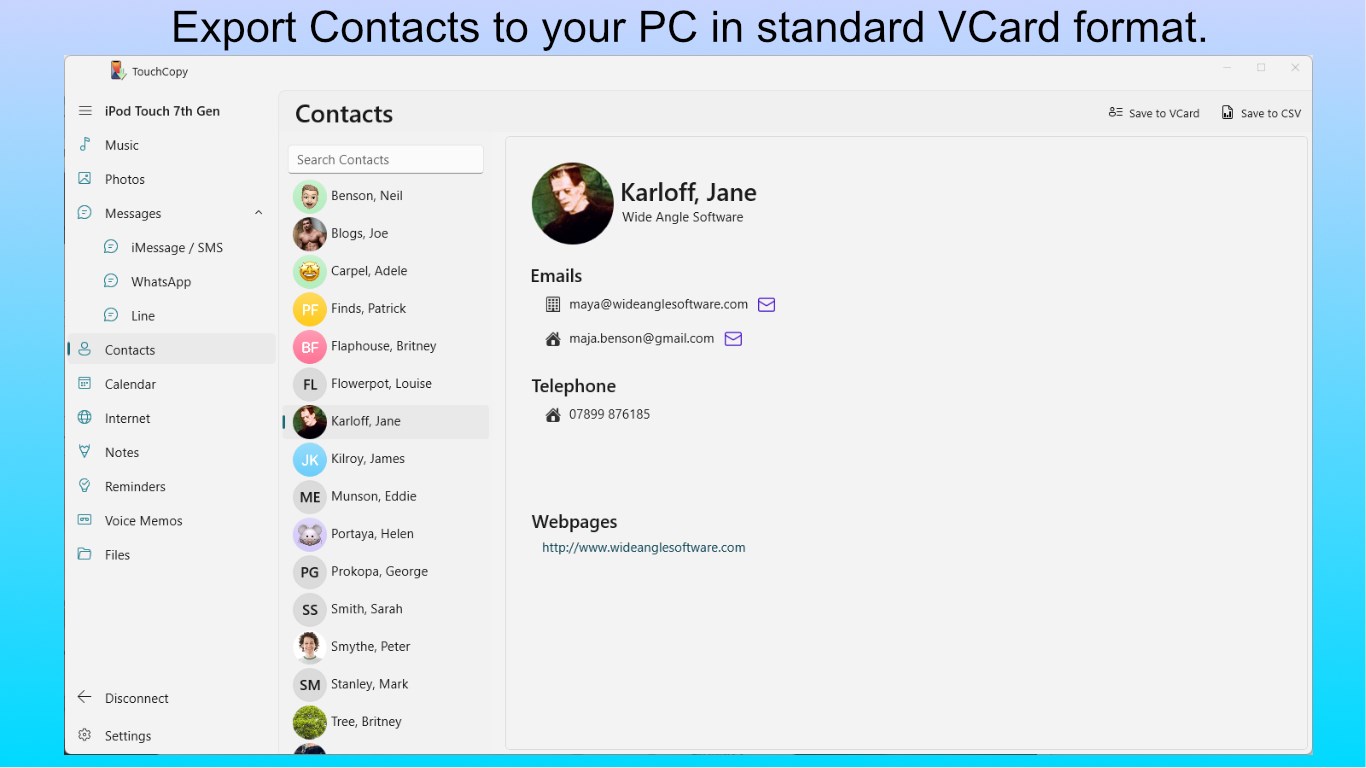
- Device Backup and Data Export: Back up contacts, messages, call logs, images, and more effortlessly, ensuring your data stays safe and easily accessible.
- User-Friendly Interface: Intuitive design with guided steps makes navigating complex data transfers feel like a breeze, even for less tech-savvy users.
Vibrant and Intuitive Interface: Bringing Life to Data Management
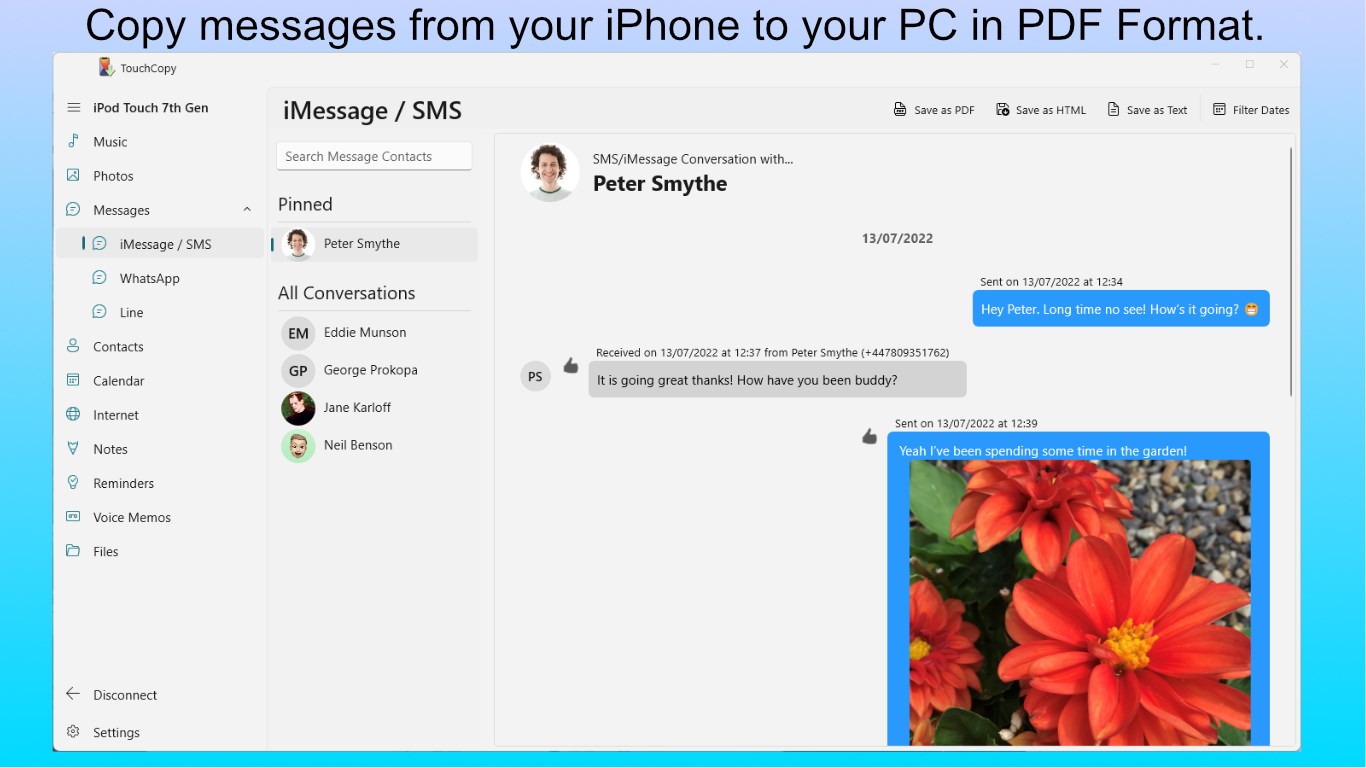
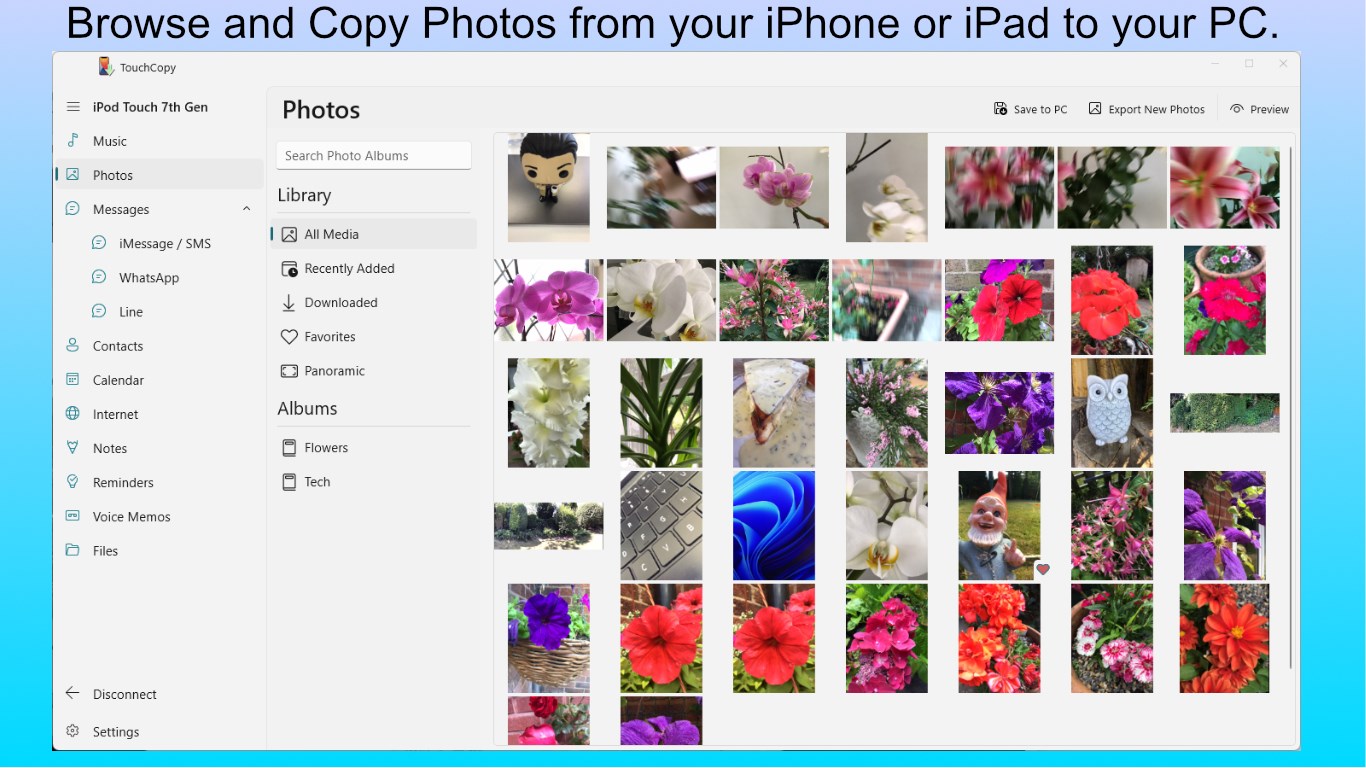
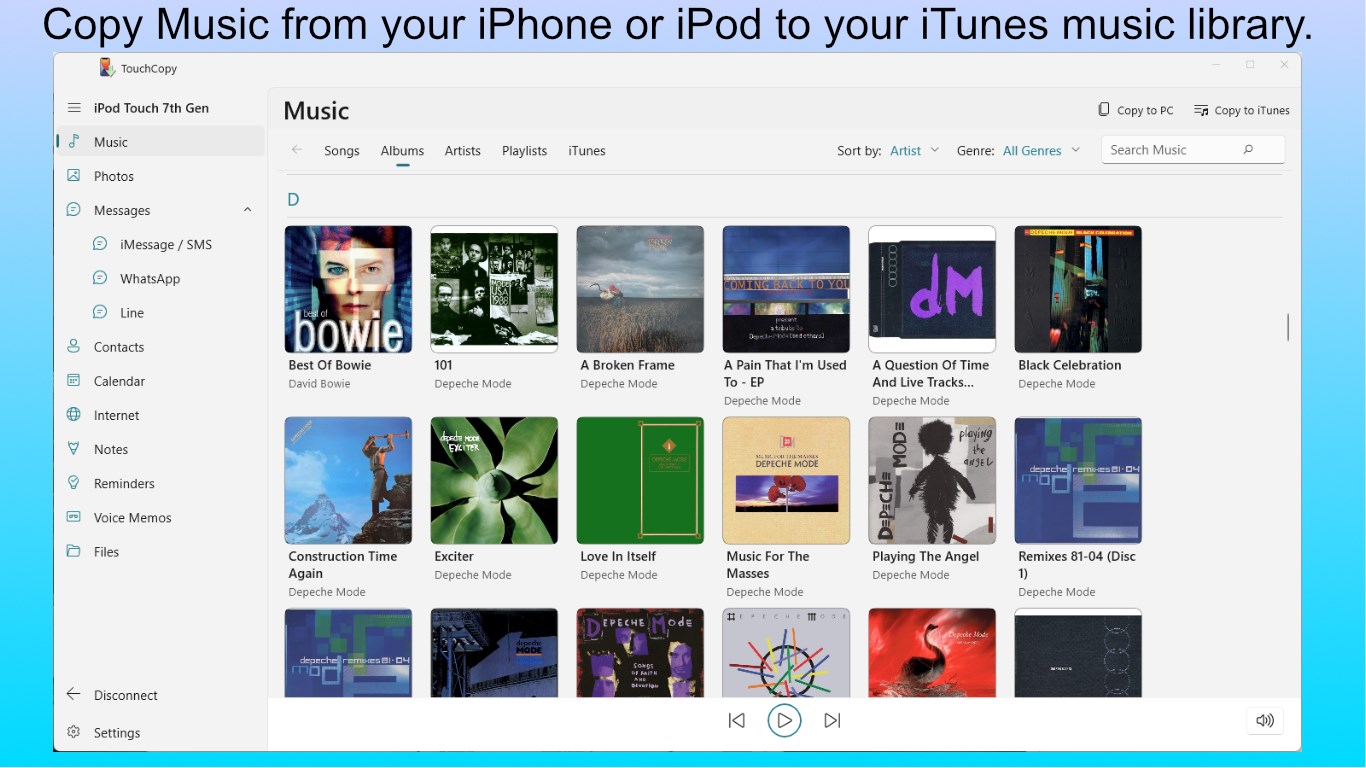
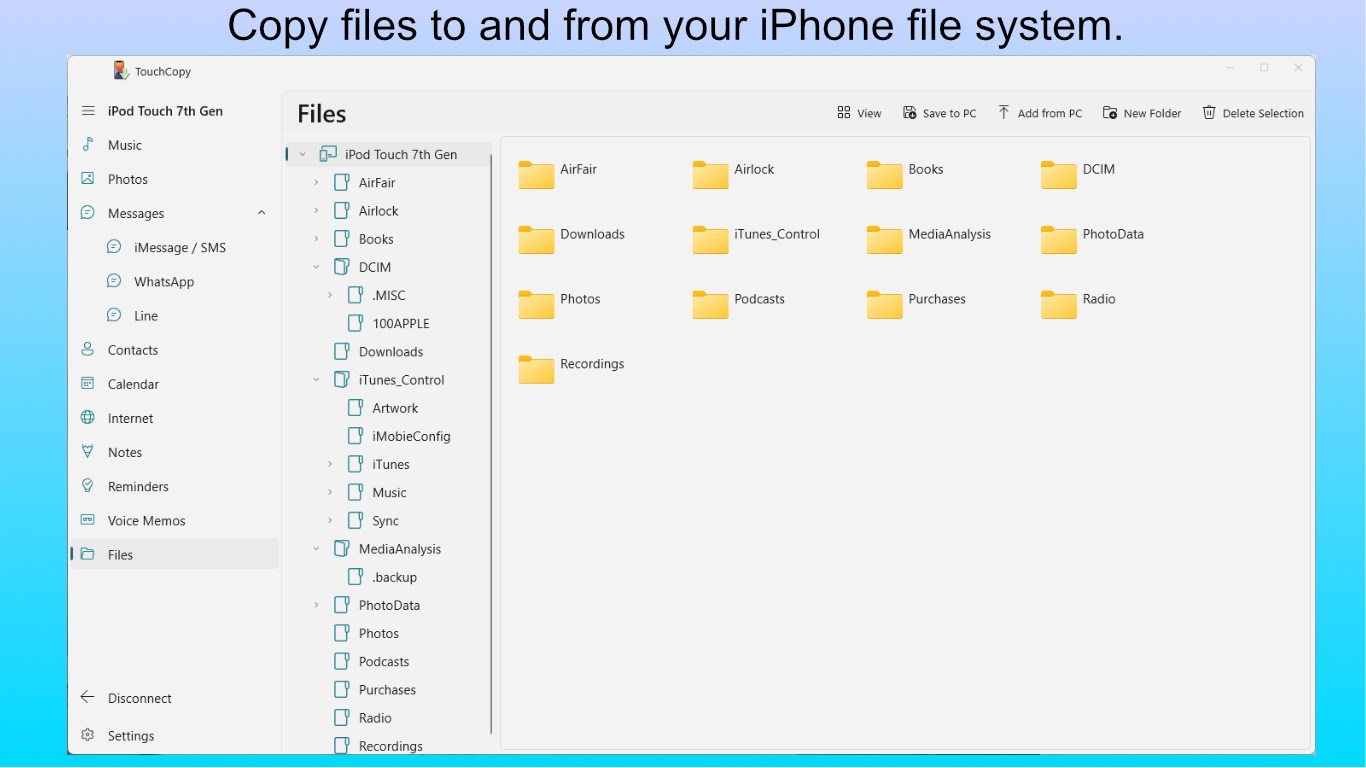
TouchCopy welcomes users with a clean, straightforward interface reminiscent of a digital control panel—organized, colorful, and calming. From the moment you launch the app, it feels more like chatting with a helpful assistant than wrestling with a complicated utility. The dashboard clearly displays your device info, available storage, and options, inviting users to dive right into their data management tasks.
Operations are remarkably smooth, with swift responses that align well with user expectations. The learning curve is gentle; new users can navigate and perform basic transfers within minutes thanks to clear prompts and easy-to-follow workflows. For seasoned users, the absence of clutter means tasks are completed efficiently without unnecessary distractions.
Core Functionalities: Making Data Transfers as Easy as Pie
Music and Media Transfers
This feature stands out as TouchCopy's flagship. Unlike many utilities that lock you into iTunes or require complex exports, TouchCopy lets you selectively drag and drop your favorite tunes or entire playlists directly from your devices to your PC. It supports a wide array of media formats and preserves your original quality, making it a reliable choice for audiophiles and casual listeners alike. The process feels akin to having a friendly assistant carefully packing away your digital treasures with just a few clicks.
Comprehensive Data Backup
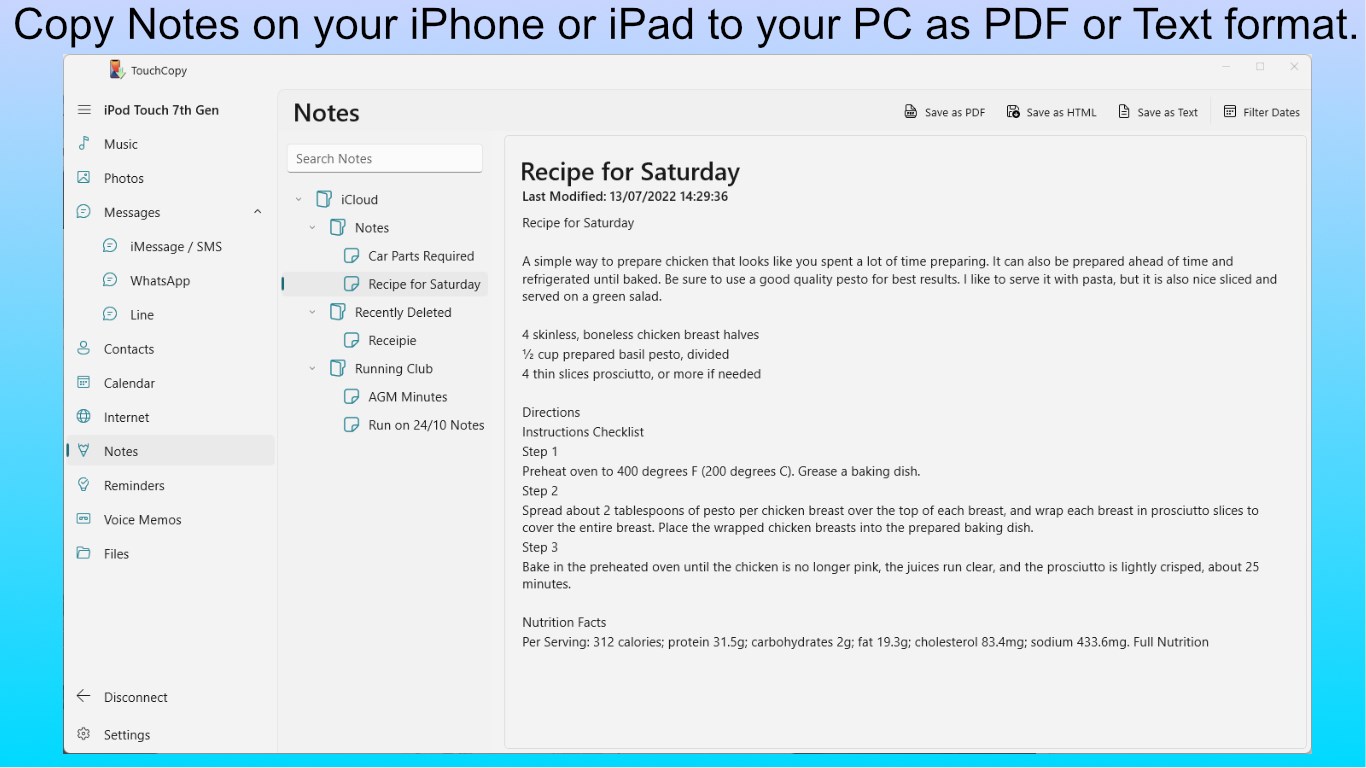
The application extends beyond music. Users can export contacts, messages, call history, photos, and even voicemails—all without rooting or jailbreaking devices. The backup process is highly customizable, letting you choose specific data to export, which offers flexibility you won't typically find in standard Windows tools. This feature is especially useful for those preparing for device upgrades or preserving important records.
What Sets TouchCopy Apart? The Unique Touch
While there are several tools claiming to simplify iOS data management, TouchCopy's standout advantage is its seamless integration without forcing users into the Apple ecosystem's often confusing synchronization requirements. Its ability to directly access device data—bypassing iTunes—means less frustration and fewer errors. Additionally, the app's focus on media transfer, combined with simple backup capabilities, fills a niche not always well-served by generic file explorers or iTunes alone. The clear emphasis on user-friendly media handling, complimented by straightforward backup mechanics, makes it appealing for users who want reliable results without technical headaches.
Final Recommendation: Is TouchCopy Worth a Try?
Considering its ease of use, robust features, and the capacity to handle complex data transfers smoothly, I recommend TouchCopy for anyone seeking a dependable utility to manage their iOS device data on Windows. It's particularly valuable for users who dislike the cumbersome nature of iTunes or those needing quick, selective media transfers. While it may not replace comprehensive device management suites, its specialized features make it a handy tool in your digital toolkit.
In conclusion, if you want a no-nonsense, efficient, and intuitive application to manage, transfer, or backup your iPhone content, TouchCopy scores well and deserves a spot on your software list.
Pros
- User-Friendly Interface
- Fast Data Transfer
- Wide Compatibility
- Comprehensive File Management
- Regular Updates
Cons
- Limited Free Trial
- Occasional Sync Errors
- Lack of Android Support
- Interface Could Be More Modern
- Customer Support Response Time











