


- Name Torrex Pro - Torrent Downloader
- Category Utilities & tools
- Available on PC, Mobile, Xbox console, Surface Hub, HoloLens
- OS Windows 10 version 18362.0 or higher
- languages Arabic, Azerbaijani (Latin), Belarusian, Bosnian (Latin), Bulgarian, Chinese (Simplified), Chinese (Traditional Chinese), Chinese (Traditional), Croatian, Czech, Danish, Dutch, English, English (United States), Estonian, Finnish, French, Georgian, German, Greek, Hindi, Hungarian, Italian, Japanese, Korean, Korean , Lithuanian, Malay, Norwegian, Persian/Farsi, Polish, Portuguese, Portuguese (Brazil), Portuguese (Portugal), Romanian, Russian, Serbian (Latin), Sinhala, Slovak, Slovenian, Spanish, Spanish (Spain), Swedish, Turkish, Ukrainian, Vietnamese
Introducing Torrex Pro: A Robust Torrent Downloader for Windows
In the crowded landscape of torrent clients, Torrex Pro stands out as a streamlined, user-friendly solution tailored specifically for Windows users seeking reliable download management without the clutter of complicated features.
About the Developer
Developed by Finebits OÜ, a company committed to creating efficient and intuitive productivity tools, Torrex Pro exemplifies their dedication to delivering a smooth user experience in digital content management.
Key Features That Make It Shine
- Efficient Torrent Management: Offers reliable download and upload capabilities with pause, resume, and prioritize options, ensuring flexible control over your torrent files.
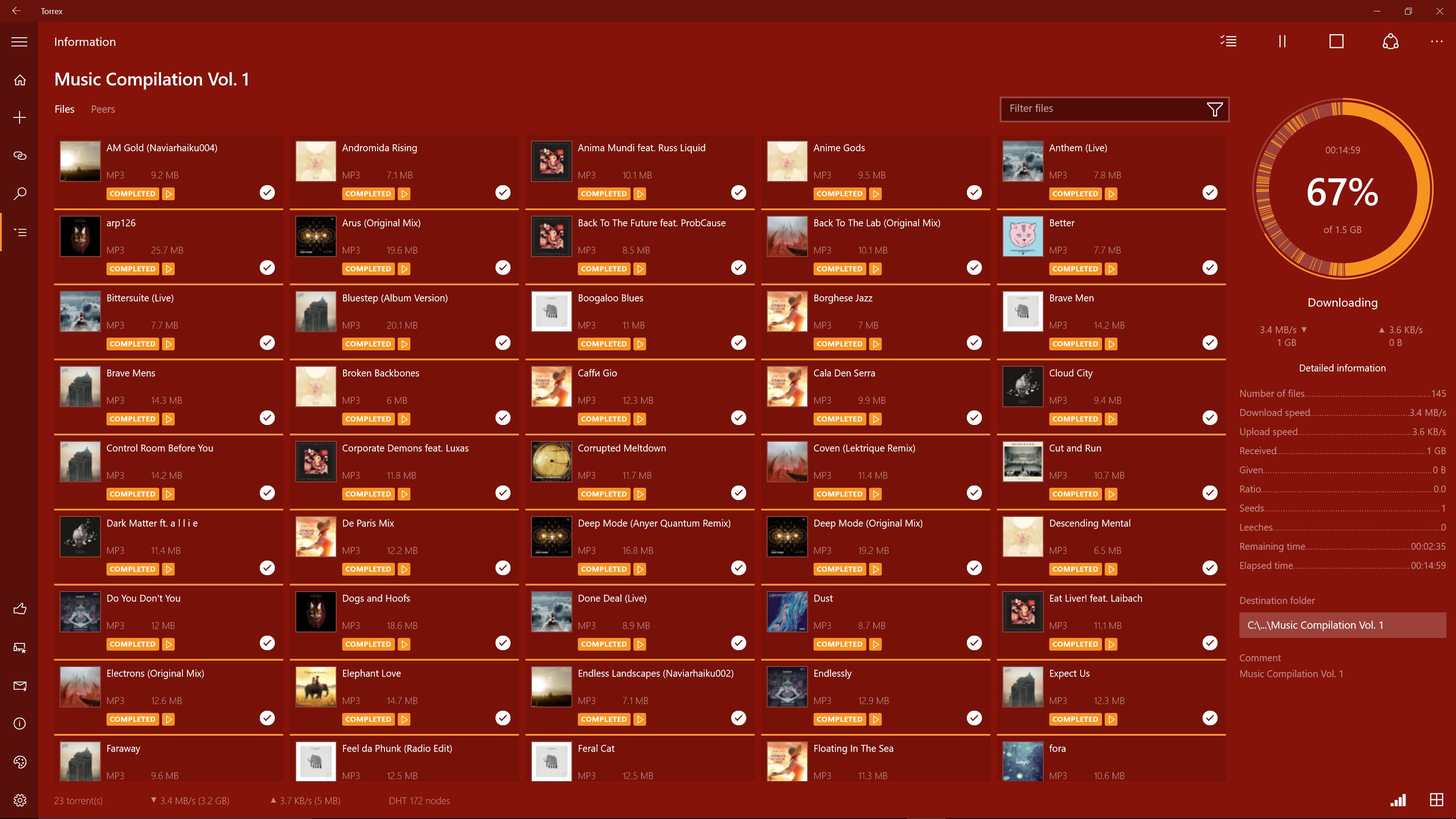
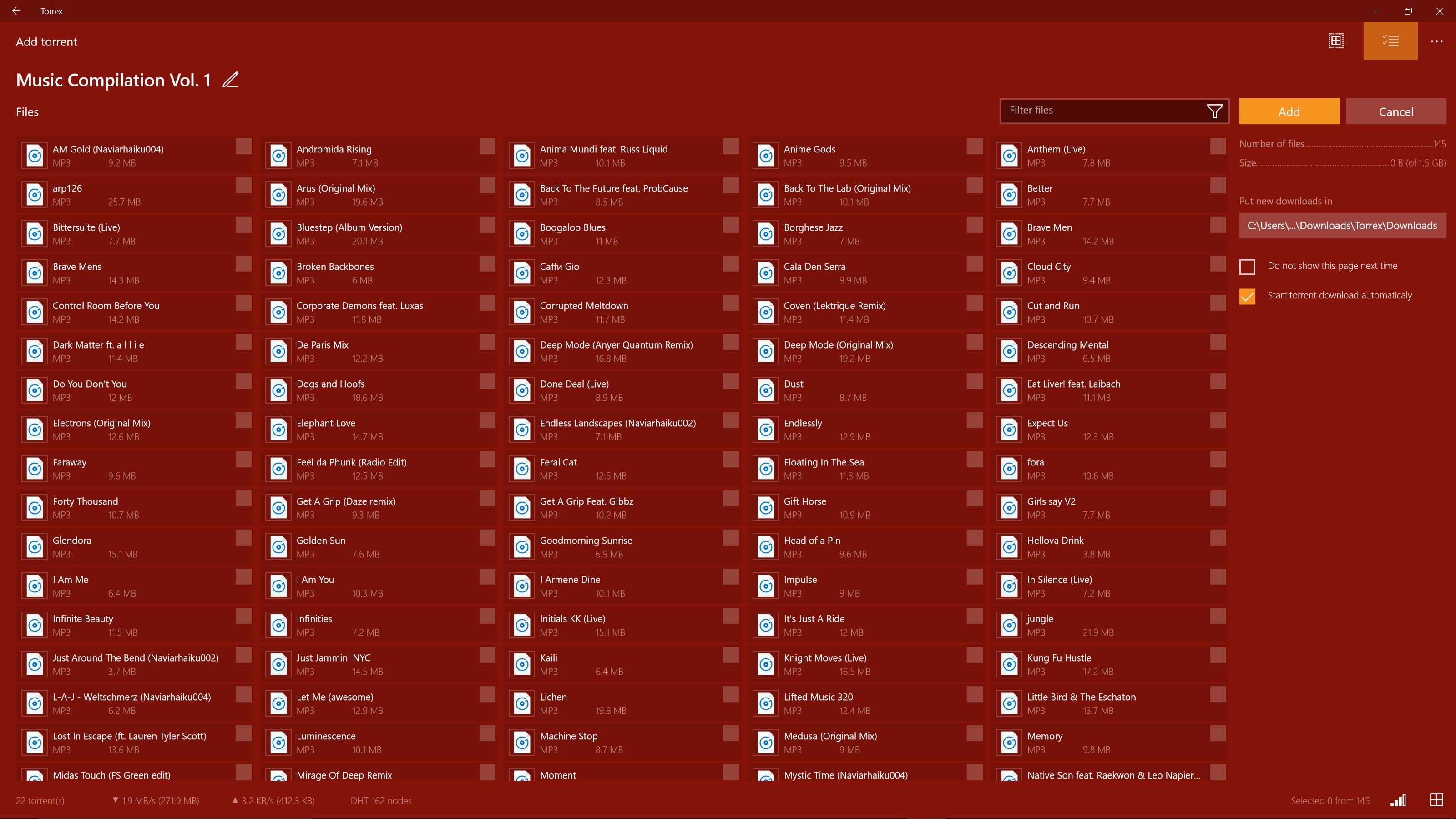
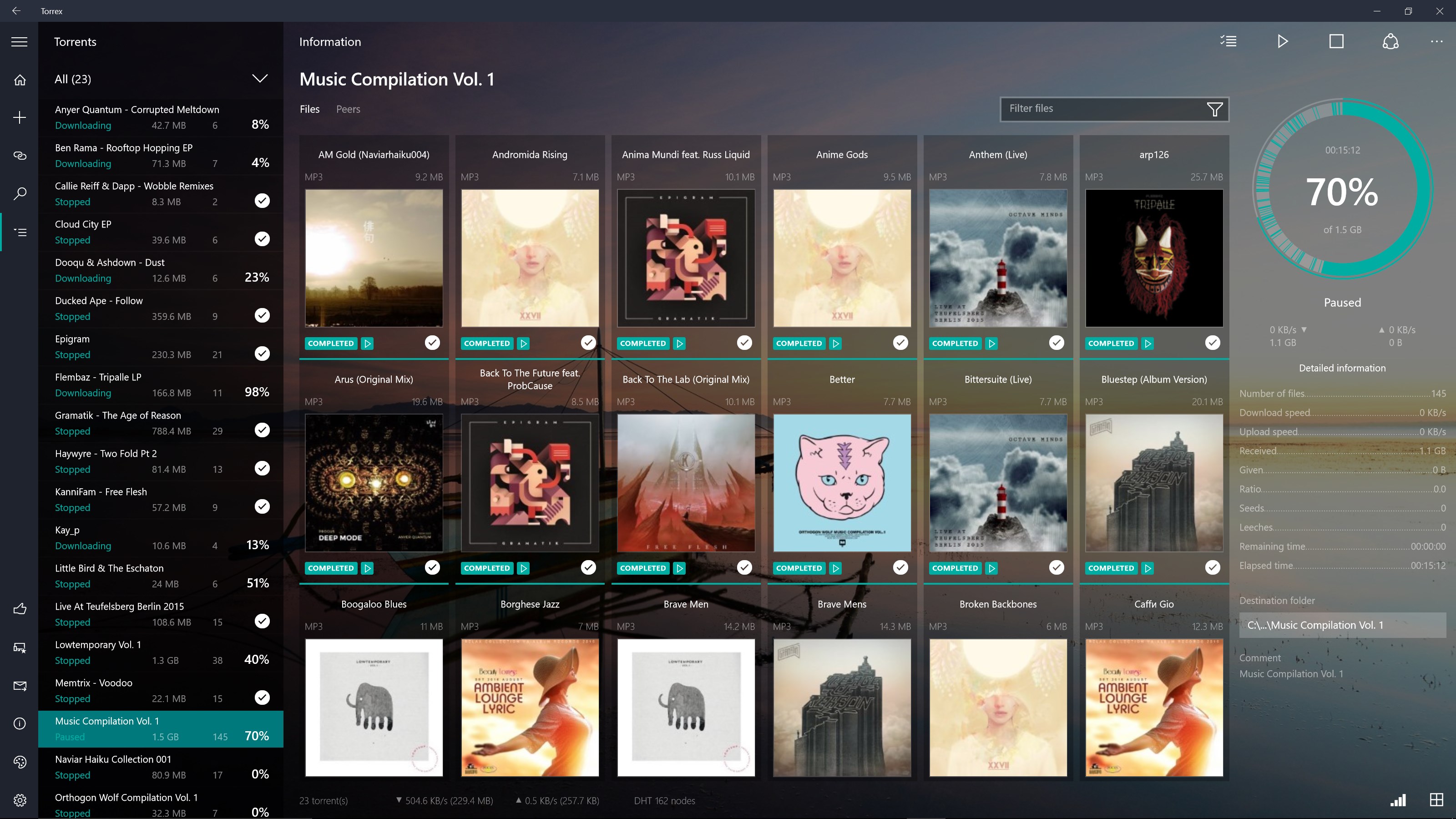
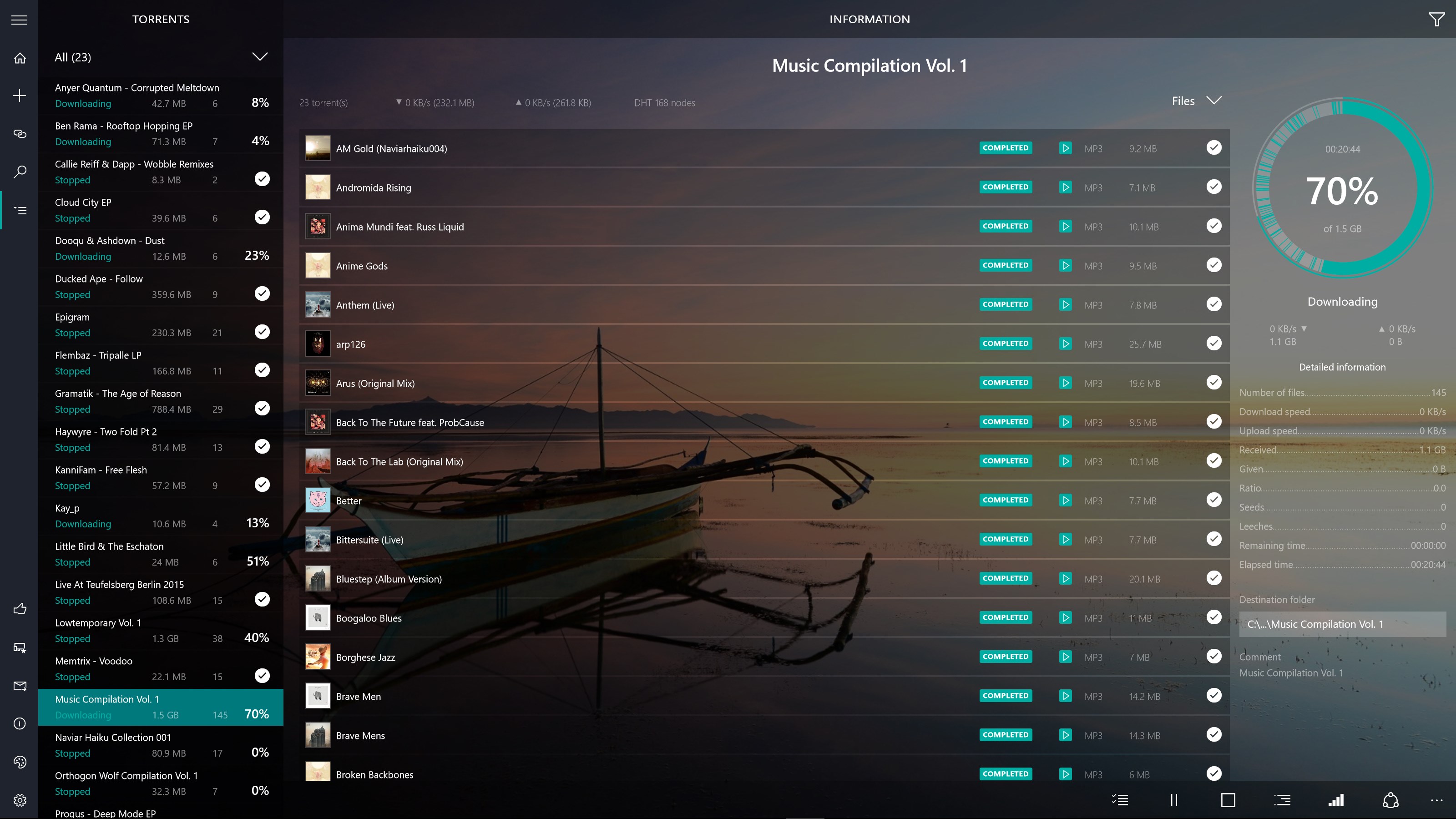
- Smart Interface Design: Features a clean, organized layout that simplifies torrent browsing and management, even for beginners.
- Fast & Stable Downloads: Utilizes optimized algorithms to maximize download speeds while maintaining stable connections.
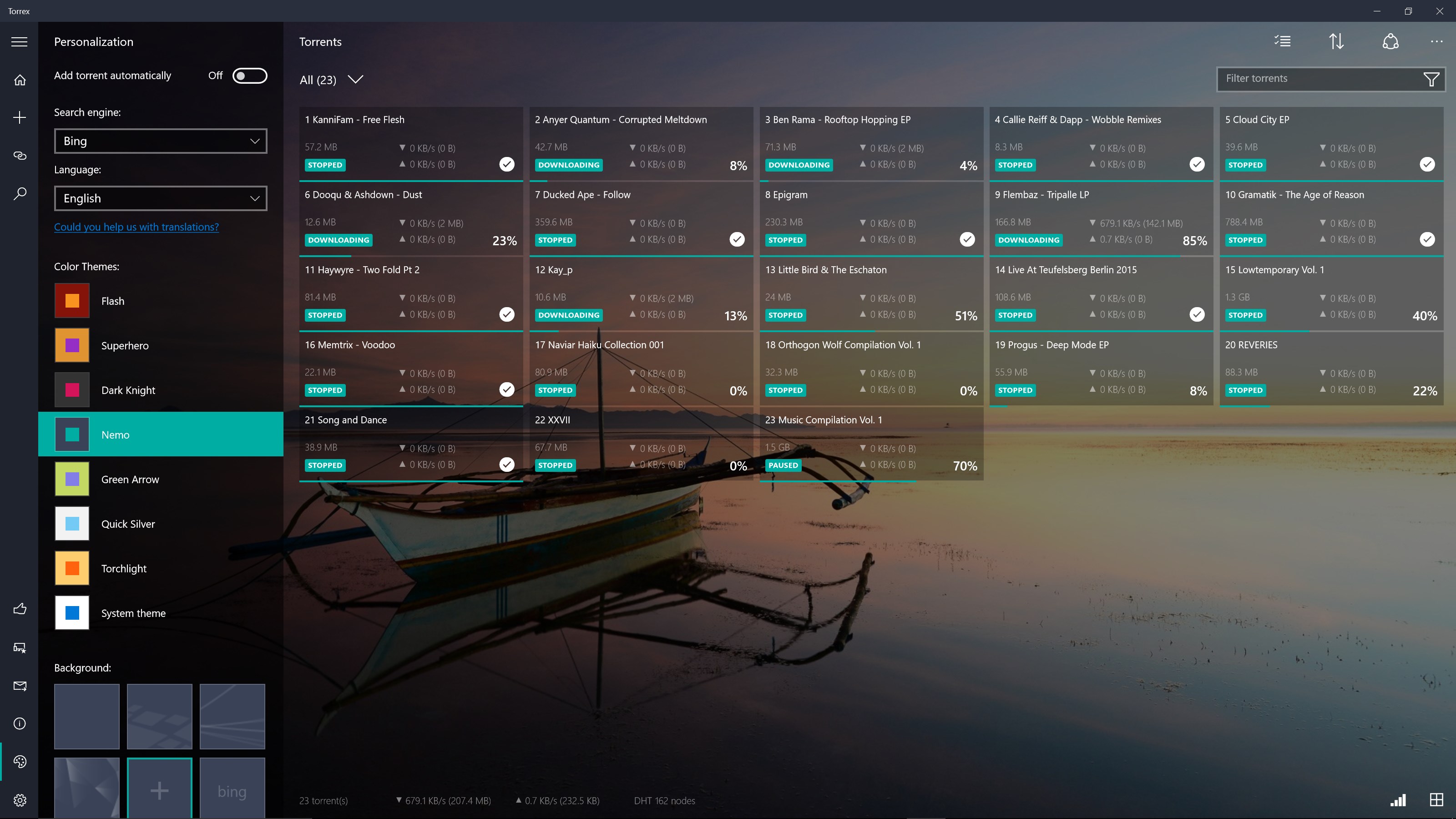
- Control & Customization: Allows users to set bandwidth limits, scheduling downloads, and managing multiple torrents effortlessly.
A Fresh Perspective: Why Torrex Pro Stands Out
Imagine navigating a busy marketplace with ease compared to wrestling through tangled stalls—Torrex Pro makes torrent management feel just as straightforward. Unlike some cluttered torrent clients that bombard users with complex options or overwhelming interfaces, this application offers a harmonious blend of simplicity and power. Its polished layout feels like a personal assistant guiding you step-by-step, making torrent downloading less of a chore and more of an efficient task.
Core Functionality: Torrent Management Made Easy
First and foremost, Torrex Pro excels in its core download management. The application supports magnet links and torrent files seamlessly, automatically associating with your preferred downloads. Its intuitive queue system keeps multiple torrents organized, allowing users to prioritize or pause downloads with a single click. The ability to set upload and download speed limits helps in balancing bandwidth usage, making it perfect for users who need to prioritize other internet activities.
Intuitive Interface and User Experience
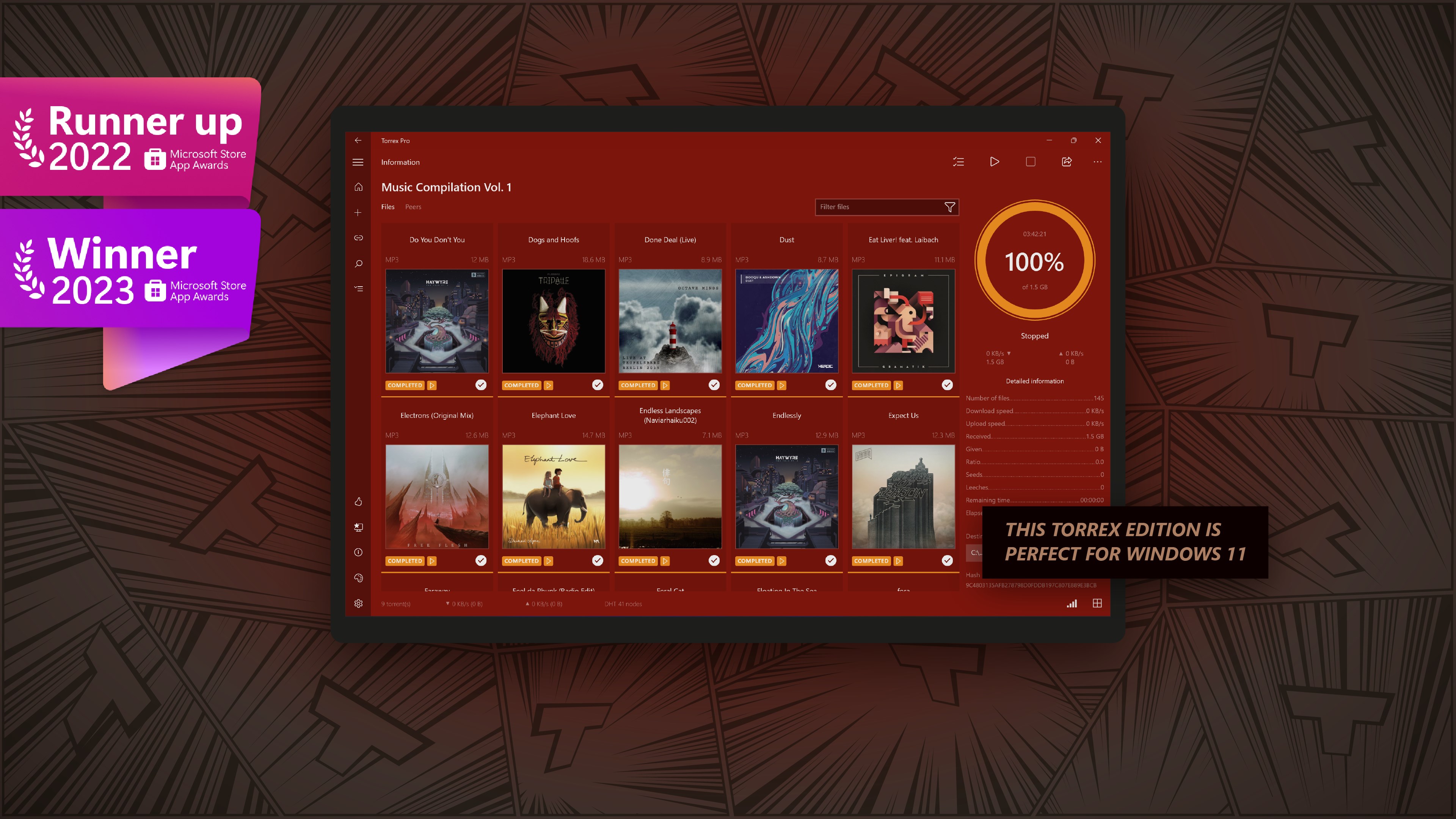
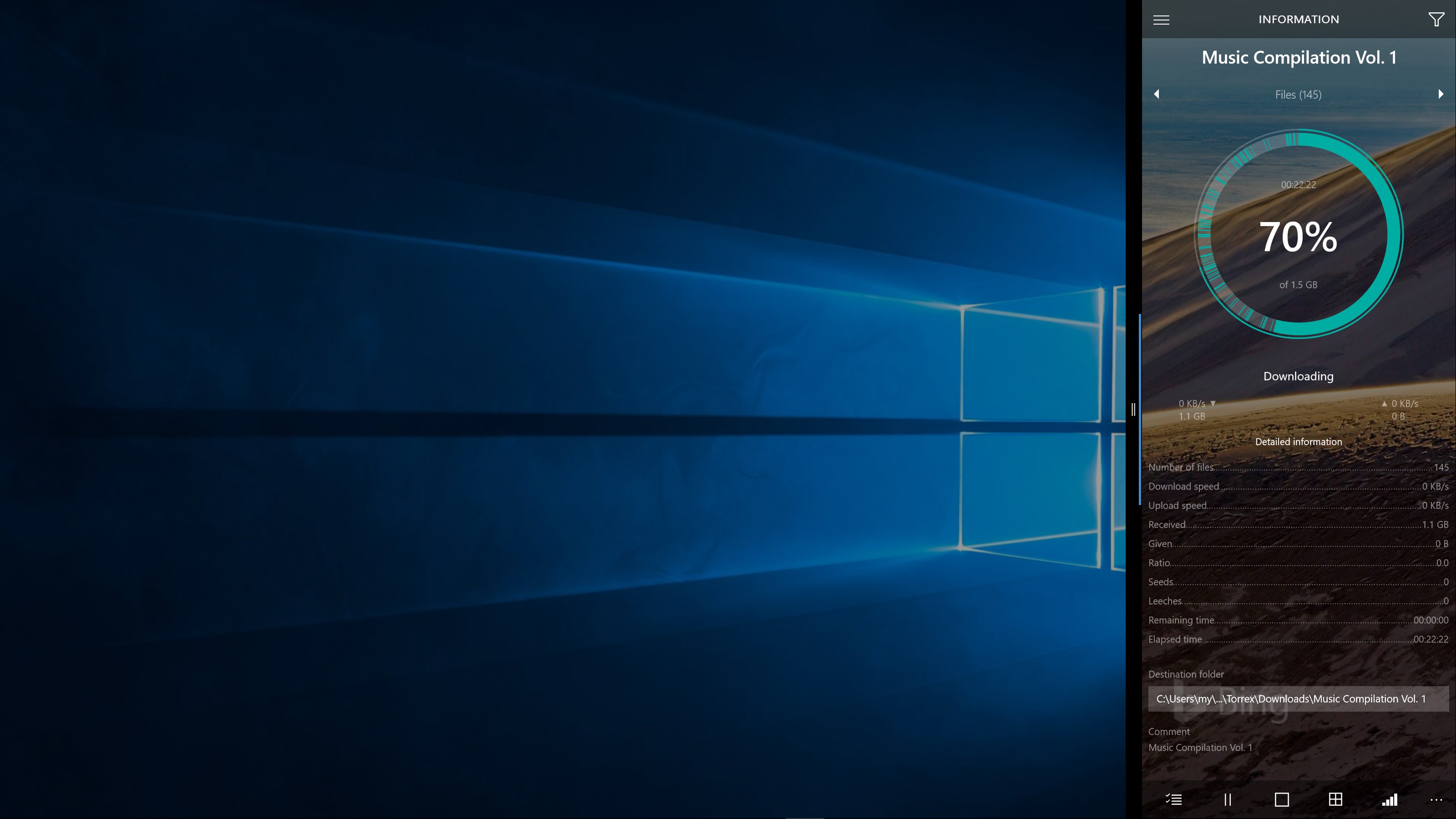
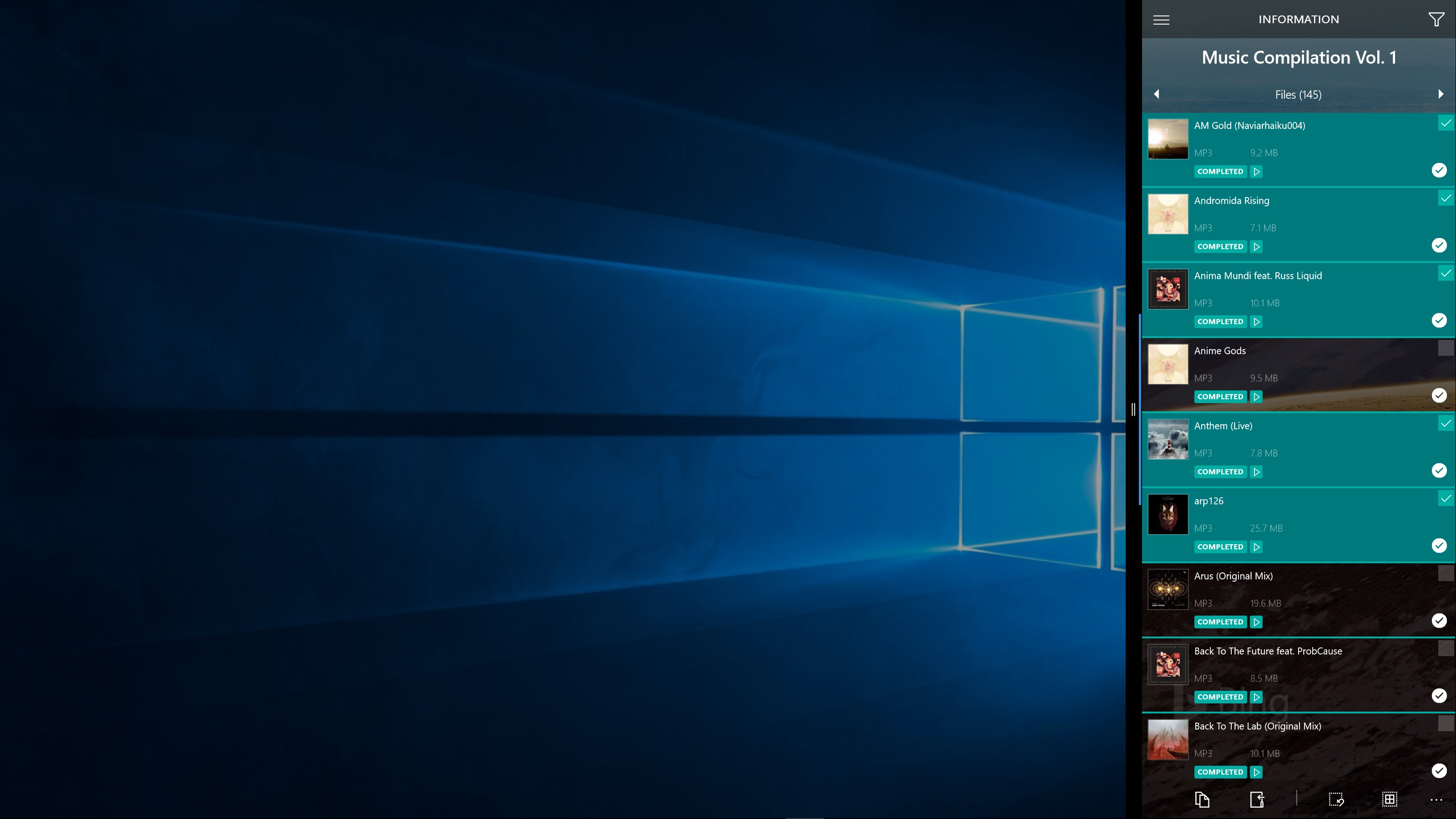
The interface design is a breath of fresh air—minimalist yet informative. Clear icons and logical menu placements mean you won't need to fiddle around trying to figure out where things are. Operation is smooth: clicking, dragging, and dropping torrents feels natural, almost as if the app anticipates your needs. Even if you're a newcomer to torrent clients, the learning curve is gentle, and most functions are self-explanatory. This focus on user experience transforms torrent management from a daunting task into a straightforward process.
Unique Selling Points: Speed & Stability with Simplicity
One of Torrex Pro's most notable strengths is its optimization for speed and stability. Its intelligent algorithms prioritize robust connections, ensuring your downloads proceed swiftly without frequent disconnects—a common frustration among other clients. Additionally, its scheduling feature is a gem; you can set specific times for downloads to run, making it easy to avoid peak internet usage. This dual emphasis on performance and user control distinguishes Torrex Pro from many other utilities, which often sacrifice one for the other.
Should You Give it a Try?
Overall, I'd recommend Torrex Pro to users who want a reliable, no-nonsense torrent client that gets the job done efficiently. Its simple interface and solid core features make it ideal for both casual downloader and more experienced users who need streamlined management. For those tired of overly complicated or sluggish torrent apps, Torrex Pro offers a breath of fresh air—ready to handle your downloads quickly and with minimal fuss.
While it may lack some advanced customization seen in high-end clients, its focus on core performance and ease of use positions it as a top choice for many Windows users. So if you're after a straightforward, stable, and efficient torrent solution, give Torrex Pro a go—you might just find it becomes your go-to download partner.
Pros
- Fast Download Speeds
- User-Friendly Interface
- Support for Multiple Torrent Sources
- Built-in Magnet Link Support
- Efficient Download Management
Cons
- Limited Free Features
- Occasional Download Failures
- Ads in Free Version
- Limited Customization Options
- Battery and Data Usage











