

- Name Torrent Downloader+
- Category Utilities & tools
- Available on PC
- OS Windows 10 version 14316.0 or higher
- languages English (United States)
Torrent Downloader+ for Windows: A Fast and User-Friendly Torrent Management Tool
Torrent Downloader+ for Windows is a lightweight yet powerful application designed to streamline the process of downloading and managing torrent files, making peer-to-peer sharing effortless and organized for both newcomers and seasoned users alike.
Meet the Developer: Novelty Studio's Quiet Innovation
Developed by Novelty Studio, a team dedicated to creating user-oriented utility tools, Torrent Downloader+ aims to simplify torrent management while providing a robust set of features tailored for ease of use, speed, and reliability.
Key Features That Make It Stand Out
- Efficient Torrent Queue Management: Easily prioritize, pause, or resume downloads, keeping control in your hands with a clean, intuitive interface.
- Built-in Download Speed Optimization: The app intelligently manages bandwidth to ensure your torrent activities don't interfere with other internet use.
- Seamless Integration & Modularity: Supports magnet links and direct torrent files, eliminating the need for multiple apps and making it versatile for various sources.
- Advanced Settings for Power Users: Customizable options for experienced users who want to tweak connection settings or download locations.
Design & User Experience: A Smooth Ride
Playing the part of both a friendly guide and a discreet assistant, Torrent Downloader+ sports a sleek, minimalist interface. Its layout resembles a tidy workspace—think of it as a digital desktop where everything is within easy reach. Navigating between the core functions feels fluid, like sliding on ice—quick, seamless, and frustration-free. Setting up your first download takes just a few clicks, thanks to guided prompts that help newcomers avoid getting lost in technical details. Even for those who regularly juggle multiple torrents, the app's clear organization means managing a busy download queue remains straightforward and stress-free.
Core Functionality Deep Dive: Power and Precision
1. Torrent Management and Prioritization
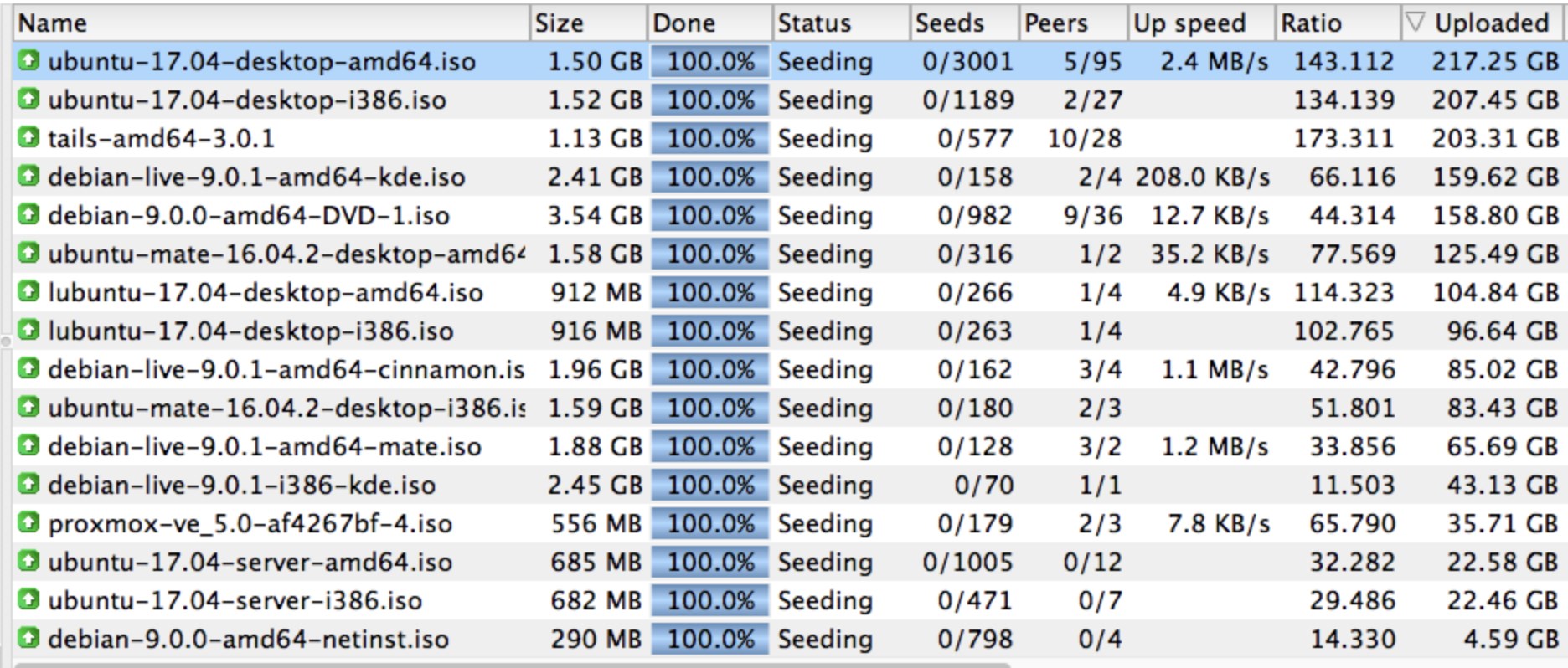
The heart of Torrent Downloader+ beats in its efficient management system. Users can drag and drop torrent files directly into the window or paste magnet links for instant recognition. The interface showcases an organized list, where each download can be paused, resumed, or reordered with a single click—much like arranging a playlist for your favorite tunes. The ability to set download priorities means you can ensure critical files finish first, making the tool suitable for users who need quick access to specific content.
2. Speed Optimization and Bandwidth Control
One standout feature is the app's capacity to optimize download speeds without hogging your entire network bandwidth. Think of it as a traffic cop directing digital traffic calmly and efficiently—allocating just enough bandwidth to torrent downloads so other online activities—streaming, gaming, browsing—remain unaffected. This smart management is particularly valuable in busy households or workplaces where steady internet performance matters. Advanced users can fine-tune these limits, giving them full control when necessary.
Experience & Uniqueness: Why It Differs from the Crowd
While many torrent clients focus solely on raw download speed or complex settings, Torrent Downloader+ strikes a delicate balance by emphasizing usability alongside performance. Its standout difference lies in its user-centered design: a clutter-free interface that invites users to manage torrents with minimal fuss, backed by smart features like bandwidth management and easy queue control. Unlike bulkier clients that can feel overwhelming, this app's simplicity translates into steady reliability—much like a trusted companion—you know it'll get the job done without surprising you with complicated menus or hidden options.
Final Verdict & Recommendations
If you're seeking a straightforward, efficient tool that simplifies torrent downloading without sacrificing essential features, Torrent Downloader+ is definitely worth trying. Its intuitive interface, combined with smart management capabilities, makes it ideal for casual users looking for reliability and ease, as well as power users wanting more control. I'd recommend it especially if you appreciate clean design and don't want to wade through endless options. As with any P2P tool, remember to use the application responsibly and within legal boundaries, but as a utility for managing your torrents smoothly, this app earns a solid thumbs up.
Pros
- Fast download speeds
- User-friendly interface
- Supports multiple file formats
- Integrated preview feature
- Resume interrupted downloads
Cons
- Limited customization options
- Ads occasionally appear during use
- Inconsistent download speed for larger files
- No built-in antivirus scan
- Occasional stability issues on some systems











