

- Name Tenorshare Android Phone Unlocker
- Category Utilities & tools
- Developer Tenorshare
- Available on PC
- OS Windows 10 version 0.0 or higher
- languages English, Chinese (Simplified), Chinese (Traditional Chinese), German, Spanish, French, Japanese, Portuguese, Russian, Arabic, Italian, Korean , Czech, Swedish, Turkish
Introducing Tenorshare Android Phone Unlocker for Windows: Your Reliable Unlocking Companion
Designed to simplify unlocking Android devices, Tenorshare Android Phone Unlocker for Windows aims to help users bypass lock screens safely and efficiently. Whether you've forgotten your password, pattern, or PIN, or need to perform a factory reset without hassle, this tool is positioned as a robust solution in the realm of device unlocking.
About the Developer and Core Features
Developed by Tenorshare, a well-established software company based in Hong Kong, this application embodies their commitment to providing reliable, user-friendly utility tools. The app's standout features include:
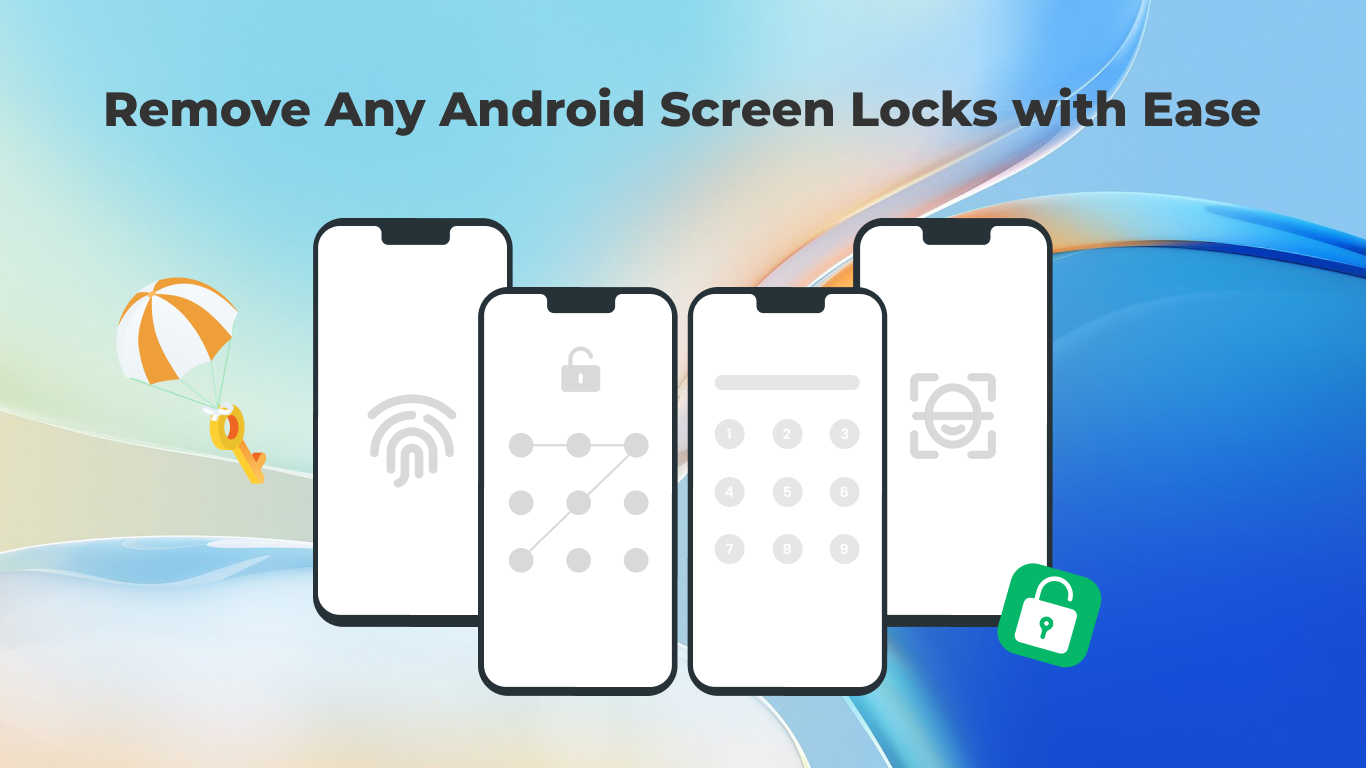
- Versatile Unlocking Capabilities: Supports removal of screen locks, including PIN, pattern, password, fingerprint, and even Google FRP lock, covering most unlocking scenarios.
- Ease of Use: Designed with a straightforward interface that guides users step-by-step, making even non-tech-savvy users feel confident during the process.
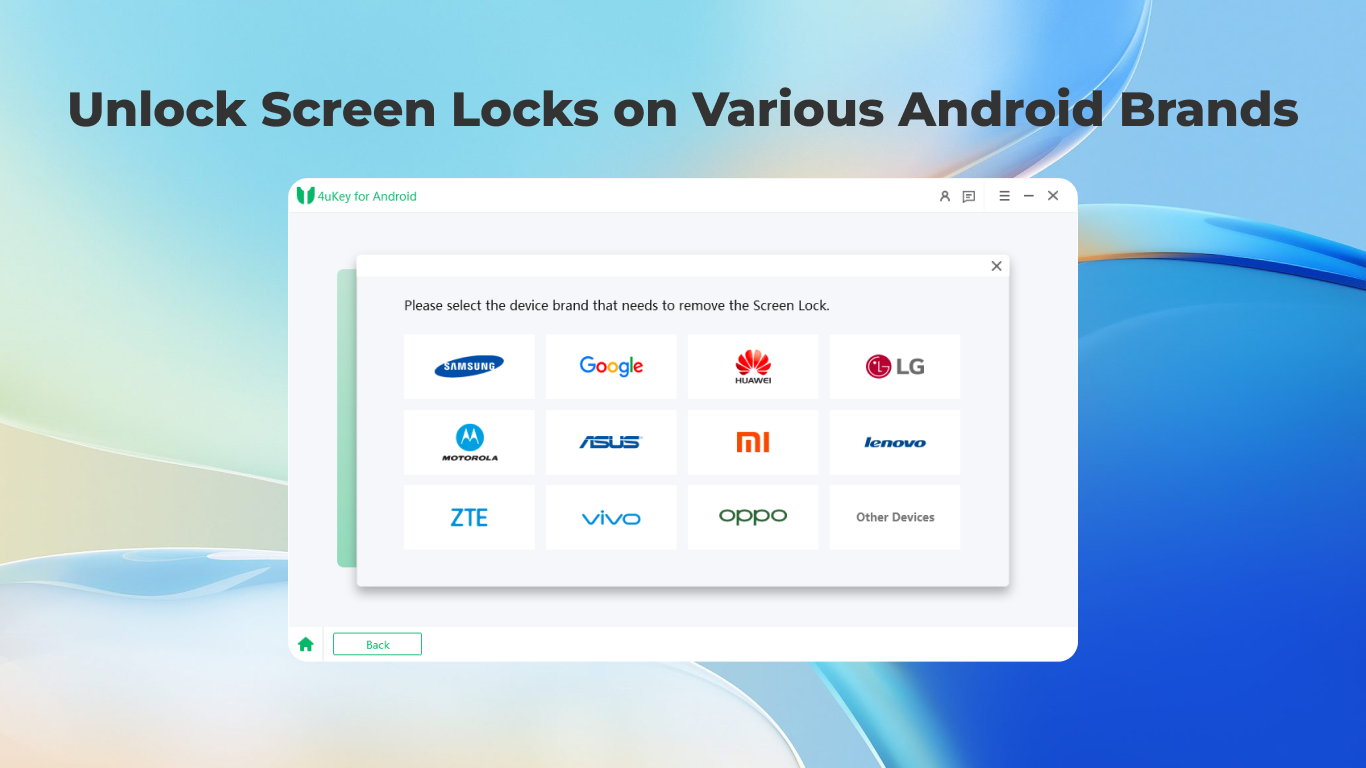
- Device Compatibility: Supports a large array of Android devices across different manufacturers, ensuring broad applicability.
- Safe and Non-Destructive: Emphasizes data safety, ensuring devices are unlocked without data loss in most cases.
The primary target users are individuals who have forgotten their device unlock credentials, technicians repairing or unlocking multiple devices, and anyone needing to perform a factory reset or bypass lock screens without complex procedures.
A Fun and Practical Unlocking Experience
Imagine your smartphone as a high-tech vault—beautifully designed but frustratingly locked when you forget the key. Tenorshare Android Phone Unlocker steps in like a savvy locksmith, providing a safe, quick, and accessible way to open that vault without damaging its contents. Its streamlined process takes the anxiety out of unlocking, transforming a potentially stressful situation into a manageable task—more like solving a puzzle than performing a high-stakes operation.
Core Functionality: Unlock with Confidence
Unlocking Methods That Cover All Your Needs
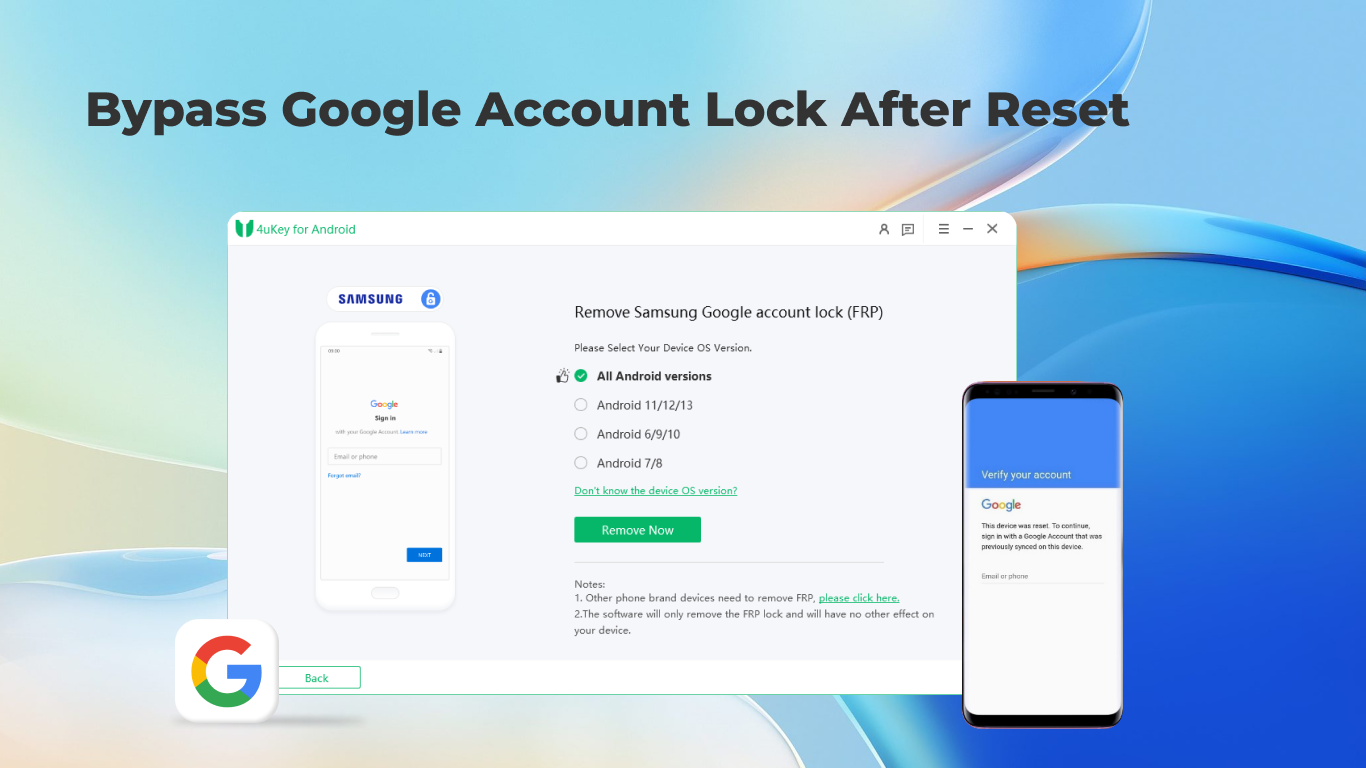
The application's crown jewel is its ability to remove various lock types seamlessly. Once connected, the tool detects your device model and guides you through selecting the appropriate unlocking mode. Whether you're dealing with a forgotten PIN or a stubborn pattern, Tenorshare Android Phone Unlocker employs advanced algorithms to unlock devices without requiring complex technical knowledge. Its capacity to bypass Google FRP lock is particularly noteworthy—saving users from tedious factory resets and potentially freeing a second hand or locked device efficiently.
The User Interface: Intuitive and Friendly
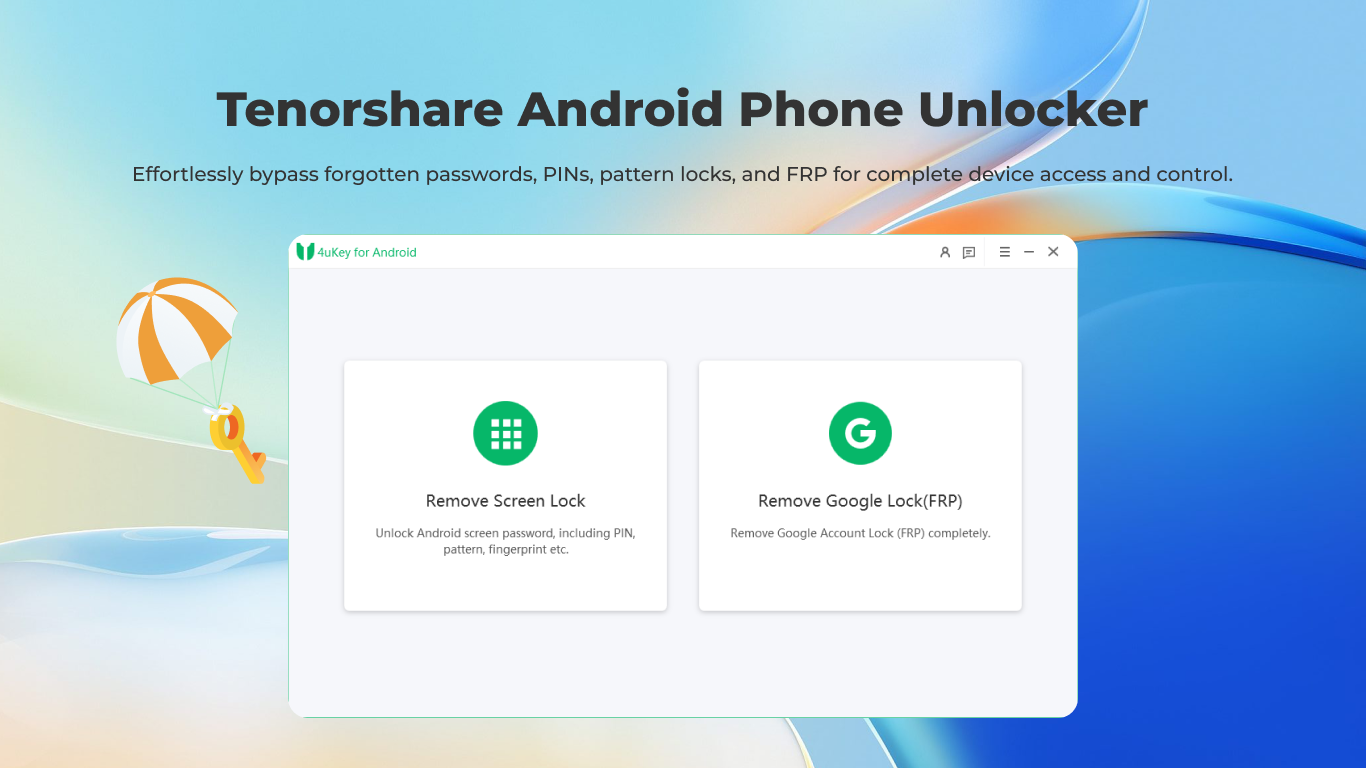
The interface sports a clean, modern design reminiscent of a well-organized digital toolkit—clear buttons, minimal clutter, and helpful tips along the way. Navigating through the unlocking process feels like following a simple recipe: plug in your device, select the unlocking mode, and click start. The operation flows smoothly, with progress updates providing reassurance at each step. Even first-time users often get comfortable within minutes, thanks to the logical layout and straightforward instructions. The learning curve is gentle, making this app accessible to a wide user base.
Standing Out in the Crowd: Unique Selling Points
Compared with other utilities, Tenorshare Android Phone Unlocker distinguishes itself through its combination of versatility and safety. While many unlocking tools either support only specific devices or pose risks to data security, this application offers a balanced approach—broad device compatibility paired with a focus on preserving user data. Its support for FRP lock removal also sets it apart, catering to cases where users need to regain access without resorting to factory resets that erase personal data.
Final Verdict and Recommendations
All in all, Tenorshare Android Phone Unlocker for Windows is a solid choice for those needing a reliable unlocking tool. Its user-centric design, comprehensive unlock options, and attention to data security make it a trustworthy utility—like a dependable locksmith you can call anytime. For individuals dealing with forgotten passwords or locked devices, this app offers a straightforward, efficient solution without fuss or undue risk.
We recommend this application to tech enthusiasts, repair professionals, or everyday users facing lock screen issues. Keep in mind, while the tool covers most scenarios, always ensure your device is backed up before proceeding, as with any unlocking operation. Overall, it's a handy addition to your device management toolbox, promising peace of mind when unlocks are needed.
Pros
- User-friendly interface
- Supports a wide range of Android models
- Effective lock removal
- Fast processing speed
- No technical expertise required
Cons
- Limited free features
- Potential data loss risk
- Compatibility issues with the latest Android versions
- Requires stable internet connection
- Complexity with encrypted devices











