

- Name Surface Diagnostic Toolkit
- Category Utilities & tools
- Available on PC
- OS Windows 10 version 17763.0 or higher
- Mouse Integrated Mouse
- Memory 2 GB
- Keyboard Not specified
- languages English (United States)
An Introduction to Surface Diagnostic Toolkit for Windows
Imagine having a reliable health checkup for your Surface device—quick, thorough, and easy to understand. That's the promise of the Surface Diagnostic Toolkit for Windows. Designed specifically to support Surface users and IT professionals, this tool provides a comprehensive diagnostic suite to keep your device in top shape. Developed by Microsoft Corporation, it champions user-friendly diagnostics, hardware testing, and system troubleshooting, making device health checks simpler and more accessible than ever. Whether you're troubleshooting sporadic performance issues or performing routine maintenance, this toolkit aims to be your reliable companion.
Key Features That Stand Out
1. Comprehensive Hardware Diagnostics
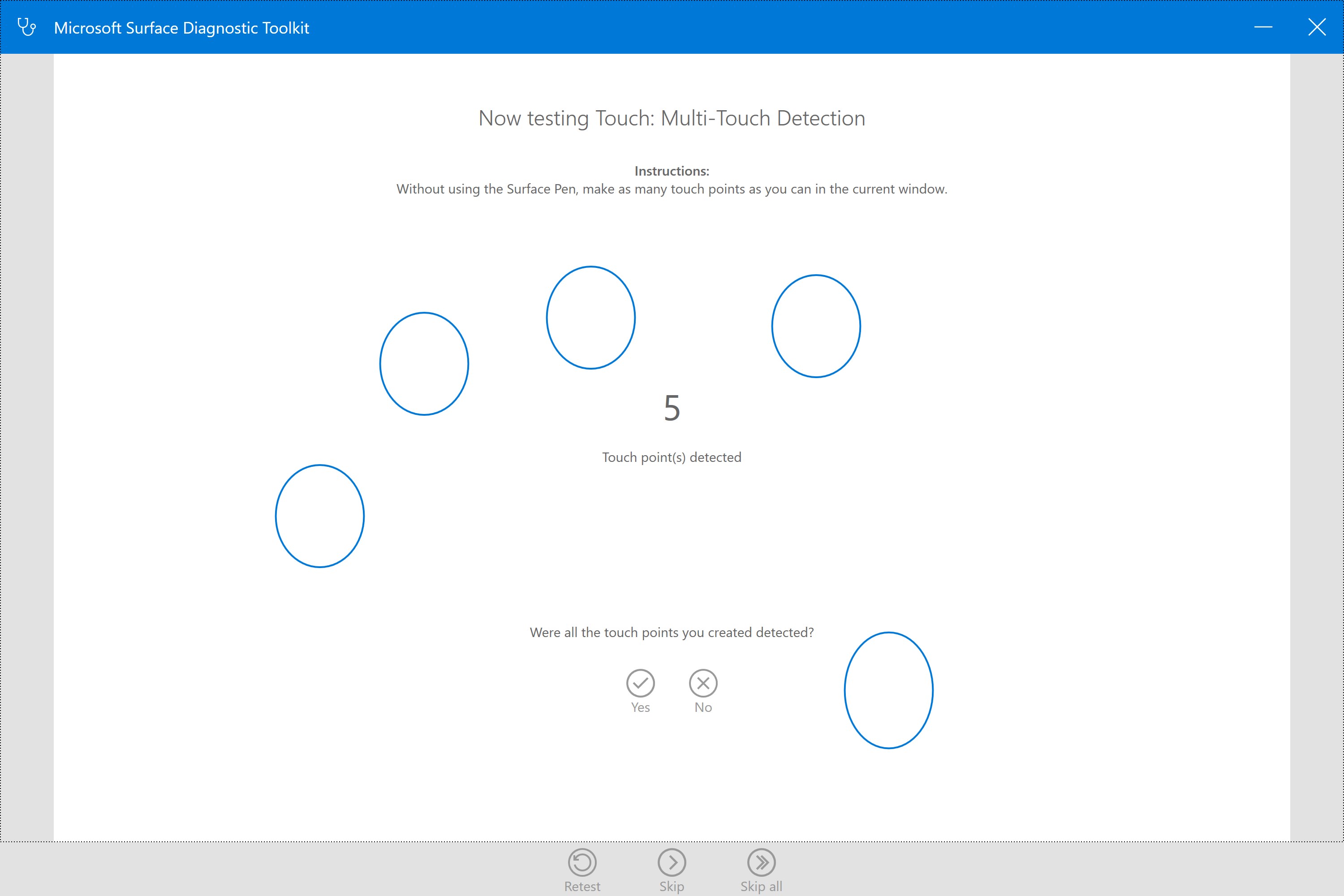
The core of the Surface Diagnostic Toolkit is its ability to perform in-depth hardware checks. It evaluates key components such as battery health, sensors, touch screen functionality, and storage devices. This reduces the guesswork often involved in hardware troubleshooting—no need to open up your device or run multiple separate tools. The diagnostics provide precise insights, helping users identify whether hardware issues are the culprit behind performance problems.
2. Automated Troubleshooting and Repair
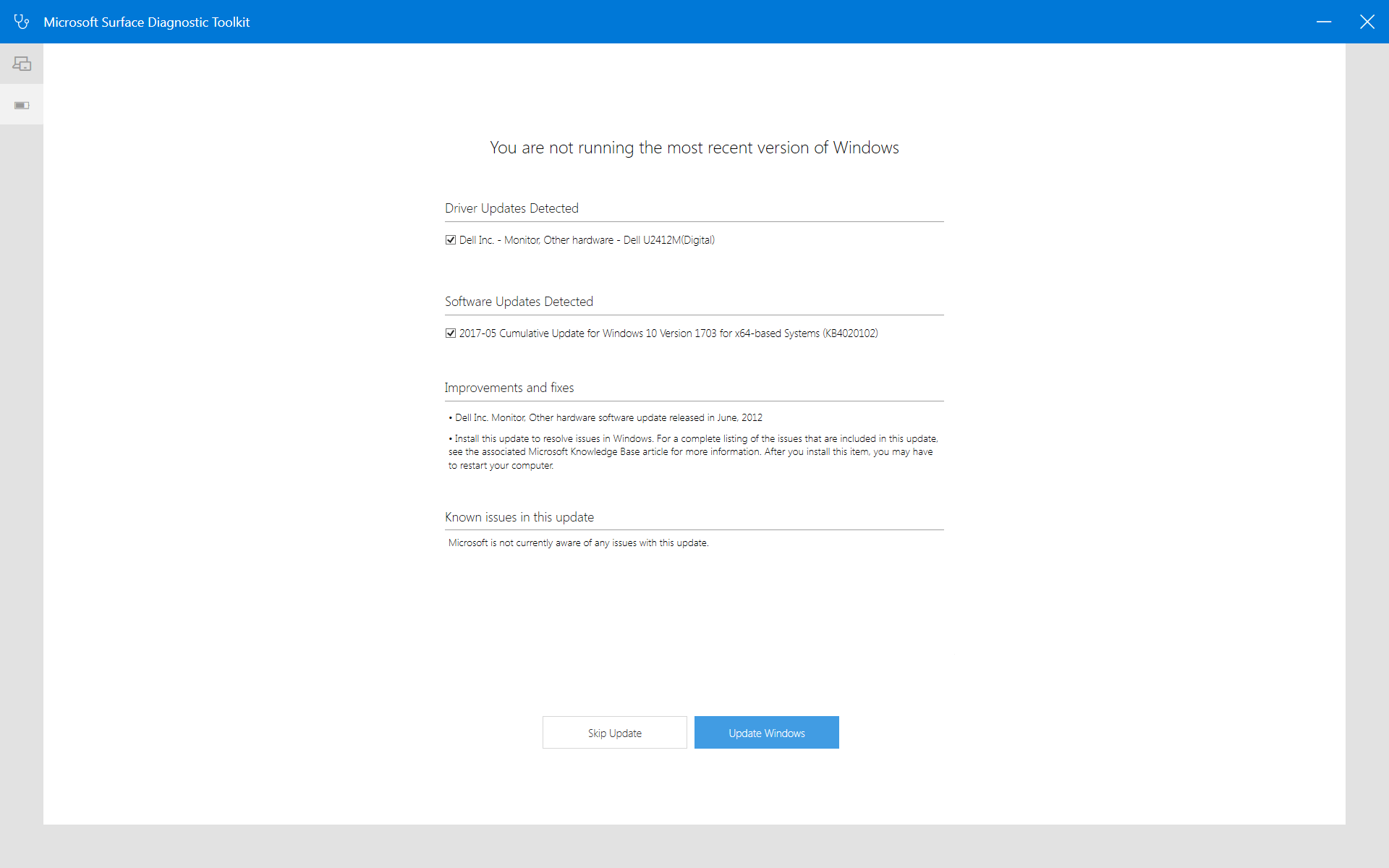
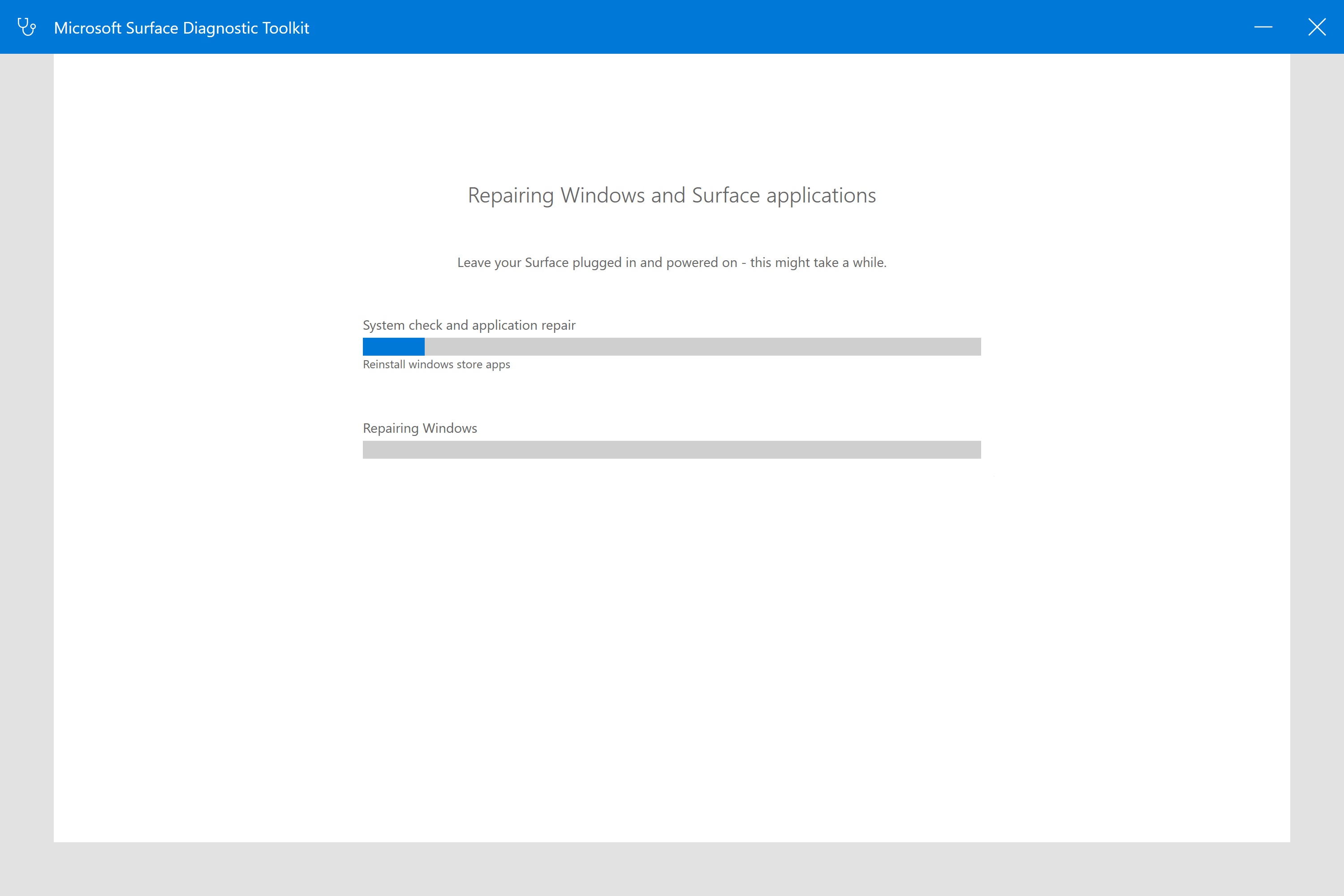
One of the most compelling features is its ability to initiate automated troubleshooting routines. With just a few clicks, users can run repair processes that identify and fix common issues—dirt-cheap tech support in app form. This process simplifies what would typically require technical expertise, empowering users to resolve problems without waiting for professional help. It's like having a tech-savvy friend by your side, guiding you through the repair journey.
3. System Information and Reporting
The toolkit also excels at summarizing system information into detailed reports. Users can access insights about device specifications, driver statuses, and performance logs—all plainly presented. This feature is especially helpful for IT teams managing multiple devices or for users seeking a clear snapshot of their device's health for sharing with support services.
Enhanced User Experience and Interface Design
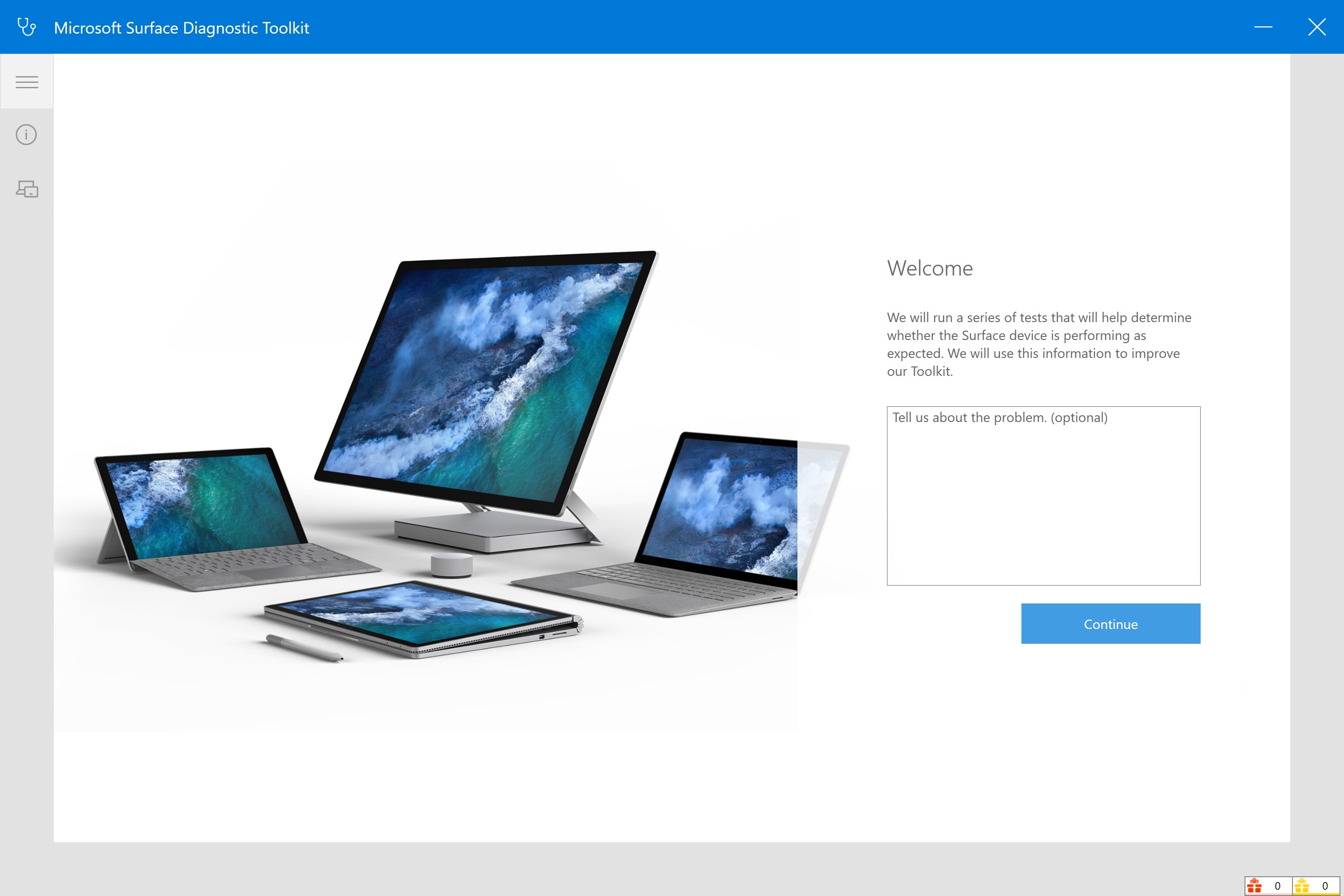
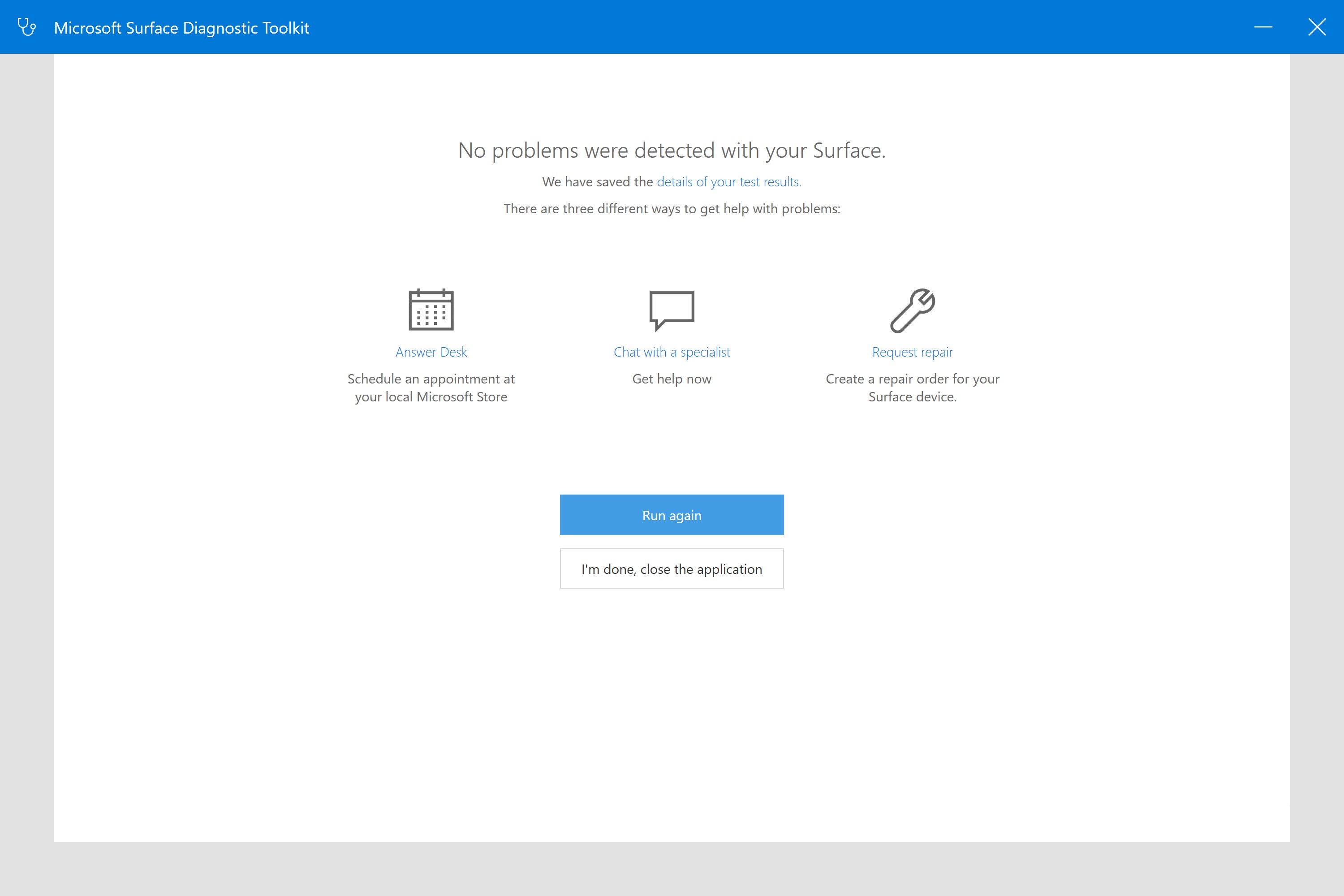
The interface of the Surface Diagnostic Toolkit is clean, intuitive, and designed with ease of use in mind. Navigating through different diagnostic modules feels seamless, like flipping through a well-organized toolbox. The app's workflow is straightforward—once launched, it guides users step-by-step, minimizing confusion even for non-technical users. The UI employs familiar design principles, with clear icons and self-explanatory options, so users aren't left fumbling around—it's like having a map in unfamiliar terrain.
Performance-wise, the toolkit operates briskly without lag, even on older Surface models. Its lightweight nature ensures minimal impact on system resources, and the clarity of diagnostics results helps users quickly interpret findings without needing advanced technical knowledge. The learning curve is shallow—most users will be able to perform comprehensive diagnostics with minimal guidance, making it accessible to a broad audience.
Distinctive Advantages Over Similar Utilities
While there are numerous diagnostic tools available for Windows devices, the Surface Diagnostic Toolkit distinguishes itself through its deep integration with Surface hardware and tailored troubleshooting modules. Unlike generic system utilities, this application specifically targets Surface hardware components such as the Surface Pen, sensors, and battery, providing more precise and meaningful insights. Its seamless integration with Windows and Surface firmware updates ensures that diagnostics remain tightly aligned with device-specific configurations.
Moreover, Microsoft's reputation offers an added layer of trust and reliability—users can confidently rely on the tool for accurate diagnostics and repairs without third-party skepticism. Its ability to perform automated tests coupled with detailed reporting sets it apart from more superficial or basic utilities—making it a valuable asset for both everyday users and IT professionals managing Surface fleets.
Final Thoughts: Is It Worth Using?
Absolutely. The Surface Diagnostic Toolkit for Windows is a well-crafted, targeted utility that offers a structured approach to maintaining and troubleshooting Surface devices. Its most standout features—comprehensive hardware diagnostics and automated repair routines—make it particularly valuable. For Surface owners, it acts like a health check-up that quickly pinpoints issues before they escalate, saving time and potential expenses.
While it's best suited for users comfortable with basic troubleshooting, even those with minimal tech experience will find its guided interface manageable. I recommend it for anyone who wants a reliable way to diagnose and maintain their Surface device without invasively tinkering or relying on third-party tools. In short, it's a professional-grade utility that Microsoft's trusted name reinforces—recommended for proactive device health management.
Pros
- User-friendly diagnostic interface
- Comprehensive hardware testing
- Automatic system health report generation
- Guided troubleshooting steps
- Integration with Microsoft support services
Cons
- Limited software diagnostics
- Occasional false positives
- Slow scanning process on older devices
- Limited customization options
- Requires internet connection for support features











