

- Name SKP Viewer 3D‘
- Category Utilities & tools
- Available on PC
- OS Windows 10 version 17763.0 or higher
- languages English (United States)
Introducing SKP Viewer 3D for Windows: A Robust 3D Model Inspection Tool
SKP Viewer 3D for Windows by Weila Studio stands out as a dedicated application for opening, viewing, and analyzing SketchUp (.skp) files with ease and precision, making it an essential utility for designers, architects, and 3D enthusiasts alike.
About the Developer and Main Features
Developed by Weila Studio, a team committed to creating efficient visualization tools, SKP Viewer 3D offers a streamlined experience tailored for quick access to complex 3D models. Its primary strengths include:
- Intuitive interface designed for effortless navigation and inspection of SketchUp models.
- Support for high-fidelity rendering with smooth zoom, pan, and orbit controls.
- Measurement and annotation tools that facilitate detailed analysis of model dimensions.
- Lightweight architecture ensuring fast startup and smooth operation even on modest hardware.
The application is aimed at professionals and students who need a reliable, user-friendly viewer without the distraction of modeling capabilities, serving users from architecture to game development sectors.
Immersive and Playful Model Exploration
Imagine opening a complex architectural design or product prototype and virtually stepping inside — SKP Viewer 3D makes this feel almost tangible. The interface resembles a sleek gallery, inviting users to dive into a virtual world of their models. Whether you're inspecting intricate details or giving a quick overview, the app's responsiveness ensures each turn and zoom feels natural — like flipping through pages of a detailed, interactive book.
Core Functionality Breakdown: Elegance in Detail
The core functionalities form the backbone of a satisfying user experience. First, the navigation controls are buttery smooth, allowing users to orbit models with minimal effort. The intuitive pinch-and-zoom support adapts well to mouse and touch inputs, making model exploration seamless. Second, measurement and annotation features provide precise tools for analyzing model specifics — ideal for professionals needing to verify dimensions or communicate design intent. Third, the rendering quality preserves model details robustly, maintaining clarity without taxing system resources, which is especially advantageous for those working with large or complex files.
User Interface and Interaction: Friendly and Functional
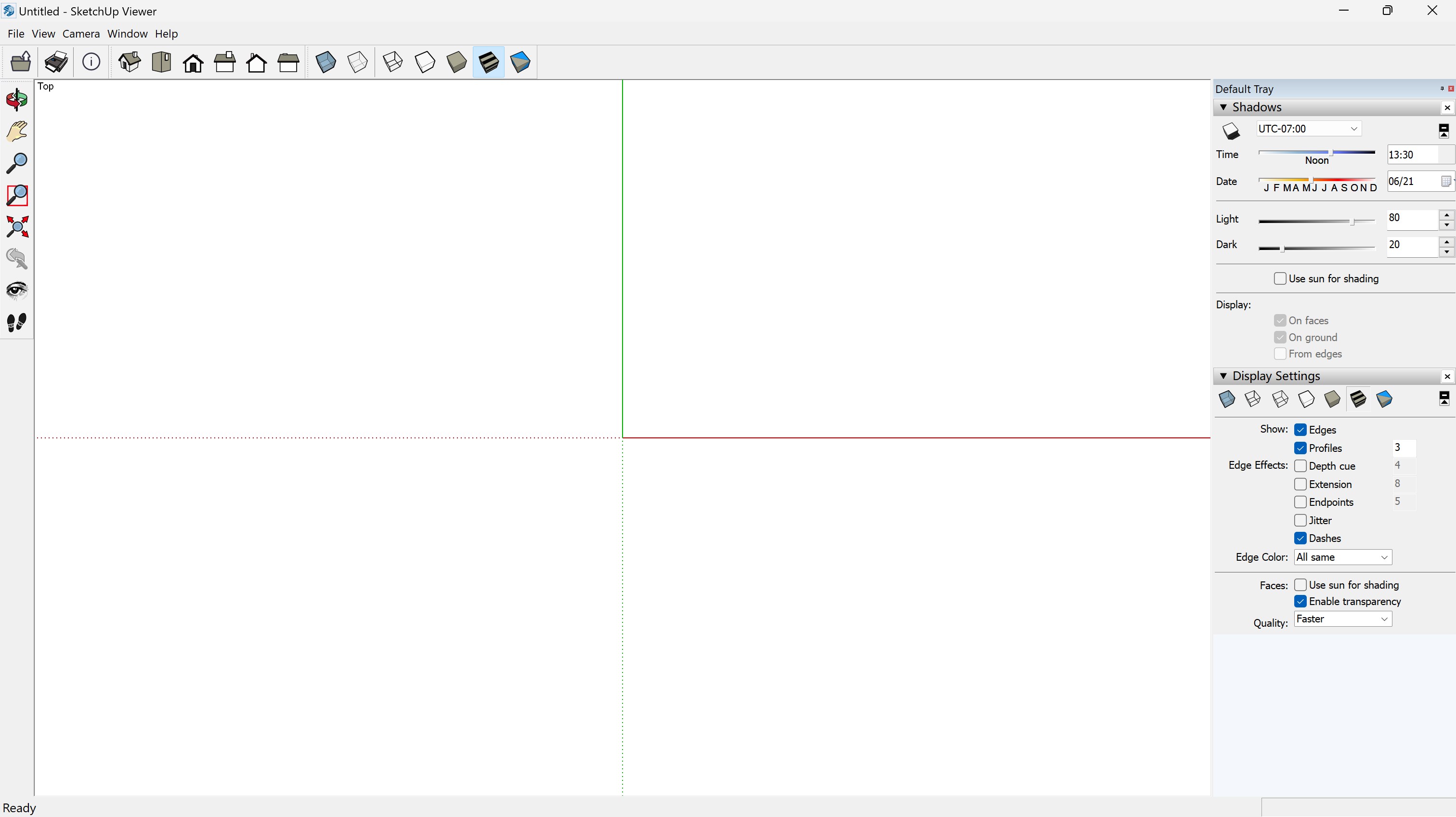
The interface strikes a balance between minimalism and functionality. Clear icons and well-organized menus mean users can find tools without hunting through clutter. The learning curve is gentle — a beginner can pick up the app quickly, while power users benefit from its depth. During testing, the app responded swiftly to commands, with no noticeable lag, even when rotating large models. This reliability boosts confidence, as users know their first impression will be a smooth experience.
What Sets SKP Viewer 3D Apart?
Unlike many general-purpose 3D viewers that often support numerous formats but sacrifice clarity or speed, SKP Viewer 3D specializes in SketchUp files, offering tailored features like precise measurements and model annotations that many competitors lack. Its standout capability lies in maintaining high model fidelity with effortless navigation, making detailed inspections simple—think of it as having a magnifying glass that helps you see every nook and cranny of your design. Additionally, the lightweight design ensures quick startup times, which is a boon for quick reviews during hectic workdays.
Final Thoughts: A Recommended Tool for Targeted Users
Overall, SKP Viewer 3D is highly recommended for users who need an efficient, reliable SketchUp model viewer. Its specialized features and smooth user experience make it particularly suitable for architects, interior designers, and students who frequently review 3D models but don't require complex editing functions. While it may not replace full-fledged modeling software, it excels at what it promises: quick, precise, and user-friendly model inspection.
If your workflow involves frequent checks of SketchUp files and you value clarity, speed, and ease of use, give SKP Viewer 3D a try. It's like having a dedicated pair of binoculars specifically crafted for detailed model examination—concentrated, focused, and remarkably effective.
Pros
- Intuitive 3D Model Viewing
- Supports Multiple File Formats
- High-Quality Rendering
- User-Friendly Interface
- Integration with Microsoft Store
Cons
- Limited Editing Features
- Slow Load Times with Large Files
- Occasional Rendering Glitches
- Limited Annotation Options
- Requires Stable Internet for Updates











