

- Name ShowKeyPlus
- Category Utilities & tools
- Available on PC
- OS Windows 10 version 17763.0 or higher
- Keyboard Integrated Keyboard
- Mouse Integrated Mouse
- languages English (United States)
ShowKeyPlus for Windows: Your Trusted Key Finder and Management Tool
If you've ever wrestled with deciphering product keys or managing multiple licenses, ShowKeyPlus offers a friendly hand. This lightweight utility simplifies the complex task of retrieving, verifying, and managing Windows product keys, making it an essential tool for IT enthusiasts, system administrators, and everyday users alike.
Developed by Superfly Inc.: A Dedicated Team for Simplicity and Reliability
ShowKeyPlus is brought to you by Superfly Inc., a company known for creating utility software that emphasizes user-friendliness and robustness. Their focus on clear functionality ensures users can quickly access and understand key information without unnecessary fuss.
Core Features That Shine Bright
- Accurate Windows Product Key Retrieval: Effortlessly retrieve your Windows 10, 11, and older keys directly from your system, even if they are hidden or encrypted.
- Generates and Validates Keys: Not just retrieval—this app can generate and verify product keys for proper licensing, helping prevent activation issues.
- User-Friendly Interface with Save & Export Options: Easy-to-navigate interface that allows exporting keys in various formats for record-keeping or troubleshooting.
- Compatibility & Portability: Works seamlessly across different Windows versions and can be operated without installation, making it portable on USB drives.
Opening the Box: First Impressions and User Experience
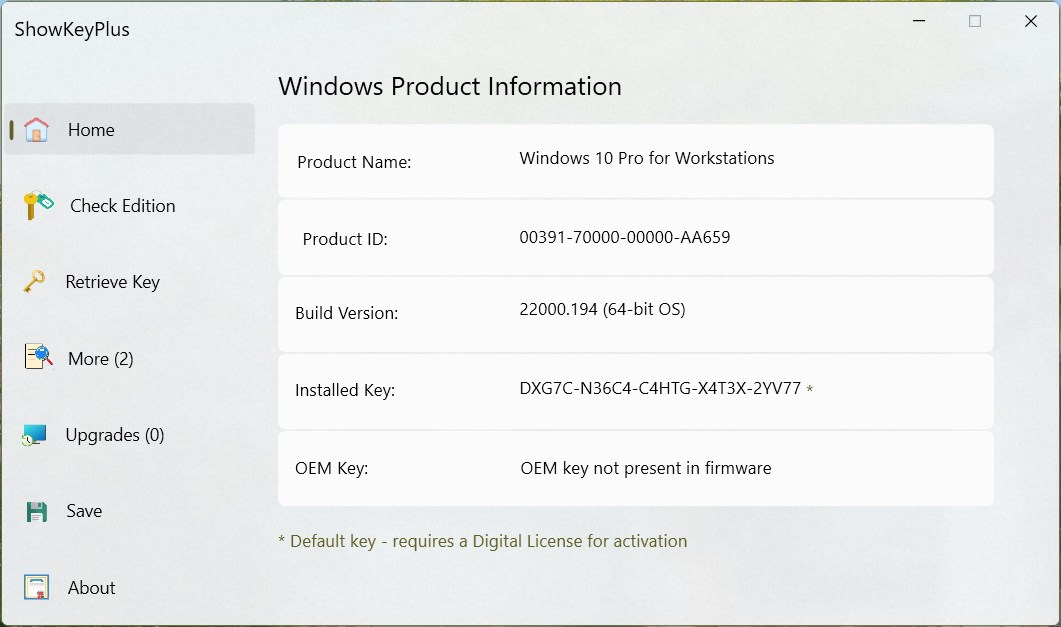
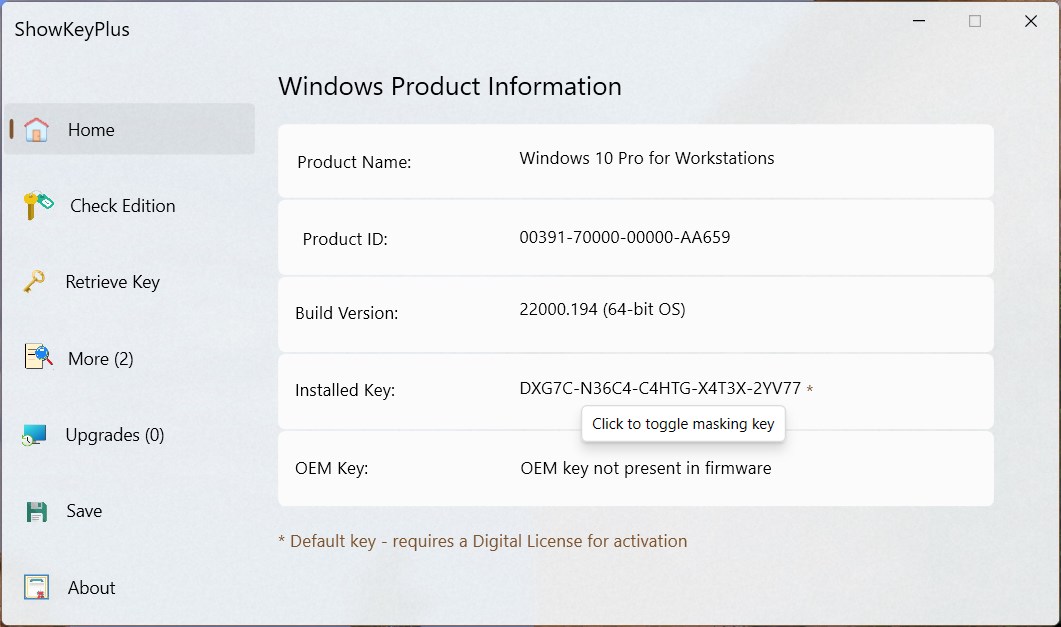
Imagine stepping into a well-organized workshop: tools at your fingertips, everything clearly labeled, ready for action. ShowKeyPlus presents itself as a clean, intuitively designed interface that immediately puts users at ease. No clutter, no overwhelming menus—just straightforward buttons and a clear display of your system's key information. The learning curve is gentle; even newcomers to system utilities will find it easy to navigate, thanks to step-by-step prompts and logical layout.
Retrieving and Managing Product Keys: The Heart of ShowKeyPlus
The core appeal lies in its lightning-fast and reliable retrieval of product keys. Unlike some tools that require complex command lines or deep technical knowledge, ShowKeyPlus simplifies the process with a click-and-go approach. Once launched, it accesses your system data securely and displays the product key with clear labeling. Advanced users will appreciate the detailed information it provides, which can help diagnose licensing issues or prepare for hardware upgrades.
Intelligent Validation and Export Features
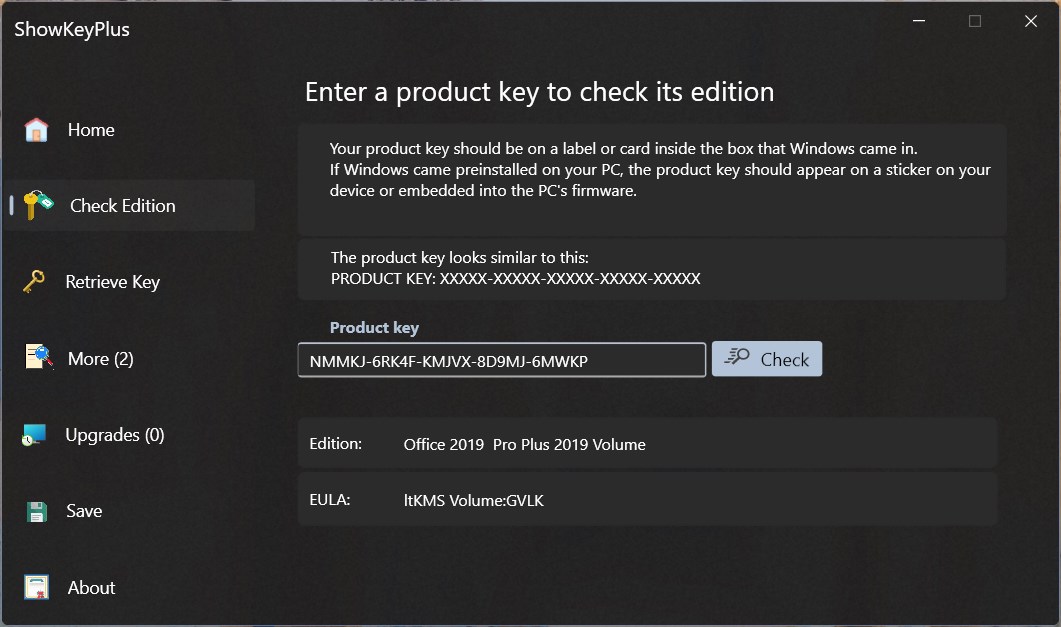
Beyond just fetching keys, the app offers clever validation options—allowing users to verify if a key is legitimate or compatible with the intended Windows version. Its export feature supports saving keys as text or CSV files, facilitating record tracking or transfer to other management tools. Imagine having your entire software license inventory neatly organized—this app makes it feasible with minimal fuss.
Beyond the Basics: How Does It Stand Out?
While many utilities offer similar key retrieval functions, ShowKeyPlus's true strength lies in its clarity and reliability. The app's ability to accurately identify keys from different system builds, including encrypted or BIOS-based keys, sets it apart. Additionally, its portability means you can carry it on a USB and use it on multiple systems—perfect for IT professionals managing various machines. The real cherry on top is its regular updates to keep pace with Windows changes, ensuring your key management stays current and trustworthy.
Final Verdict: Would I Recommend ShowKeyPlus?
Absolutely. For anyone who needs a straightforward, dependable, and easy-to-use tool for Windows key management, ShowKeyPlus earns a solid recommendation. It's like having a knowledgeable assistant in your toolkit—someone who quietly handles the tricky parts while you focus on broader tasks. Whether you're troubleshooting activation issues, cloning systems, or simply keeping an inventory of your licenses, this app provides clear, actionable insights without unnecessary complexity.
In summary, ShowKeyPlus's most compelling features—accurate key retrieval and portable validation—make it a standout choice among utility tools. While not packed with flashy gadgets, its strength lies in delivering precise, reliable functions in a user-friendly package. If you value efficiency and clarity, give it a try—you might find it becomes your go-to companion for license management.
Pros
- Accurate retrieval of product keys
- User-friendly interface
- Supports multiple license types
- Offline functionality
- Free and lightweight
Cons
- Limited to Windows and Microsoft products
- Occasional recognition failures on some systems
- Lack of detailed license information
- No direct backup or export feature
- User interface could be more modern











