
- Name SewArt
- Category Utilities & tools
- Developer S & S Computing
- Available on PC
- OS Windows 10 version 0.0 or higher
- Keyboard Integrated Keyboard
- Mouse Integrated Mouse
- Memory 300 MB
- languages Arabic, Danish, Dutch, English, French, German, Portuguese, Spanish
Unveiling SewArt for Windows: Your Digital Sewing Companion
Imagine turning a simple digital image into a beautifully crafted embroidery design—seems like magic, right? SewArt for Windows by S & S Computing transforms that magic into reality, empowering both hobbyists and professionals to bring their creative visions to life with ease and precision.
A Brief Overview: Who, What, and Why?
Developed by S & S Computing, SewArt is a dedicated embroidery design conversion and editing tool designed to streamline the process of transforming images into embroidery files. Its main strengths lie in its user-friendly interface, powerful image tracing capabilities, and format versatility. This application primarily caters to embroidery enthusiasts, small business owners, and embroidery machine users seeking an accessible yet robust software solution to craft personalized designs without investing in expensive commercial software.
Discover the Core Features: Turning Pixels into Stitches
2D Image Tracing Made Effortless
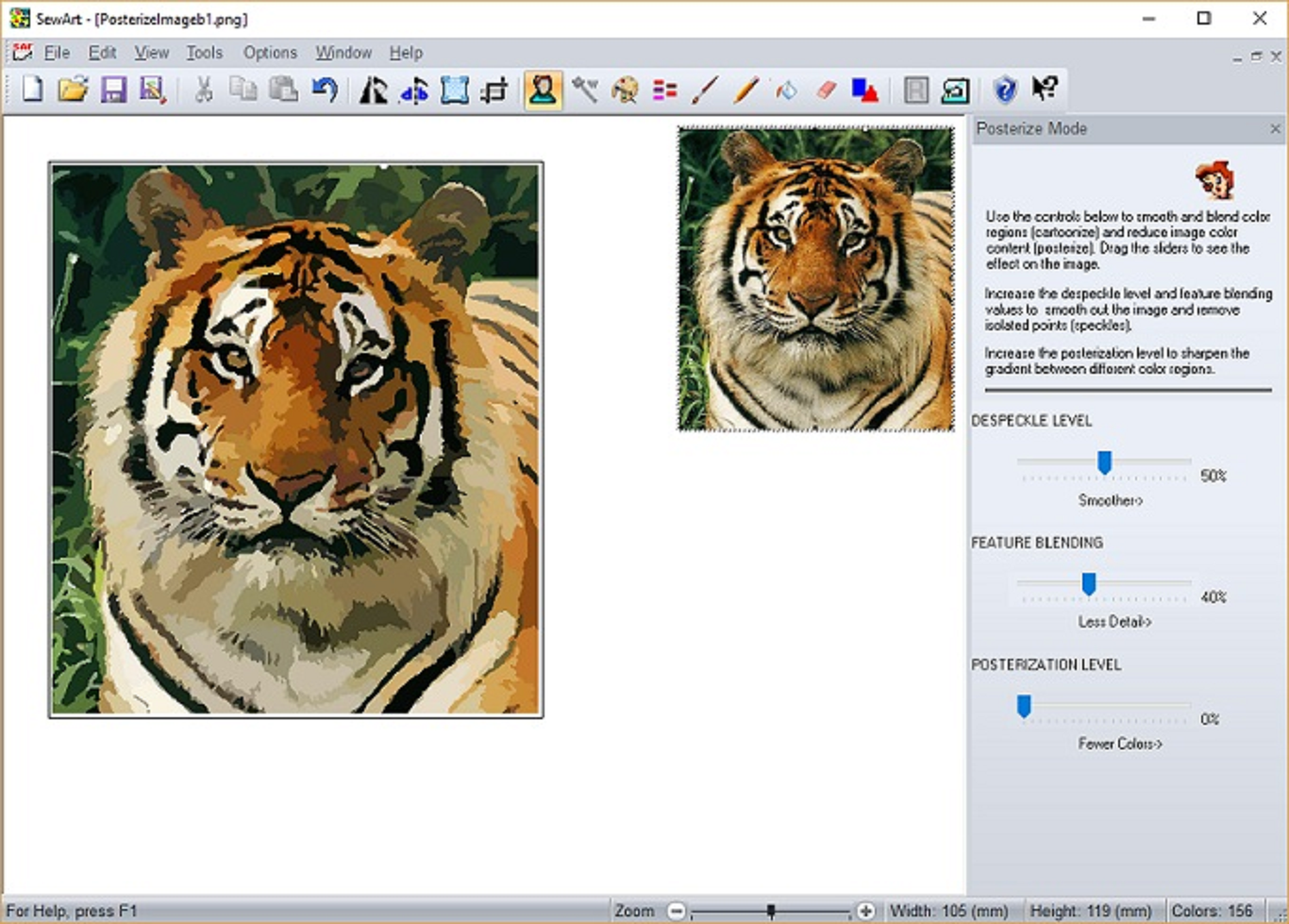
The heart of SewArt beats strongest in its ability to convert raster images—like JPEGs or PNGs—into stitch-ready embroidery formats. This process, often a complicated dance in other tools, is simplified here with intuitive controls. The app employs intelligent algorithms to analyze the image and generate a corresponding embroidery design, preserving key elements while smoothing out jagged edges. Think of it as a skilled artist sketching and stitching, but all done in a matter of minutes on your computer. This feature particularly shines when working with logos or simple graphics, making customization straightforward and fast.
Extensive Format Support & Customization
One of SewArt's standout attributes is its ability to export designs in various formats compatible with popular embroidery machines—including DST, PES, SEW, and others. This broad compatibility ensures seamless integration into your existing workflow. Moreover, the app offers robust editing options—adjusting stitch types, densities, and directions—giving users control to fine-tune their creations, much like a tailor refining a bespoke suit. This level of customization empowers users to achieve professional-quality results, even with simple starting images.
Intuitive Interface & User Experience
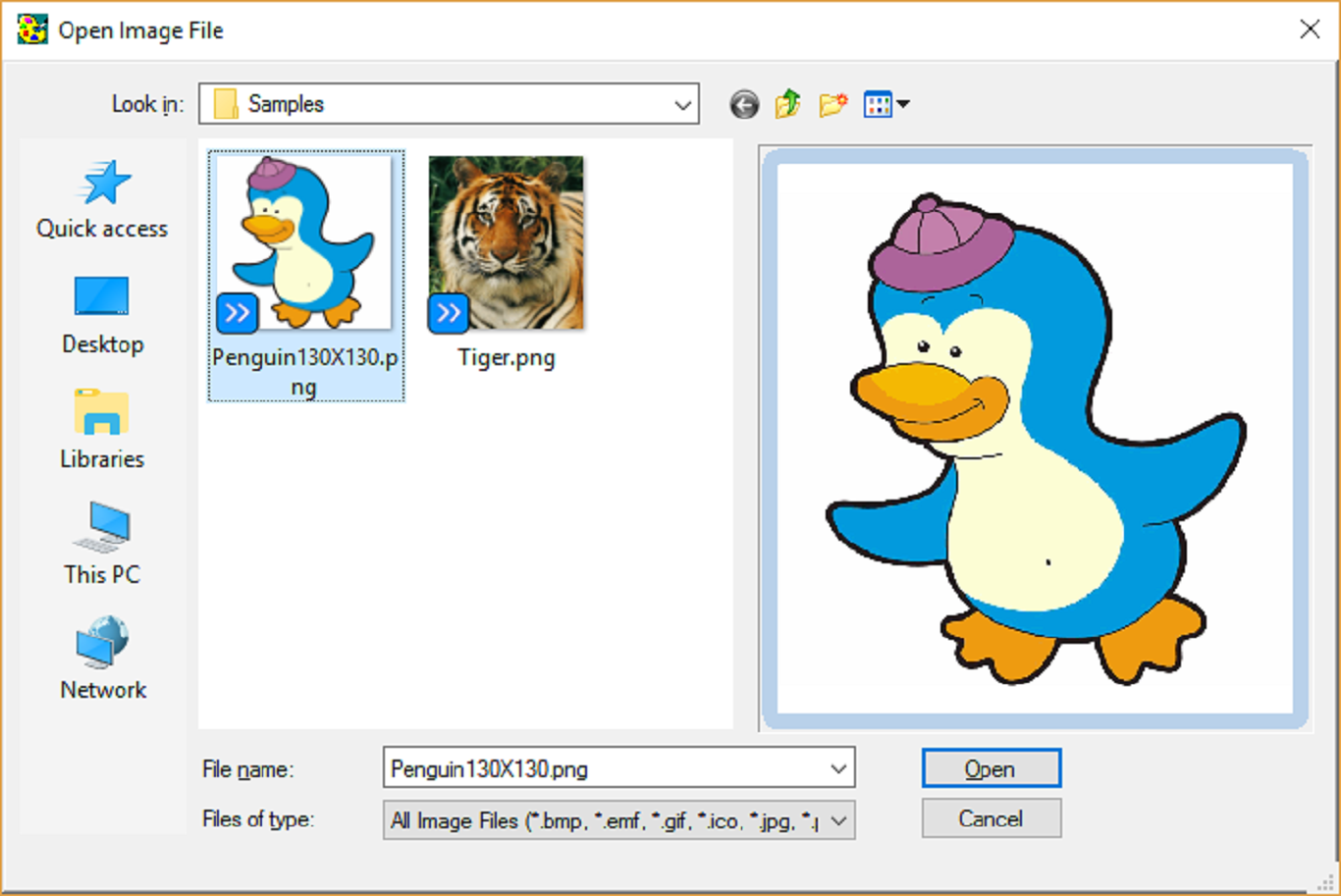
Navigating SewArt feels like flipping through a familiar, well-organized sketchbook. The interface is clean, visually appealing, and logically structured, guiding users from importing images to exporting final designs with minimal fuss. Operations are smooth—drag-and-drop functionality, real-time previews, and instant feedback contribute to a satisfying workflow. While some features may require a brief learning curve for newcomers, the overall design ensures that users can quickly grasp key functionalities, making the software accessible to both novices and seasoned embroidery artists.
How SewArt Stands Out: What Makes It Different?
Compared to other utilities in the embroidery software landscape, SewArt's most remarkable aspect is its balance of simplicity and power—offering advanced image tracing benefits without overwhelming the user. Its intelligent algorithms distinguish it from more basic converters, producing cleaner, more accurate stitch files even from complex images. Additionally, the broad format support ensures flexibility, especially for those working with multiple embroidery machines or seeking to experiment across different platforms. Its focus on ease of use combined with professional-grade output makes it a rare gem that bridges the gap between casual hobbyists and professional designers.
Final Verdict: Is SewArt Worth It?
If you're looking for a reliable, accessible tool that can effortlessly convert digital images into embroidery designs, SewArt presents a compelling choice. Its standout features—especially the intelligent tracing and format versatility—make it particularly suitable for users who want a straightforward yet flexible application. While it may not replace full-featured commercial software for large-scale production, it excels as a personal design assistant and hobbyist tool.
Highly recommended for those starting out in embroidery design or seeking a quick way to digitize images without complex software. For users committed to refining their craft, SewArt can serve as a valuable, user-friendly addition to your design toolkit.
Pros
- Intuitive interface
- High accuracy in pattern recognition
- Supports multiple image formats
- Batch processing capability
- Affordable pricing for hobbyists
Cons
- Limited editing tools
- Slow processing speed with large images
- Occasional false pattern detection
- Lack of detailed tutorials
- Limited customer support options











