
- Name Second Screen
- Category Utilities & tools
- Available on PC
- OS Windows 10 version 19041.0 or higher
- languages Arabic, Azerbaijani, Chinese (Simplified), Chinese (Traditional), Chinese (Traditional, Hong Kong SAR), Danish, Dutch, English (United Kingdom), English (United States), Finnish, French, French (Canada), German, Hebrew, Hindi, Hungarian, Icelandic, Indonesian, Italian, Japanese, Kazakh, Korean , Malay, Norwegian (Bokmål), Persian, Polish , Portuguese (Brazil), Portuguese (Portugal), Russian, Spanish (Argentina), Spanish (Chile), Spanish (Latin America), Spanish (Mexico), Spanish (Paraguay), Spanish (Spain), Spanish (Uruguay), Swedish, Thai, Turkish, Ukrainian, Uzbek, Vietnamese
Introducing Second Screen for Windows: A Smart Companion for Multitasking
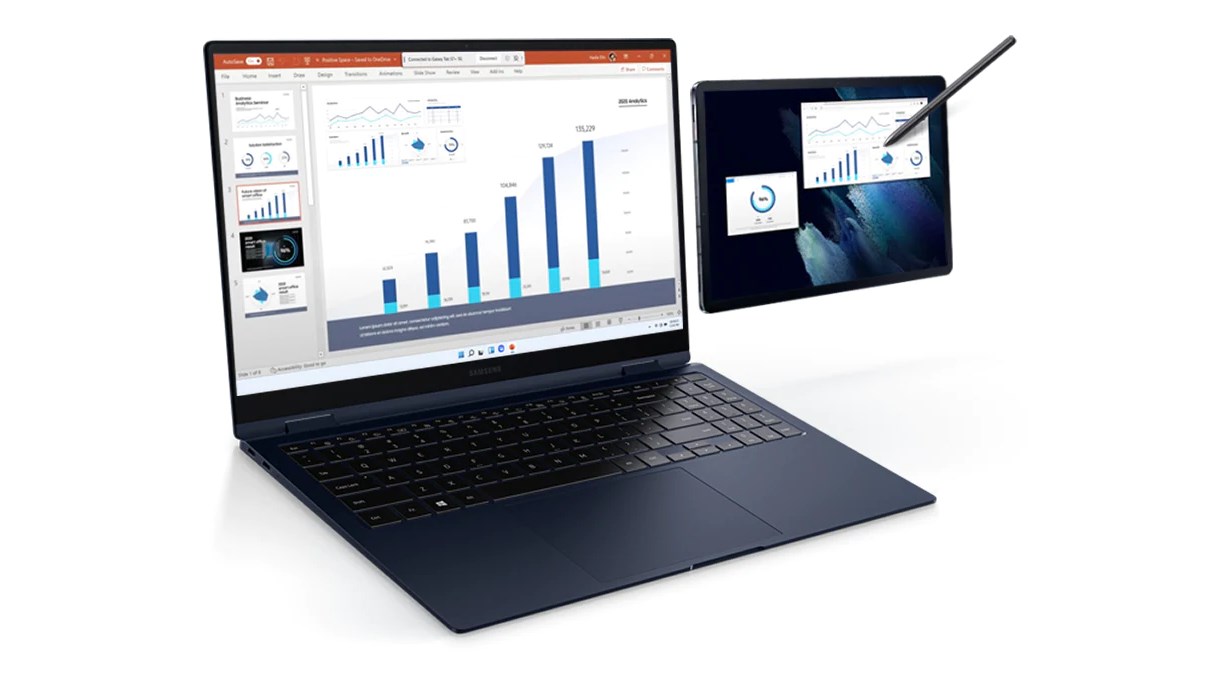
Second Screen for Windows by Samsung Electronics Co., Ltd. is a versatile app designed to extend your workspace seamlessly, transforming your Windows device into a secondary display or remote control for compatible Samsung devices. Whether you're a professional juggling multiple apps or a creative seeking additional screen real estate, this app aims to streamline your workflow with a touch of ingenuity.
The Core Features That Make It Stand Out
Multiple Display Modes for Flexibility
The app offers intuitive modes, including a wireless second monitor and remote control for Samsung tablets and smartphones. This flexibility allows users to adapt the app to various scenarios — be it extending your desktop across multiple screens or using your mobile device as a presentation remote. The wireless connectivity is notably smooth, boasting minimal lag, which is crucial for tasks like graphic design or real-time data monitoring.
Enhanced Screen Interaction and Customization
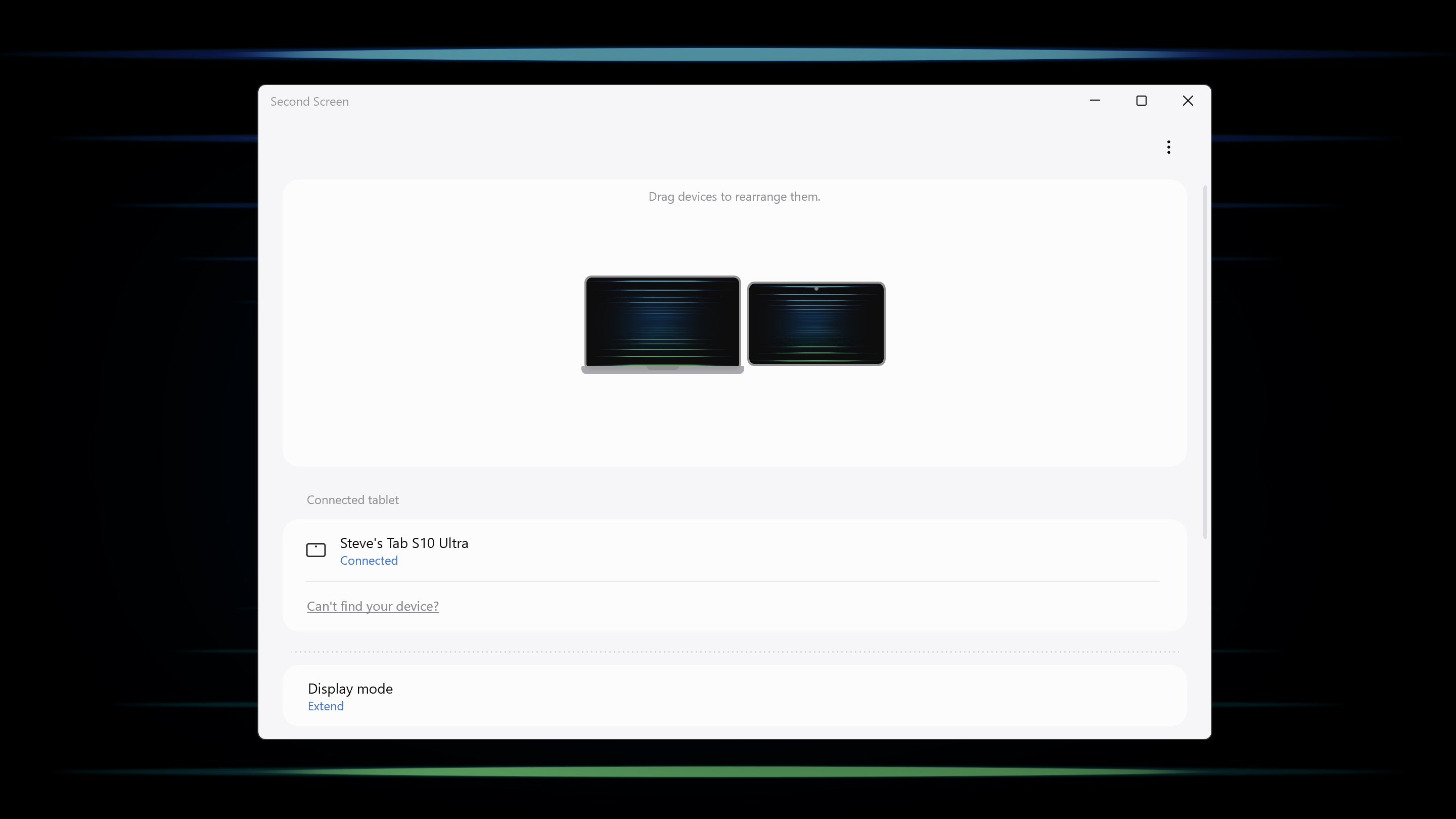
Second Screen provides robust options for customizing the display. Users can select which apps or windows appear on the secondary device, resize or rotate the secondary screen, and even utilize touch input on compatible Samsung tablets. This level of control ensures a personalized experience tailored to individual workflows, whether you're drawing, annotating, or simply managing notifications more efficiently.
Device Synchronization and Connectivity Ease
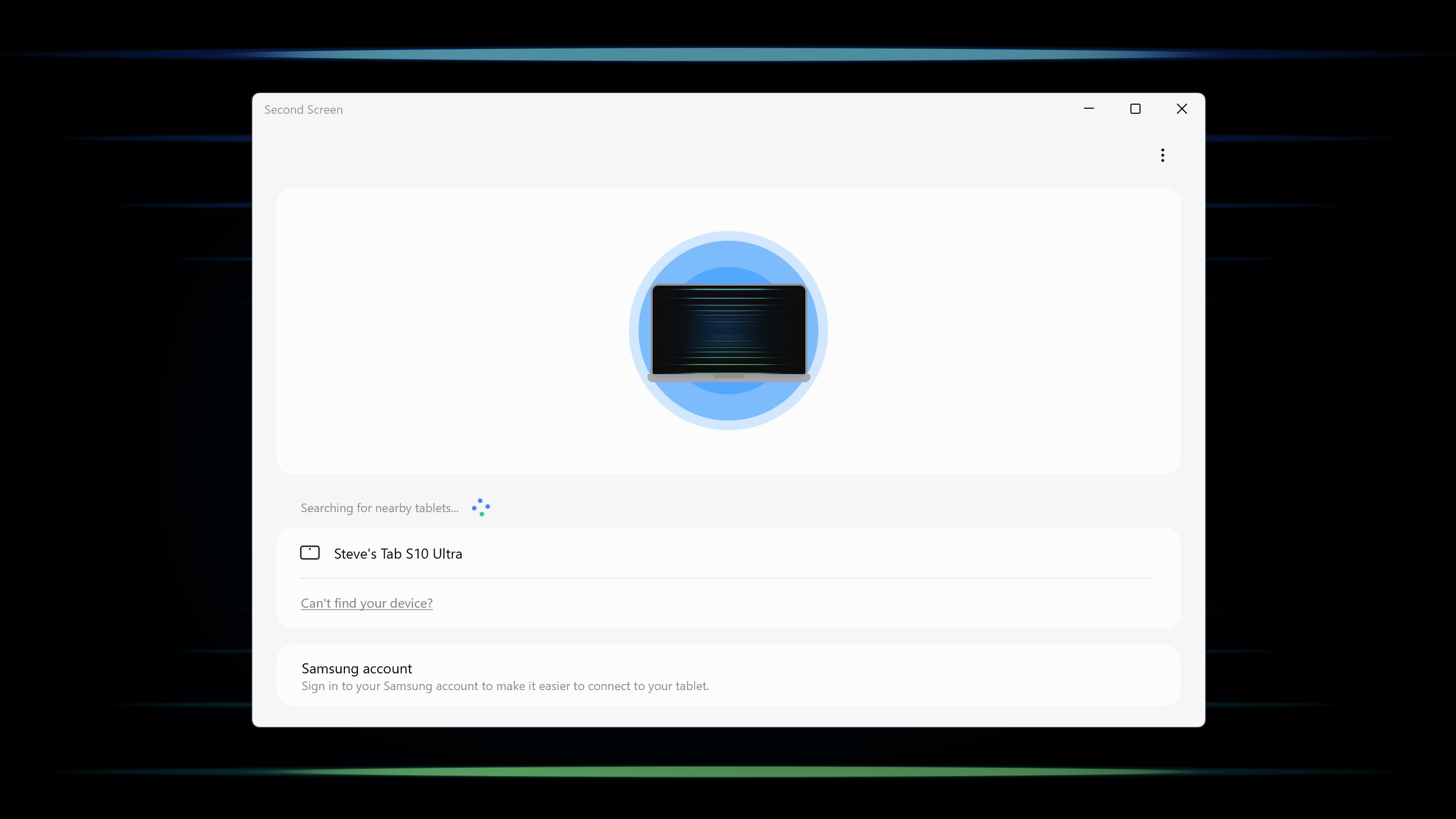
One of the app's most compelling aspects is its straightforward setup process. Using Wi-Fi Direct or your local network, it effortlessly synchronizes with your Galaxy devices, requiring minimal configuration. This rapid connectivity enhances productivity, making it feel like your devices are naturally working together — akin to a well-coordinated dance where each step feels instinctive.
User Experience and Design: Friendliness Meets Functionality
The interface sports a clean, minimalistic aesthetic reminiscent of modern tech designs—think of it as a tidy workspace that invites you to focus on your tasks without clutter. Navigation is intuitive; even new users can get started without flipping through lengthy manuals. The app responds swiftly to user commands, ensuring a fluid experience whether you're dragging windows or switching modes. Setting up the app is a breeze, with a guided process that demystifies wireless pairing, making the learning curve gentle and accessible.
What Sets It Apart in the Utility & Tools Jungle?
While numerous apps claim to extend screens or serve as remote controls, Second Screen's strength lies in its seamless integration with Samsung hardware and its optimized responsiveness. Unlike generic screen extending tools that rely heavily on wired connections or clunky software, this app leverages the specific ecosystem of Samsung devices, providing a more stable and feature-rich experience. Its ability to turn your mobile device into a functional secondary display with touch input support offers a unique hybrid solution — bridging the gap between productivity and mobility. This specialized harmony positions it a cut above many cross-platform competitors.
Final Verdict: A Practical and Innovative Toolbox for Samsung Users
Based on its features, design, and performance, I'd recommend Second Screen for Windows to Samsung device owners who value flexibility and ease of use in extending their digital workspace. It is particularly advantageous for those who already operate within Samsung's ecosystem, as the app's most notable benefits are unlocked through seamless device integration. For casual users, it provides a useful upgrade to standard multitasking capabilities, while power users will appreciate its responsive controls and customization options. Overall, this app is a well-crafted tool that thoughtfully transforms your devices into a cohesive, multifunctional setup — making it a compelling addition to your tech arsenal.
Pros
- Enhanced multi-screen productivity
- Easy setup and integration with Windows
- Supports touch and pen input on Second Screen devices
- Customizable display options
- Free to download and install from Microsoft Store
Cons
- Limited device compatibility
- Occasional connection stability problems
- Restricted to Windows 10 and later versions
- Minimal customization options for interface and layout
- Performance can be affected on lower-spec hardware











