

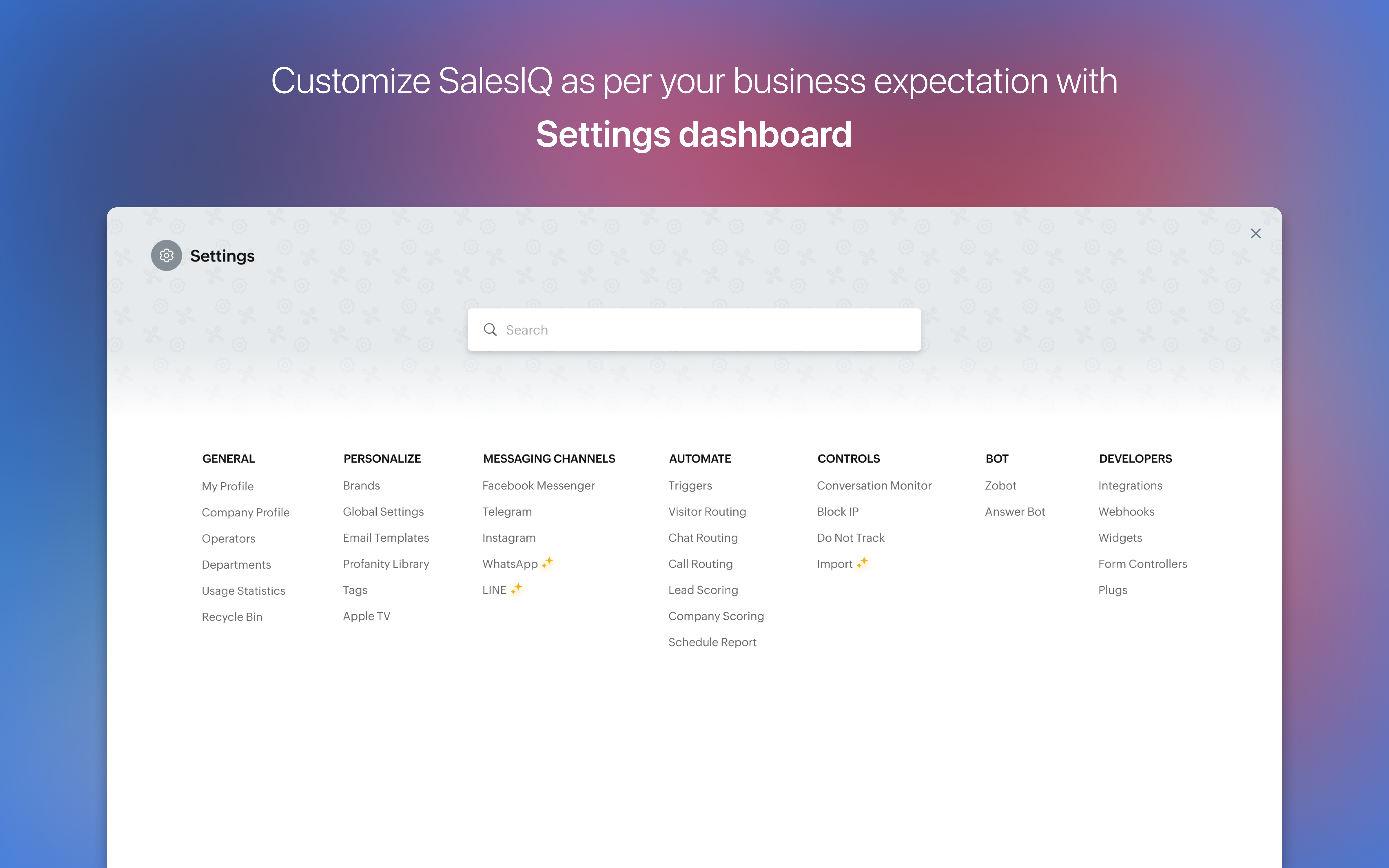
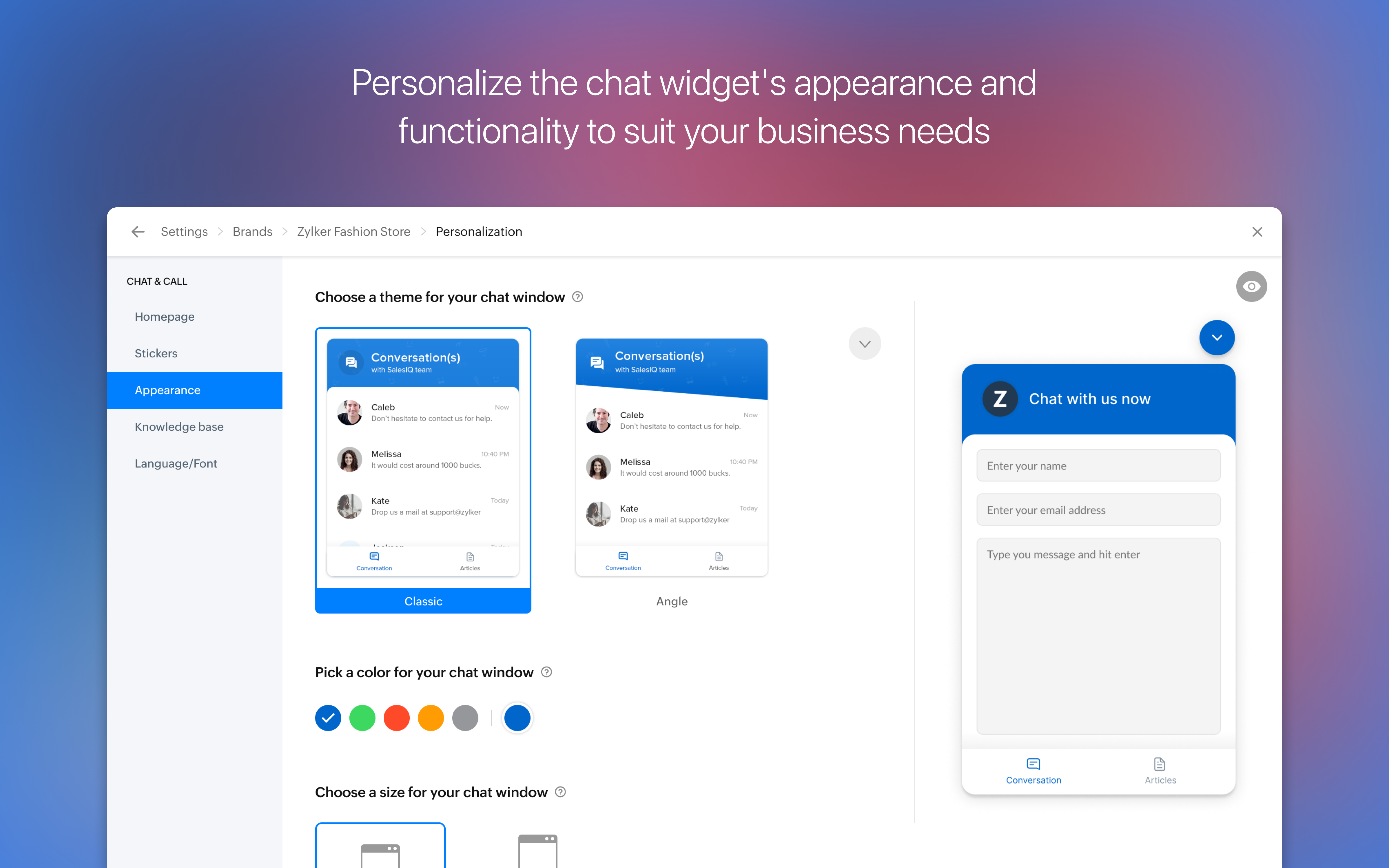
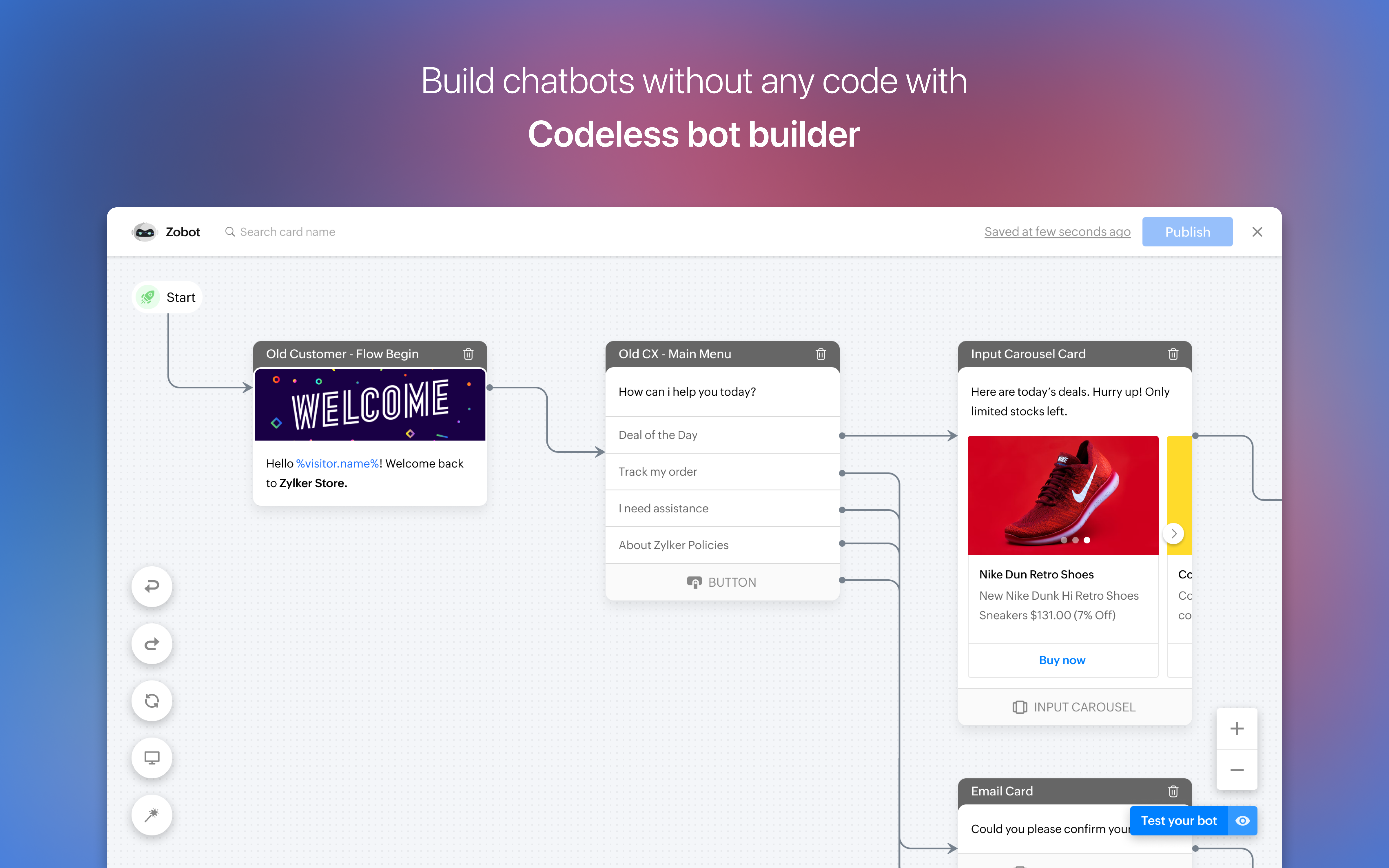
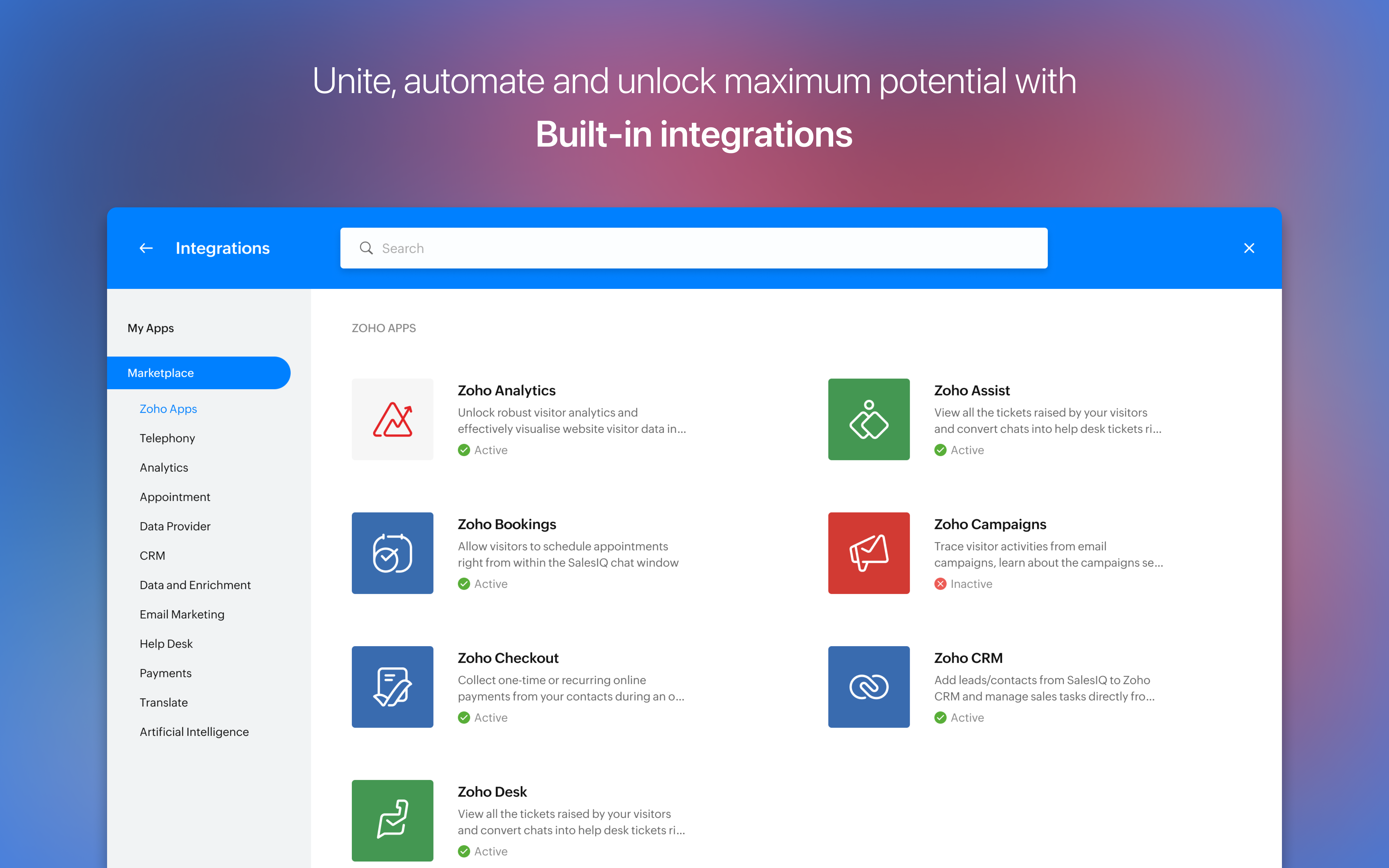
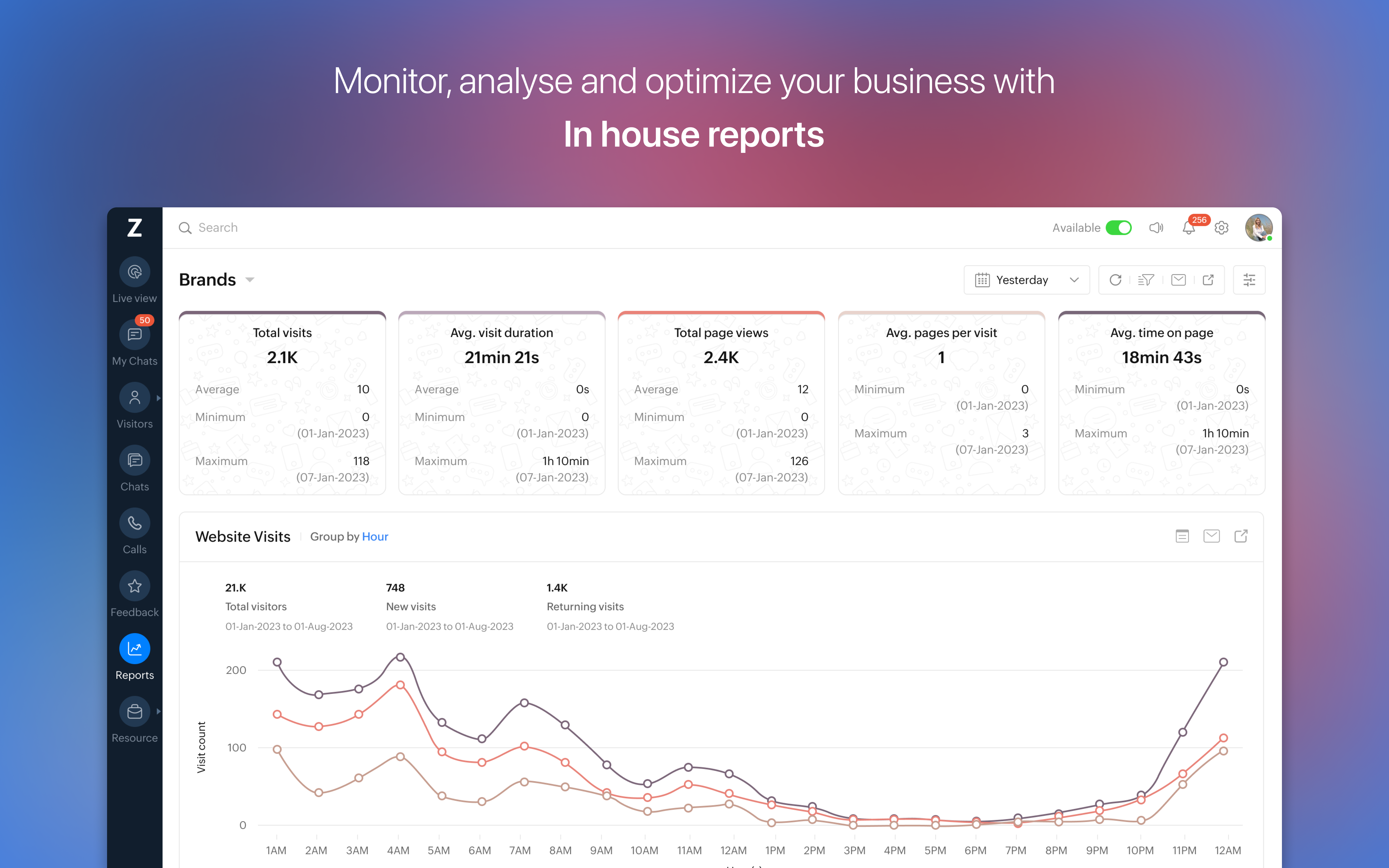
- Name SalesIQ
- Category Business
- Developer ZOHO CORP
- Available on PC
- OS Windows 10 version 0.0 or higher
- Keyboard Integrated Keyboard
- Mouse Integrated Mouse
- languages English
Introduction: Streamlining Customer Engagement with SalesIQ for Windows
Imagine having a powerful, yet user-friendly toolkit right on your desktop that bridges the gap between your team and your customers effortlessly. That's exactly what SalesIQ for Windows offers — a dedicated app that transforms how businesses interact with visitors, manage leads, and foster relationships in real-time. Developed by ZOHO CORP, this application aims to bring the robust capabilities of SalesIQ's web platform directly into your Windows environment, making customer engagement more accessible and efficient than ever before.
About the Developer and Core Features
Developer and Publisher
Created and maintained by ZOHO CORP, a renowned name in the SaaS and business productivity landscape, SalesIQ for Windows benefits from years of experience in cloud-based business solutions and customer relationship management.
Main Features Highlights
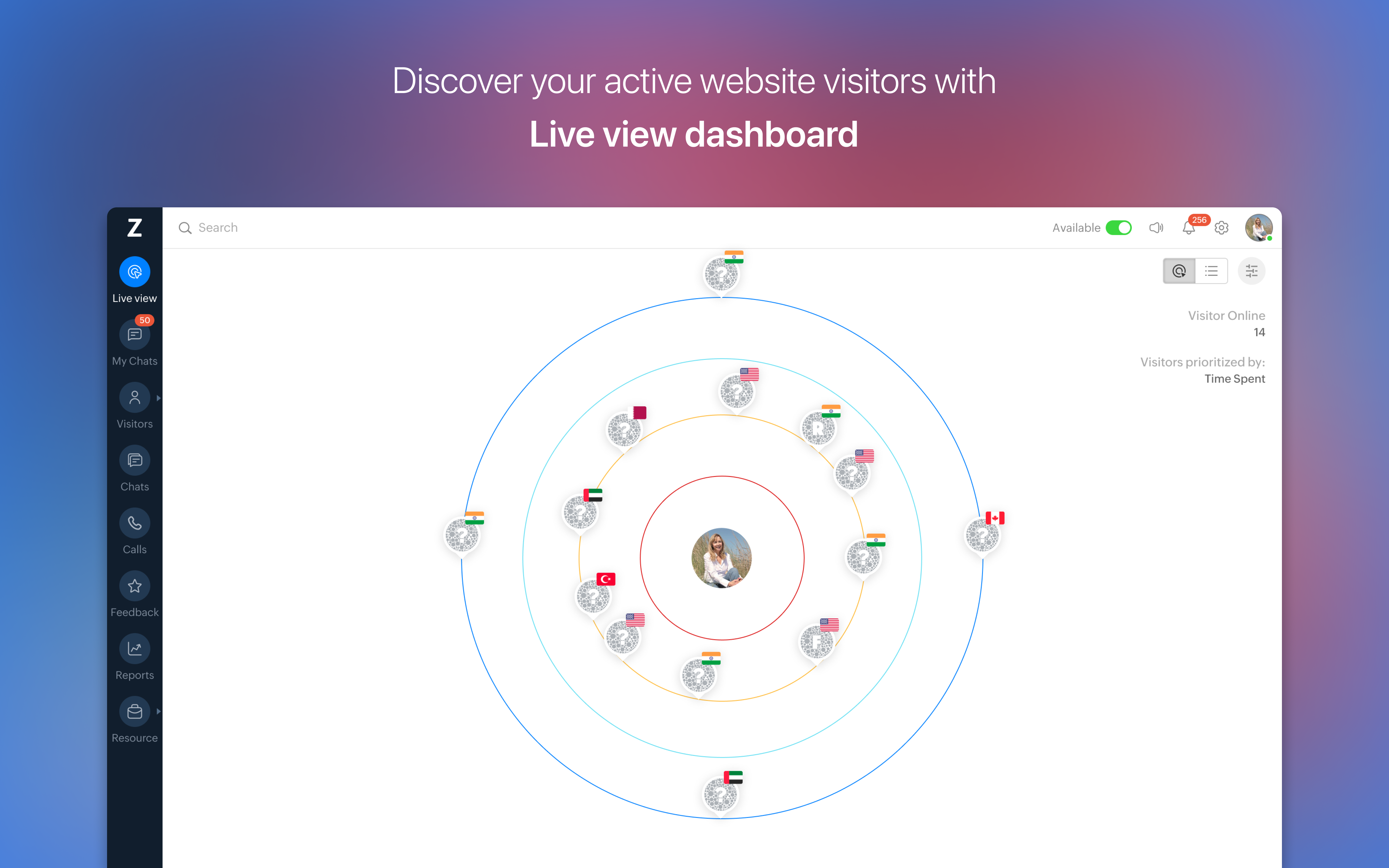
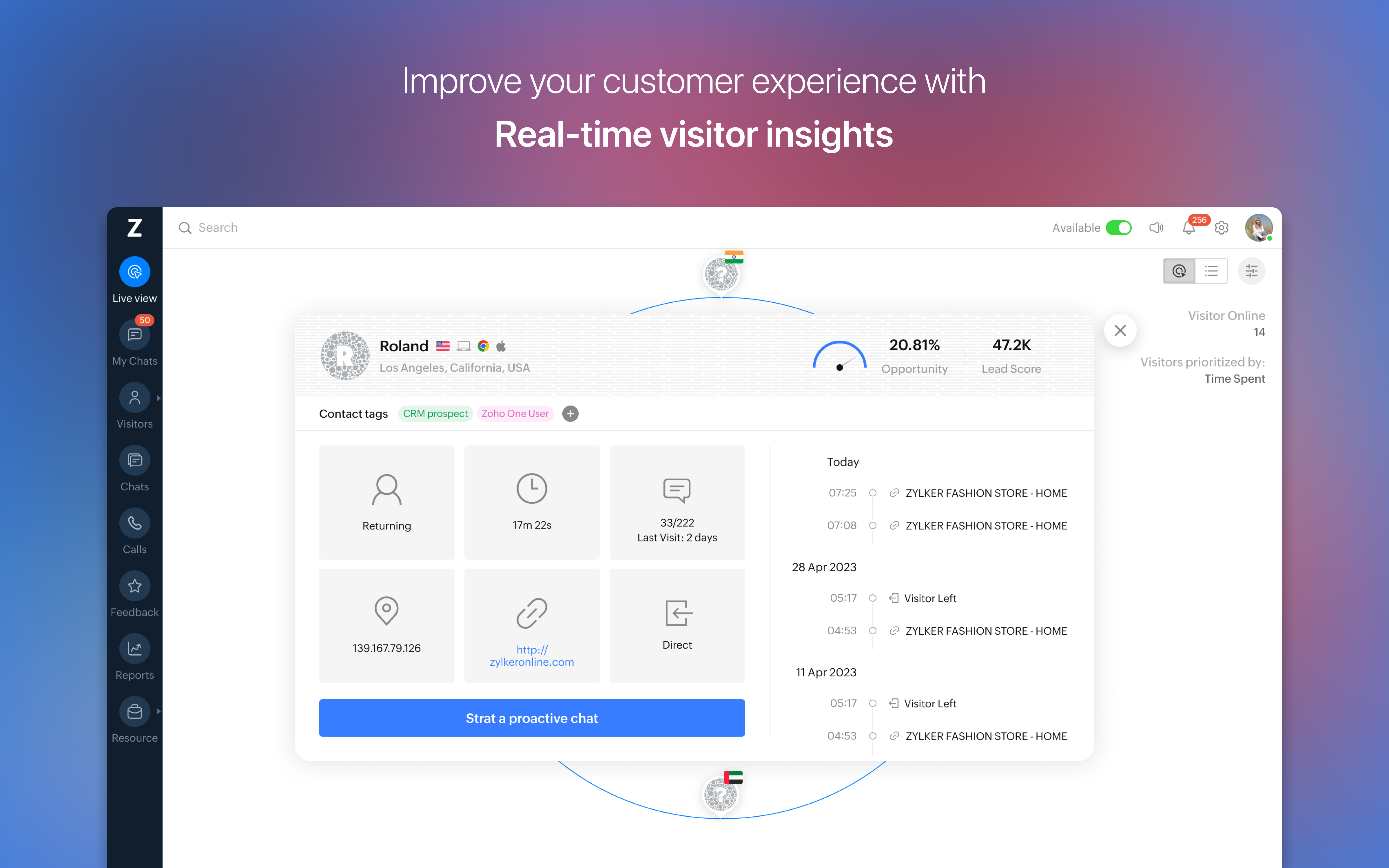
- Live Visitor Tracking: Gain real-time insights on visitors' behaviors, locations, and activities on your website, directly from your desktop.
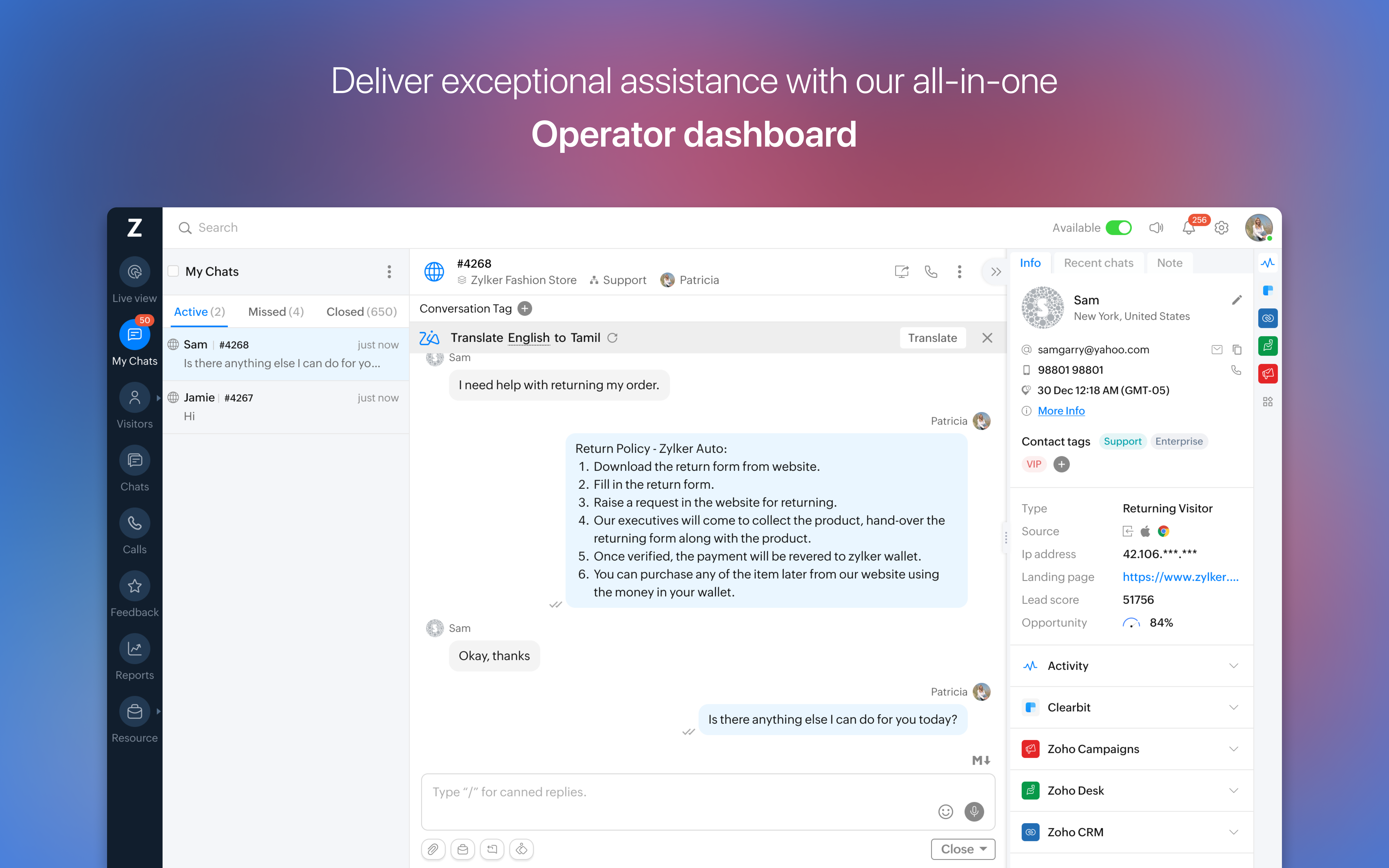
- Chat and Messaging: Engage customers instantly with built-in chat tools, boosting support response times and fostering personalized conversations.
- Lead Capture and Management: Capture visitor data seamlessly and organize leads efficiently for targeted follow-up campaigns.
- Collaborative Work Tools: Share visitor insights and chat histories with your team, promoting coordinated customer handling.
Engaging the User: An App That Breathes Life into Customer Support
Imagine sitting at your desk, coffee in hand, with a dashboard that feels more like a cockpit than a business tool. SalesIQ for Windows immerses you in a vibrant interface, where live updates and visitor insights play out in real-time like a well-choreographed dance. Whether you're monitoring multiple websites or engaging with visitors on one, the app offers an intuitive experience that makes even complex tasks feel straightforward. It's like having a dedicated customer support assistant sitting right next to you, ready to spring into action whenever needed.
Core Functionalities That Make a Difference
Real-Time Visitor Insights
One of the standout features of SalesIQ for Windows is its ability to deliver real-time visitor analytics. Picture a bustling marketplace where every shopper's movement is tracked—this app provides a similarly detailed view of your website visitors, including pages they visit, time spent, and geographic location. This level of insight allows sales and support teams to tailor their approach dynamically, enhancing the customer experience and boosting conversion chances.
Seamless Chat and Engagement
Engaging visitors has never been easier. The integrated chat function is sleek and easy to access, enabling quick, meaningful conversations without fuss. Unlike traditional support tools that require switching between multiple windows or platforms, SalesIQ for Windows keeps everything at your fingertips. The app's responsiveness ensures messages are delivered instantly, making customer interactions feel natural and human, yet backed by robust backend support.
Task and Lead Management with a Collaborative Edge
Perhaps the most distinctive aspect of SalesIQ for Windows is its focus on collaboration. The app allows team members to share visitor details, chat transcripts, and activity notes effortlessly. This ensures that everyone—from sales reps to customer service agents—is on the same page, working cohesively like members of a well-rehearsed orchestra. Compared to similar tools, SalesIQ's emphasis on collaborative features enables more effective teamwork, reducing miscommunication and accelerating response times.
User Experience: A Gentle Learning Curve with Smooth Navigation
The interface design of SalesIQ for Windows strikes a fine balance between simplicity and functionality. Navigation is intuitive, with key features accessible within a few clicks. For newcomers to customer engagement tools, the learning curve is gentle, supported by clear icons and streamlined workflows. As you become more familiar, the app's depth offers advanced options without overwhelming, making it suitable for businesses of all sizes.
Unique Selling Points and Comparison
Compared to other business engagement apps, SalesIQ for Windows really shines in its collaborative capabilities and real-time visitor insights, which are presented in an easily digestible format. Its desktop integration means fewer distractions navigating through multiple browser tabs or web portals, fostering a focused environment for proactive customer management. Its particular strength lies in empowering teams to work together seamlessly while maintaining a constant pulse on visitor activity, ensuring no lead slips through the cracks.
Conclusion: Is It Time to Make the Switch?
All things considered, SalesIQ for Windows presents a compelling package for businesses seeking to enhance their digital customer interactions. It bridges the gap between web-based analytics and desktop comfort, offering real-time data, effortless communication, and team collaboration in one package. Highly recommended for teams looking for a straightforward yet robust solution to elevate their customer engagement efforts. Whether you're a small startup or an established enterprise, this app can be a valuable addition to your toolkit, making your team more connected, responsive, and effective.
Pros
- User-friendly interface
- Real-time customer insights
- Customizable chat options
- Seamless integration with Microsoft products
- Excellent customer support management functions
Cons
- Limited customization options in the free version
- Occasional lag during high traffic periods
- Insufficient offline access features
- Basic analytics tools; advanced insights require higher-tier plans
- Learning curve for advanced features











