

- Name Power BI Report Builder
- Category Business
- Developer Microsoft Corporation
- Available on PC
- OS Windows 10 version 17763.0 or higher
- Keyboard Integrated Keyboard
- Mouse Integrated Mouse
- Memory 1 GB
- languages English (United States)
An Efficient Companion for Data Reporting on Windows
Power BI Report Builder for Windows stands out as a dedicated tool designed to streamline the creation and management of paginated reports, catering to professionals who need precise, printable, and shareable data visualizations. Developed by Microsoft Corporation, it seamlessly integrates with the Power BI ecosystem, offering a familiar yet specialized environment for report development.
Core Features That Make It Shine
Intuitive Report Design Interface
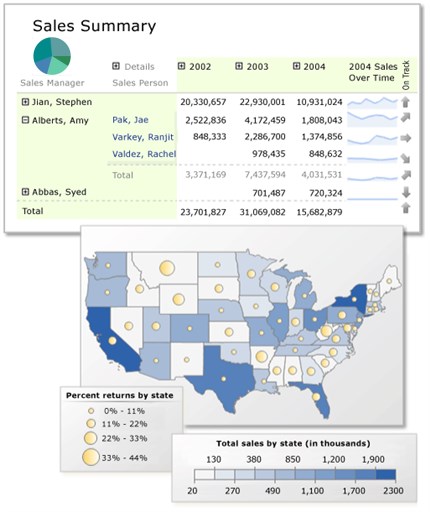
The application boasts a user-friendly drag-and-drop interface that allows users to craft complex reports with relative ease. It supports rich formatting, dynamic data regions, and interactive features, ensuring reports are both aesthetically pleasing and functional.
Robust Data Connectivity
Power BI Report Builder offers extensive support for various data sources, including SQL Server, Azure Analysis Services, and OLE DB providers. This flexibility enables users to pull in real-time data or static datasets, making their reports accurate and up-to-date.
Powerful Parameter and Subscription Management
One of its standout capabilities is the sophisticated handling of report parameters, allowing for customized data views. Additionally, its subscription feature facilitates automated report distribution, perfect for scheduled reporting needs.
Engaging User Experience and Design
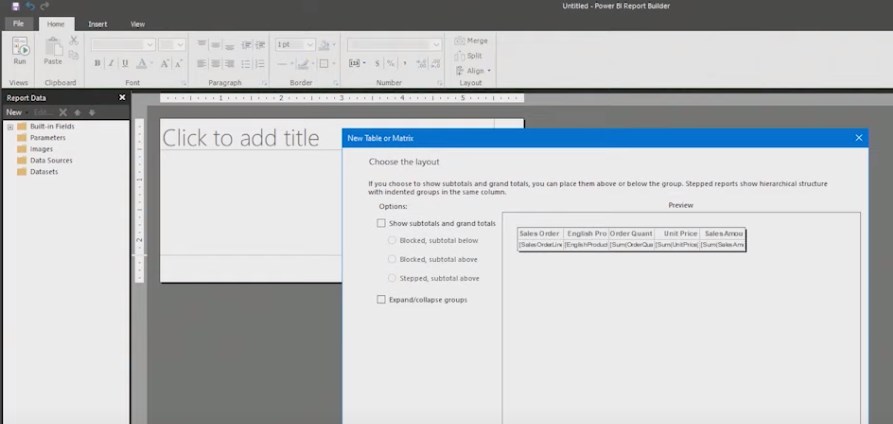
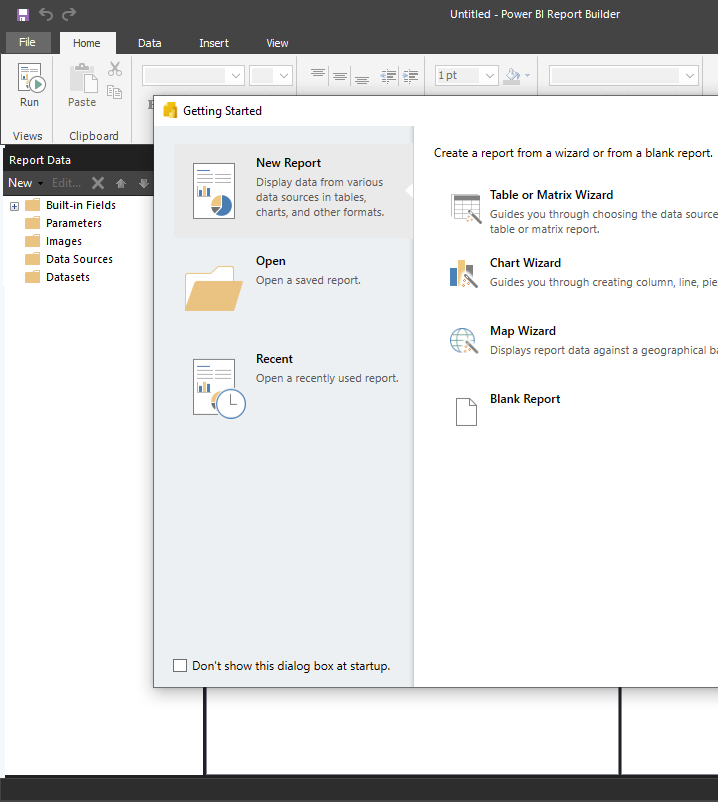
Imagine sitting at your desk, the report builder window like a well-organized workshop. The interface feels familiar to those who've used Microsoft tools, with ribbon menus and panes that feel natural, reducing the learning curve. Navigating through design, preview, and data sources is smooth, ensuring users spend less time troubleshooting and more time focusing on the report content itself. The responsive interface adapts well, with minimal lag even when handling sizable datasets, making the process pleasant and efficient.
Compared to other business reporting tools, Power BI Report Builder offers a clean, straightforward environment tailored explicitly for paginated reports — a niche that some broader BI platforms might overlook. Its focus on detailed, print-ready reports sets it apart from more visualization-centric products, and its integration allows collaborative editing within the Power BI environment. This collaborative feature, along with task management options like scheduled delivery and parameter configurations, makes it a distinctive tool for teams that require precision reporting with minimal fuss.
Unique Selling Points: Collaboration and Task Management
While many reporting tools offer basic sharing capabilities, Power BI Report Builder excels with its deep integration into the Power BI service, enabling seamless collaboration among team members. Users can co-author reports in real-time, comment, and manage version histories, transforming report creation into a cooperative effort. Its task management features, such as scheduled report delivery and parameter updates, offer a level of automation that simplifies ongoing reporting workflows, reducing manual efforts and ensuring stakeholders receive timely insights.
Final Thoughts: Is It for You?
If you're seeking a specialized, reliable tool for building paginated, print-ready reports that integrate smoothly into a broader data landscape, Power BI Report Builder is worth considering. It's particularly suited for data analysts, BI developers, and enterprise teams needing high-precision reporting capabilities without the excess of overly complex dashboards. Given its ease of use, strong data support, and collaborative features, I'd recommend giving it a try—especially if your reporting needs lean toward detailed, formatted documents rather than interactive dashboards.
Pros
- Intuitive report design interface
- Seamless integration with Power BI ecosystem
- Rich visualization options
- Robust data querying features
- Free for Microsoft 365 users
Cons
- Limited customization options compared to Power BI Desktop
- Steep learning curve for new users
- Performance issues with large datasets
- Limited sharing and collaboration features
- Occasional compatibility issues with certain data sources










