

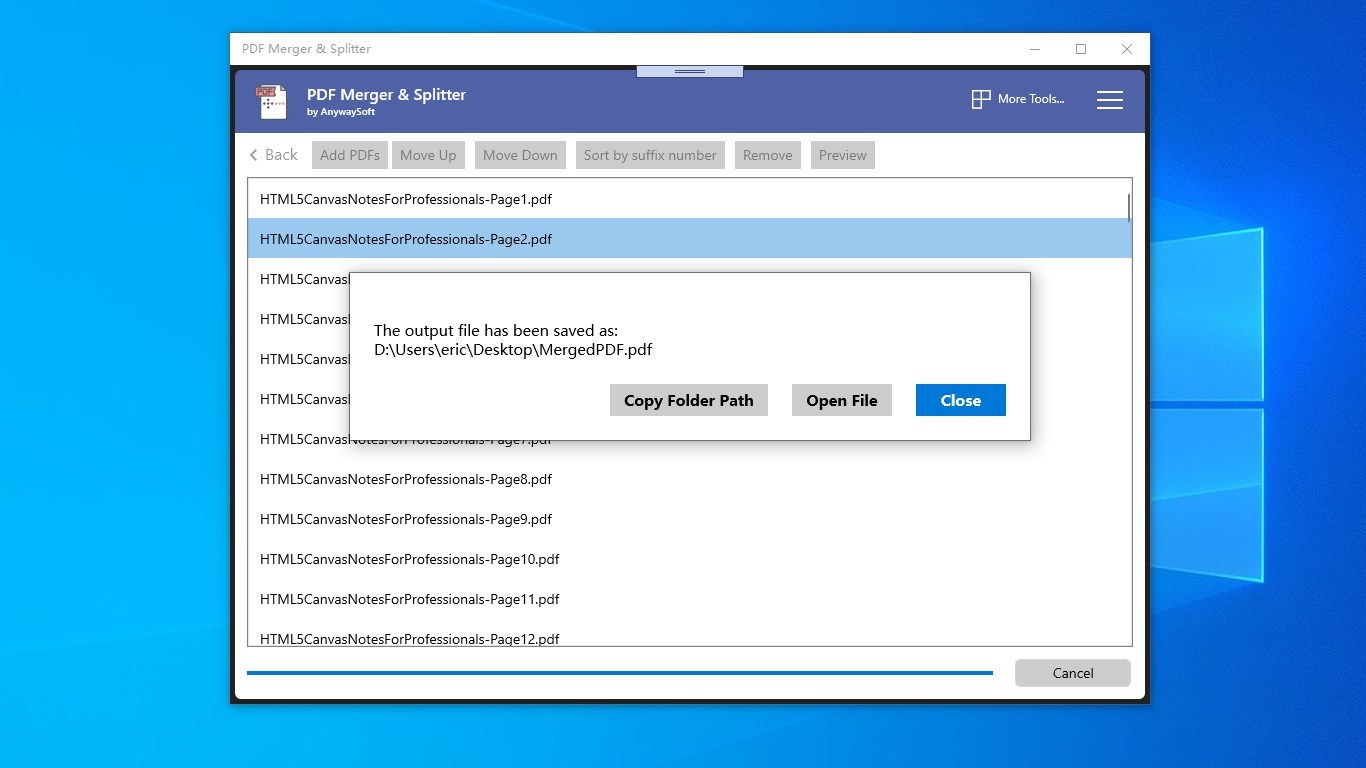
- Name PDF Merger & Splitter
- Category Business
- Developer AnywaySoft Inc.
- Available on PC, Mobile, Surface Hub, HoloLens
- OS Windows 10 version 17134.0 or higher
- Keyboard Not specified
- Mouse Not specified
- Memory Not specified
- languages English (United States)
Simplify Your PDF Management with Ease
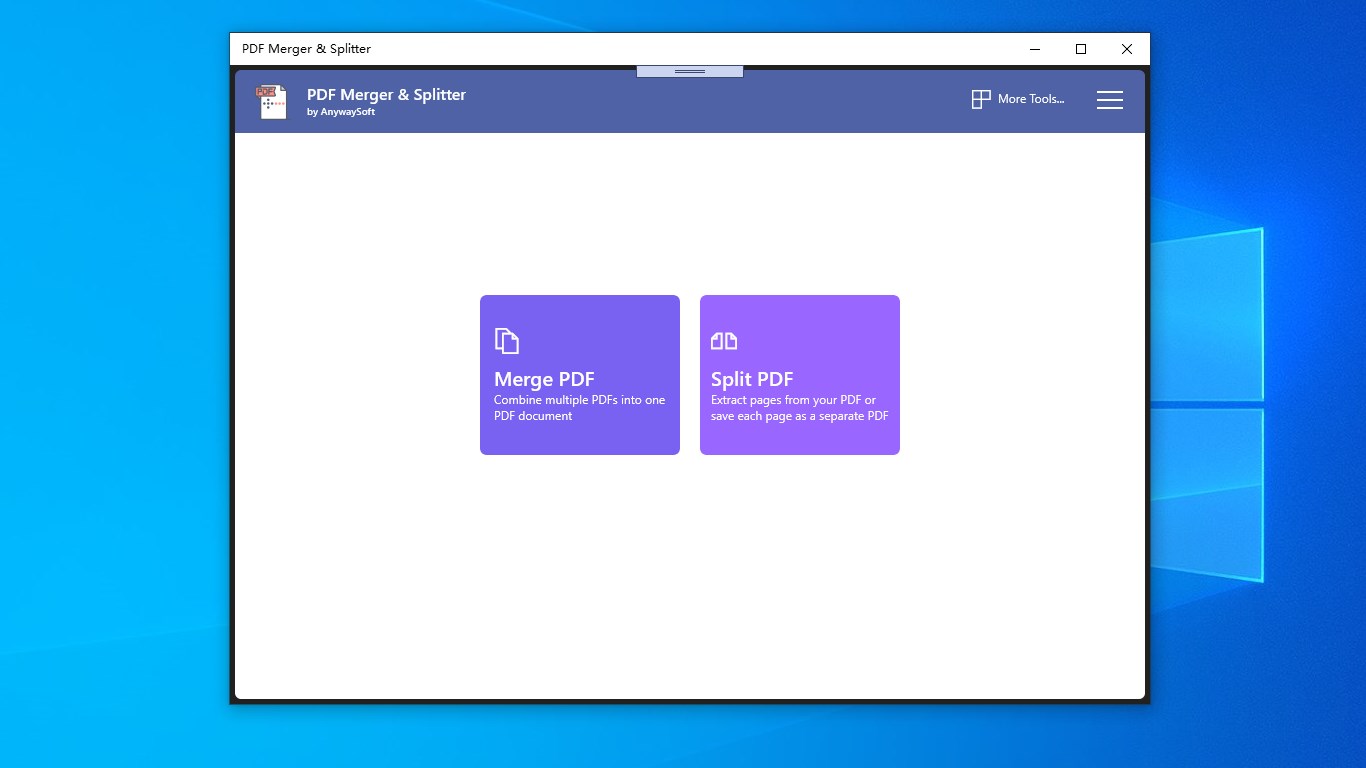
Imagine a tool that acts like a digital paper cutter and binder—streamlining your PDF workflows effortlessly. That's exactly what PDF Merger & Splitter for Windows offers: a straightforward, user-friendly way to combine and divide PDFs without fuss.
Meet AnywaySoft Inc.: The Developer Behind the Curtain
Developed by AnywaySoft Inc., a team dedicated to creating accessible and practical software solutions, this app reflects their commitment to simplifying complex tasks. Their focus on intuitive design and reliable performance makes their offerings a solid choice for users seeking efficiency without sacrificing ease of use.
Key Features That Make PDF Handling a Breeze
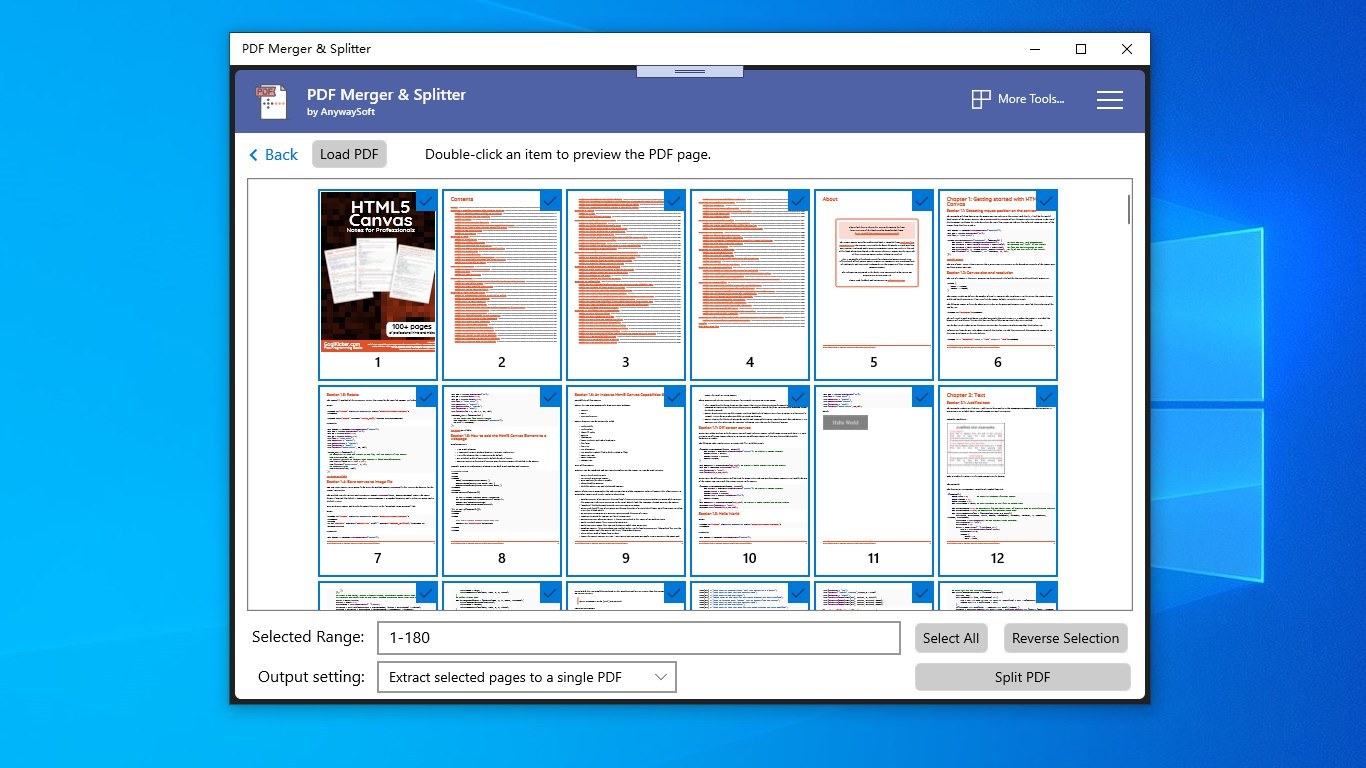
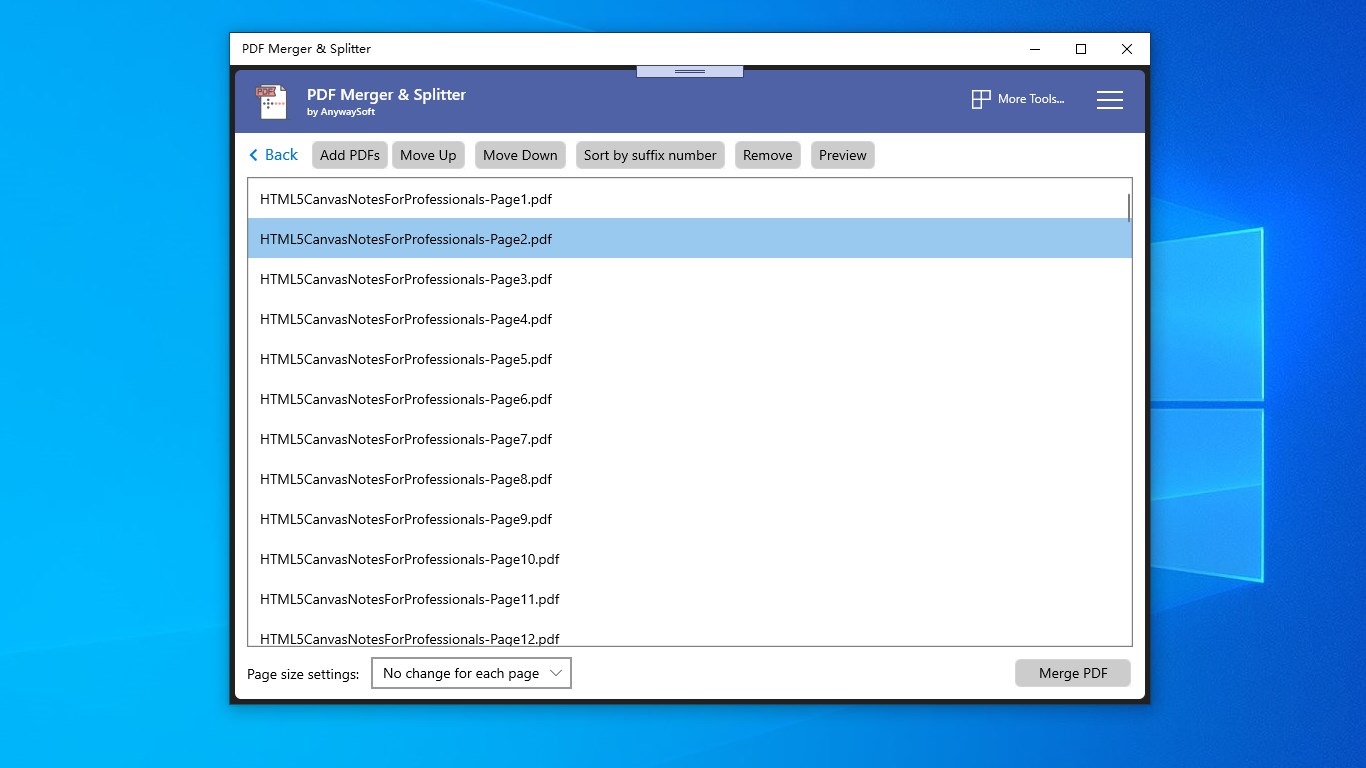
- Quick Merging and Splitting: Seamlessly combine multiple PDFs into a single document or break a large PDF into smaller, manageable files—all within a few clicks. It's like tidying up your digital paperwork in a flash.
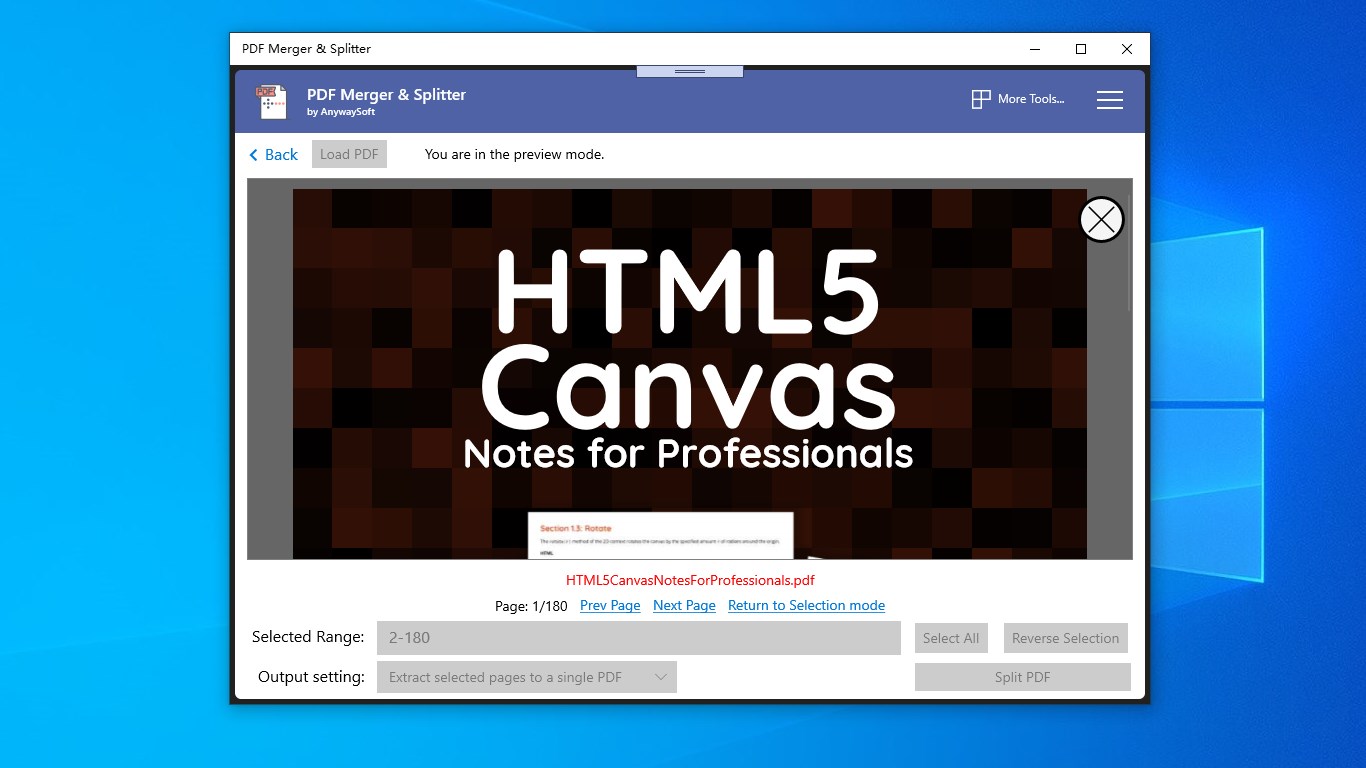
- Selective Page Extraction: Need just a few pages from a lengthy report? This app lets you pinpoint and extract specific pages, saving you time and storage.
- Batch Processing Capability: Handle multiple files simultaneously, perfect for users who need to organize large workloads or batch prepare documents for presentations or submissions.
Engaging in a User-Friendly Interface and Smooth Operation
Imagine walking into a clean, well-organized workspace—this is what the application's interface feels like. The design is tidy and straightforward, avoiding clutter and jargon, making it accessible even for first-time users. Navigating through options is intuitive, similar to flipping through a well-labelled binder. The app runs smoothly, with swift processing even on modest hardware, so your workflow remains uninterrupted. The learning curve is gentle—typically, users can start merging and splitting PDFs comfortably within minutes, like getting the hang of a new kitchen appliance.
What Sets This App Apart in the Realm of PDF Tools?
While many PDF tools focus solely on basic functions, this app shines by emphasizing collaboration-like features even in a simple environment. For instance, it allows multiple files to be processed in batch, aligning with tasks often seen in teamwork settings—imagine preparing several project reports at once rather than juggling individual files. Its straightforward merging and splitting functions enable users to organize documents efficiently for shared workflows without the complexity of advanced collaboration platforms. Compared to other business-oriented applications, it offers a lightweight yet powerful solution that can serve both individual professionals and small teams, especially when quick, reliable PDF manipulation is required.
Final Verdict: A Handy Companion for Everyday PDF Tasks
If you frequently work with PDFs—whether merging reports, splitting workbooks, or extracting pages—this app deserves a spot on your desktop. Its core strengths—simplicity, speed, and batch processing—make it an excellent choice for users who value efficiency over complexity. I recommend it to students, small business owners, and anyone needing reliable PDF management without the hassle of overly complicated software. For those looking for a straightforward, effective tool with unique batch handling features, PDF Merger & Splitter for Windows is certainly worth trying out.
Pros
- Intuitive User Interface
- Fast Processing Speed
- Supports Multiple File Formats
- Batch Processing Functionality
- Basic Editing Features
Cons
- Limited Advanced Editing Tools
- Occasional Crashes with Large Files
- Watermark on Free Version
- Limited Customization Options
- Platform Compatibility Constraints










