

- Name RICOH Print Support Application
- Category Utilities & tools
- Developer Ricoh Company, Ltd.
- Available on PC
- OS Windows 10 version 18362.0 or higher
- languages English (United States), Japanese
Introducing RICOH Print Support Application for Windows
Imagine having a seamless backstage crew for your printer—handling setups, troubleshooting, and maintenance—so you can focus on your work without hiccups. The RICOH Print Support Application for Windows by Ricoh Company, Ltd. is designed to fulfill this role, providing an intuitive and efficient utility to streamline printer management and support tasks for Ricoh printer users.
Core Features That Make a Difference
1. Simplified Printer Diagnostics and Troubleshooting
This app acts like a diagnostic detective, swiftly identifying issues with your Ricoh printers. It offers easy-to-understand troubleshooting steps, reducing the need to call tech support. Whether it's paper jams, alignment problems, or driver conflicts, the app guides users with clear instructions, saving time and minimizing downtime.
2. Firmware Updates and Maintenance Management
Keeping your printer's firmware up-to-date is crucial for optimal performance and security. The app consolidates firmware updates, providing notifications and one-click installation options. Plus, it helps schedule maintenance tasks, ensuring your devices stay in tip-top shape without intrusive interruptions.
3. User-Friendly Interface with Streamlined Operations
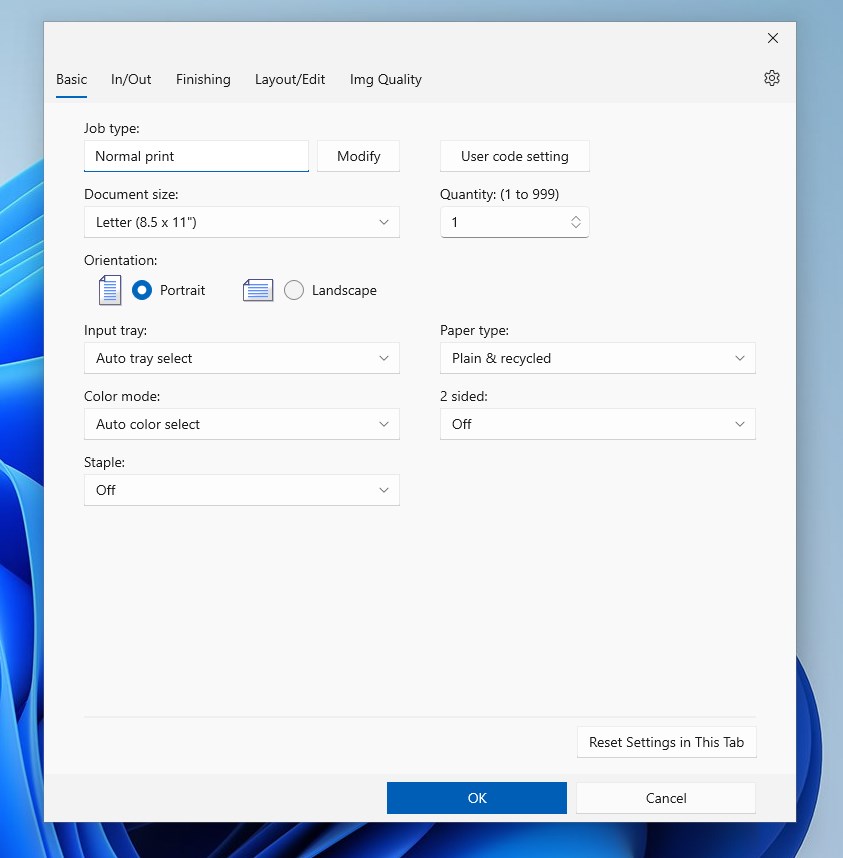
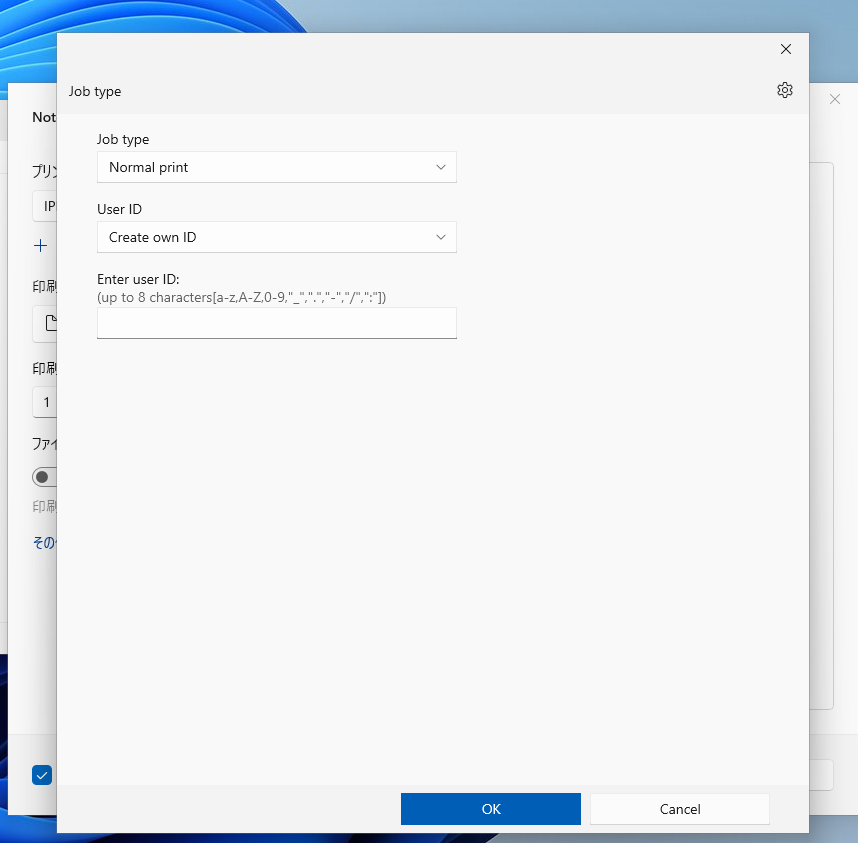
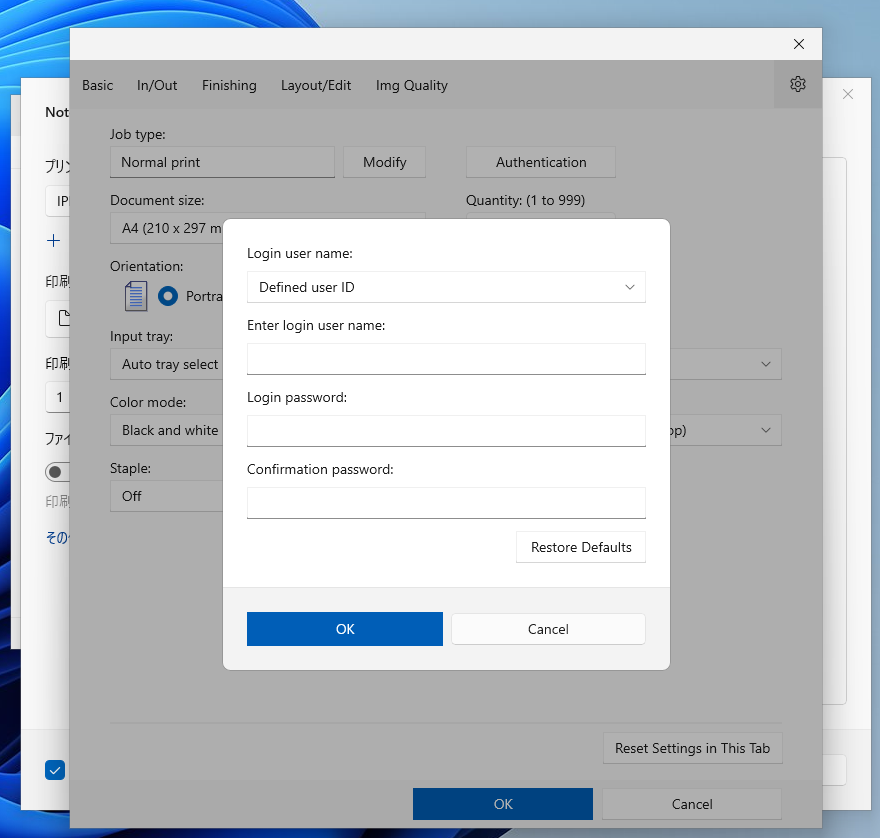
The design resembles a well-organized control center—clean, modern, and intuitive. Navigating through features feels effortless, even for less tech-savvy users. The interface's logical layout minimizes the learning curve and makes complex tasks feel manageable, akin to having a friendly assistant by your side.
Evaluating User Experience: Design, Performance, and Ease of Use
From the moment you launch the application, the interface strikes a balance between professionalism and approachability. Its vibrant icons and logical menu structures guide users naturally, making navigation feel like flipping through familiar pages of a well-organized booklet. Operation is notably smooth—clicks respond promptly, and loading times are minimal, creating a satisfying experience similar to turning the pages of a favorite magazine.
For first-time users, the app's straightforward design minimizes the confusion often associated with technical utilities. Its contextual help and guided steps act like a friendly tour guide, making the learning curve shallow. Even complex tasks, such as firmware updates or diagnostics, are rendered accessible, which is a significant advantage for office environments or busy users who require efficiency without sacrificing accuracy.
Unique Selling Points and Differentiators
Compared to other utility apps in the market, the RICOH Print Support Application stands out with its targeted focus on Ricoh printers. Its ability to provide comprehensive diagnostics combined with simple firmware management sets it apart. Unlike generic printer utilities that offer broad-stroke features, this app's tailored approach ensures more accurate troubleshooting and maintenance, akin to having a dedicated Ricoh technician available at your fingertips.
Furthermore, its community of Ricoh users benefits from timely updates specific to Ricoh devices, maintaining compatibility and enhancing features as new models are released. This dedicated support ecosystem, along with a clean and accessible interface, provides a professional yet personable experience that many multi-brand utilities struggle to match.
Final Verdict: Is It Worth Your Time?
Absolutely. For Ricoh printer owners or IT teams managing Ricoh devices, this app offers a robust toolkit wrapped in an approachable package. It simplifies routine maintenance and troubleshooting, helping you keep your printers running smoothly without the need for specialized technical knowledge. While it may not replace advanced enterprise management solutions, it's a reliable utility for everyday support and upkeep. I recommend giving it a try if you're after a dedicated, user-friendly, and efficient Ricoh support tool—think of it as your printer's best friend, quietly working behind the scenes to keep your workflow uninterrupted.
Pros
- Intuitive User Interface
- Seamless Printer Integration
- Enhanced Print Management
- Cloud Printing Support
- Regular Updates
Cons
- Occasional Connectivity Issues
- Limited Customization Options
- Slow Response Time in Large Print Queues
- Initial Setup Complexity
- Limited Support for Non-Ricoh Devices











