

- Name Revo Uninstaller Pro
- Category Utilities & tools
- Developer VS Revo Group Ltd.
- Available on PC
- OS Windows 10 version 0.0 or higher
- Keyboard Integrated Keyboard
- Mouse Integrated Mouse
- Memory 1 GB
- languages Albanian, Arabic, Armenian, Azerbaijani, Bangla, Bulgarian, Chinese (Simplified), Chinese (Traditional Chinese), Czech, Dutch, Danish, English, Estonian, Finnish, French, German, Gujarati, Greek, Hebrew, Hindi, Hungarian, Croatian, Indonesian, Italian, Japanese, Korean, Kurdish, Macedonian, Norwegian, Polish, Persian/Farsi, Portuguese (Portugal), Portuguese, Portuguese (Brazil), Russian, Romanian, Serbian (Cyrillic), Serbian (Latin), Slovak, Slovenian, Spanish, Swedish, Thai, Turkish, Ukrainian, Vietnamese
Revo Uninstaller Pro for Windows: A Trusted Companion for Clean and Optimized PCs
Revo Uninstaller Pro is a comprehensive tool designed to help Windows users remove unwanted programs and clean residual files, ensuring a clutter-free and smoothly functioning system. Think of it as a meticulous digital gardener, carefully pruning out the weeds so your garden—your PC—thrives in health and performance.
Meet the Developer: VS Revo Group Ltd.
Developed by VS Revo Group Ltd., a reputable name in system utility solutions, Revo Uninstaller Pro benefits from a dedicated team committed to creating efficient and user-friendly tools for Windows users worldwide.
What Makes Revo Uninstaller Pro Stand Out?
- Deep Scanning for Complete Removal: Unlike the Windows default uninstaller, Revo dives deeper to identify and eliminate leftover files, registry entries, and folders that typical uninstallers often miss.
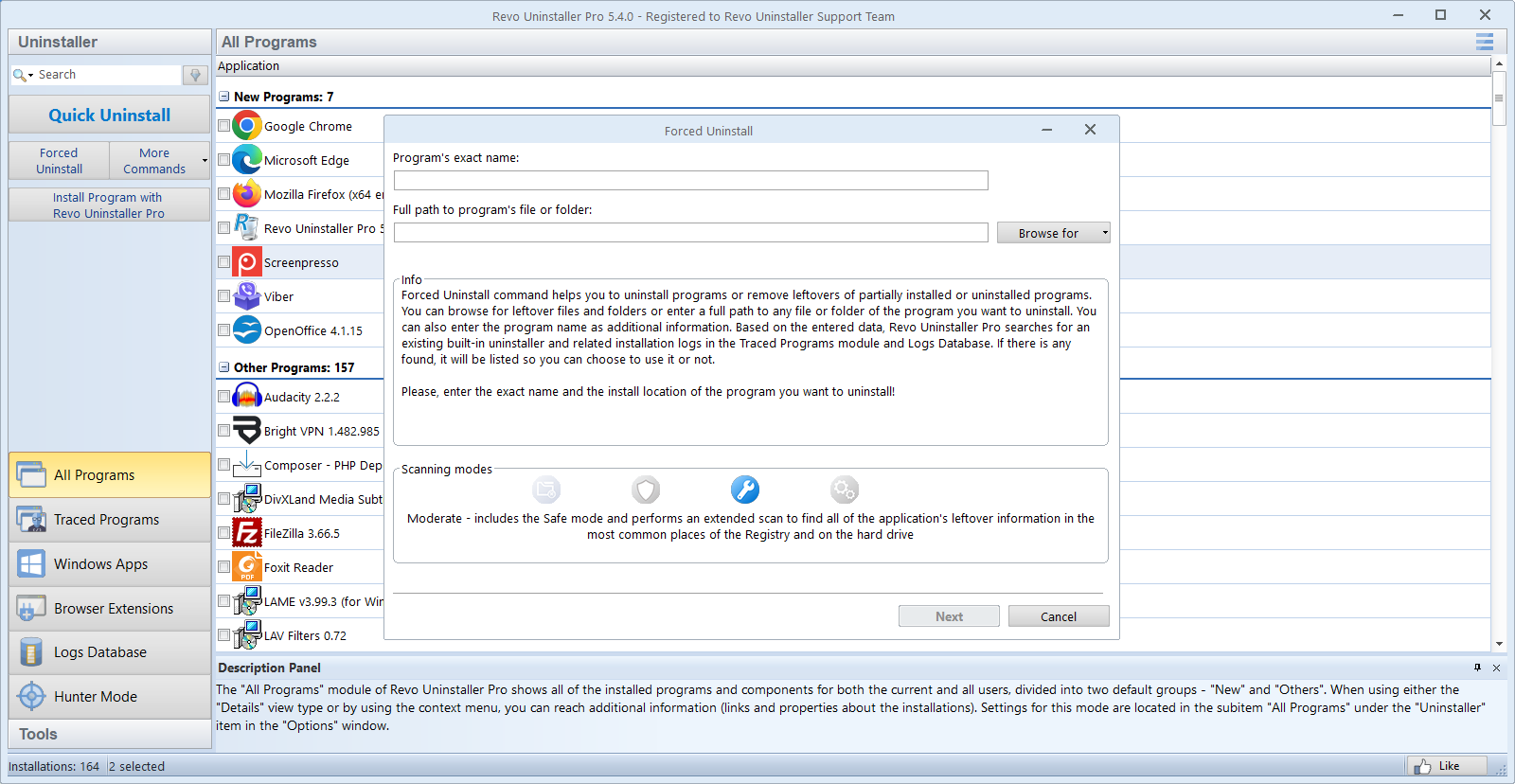
- Forced Uninstall Feature: It allows you to remove stubborn programs that resist standard uninstall methods, like malware or corrupted applications.
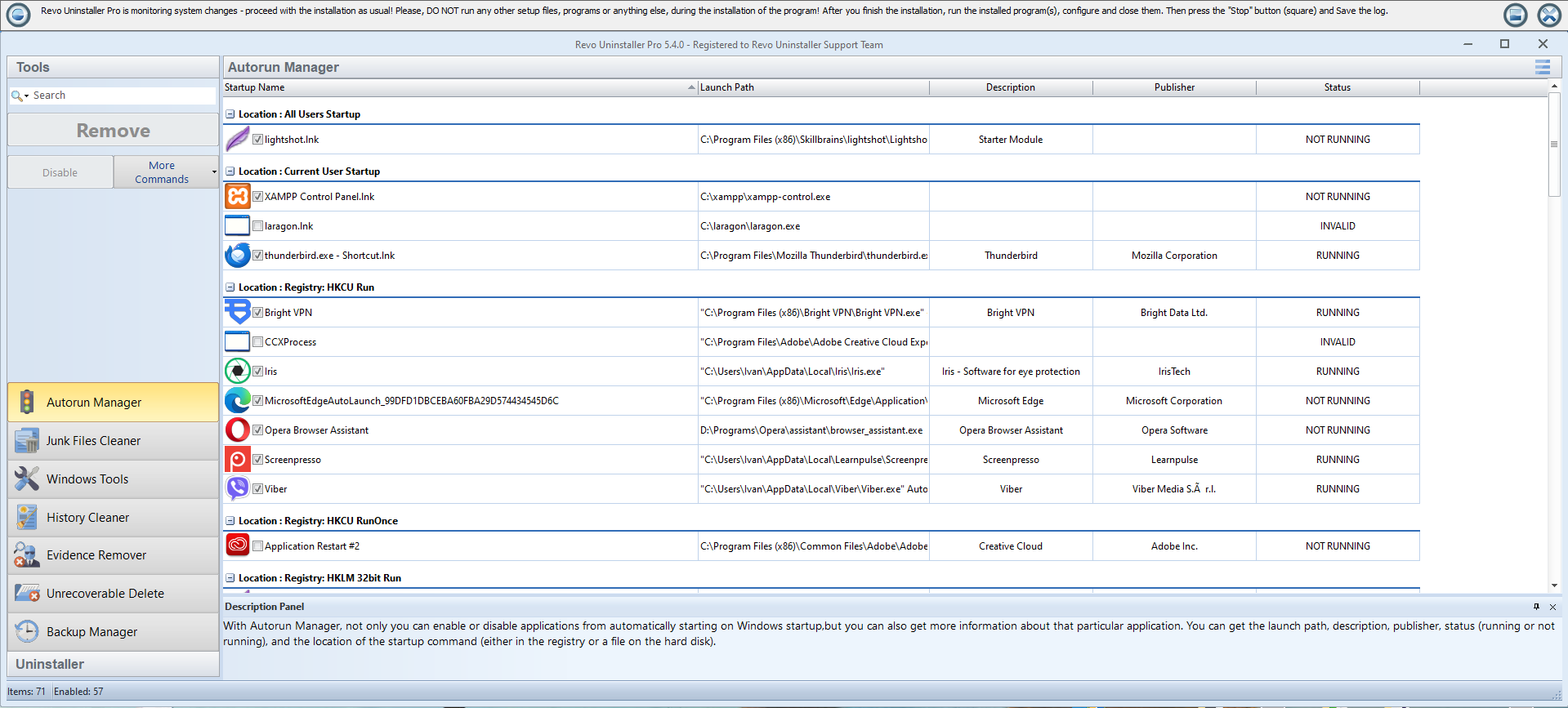
- Real-time Monitoring: Revo tracks the changes made during application installations, making future uninstalls more precise and less prone to leaving remnants.
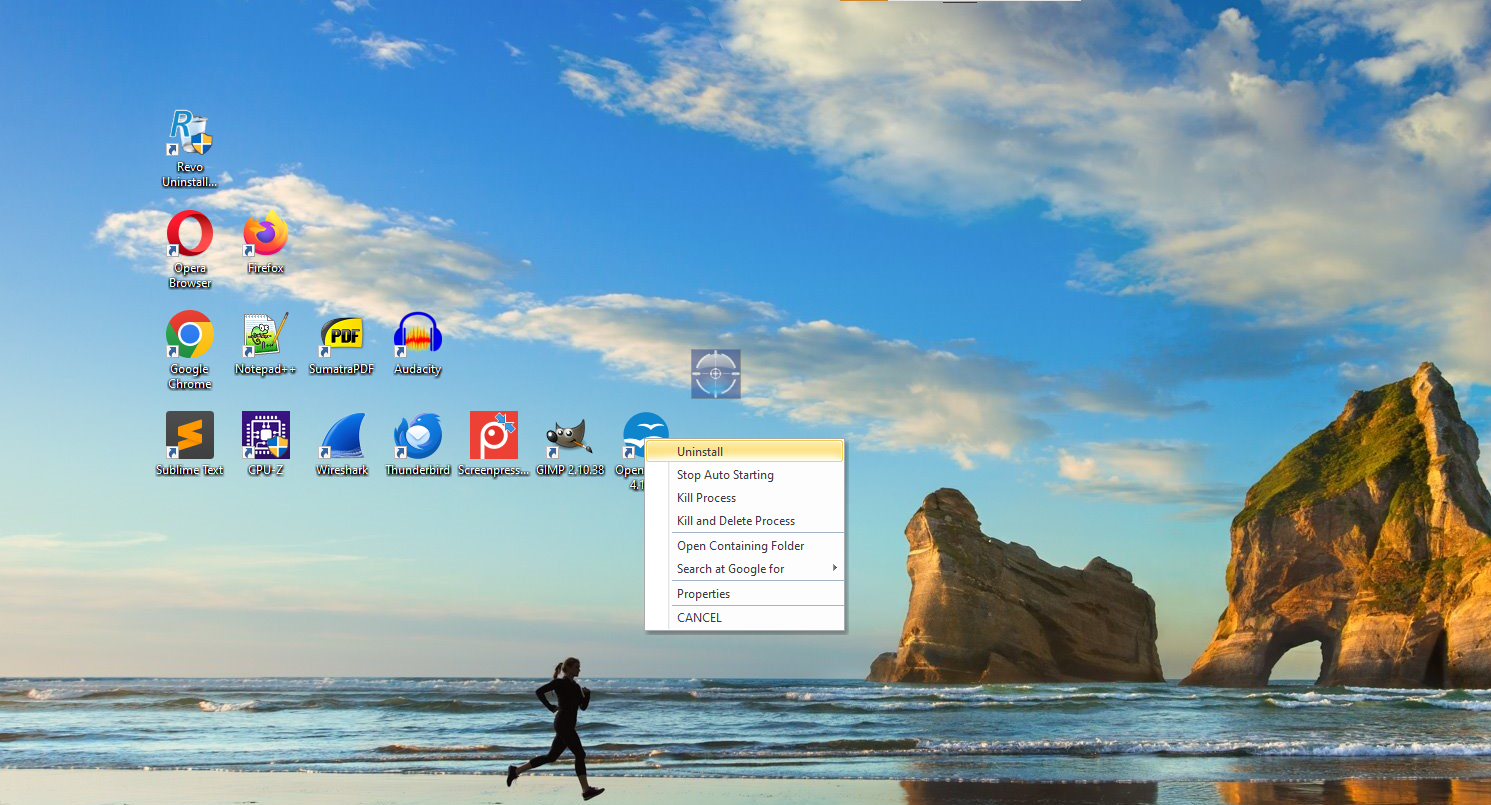
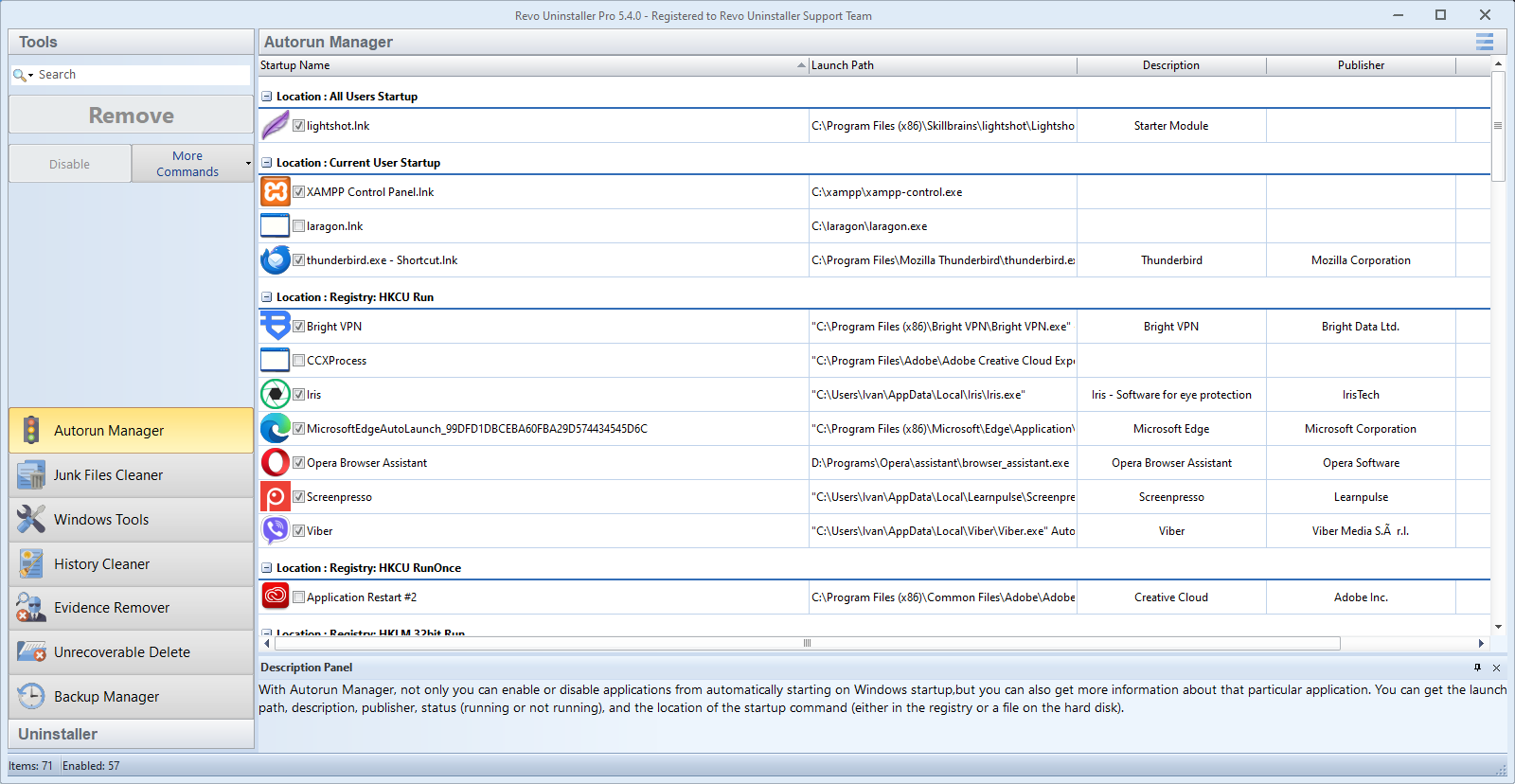
- Startup Manager and Junk Files Cleaner: Additional tools to optimize system boot times and free up disk space, contributing to overall performance enhancements.
Engaging the User: Why Revo Makes Uninstalling Feel Like a Breeze
Imagine your PC as a busy city filled with various apps—some bustling and useful, others just occupying space and slowing down traffic. Revo Uninstaller Pro acts like a vigilant city planner, quickly identifying and removing obsolete or problematic applications, clearing the way for a smoother ride. It's user-friendly, intuitive, and designed to make complex cleanup tasks appear effortless—even enjoyable.
Powerful Scanning and Complete Residuals Removal
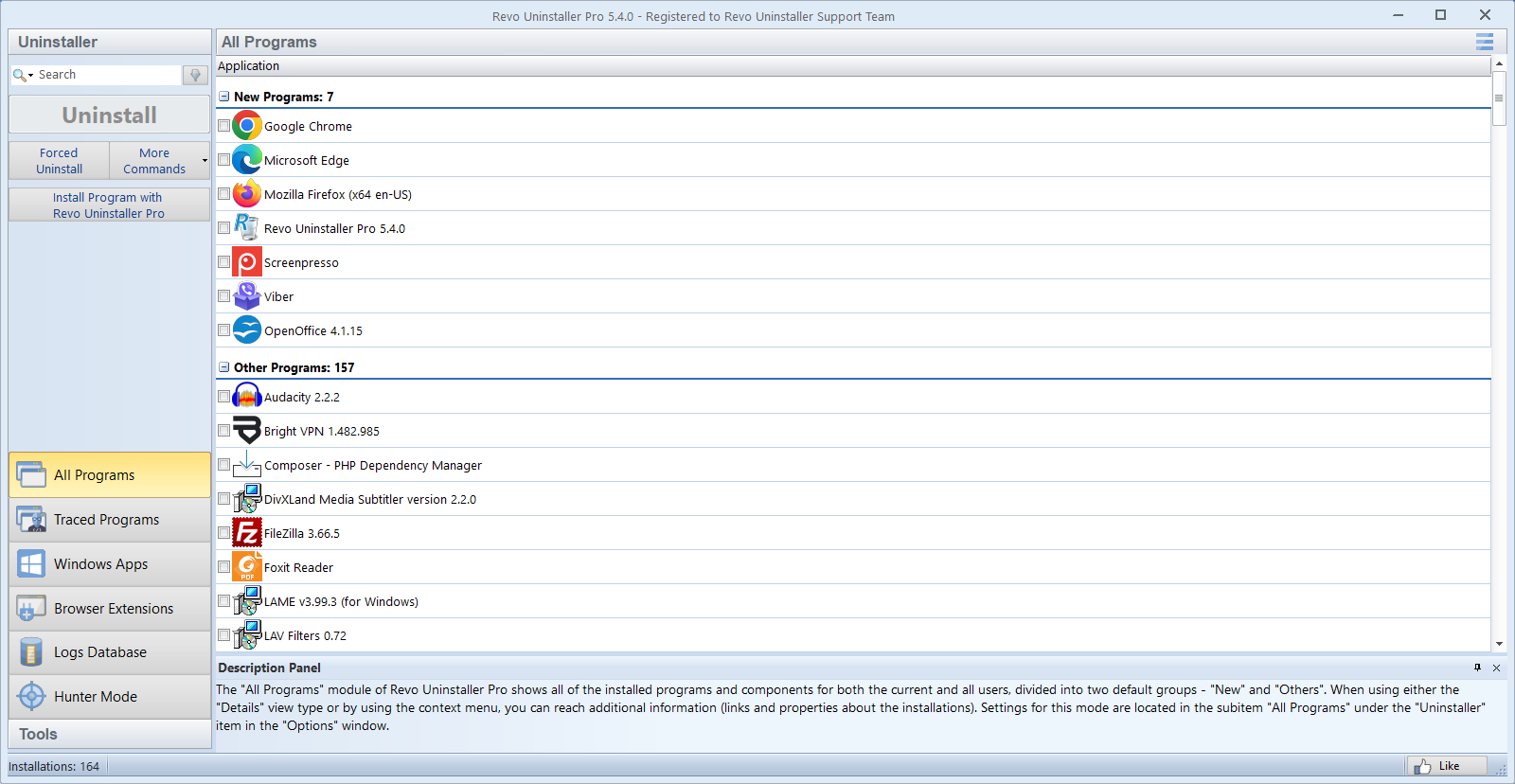
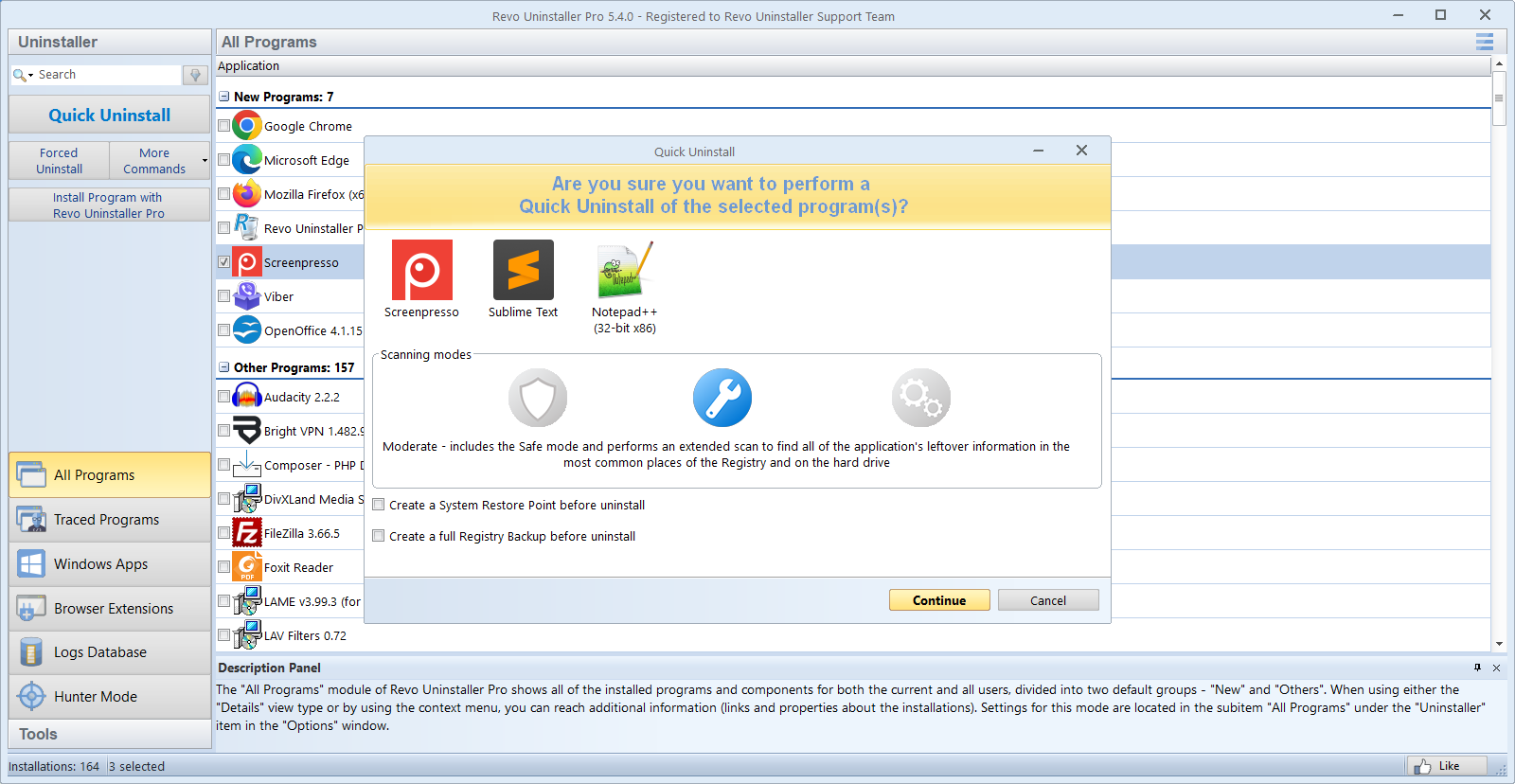
The core strength of Revo Uninstaller Pro lies in its deep scanning capabilities. Once you choose an application to uninstall, it first initiates the standard removal process, then proceeds to scan for leftover files, folders, and registry entries that often linger behind. This meticulous approach ensures that your system isn't just superficially cleaned but thoroughly purged. Compared to built-in Windows uninstallation, which often leaves behind residual clutter, Revo offers a more comprehensive cleanup, making your system leaner and more responsive.
Force Uninstall and Handling Stubborn Apps
Ever tried to remove an uncooperative program only to be met with error messages or incomplete removal? Revo's Forced Uninstall feature turns this challenge into a thing of the past. It's like using a digital hammer to break down resistant walls—handling stubborn apps with ease. Whether it's malware, corrupted software, or poorly behaving programs, Revo demystifies the uninstallation process and ensures no trace is left behind.
User Experience and Interface Design
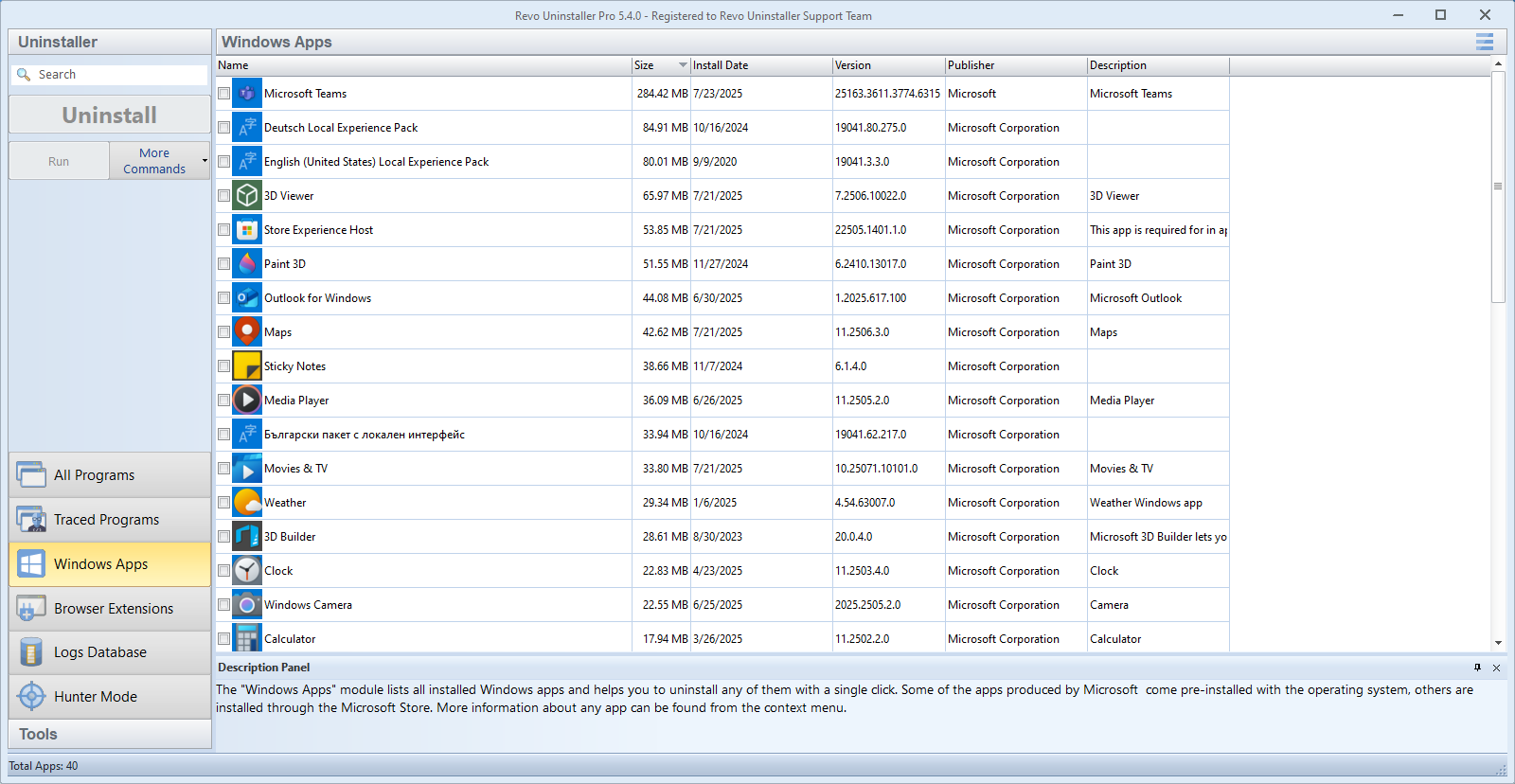
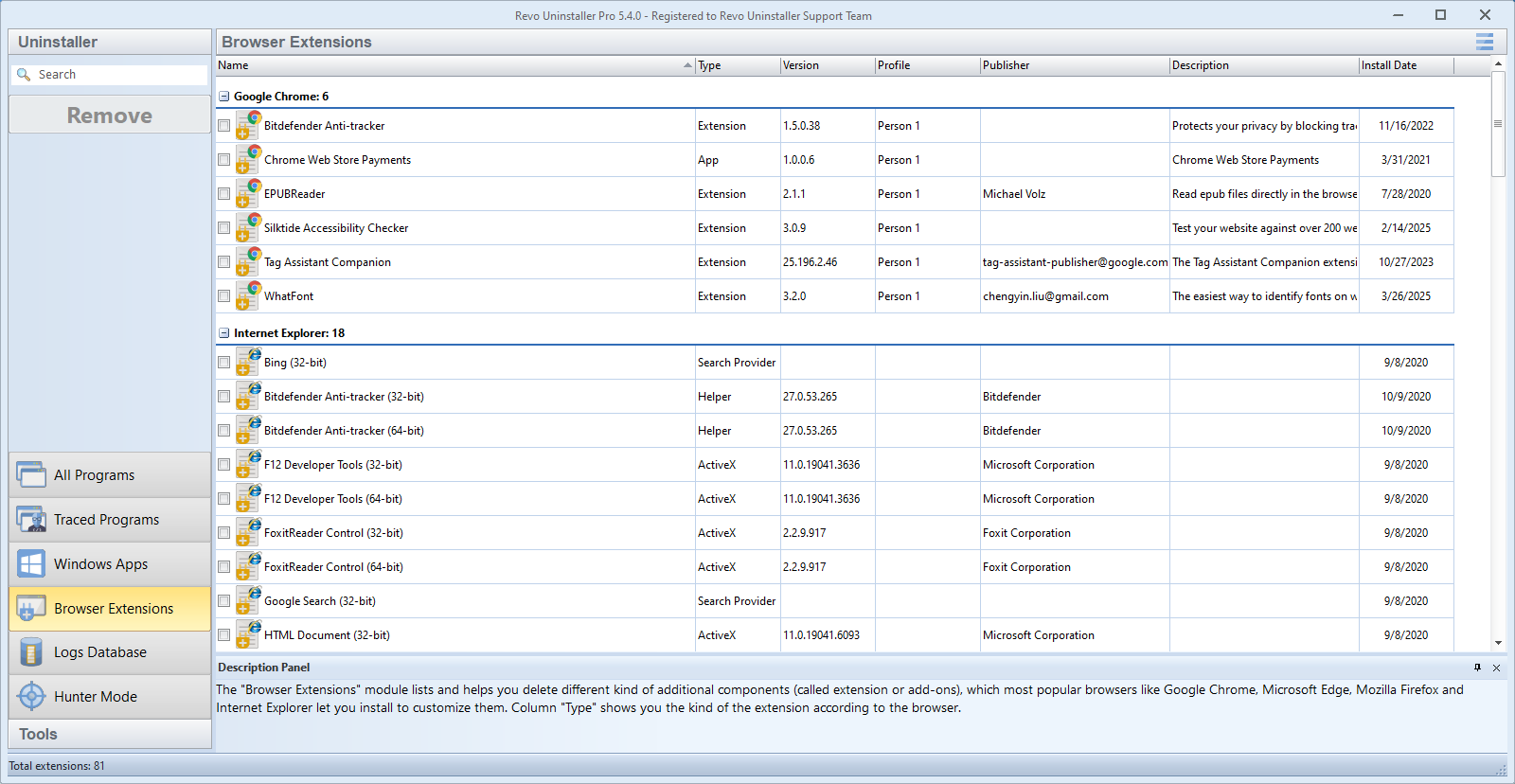
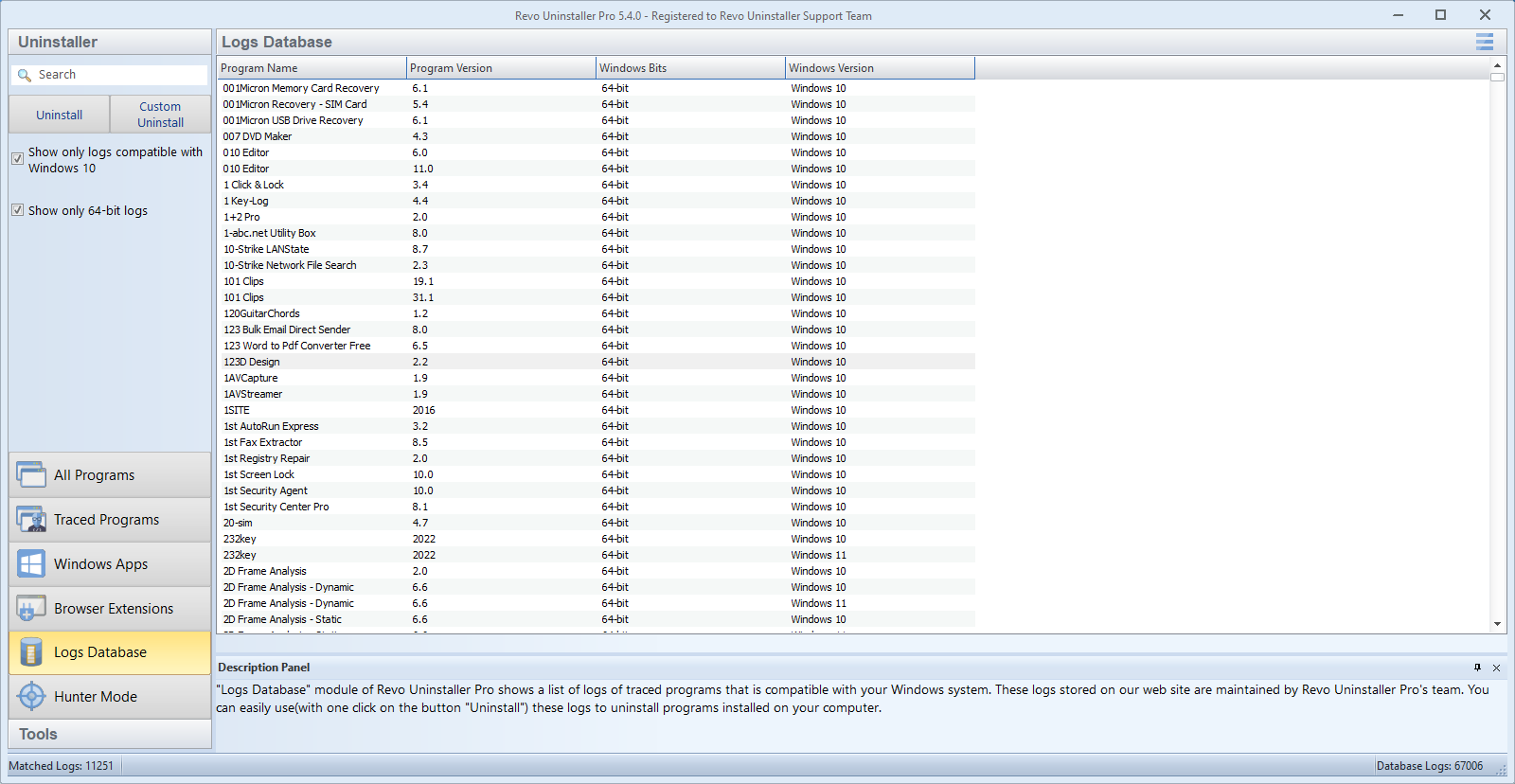
Revo Uninstaller Pro sports a clean, modern interface that resembles a well-organized toolbox—easy to navigate, even for users new to system cleanup tools. The step-by-step wizard guidance and clear labels minimize the learning curve, while the real-time monitoring feature adds a layer of intelligence. The application responds smoothly, with rapid scanning and uninstall operations that feel more like a friendly assistant than a clunky utility. For users concerned about complexity, Revo's intuitive design acts as a reassuring guide through the uninstallation journey.
What Sets Revo Apart From Its Peers?
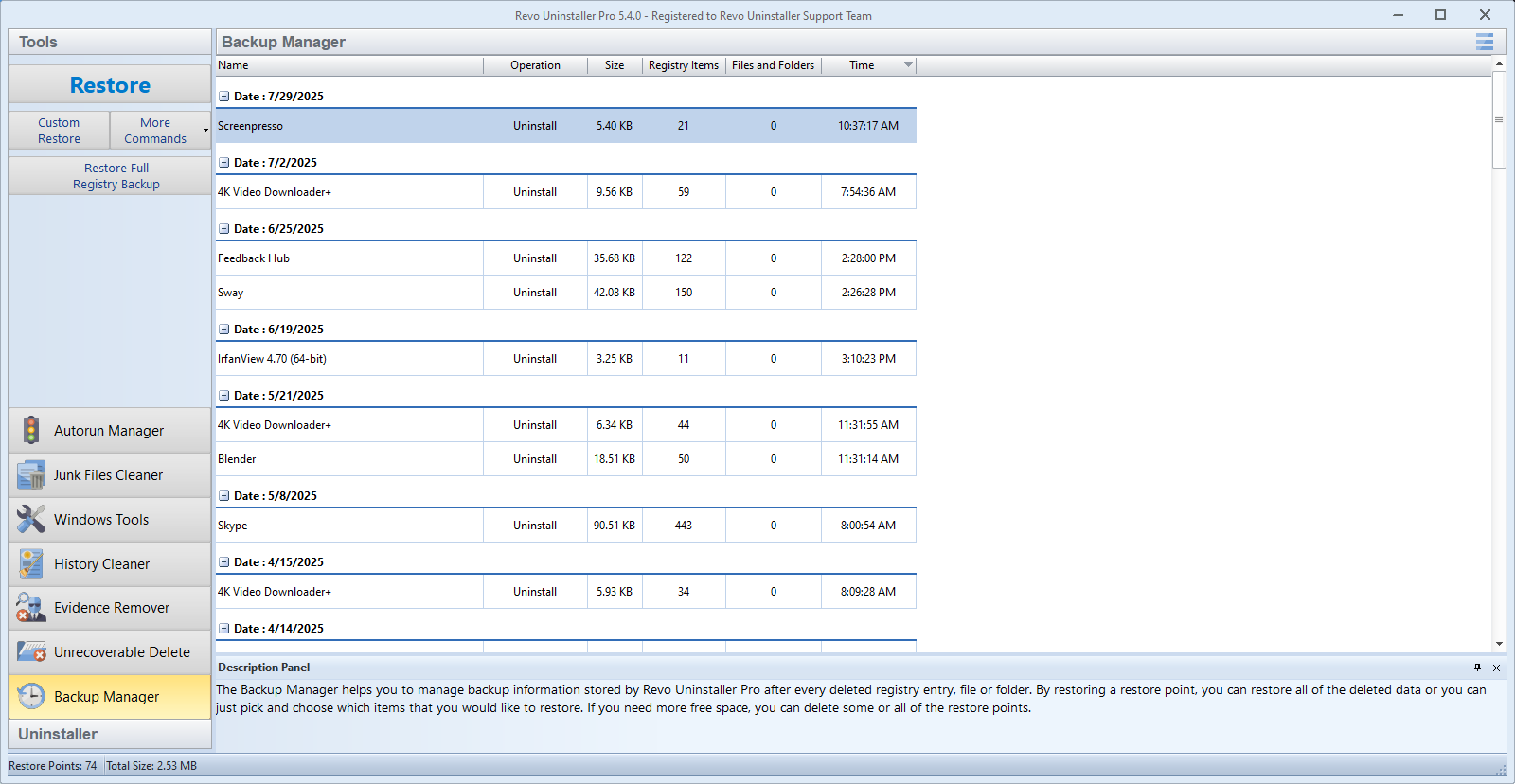
While many utilities offer uninstall features or junk cleanup tools, Revo Uninstaller Pro distinguishes itself through its meticulous residuals scanning and real-time installation monitoring. Its ability to preview and selectively remove files—thanks to its Hunter mode—adds a layer of control uncommon among similar utilities. Additionally, its focus on user safety, offering backup and restore options before heavy cleaning, assures users that their system remains secure during maintenance operations.
Final Recommendation: Is It Worth Your Time?
Absolutely. Revo Uninstaller Pro is a reliable choice for anyone seeking thorough uninstallation and system optimization. Whether you're a casual user wanting an easier way to manage programs or a power user aiming for meticulous cleanup, Revo can become your trusted digital assistant. Its most unique features—deep residuals scanning and forced uninstall—make it stand out. For best results, I recommend using it regularly to keep your PC clutter-free and running at peak performance.
Pros
- Effective uninstallation and residual file removal
- User-friendly interface with detailed reports
- Batch uninstallation feature
- Additional tools for system cleanup and management
- Preliminary backup options
Cons
- High price compared to similar tools
- Occasional false positives in residual file detection
- Limited support for very new or obscure applications
- Performance can slow down on older systems during deep scans
- Interface could be more modern and customizable











