
- Name RemotePC Host
- Category Business
- Developer IDrive Inc.
- Available on PC
- OS Windows 10 version 0.0 or higher
- Keyboard Integrated Keyboard
- Mouse Integrated Mouse
- Memory 1 GB
- languages English
RemotePC Host for Windows: Seamless Remote Access Made Simple
RemotePC Host for Windows, developed by IDrive Inc., offers a robust solution for remote computer access tailored for both individual users and small teams seeking reliable connectivity. With its intuitive interface and standout collaborative features, it aims to transform how users manage remote tasks effortlessly.
Empowering Remote Control with Ease
Imagine being able to access your work or personal files from anywhere, as if you had a magic portal into your computer—RemotePC Host makes this possible. Its core strength lies in providing a secure, fast, and user-friendly remote connection experience, ensuring users can operate their Windows PC remotely without hassle.
Simple Yet Powerful Interface
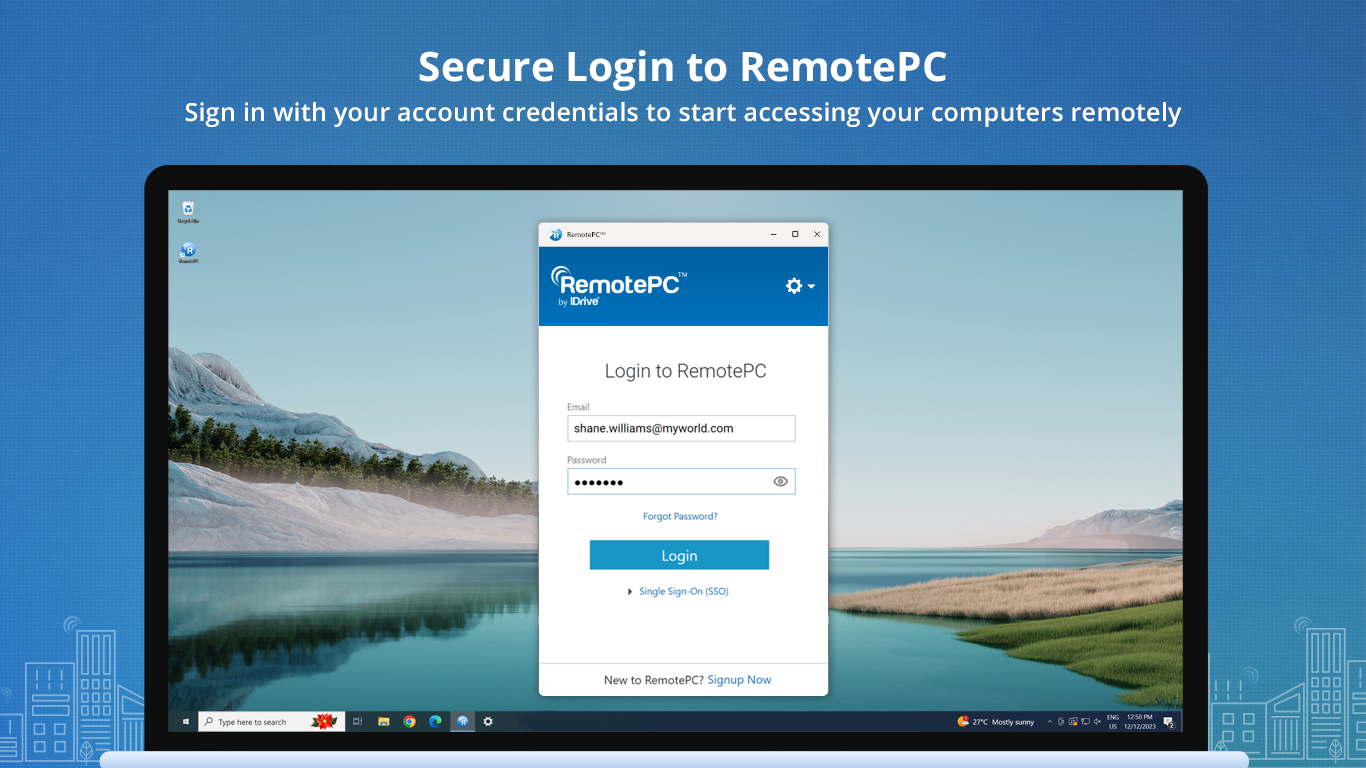
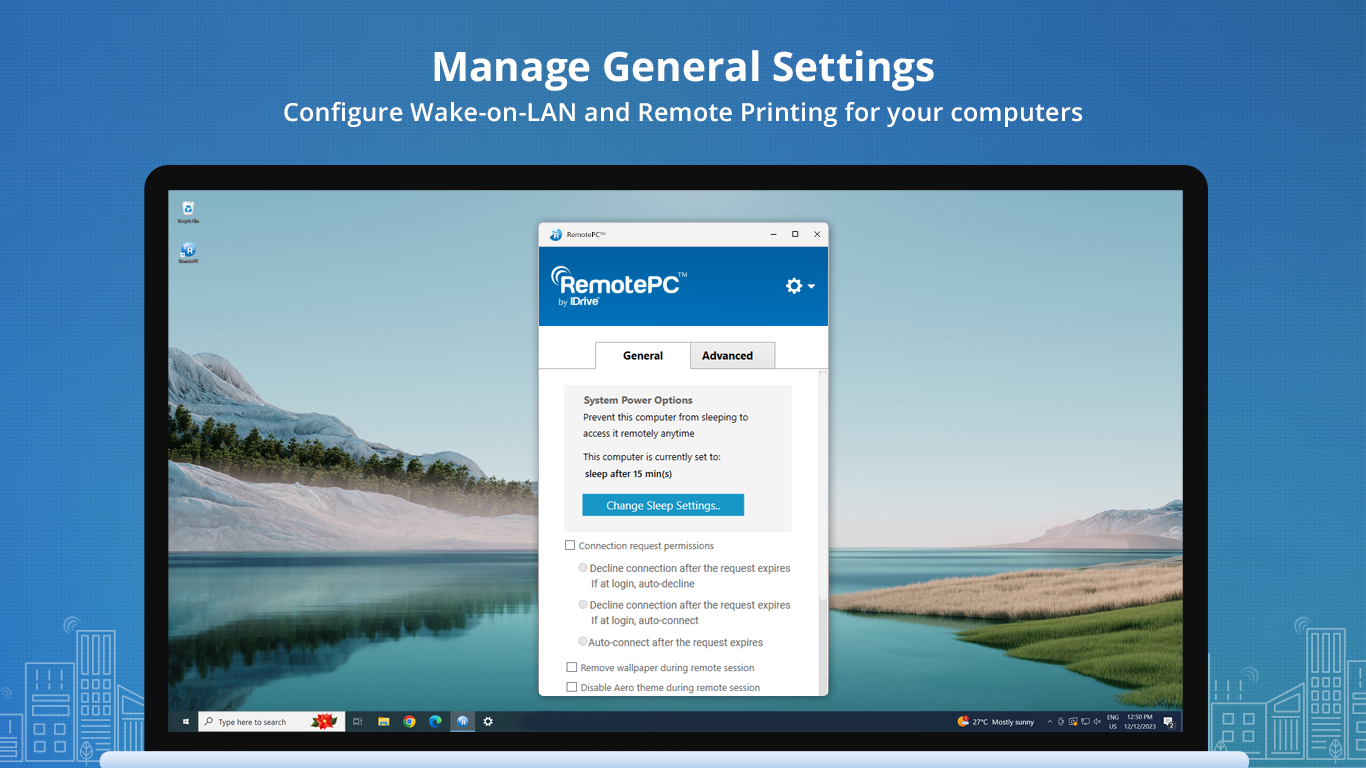
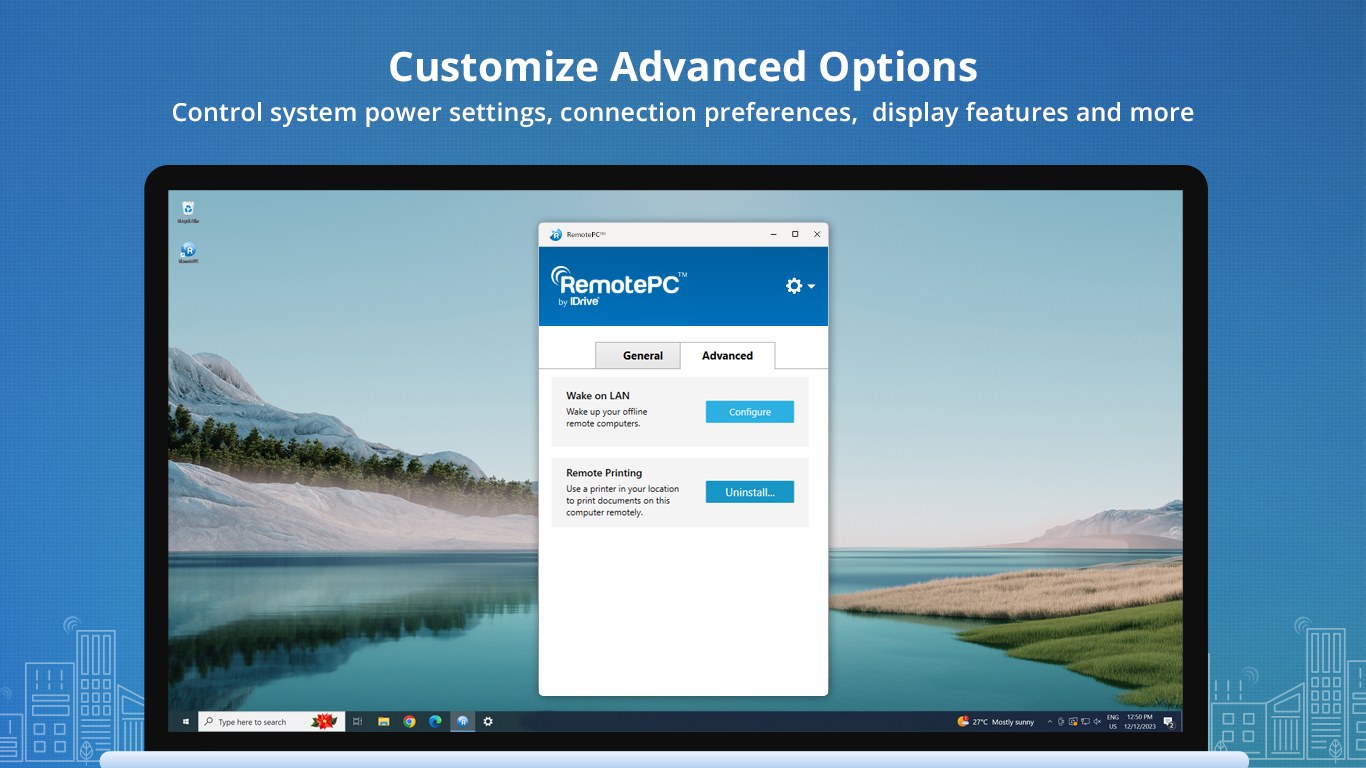
The application boasts a clean, streamlined interface that resembles your familiar Windows environment but optimized for remote access. Navigating through settings and establishing connections feel natural, making it accessible even to users new to remote management. Smooth animations and clear icons minimize the learning curve, offering a welcoming digital workspace.
Robust Core Features
- High-Performance Remote Access: Utilizing advanced encryption protocols, RemotePC Host guarantees secure connections. It supports multiple simultaneous sessions, letting users work flexibly and collaboratively. The transmission is crisp and responsive, reducing latency issues often seen in lesser solutions.
- Seamless File Transfer & Collaboration: One of its most notable features is an integrated file transfer system, enabling quick, drag-and-drop exchange of documents between local and remote machines. This feature becomes a game-changer in collaborative contexts, where sharing resources swiftly can accelerate project timelines.
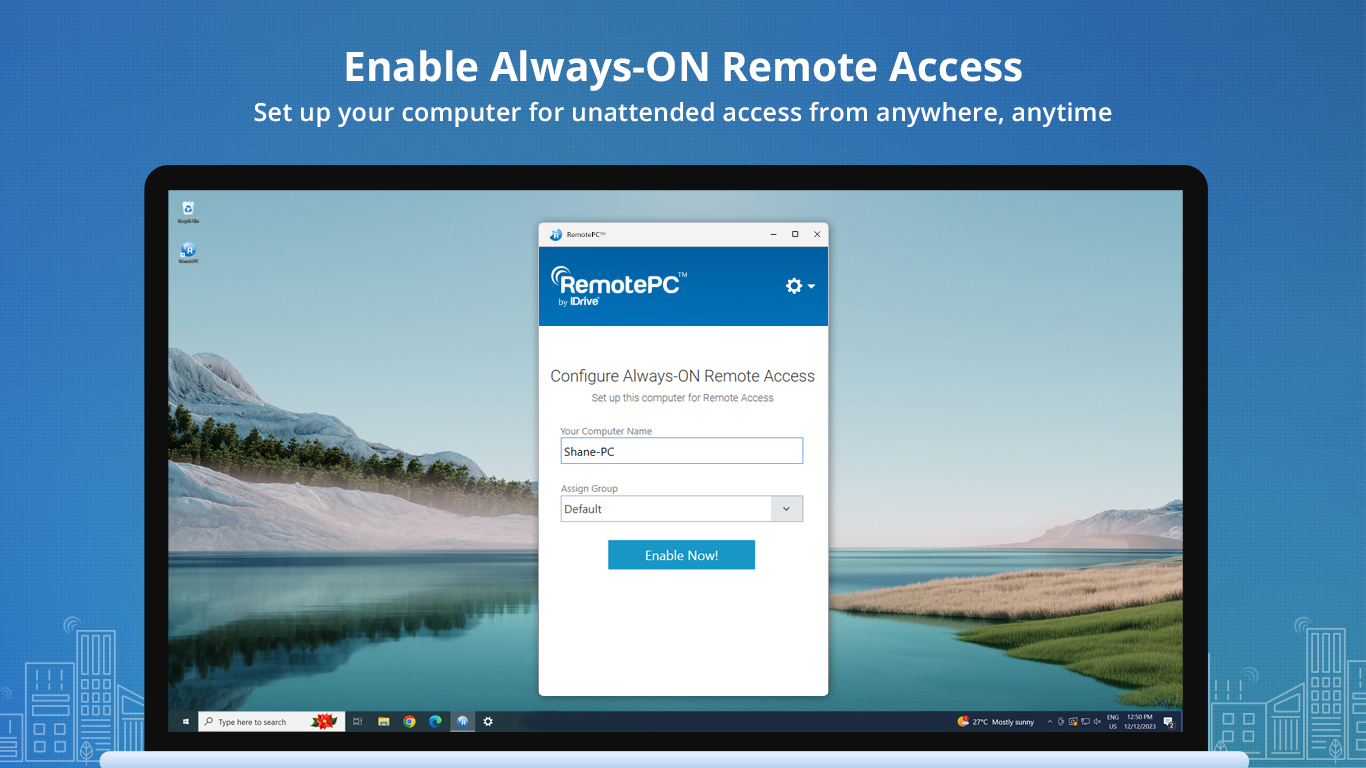
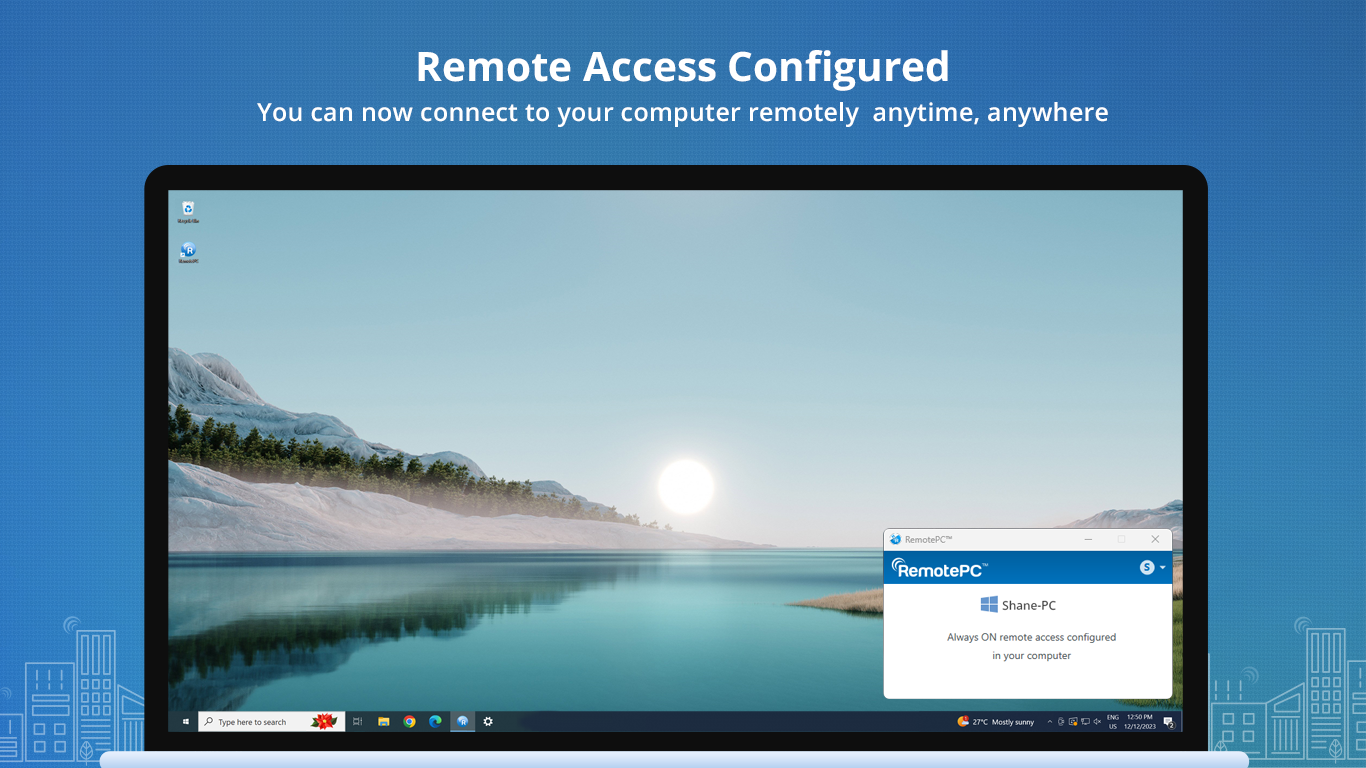
- Intelligent Session Management: Users can set up unattended access, schedule recurring sessions, and adjust permissions dynamically. The application's bookmarking and connection history streamline repeated tasks, saving valuable time during routine remote work.
Enjoying a Superior User Experience
RemotePC Host's interface feels like a trusted digital assistant—clear, efficient, and unobtrusive. The seamless operation ensures that even during intensive tasks, the connection remains stable and responsive. Its straightforward design reduces hesitation, making remote access feel like a natural extension of your daily workflow. Moreover, the app's straightforward setup process minimizes technical barriers, so users can start connecting in moments rather than hours.
Standing Out in the Crowd: Collaboration & Task Management
Compared to other remote desktop solutions, RemotePC Host distinguishes itself through its focus on collaborative work features. Unlike basic remote control apps, it emphasizes real-time teamwork, with features like shared sessions and multi-user permissions. This enables remote teams to collaborate on projects with ease—viewing, annotating, or guiding each other without juggling multiple tools. Its task management capabilities, integrated within the platform, allow users to plan and execute remote tasks systematically, integrating remote access into broader workflow systems seamlessly.
Final Thoughts: Worthwhile for Remote Work Enthusiasts
All in all, RemotePC Host for Windows is a well-rounded remote access solution suitable for a range of users—from individual freelancers to small business teams. Its standout features revolve around secure, high-quality remote connections coupled with exceptional collaborative tools that foster teamwork. If your routine involves frequent remote operations or team collaboration, this application deserves a place on your desktop.
While it may not boast the flashiest marketing buzzwords, its dependable performance and thoughtful design mark it as a solid contender in remote desktop software. I'd recommend giving it a try, especially if collaboration and task management are priorities in your remote work setup.
Pros
- Seamless remote access
- High security standards
- User-friendly interface
- Reliable performance
- Cross-platform compatibility
Cons
- Limited customization options
- Offline connectivity issues
- Initial setup can be complex for beginners
- Limited free session time on trial
- Occasional latency during high CPU usage











