
- Name Record Screen - FREE
- Category Utilities & tools
- Developer V3TApps
- Available on PC
- OS Windows 10 version 17763.0 or higher
- languages English (United States)
Capture Your Screen Effortlessly with Record Screen - FREE for Windows
If you've ever needed a straightforward way to record your screen without fuss or complicated settings, Record Screen - FREE for Windows by V3TApps might just be your new best friend. It promises to deliver quick, reliable screen capture capabilities right from your desktop, making it ideal for anything from creating tutorials to capturing spontaneous moments on your PC.
Simplified Yet Powerful: The Core Features that Shine
1. Intuitive Recording Interface
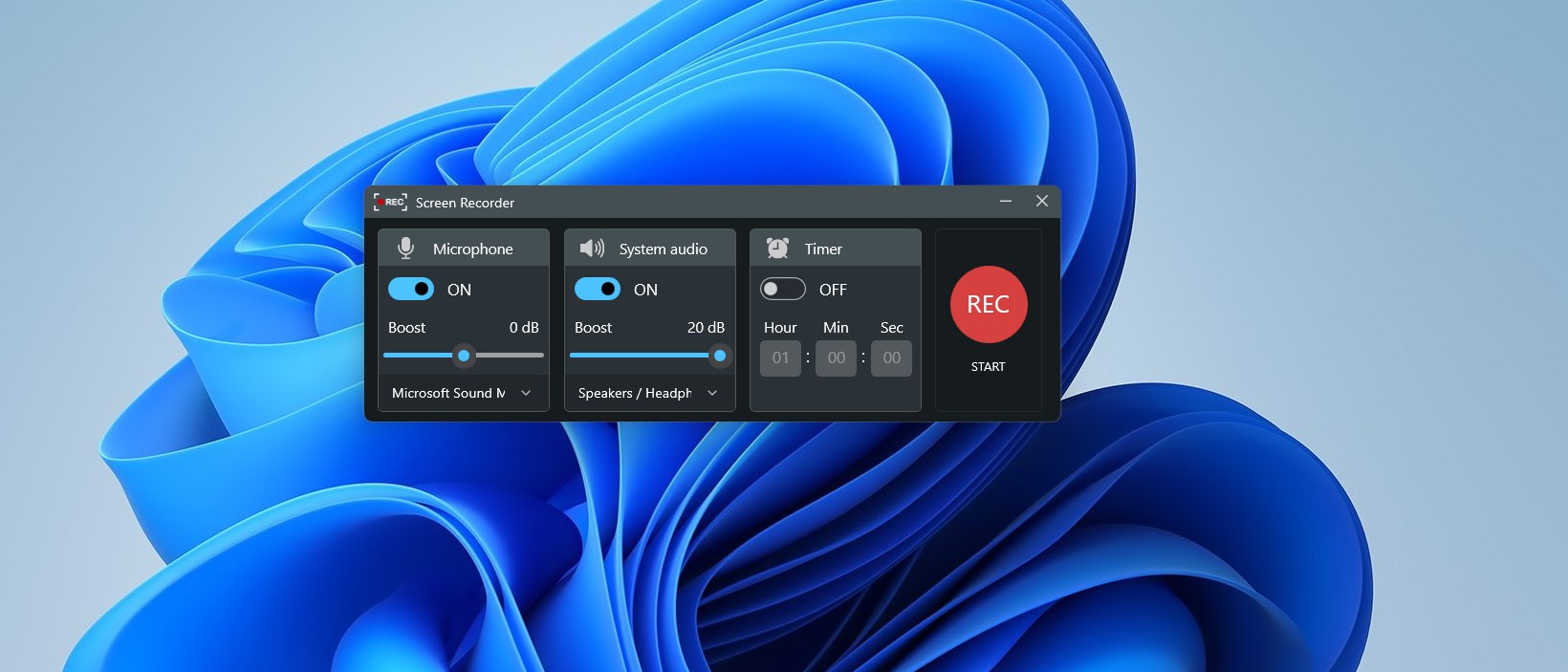
This app offers a clean, user-friendly interface that minimizes learning curves and gets you recording faster. When you open the app, it's like walking into a well-organized workspace—buttons for start, pause, stop, and screen selection are clear and accessible. It's designed so that even tech novices can dive right in, much like a storyteller picking up a camera to document a memorable scene without hassle.
2. Flexible Screen Capture Options
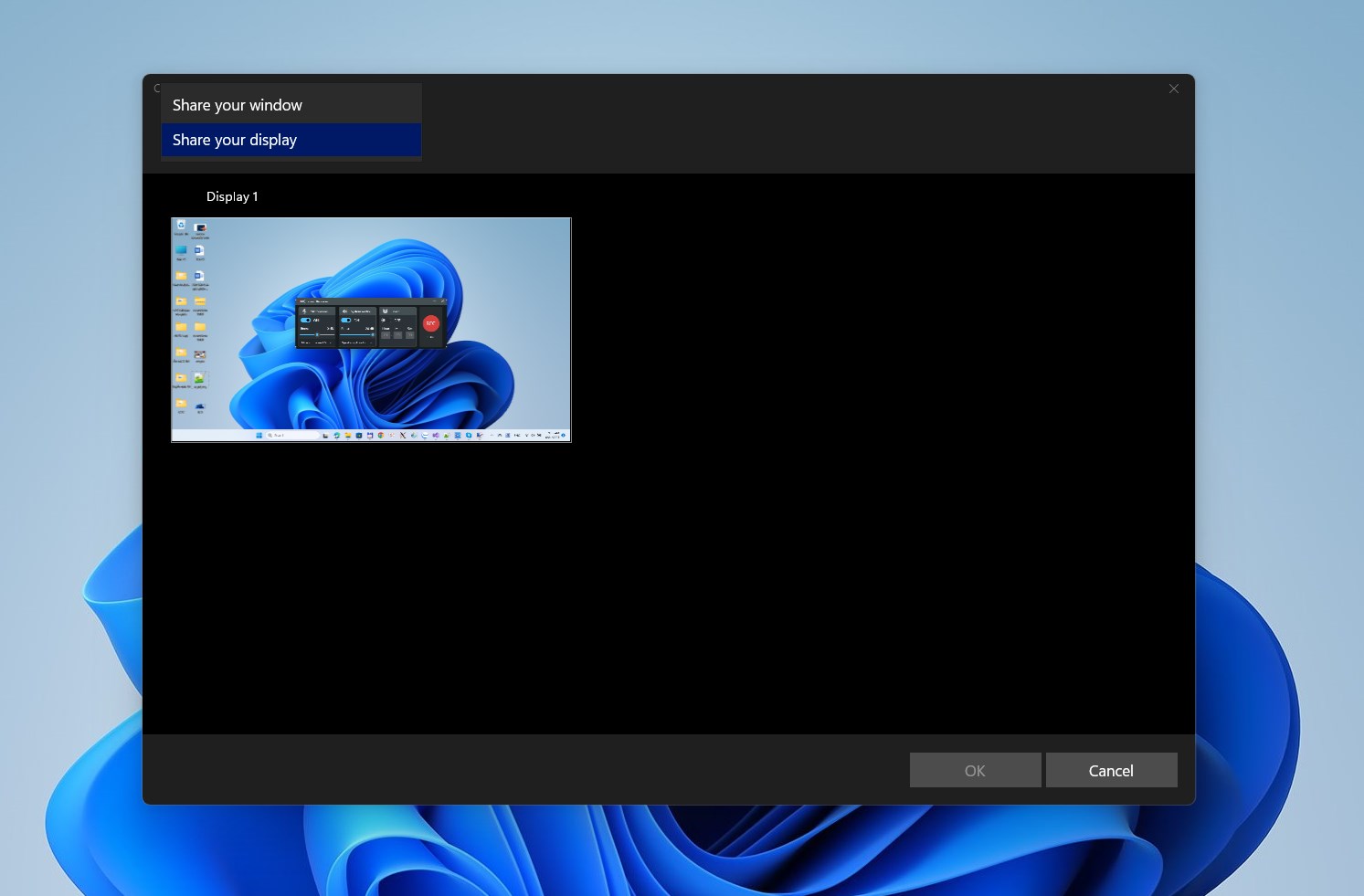
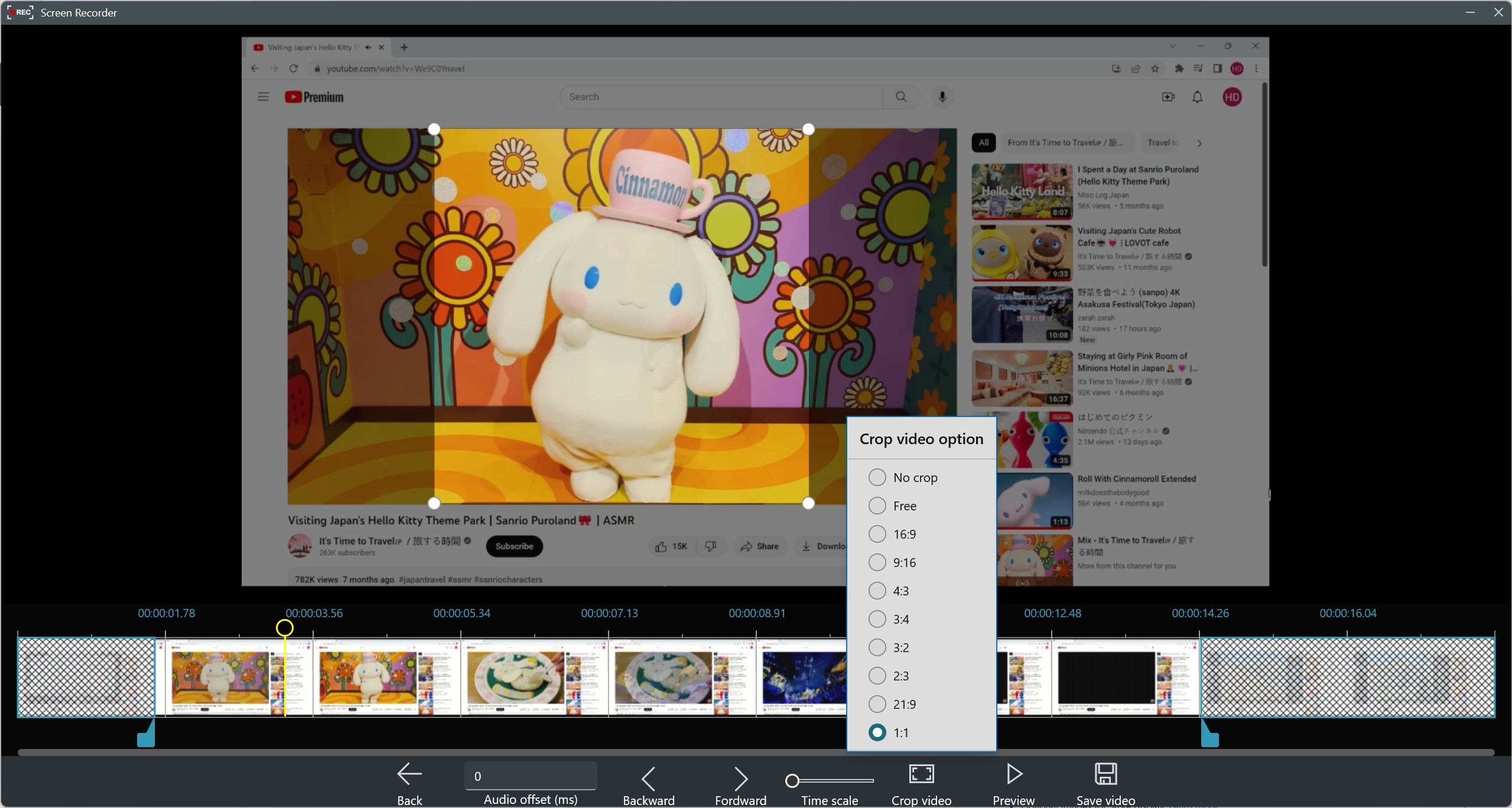
The application's standout feature is its ability to record specific regions or the entire screen, allowing you to tailor footage precisely to your needs. Whether you want to capture a little corner of your desktop or film your entire monitor, the app adapts seamlessly. Additionally, it supports recording audio from system sound and microphones, making it versatile for various content types—from gameplay walkthroughs to video calls.
3. Lightweight and Free with No Frills
Unlike some bloated recording tools laden with unnecessary features, Record Screen – FREE keeps things simple and efficient. It runs smoothly on most Windows machines without hogging resources or requiring complicated setups. Plus, being free removes any barriers—more people can access reliable recording capabilities without worrying about subscriptions or hidden costs.
Experience and Usability
Imagine you're eager to document an exciting moment during a live stream or prepare a quick tutorial for colleagues. The app's interface feels like handling a well-designed remote control—everything is where you'd expect, and toggling between options is fluid. The learning curve is gentle; with only a few clicks, you're capturing high-quality video. Users praise its stability during longer recordings, with minimal lag or crashes, making it feel like a dependable companion for daily tasks.
What Sets It Apart: The Unique Advantages
In a sea of screen recording tools, Record Screen – FREE for Windows distinguishes itself through its focus on simplicity and versatility. Its lightweight design ensures it doesn't slow down your system, and its comprehensive region selection empowers users to target precise areas for recording—perfect for tutorials or app demonstrations. Moreover, the app offers quick quick-start options with minimal setup, saving you time and effort. Its ability to record crisp audio alongside video without requiring extra configuration is another plus that makes it stand out.
Final Verdict: A Quick and Reliable Screen Recorder
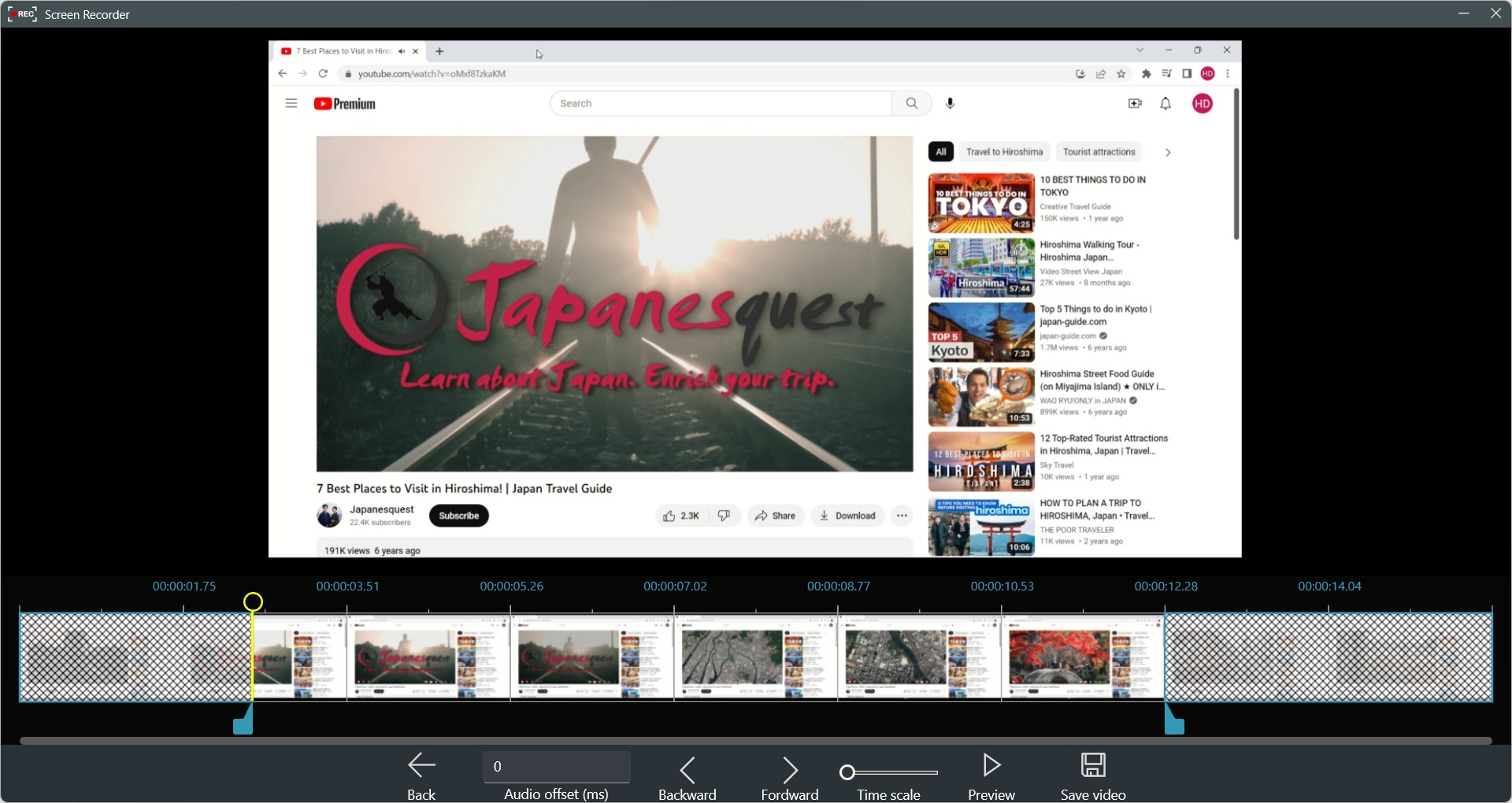
For users seeking an easy-to-use, free solution for screen recording on Windows, Record Screen – FREE for Windows is a solid choice. It's especially recommended for beginners or anyone needing quick captures without fuss. While it may not boast advanced editing features, its core strengths lie in reliable, straightforward recording with minimal setup, making it an excellent utility for everyday needs.
Pros
- User-Friendly Interface
- Free to Use
- Lightweight and Fast
- High-Quality Video Output
- Quick Sharing Options
Cons
- Limited Recording Features
- Watermark on Free Version
- No Built-in Video Editor
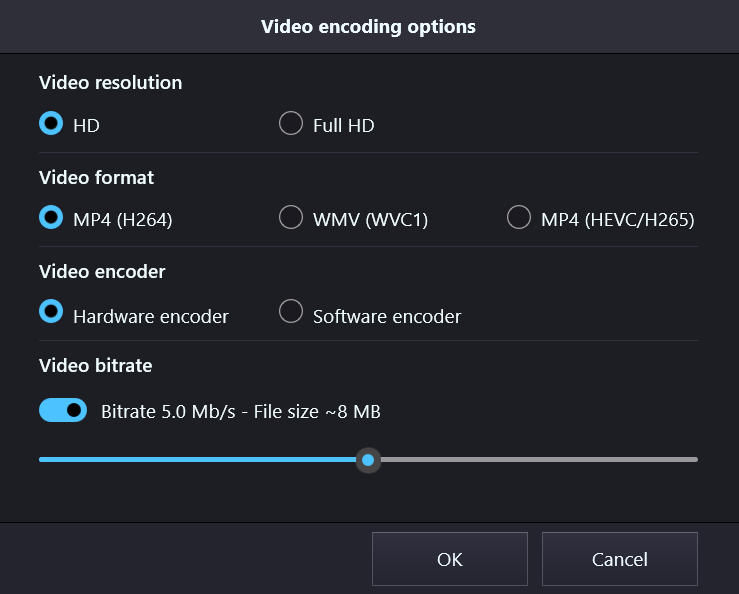
- Limited Output Formats
- No Scheduled Recording











